Find the next step for a phone problem, a purchase, or a technical question. Browse 82 guides by task below, or explore the phone-history collection for older handsets and services.
Find a guide
Search titles and descriptions. Choose a topic to narrow the list; Show all guides clears both choices.
82 guides shown.
No guides match those choices. Try fewer words, choose another topic, or use Show all guides.
Calls, messages, and privacy (7 guides)
Screen unwanted calls, check caller information, troubleshoot messages, and protect conversations.

Call Screening: Reduce Unwanted Calls Without Missing Important Ones
Compare screening, spam labels, blocking, silence settings, and voicemail; check phone limitations and test the path real callers take.

Reverse Phone Lookup: What a Number Can and Cannot Tell You
Interpret reverse phone listings, understand spoofed caller ID, verify claimed organizations, and review directory privacy and paid-report limits.

Cell Phone Privacy: Calls, Encryption, Devices, and Stored Copies
Protect mobile conversations by checking encryption, device access, account security, backups, linked devices, and AI-generated copies.

Text Messaging: SMS, MMS, RCS, iMessage, and Delivery Problems
Compare message types, check current encryption indicators, and troubleshoot failed texts, blurry photos, group messages, and phone changes.

Phone Dictation: Speech-to-Text, Corrections, and Privacy
Choose dictation or transcription, check processing and privacy, and practice verifying important details with an original twenty-word exercise.

Email on Your Phone: Accounts, Sync, and Missing Notifications
Set up mobile email and distinguish account delivery, synchronization, background fetching, and notification problems.

Do Not Call List Enforcement: History and Current State
Understand the registry, enforcement, complaint handling, and the separate responsibilities of callers and consumers.
Home phones and voicemail (4 guides)
Connect handsets, bridge mobile calls, and test where messages are recorded.

Cordless Phones: Choosing, Connecting, and Troubleshooting a Home System
Understand handset and base connections, check compatibility and room coverage, troubleshoot common faults, and plan for power failures.
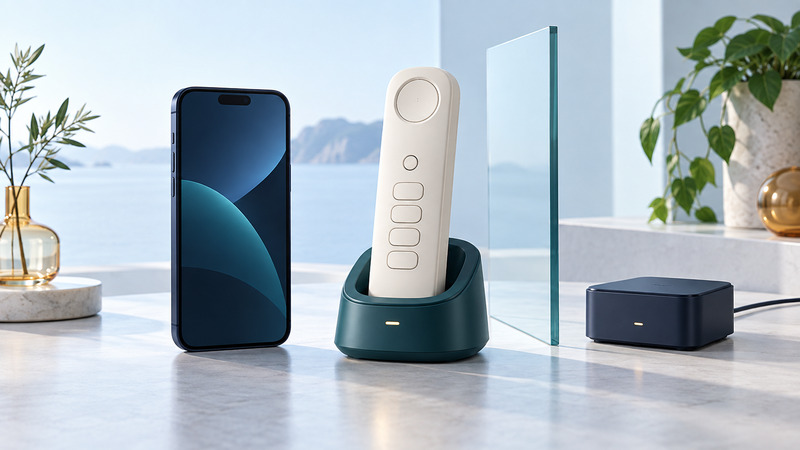
Use Home Phones for Mobile Calls: Connections and Compatibility
Compare Bluetooth cellular bridges, call forwarding, and cellular home-phone adapters, then test the call and message paths you need.

Answering Machines and Voicemail: Set Up a Reliable Message Path
Choose where unanswered calls are recorded, coordinate ring settings, troubleshoot missing messages, and test retrieval and accessibility.

Wi-Fi Flip Phones: Internet Handsets and Carrier Wi-Fi Calling
Understand dedicated Wi-Fi handsets and carrier Wi-Fi calling, check service and network compatibility, and test incoming calls, audio, and idle behavior.
Service plans, switching, and travel (6 guides)
Choose coverage, keep your number, and prepare calling and data for a trip.

Number Portability: Keep Your Number and Plan Your Switch
Check eligibility, prepare your account, compare providers and switching costs, and resolve a stalled number transfer with practical U.S. guides.

Nationwide Calling: Check Coverage, Compatibility, and Plan Limits
Compare U.S. mobile service at the places you use it, interpret coverage maps, check domestic roaming and device support, and run an ordinary-call trial.

Prepaid Phone Service: Compare Costs, Renewal, and Number Retention
Compare prepaid home and mobile service by the connection supplied, renewal rules, total cost, and consequences of a missed payment.

International Roaming: Compare Plans, Set Up eSIMs, and Control Costs
Compare home roaming, local SIMs, and travel eSIMs; separate data from home-number access and work through a fictional trip-cost example.

Prepaid Roaming: Eligibility, Add-Ons, Balance, and Renewal Abroad
Prepare prepaid service for travel by checking destination eligibility, plan renewal, travel-pass timing, account funding, and a fallback for failed service.

Prepare a Phone for Travel: Translation, Offline Access, and Backup Plans
Rehearse translation, saved travel documents, account access, and charging before departure, and prepare useful alternatives if your phone or connection fails.
Apps, data, storage, and location (7 guides)
Transfer information, restore internet access, choose storage, and check app permissions.

Manage and Transfer Phone Data: Sync, Backups, and Verification
Find where contacts, photos, calendars, and files live; choose a transfer method and check the new phone before retiring the old one.

Mobile Data: Connect, Control Usage, and Fix Internet Problems
Separate cellular service, Wi-Fi, plan limits, and app problems with a careful connection test and a simple data budget.

Mobile Browsers: Choosing Well and Fixing Common Problems
Compare mobile browsers by everyday tasks, understand private browsing, change defaults, and troubleshoot sign-ins, downloads, and broken pages.

Phone Software: Choose Apps, Review Permissions, and Keep Them Working
Evaluate phone apps, test permissions and exports, manage updates and subscriptions, and preserve useful data before removing an app.

Phone Location Services: Accuracy, Permissions, and Offline Navigation
Understand location estimates, choose app permissions, distinguish location sharing, and test navigation before losing connectivity.
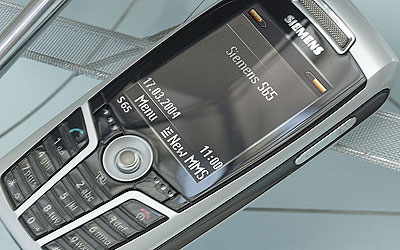
Memory in Modern Mobile Devices
Understand RAM, internal flash, removable media, and the different demands of photos, games, and applications.
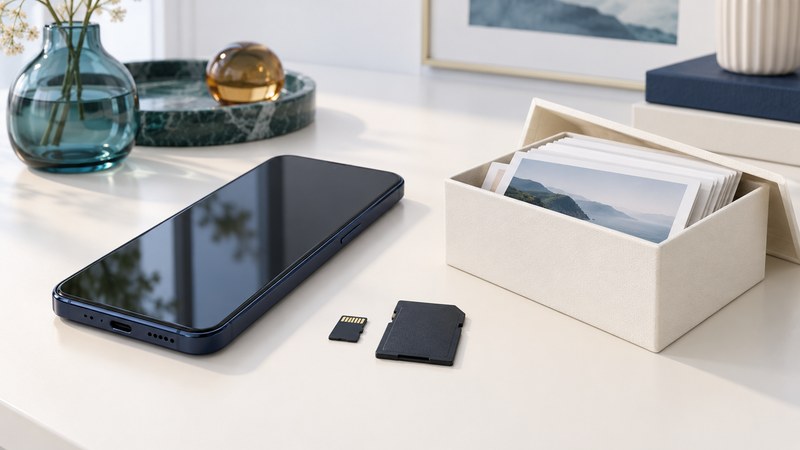
Phones with microSD: Compatibility, Card Choice, and File Checks
Check phone and card compatibility, interpret speed labels, choose a supported storage mode, and verify files before relying on removable storage.
Charging, audio, and alerts (6 guides)
Build a charging kit, improve calls, and choose sound and touch feedback.

Build a Phone Charging Kit: Chargers, Cables, and Power Banks
Match a phone, charger, cable, and power bank; interpret power ratings and test the complete kit before travel.

Choose and Test a Mobile Phone Headset
Check wired and Bluetooth compatibility, microphone routing, call controls, and comfort with a repeatable real-call trial.

Make a Video Call Work at Both Ends
Choose a workable joining method, check camera and microphone access, use captions, and recover when a video call fails.

Phone Voice Processing: Clearer Calls and Better Tests
Understand echo cancellation, noise suppression, and gain control; compare microphone modes using a repeatable listening exercise.

Set Ringtones and Alerts You Can Recognize
Choose a default ringtone, assign useful contact tones, distinguish volume controls, and test silent-mode and Focus behavior.

Phone Haptics: Understand and Adjust Touch Feedback
Distinguish touch feedback from call vibration, tune keyboard haptics, and test whether tactile cues help your everyday tasks.
Choose, use, and retire a phone (8 guides)
Compare devices and cases, plan a first phone, and prepare equipment for reuse or recycling.
Choose a Cell Phone: Tasks, Compatibility, Support, and Cost
Choose a phone through essential tasks, exact-device compatibility, remaining software support, used-device checks, and a realistic ownership-cost comparison.

Slim Phones: Compare Size, Grip, Battery Endurance, and Usability
Evaluate slim phones through width, weight, case bulk, reach, battery evidence, and a repeatable hands-on comparison of your everyday tasks.

Dual-Screen and Foldable Phones: Test the Tasks That Matter
Compare hinged dual screens with flexible displays through reading, multitasking, continuity, portability, and maintenance checks.
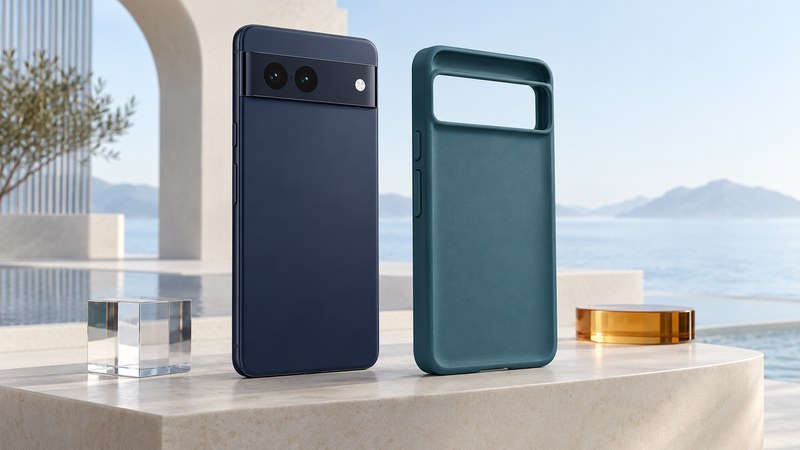
Choose a Rugged Google Pixel Case: Fit, Protection Claims, and Daily Use
Confirm exact Pixel-model fit, interpret case protection and warranty claims, and check grip, controls, camera clearance, and charging compatibility.

The Firefly Phone and the Choices Behind a Child’s First Phone
Understand the 2005 Firefly’s simplified design and use a practical family trial to evaluate contacts, school modes, and everyday usability.

Cell Phone Safety: Evidence, Radiation Claims, and Practical Choices
Understand radiofrequency evidence, the limits of SAR comparisons, shielding claims, distraction, and medical-device precautions.

Phone Motion Sensors: Rotation, Gestures, and Everyday Troubleshooting
Understand acceleration, rotation, and magnetic-heading inputs, check app and system settings, and isolate common phone motion-control problems.

Flower Phones: The Seeded Cover Idea and Responsible Recycling
Understand the 2004 sunflower phone-cover concept, evaluate compostability claims, and choose separate routes for covers, electronics, and batteries.
Photos, scanning, and publishing (3 guides)
Light a photograph, verify a scanned code, and publish from a phone.

Phone Flash, Night Mode, or an LED Light: Choose by the Scene
Choose light for a nearby subject, movement, reflective surfaces, or a dim scene, then compare results with a simple still-life exercise.

Scan Barcodes with a Phone and Keep the Data Correct
Choose an appropriate scanning workflow, preserve identifiers, prevent duplicate counts, and verify an export before using it for inventory.

Blog from a Phone: Capture, Draft, Review, and Publish
Build a reliable mobile publishing workflow, verify draft synchronization, prepare images, and check the public post after publishing.
Business calling and AI (5 guides)
Plan call routing, evaluate automation, and test integrations and calling workflows.

Plan and Test Business Call Routing
Map an auto attendant, queues, business hours, and voicemail; test overflow, timeout, and unavailable-agent routes separately.

AI in Telephony: Routing, Voice Tools, and Trust
Explore AI call routing, voice assistance, summaries, audio enhancement, and the checks these uses require.

Do Not Call Compliance: Build a Reviewable Calling Workflow
Map U.S. telemarketing campaign review, suppression lists, opt-outs, vendor handoffs, and records, with an original audit example and worksheet.
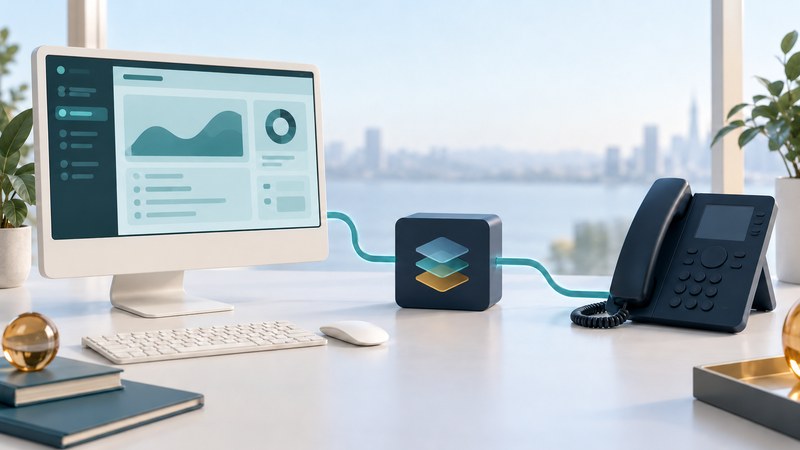
TAPI Integration: Applications, Drivers, Compatibility, and Call Tests
Map a Windows TAPI integration, verify the application, service provider and phone-system combination, and use controlled call tests to isolate failures.

Mobile Network APIs: Authentication, Availability, and Failure Handling
Evaluate a mobile network API through a versioned Number Verification example, provider onboarding, authentication, permissions, coverage, and useful failure handling.
Networks and phone components (7 guides)
Understand the signal path, mobility, memory, and repeatable technical tests.

Telecommunications Explained: Access Networks, Core Networks, and Interconnection
Follow access, transport, core, and interconnection roles; distinguish call signaling from media and turn a symptom into a useful support report.
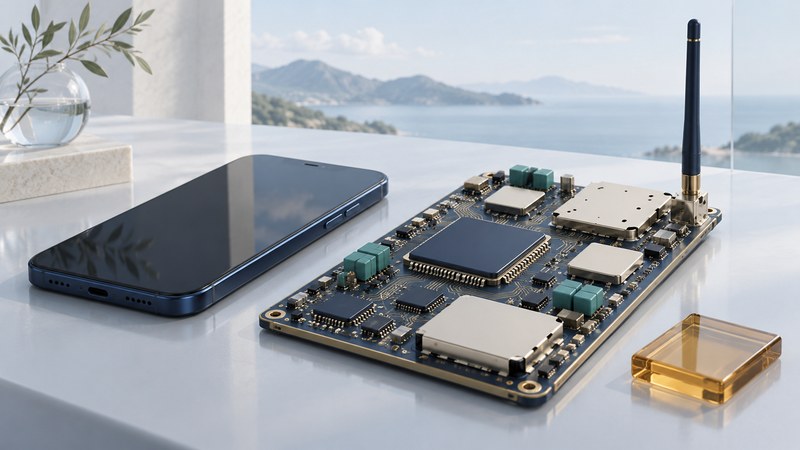
Inside a Phone Radio: Transceiver, Modem, RF Front End, and Antenna
Understand a phone radio through its modem, transceiver, RF front end, and antenna, then compare integration claims using a consistent system boundary.
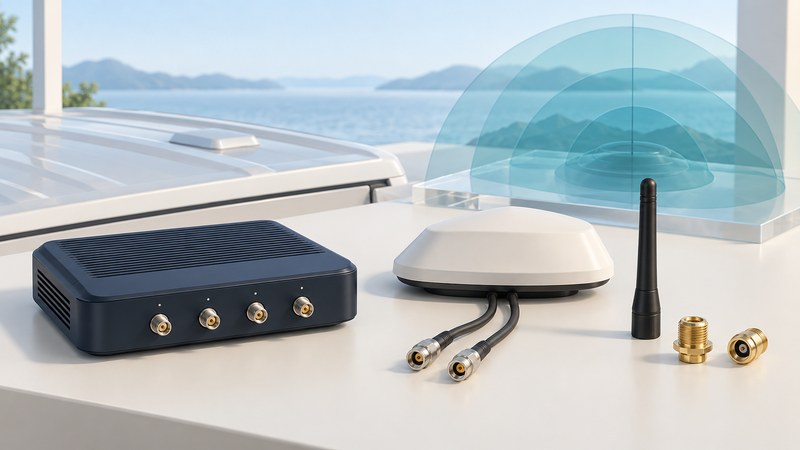
Mobile Antennas: Match Radios, Bands, Cables, and Mounting
Plan an external antenna system for a mobile router: identify radio paths, match ports and bands, account for cable loss, and compare controlled observations.

Mobile IP: Home Addresses, Care-of Addresses, and Network Mobility
Follow a Mobile IP packet path, distinguish home and care-of addresses, compare IPv4 and IPv6 mobility, and separate reachability from application continuity.
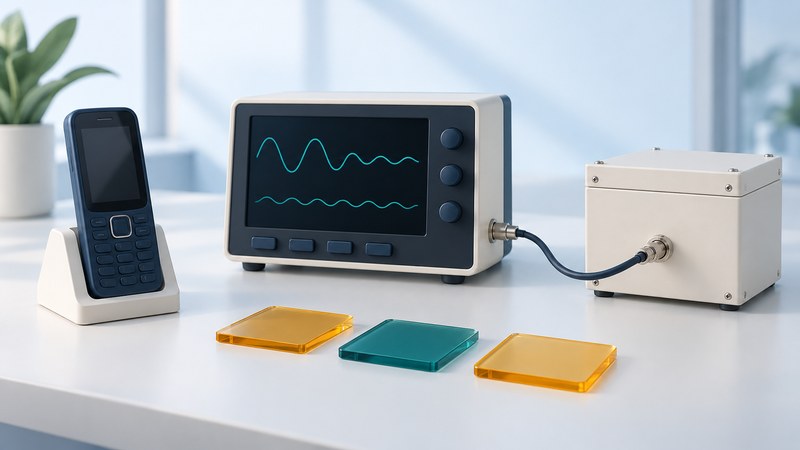
Phone Signalling Tests: Repeatable Interruption and Recovery Scenarios
Design a repeatable phone interruption test with explicit preconditions, expected behavior, evidence, recovery timing, and a clear pass or fail decision.

Inside Mobile RAM: Chip Density, Bus Width, and Stacked Packages
Read mobile RAM density, bus width, transfer rates, and package descriptions with clear units and worked calculations.
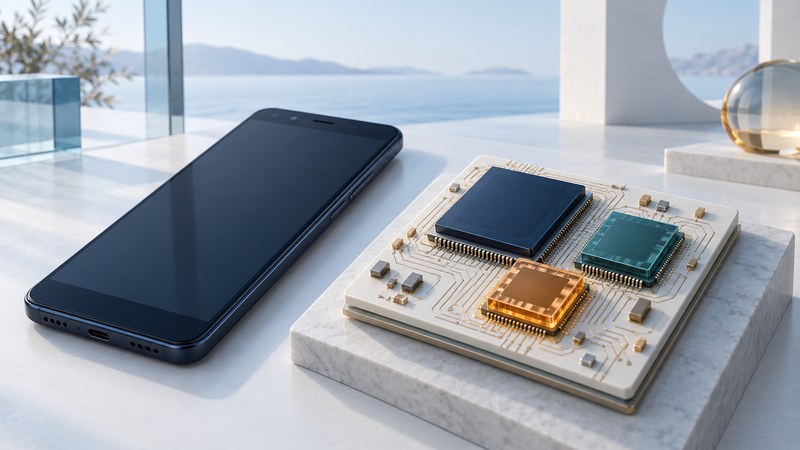
Huawei Mate AI Processors: The Kirin 970 and How to Read NPU Claims
Understand the 2017 Mate 10 and Kirin 970, distinguish processor roles, and interpret AI benchmark claims by workload, measurement conditions, and software support.
Phone history and collecting (29 guides)
Explore documented designs and services. These guides explain period equipment; check present compatibility separately.
Platforms, apps, and media
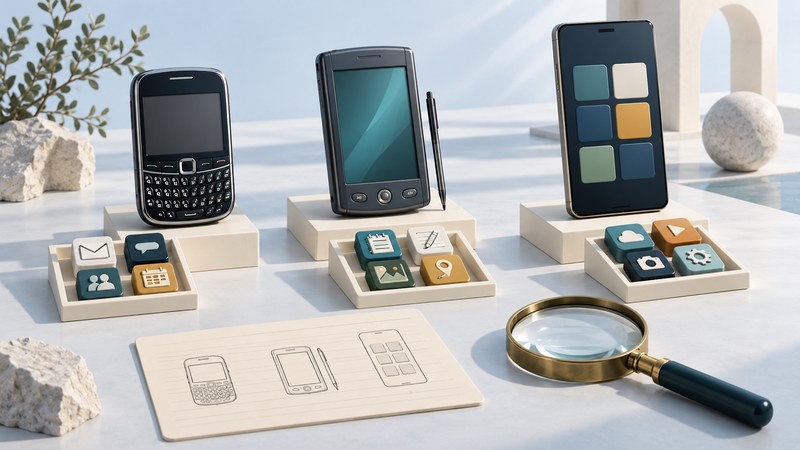
Microsoft Smartphones: Windows Mobile, Windows Phone, and Compatibility
Identify Windows Mobile, Windows Phone, and Windows 10 Mobile devices, then check application, synchronization, and service dependencies.
Motorola MPx200: Pocket Outlook and the PC-Sync Era
Trace contacts, appointments, and email through the Motorola MPx200, desktop ActiveSync, and early server synchronization.

BlackBerry on the Siemens SK65: Design, Email, and Service Dependencies
Explore the Siemens SK65 rotating keyboard and BlackBerry Built-In email, distinguish hardware from service dependencies, and assess a historical handset carefully.

The Motorola A780 and the PDA-Phone Transition
Explore the Motorola A780 design, its PDA organizer functions, and the separate roles of local applications, Java, Linux, and synchronization.
Java-Enabled Phones: MIDlets, JAR/JAD Files, and Compatibility
Inspect a Java ME MIDlet suite, interpret JAR and JAD metadata, compare device requirements, and separate local compatibility from external service dependencies.

Qualcomm BREW: How Carrier-Delivered Phone Apps Worked
Understand the BREW runtime and carrier delivery ecosystem, compare Java requirements, and record local versus external application dependencies.

WAP 2.0 Explained: Mobile Browsers, Gateways, and Early Web Services
Understand WAP 2.0 through browser formats, transport protocols, optional proxies, and service dependencies, with two illustrated request paths.

CDMA2000 1X: Voice, Data, and Legacy Network Compatibility
Distinguish CDMA2000 1X, EV-DO, and other cellular families; check the exact handset, operator, and required service with a compatibility record.
How Feature Phones Handled Photos, Music, and Video
Follow the capture, encoding, storage, transfer, and playback chain, and learn why a media file can arrive but fail to play.
Handset designs and accessories
LG VX6000: Early Camera Phones and the Radio Behind the Picture
Explore the LG VX6000 through photo capture, local storage, picture messaging, and the separate role of radio components.
LG VX7000: A Rotating Camera in the Early Picture-Messaging Era
Explore the LG VX7000 rotating lens, still and video settings, local camera checks, and historical messaging services.
Siemens SL65: Slider Design, Camera Features, and Accessories
Understand the Siemens SL65 slider, separate still and video specifications, accessory flash, and documented local functions.

Nokia 3650 Bluetooth: Pairing, Profiles, and Local File Exchange
Use the Nokia 3650 to understand Bluetooth pairing, compatible services, local picture transfer, and computer software dependencies.
Nokia 3100: Covers, Accessories, and the Separate Fun Camera
Distinguish the Nokia 3100 handset, active covers, regional models, and the separate Fun Camera capture-and-transfer workflow.
Nokia 3220: Light Messaging, Fun Shells, and Phone Personalization
Separate Nokia 3220 side lights, covers, Fun Shell wave messages, motion games, and camera sharing with a practical accessory record.

Phone Colors and Accessories: Personalization in the Sanyo Era
Understand Sanyo-era phone colors, fitted accessories, and software personalization, with checks for compatibility and collection provenance.

Aston Martin Motorola V600: Co-Branding and Edition Provenance
Separate Motorola V600 functions from edition evidence, and build a provenance record for a branded phone and its accessories.
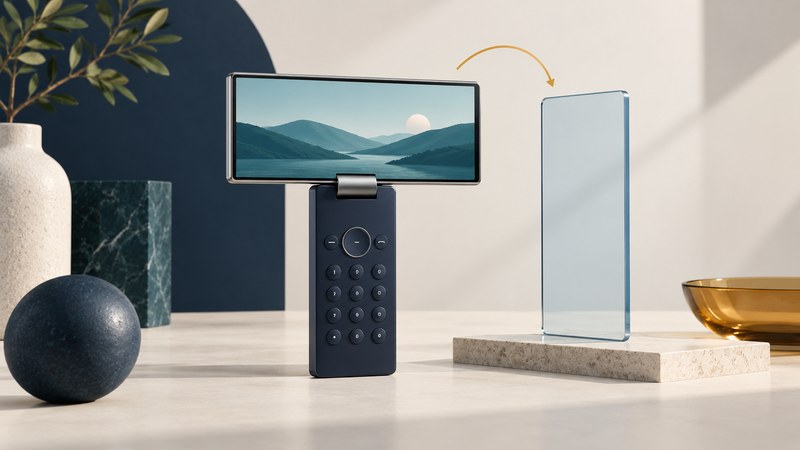
Samsung SCH-V600: Why Early Phones Used Rotating Screens
Understand physical screen rotation, landscape framing, and the design tradeoffs of Samsung's early pivot-display phones.
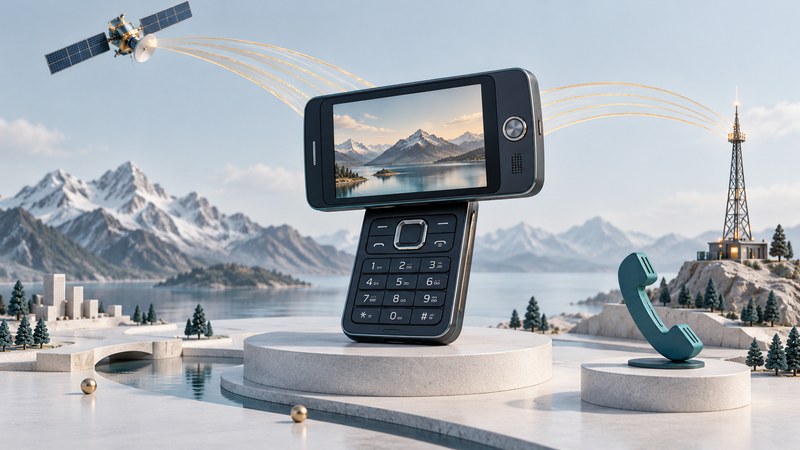
DMB Phones: Broadcast Television and the Samsung B200
Understand the Samsung B200 rotating-screen design and distinguish DMB television reception from internet streaming and satellite voice calls.

Glasses-Free 3D Phones: How Stereoscopic Displays Work
Understand stereoscopic phone displays through two-eye viewing zones, source content, conversion limits, and the documented DDD/Ocuity prototype.
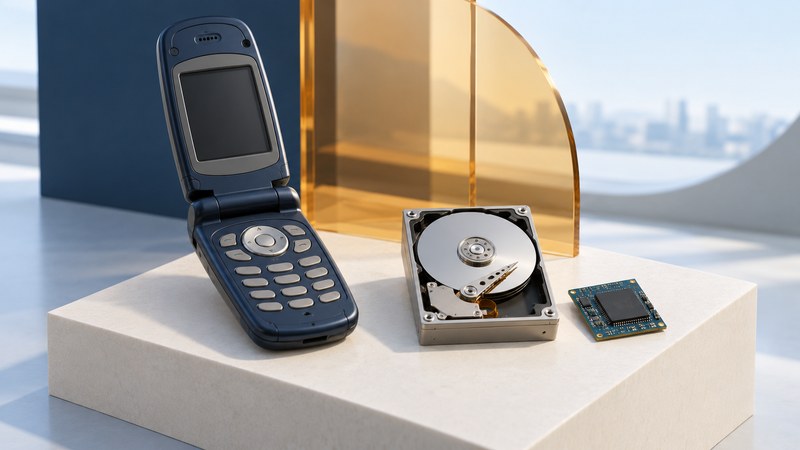
The Samsung V5400 and the Era of Hard-Drive Phones
Explore the Samsung SPH-V5400, distinguish its 2004 demonstration and launch, interpret 1.5 GB capacity, and understand miniature hard-disk design tradeoffs.

Motorola i88s: GPS Coordinates and Early Location Services
Explore the Motorola i88s through coordinates, timestamps, maps, application permissions, and the separate role of network services.

Hop-on The Blade: A 2005 Thin-Phone Announcement in Context
Interpret the 2005 Hop-on Blade announcement by separating advertised features, measured dimensions, shipping evidence, and battery tests.

Music Tones: When Recorded Songs Became Mobile Ringtones
Understand recorded-song ringtones, synthesized melodies, carrier-era delivery, and the different role of ringback tones.
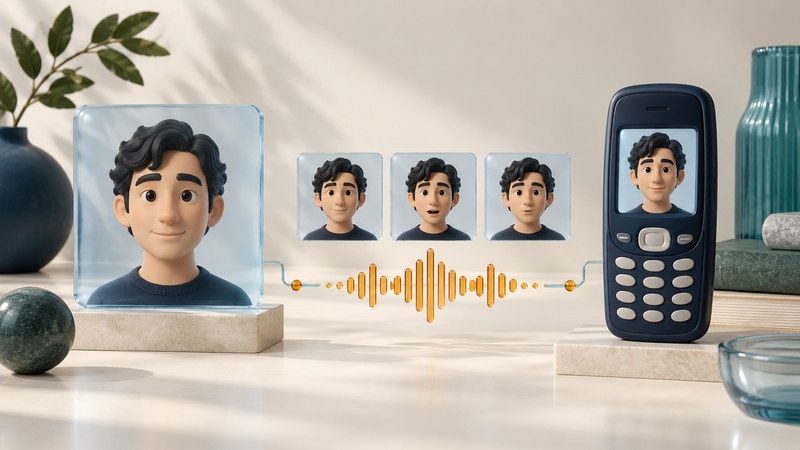
Mobile Veepers: Early Talking-Photo Avatars Before Modern Generative AI
Explore early talking-photo avatars through their image, speech, animation, rendering, and delivery stages, with documented historical context.
Earlier calling services and video

AT&T Unity: How a 2007 Calling Community Worked
Understand the launch-era AT&T Unity calling community, qualifying services, minute allowances, and the limits of a historical bundle.

Cell-Phone Cradles: Charging, Call Bridging, and Compatibility
Understand the historical Merge cradle, distinguish charging from call bridging, and assess compatibility using exact equipment documentation.

Anonymous Call Screening: Privacy Director and Its Limits
Understand anonymous-call interception, caller information, bypasses, and the different roles of screening and the Do Not Call Registry.
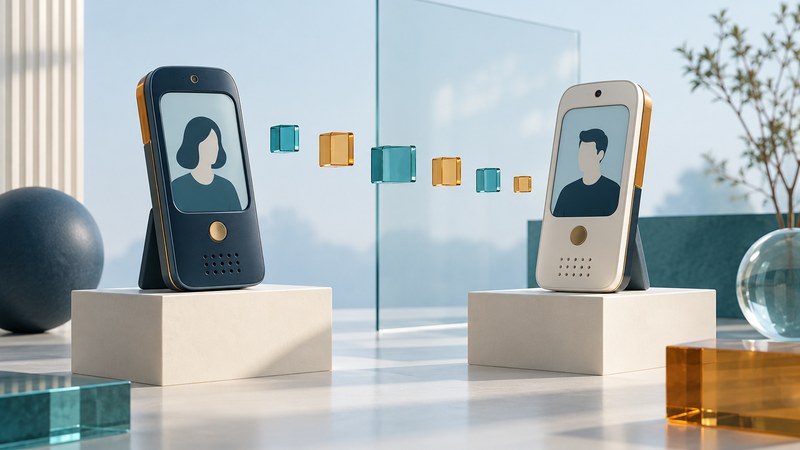
Early Video Phones: Link Speed, Throughput, and Latency
Evaluate early mobile video claims through throughput, delay, loss, media settings, and documented development history.
Choose your next reading path
- Changing phones? Start with device choices, review service and number transfers, then check data and backups.
- Calls sound wrong? Begin with audio equipment and call tests; explore network and component explanations for more technical detail.
- Identifying an older handset? Use phone history and collecting to find its platform, accessories, and service dependencies.
Related categories
- VoIP guides — internet calling, SIP, equipment, and voice operations.
- 3G collection — historical mobile-network reporting; service and availability claims reflect their original dates.