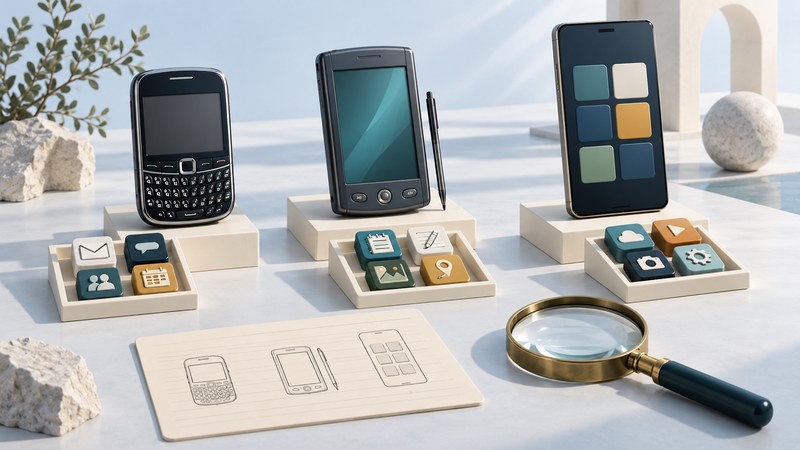
“Microsoft smartphone” can refer to several generations of phone software. Before looking for an application, cable utility, or repair procedure, identify the operating-system family and exact version. The Windows Mobile Smartphone of the early 2000s, Windows Phone, and Windows 10 Mobile belong to different compatibility questions.
Start with the name on the device
In the early Microsoft platform vocabulary, Smartphone was a particular phone-oriented product category. Microsoft's 2003 developer explanation distinguished its keypad interface from the stylus touchscreen of Pocket PC Phone Edition. It also described ActiveSync and local data storage. That historical distinction is more precise than treating every Microsoft-powered handheld as the same kind of phone.
For a model-specific example from the Smartphone 2002 era, follow the Motorola MPx200’s desktop synchronization workflow.
| Family or label | What to record | What the name cannot prove |
|---|---|---|
| Early Smartphone / Windows Mobile | Exact edition, OS version, hardware model, and keypad or touchscreen input. | That a Pocket PC application supports the phone's controls or software. |
| Pocket PC Phone Edition and related Windows Mobile handhelds | The full product name and device software version. | That every similarly named handheld includes the same radio or applications. |
| Windows Phone 7, 8, or 8.1 | The numbered release and hardware variant. | That an application or upgrade for another release is available for this one. |
| Windows 10 Mobile | OS version, build, and supported device model. | That the earlier Windows Mobile platform is interchangeable with it. |
Exterior shape helps describe a device, but the system information screen and its matching manual establish its identity. A tile-based interface, a Windows logo, or a seller's shortened description is insufficient evidence for selecting software.
Build an identification record before changing anything
Copy the manufacturer and model designation, regional or carrier variant, operating-system name, version, and build if shown. Photograph the relevant information screen for your own record. Keep serial numbers and account information private. Next write down the specific outcome: viewing saved photographs, exporting contacts, opening an installed application, or investigating a historic user interface.
Use the Microsoft phone identification worksheet to record those details and separate observations from assumptions. Include the documentation title and the date of each test so another person can understand what was actually checked.
Check the complete task, one layer at a time
An application can need the right operating system, input controls, runtime, storage, and installation permissions. An online function adds a server, account, and accepted network connection. A synchronization task adds a computer utility and its own computer-OS requirements. Record each dependency instead of treating a cable connection or successful app launch as proof that the whole workflow works.
For an existing contacts archive, first establish that records can be read locally. Then identify a documented export or copy method. Inspect the resulting copy before changing the original. A useful test report describes both the action and the result: “Three selected contacts exported and reopened” is more informative than “sync works.”
Upgrade eligibility was also model-specific. Microsoft's March 2016 Windows 10 Mobile upgrade announcement listed eligible Windows Phone 8.1 devices. It is historical evidence of that selection, not an assurance that the upgrade service or a package remains available today.
Keep support dates separate from observed operation
Microsoft's Windows Mobile 2003 lifecycle record and Windows Phone lifecycle FAQ document retired support. The latter gives July 11, 2017 for Windows Phone 8.1 and distinguishes OS support from application and hardware support. Its Windows 10 Mobile notice identifies version 1709 as the last release and December 10, 2019 as the end-of-support date.
A retired platform can still demonstrate local behavior. That does not restore security updates or a discontinued online dependency. Preserve readable data before experimenting with resets, replacement firmware, or synchronization. For the broader organizer-phone transition, continue with the Motorola A780; for a useful comparison of runtime and delivery dependencies, see BREW applications.