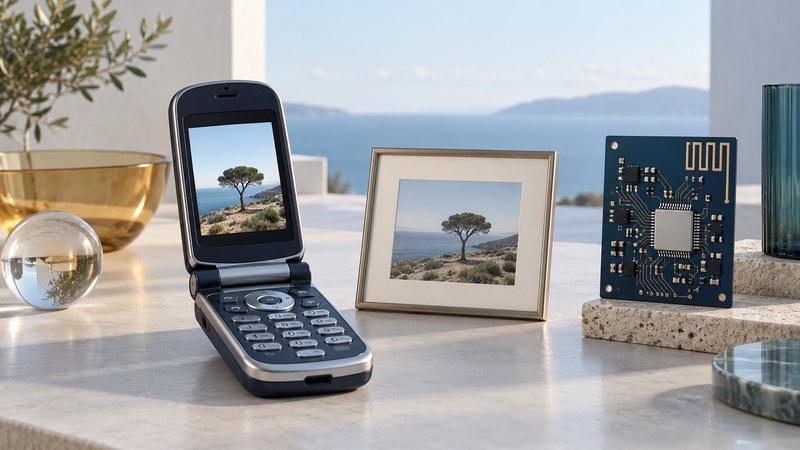
The LG VX6000 makes early camera-phone design easy to understand: capture a picture, save it in the phone, then use a carrier service to send it. The camera created the image; the radio carried the message. Keeping those roles separate helps explain both the handset's capabilities and the component claims surrounding it.
What the Verizon-edition manual documents
The LG VX6000 manual hosted by Verizon, printed English pages 50–53, describes three image settings: 160 × 120, 320 × 240, and 640 × 480 pixels. It provides a save step after capture and a Gallery for stored photos. Its zoom choices depend on resolution: up to 4× at the lowest setting, 2× at the middle setting, and 1× at the highest.
At 640 × 480, a file contains 307,200 pixel positions: about 0.31 megapixels. That arithmetic describes dimensions, while scene detail also depends on focus, lighting, motion, and processing. Enlarging a small image makes its existing information larger; judging the actual photograph requires looking at the file.
Verizon's VX6000 launch material connects the built-in camera with its multimedia messaging service, including pictures accompanied by text, voice, or sound. This was a service-based sharing workflow. A surviving Gallery image and a working carrier delivery path answer different questions.
Follow the picture through four stages
| Stage | Useful evidence | Next check |
|---|---|---|
| Capture | A completed photograph appears after the shutter action. | Was the wanted image saved? |
| Local storage | The photograph can be reopened from the Gallery. | Is there a documented way to preserve or transfer this copy? |
| Message submission | A message has a recipient, attachment, and sending result. | Did the network accept and deliver it? |
| Reception | The intended recipient can open the received image. | Do its dimensions and visible contents match the intended version? |
Fictional example: a photo survives but sharing fails
A collector can reopen a family photograph in the Gallery, but sending it fails. The image's local presence has been established. The next investigation concerns the transfer path and service dependencies; repeatedly taking another photograph would add little evidence about that failure.
The manual's Gallery menu includes sending and online-album choices. Those labels document intended workflows. Successful preservation today requires a method verified for the exact handset, software, and available equipment. A charging connector alone gives insufficient information about file access.
Why radio components appeared in camera-phone news
Contemporary October 2003 publicity associated the VX6000 with ANADIGICS power-amplifier and RF-switch components. This illustrates an engineering question beneath the camera feature: how does a battery-powered handset transmit the data needed for communication?
A transmit power amplifier raises a radio signal's power before it reaches the antenna path. An RF switch selects among radio-frequency paths in a circuit. These functions concern the wireless link; the camera sensor and image-processing path determine how the photograph is captured. For the broader arrangement, see the transceiver, modem, RF front end, and antenna.
Component size and efficiency can influence a phone's design, but a defensible battery comparison needs measurements for the whole handset. Record the battery, signal conditions, display use, workload, and test duration. A component announcement alone supplies neither a camera-quality test nor a measured number of additional photographs per charge. The specific part assignments in that publicity are not a verified bill of materials for every VX6000 revision.
Build a useful record of a surviving phone
Match the model and carrier edition before following instructions. A VX6000 guide describing another carrier's menus can send you down the wrong path. For the Verizon material, the Camera section uses names such as Take Pix, Gallery, and Send Pix Msg.
Record which photographs are visible before changing settings, deleting messages, or resetting the device. Distinguish a photo of the handset's screen from an exported image file: a screen photograph can document what is visible, while an export may preserve the underlying file. When an export is possible, retain the original and inspect a separate working copy.
Document the method, observed dimensions, and any uncertainty about dates or earlier edits. Keep personal pictures and recipient details private. This guide explains the historical workflow; it does not establish present network activation or a tested recovery procedure for a particular surviving handset.
Compare the later LG VX7000 and its rotating camera, explore how feature phones handled media, or return to the Telephone guides.