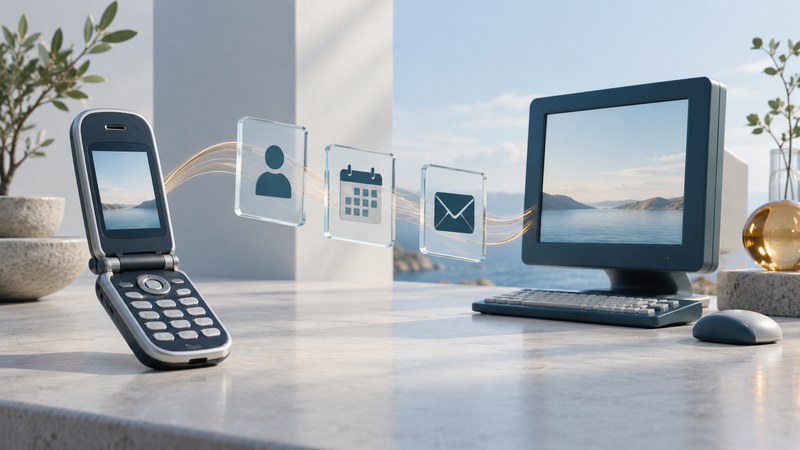
The Motorola MPx200 brought a familiar office task into a clamshell phone: carrying contacts, appointments, and email away from a Windows PC. Its story becomes clearer when you follow the information. A record stored on the phone, a desktop synchronization partnership, and an account on a company server were separate parts of the system.
A small phone connected to a desktop workflow
Microsoft's September 2003 announcement presented the MPx200 as the first product in a Motorola alliance. It described Outlook email, calendar, and contact synchronization through a PC connection or a configured Exchange service. Orange availability in Europe was expected the following month; U.S. availability through AT&T Wireless was expected in the fourth quarter. These were launch plans stated at the time.
The Windows Mobile branding can obscure the software generation. The Motorola and Microsoft Austrian announcement of January 2004 identifies Windows Powered Smartphone 2002 and lists ActiveSync, USB, and infrared. Treat that regional specification as evidence for its stated edition; record the actual software version when documenting an individual handset.
The important design choice was to make existing personal information portable. A small keypad and display favored quick reference and short entries. The desktop remained a useful place to organize larger amounts of information; the handset carried selected copies into the rest of the day.
Separate four places and processes
| Part of the system | Its role | Question to ask |
|---|---|---|
| Phone applications | Display and manage information held on the handset. | Which records are actually present locally? |
| Desktop Outlook | Holds the PC-side information selected for synchronization. | Which profile and folders contain the intended records? |
| ActiveSync partnership | Connects specified information types between systems. | What was selected, and when did a successful sync finish? |
| Mail or company server | Supplies remote account data through its supported access method. | Is this the configured account and service path? |
The Motorola MPx200 user manual hosted by A1, printed pages 24–25 and 67–76, documents desktop ActiveSync 3.6 or later, a synchronization partnership, and choices about included data. After a first synchronization, copied calendar, contact, and task information could be carried away from the PC. Server access required a compatible company setup.
The manual also describes selective email copying and propagation of contact and calendar deletions. A synchronized copy can change when its partner changes. For preservation, keep a separate recoverable copy before connecting an unfamiliar old device to valuable records.
Use the path to locate a problem. A missing record on both phone and PC points toward the source data. A record present on the PC but absent on the phone calls for checking the selected data and completed synchronization. A phone that shows an existing appointment has demonstrated local access; a fresh server change requires a separate delivery check.
Follow one appointment through the day
Fictional example: the meeting changes after you leave
At 08:00, a desktop appointment says “Studio visit, 10:00.” A completed synchronization copies it to the phone. At 09:00, someone changes the desktop appointment to 10:30. If the phone has received no further update, its 10:00 display remains an older copy. Both screens can be working correctly while showing different versions.
To interpret this situation, record three observations: the source appointment, the phone's copy, and the last successful transfer between them. If remote synchronization was configured, examine that path too. A cable connection by itself establishes neither which records were selected nor whether the operation completed.
The same reasoning helps with email. Reading a message already copied onto a device, retrieving a new message, and delivering a reply are different events. Verify each event at the relevant endpoint. A reply visible in an outgoing folder still needs evidence of successful delivery.
Document a surviving MPx200 without losing its history
Begin with the model label, carrier edition, software version, and matching manual. Photograph significant screens while keeping personal details private. Record what works locally before attempting a connection. If synchronization is part of a collection project, use expendable sample records in an isolated test profile and preserve existing data first.
Period instructions describe the software and services of their time. Present-day compatibility of a computer, mail account, network, or authentication method needs its own verification. Avoid treating an old download address or a visible account menu as proof that the original service remains usable.
For the wider software lineage, read Microsoft smartphone platforms and compatibility. For moving information between contemporary devices, use phone data transfer and backup guidance. Return to the Telephone guides for related hardware and service explanations.