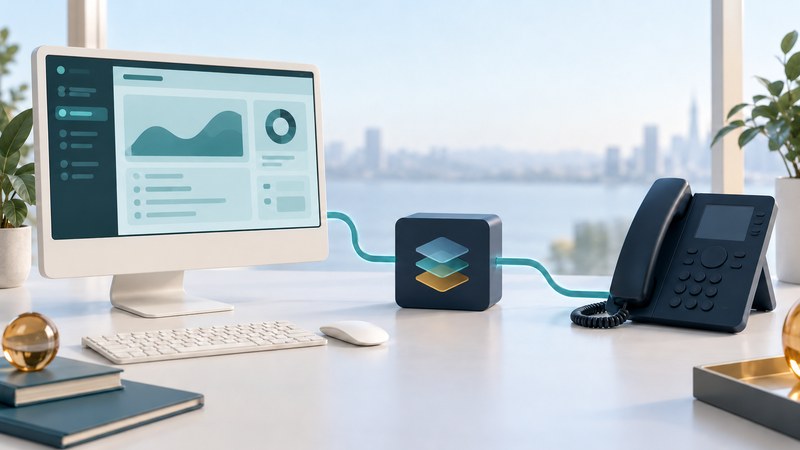
TAPI, the Windows Telephony Application Programming Interface, gives applications a way to work with telephony through supported providers. For an administrator, the practical task is to verify the whole combination: application, Windows environment, Telephony Service Provider (TSP), phone system, device, and permissions. Start with a documented compatibility inventory before changing a driver.
Map the application-to-phone path
Microsoft’s telephony overview describes an architecture connecting applications with communications devices and networks. In an installed integration, the TSP supplies the phone-system-specific interface. The application requests supported operations and receives events through the telephony stack.
Logical control path: application ↔ Windows telephony interfaces ↔ vendor TSP ↔ phone-system control service ↔ supported device. This is a conceptual map; the actual deployment can place components on different machines.
Separate call control from audio. A click-to-dial command may operate a desk phone while the conversation's audio stays on that phone. Answering, transfer, recording, and media access require their own supported capabilities. A successful dial command does not establish that every other function exists.
For one concrete implementation, Cisco’s Unified TAPI overview for Release 15 and SUs identifies Cisco TSP as a TAPI 2.1 provider and describes call-control and media interfaces. Use the documentation for your vendor and release; a TAPI label alone does not establish an interchangeable driver.
Verify a supported combination
Scroll sideways for all columns. Keyboard users can focus the table and use the arrow keys.
| Component | Record | Verify against |
|---|---|---|
| Application | Product, version, architecture, requested features. | Application vendor’s integration requirements. |
| Windows environment | Edition, build, architecture, local/remote or virtual deployment. | TSP supported-platform matrix. |
| TSP | Vendor, exact version, installation source, configuration. | Phone-system release and application support. |
| Phone system | Release/update, control service, configured device and line. | Vendor integration and device-support documentation. |
| Identity and access | Service/user identity, device association, required privileges. | Approved configuration and least-privilege requirements. |
Cisco’s Release 15 installation chapter gives a useful example of why exact matching matters: it specifies native 64-bit TSP for 64-bit Windows, identifies the Unified CM Administration Plug-Ins source, and warns about release compatibility. Follow that guidance only for the corresponding Cisco deployment.
Save the current working configuration and supported rollback procedure. Use a maintenance window and approved test devices. Installing an arbitrary newer package can change a previously working integration; compare all relevant support statements first. Keep credentials out of diagnostic notes and shared screenshots.
Test control and media separately
- Confirm the phone or endpoint can make an ordinary permitted call through the phone system without the application.
- Start the application under the intended identity and confirm that it enumerates the correct line/device.
- Use a controlled internal extension to test dialing. Observe the phone and the application event sequence.
- Answer at the other endpoint, verify two-way speech, then disconnect. Check that the application returns to an appropriate idle state.
- Call the test line from the other endpoint. Verify the incoming indication and any supported answer action.
- Test hold, transfer, or other required functions individually only when the exact integration supports them. Record each result separately.
Use willing test participants and authorized extensions, not emergency or chargeable service numbers. Recording is outside this basic trial; it needs separately approved technical and legal arrangements. The TAPI test record captures versions, expected observations, and failures.
Use the failing boundary to guide the next check
No line appears: verify the provider installation, supported versions, configured identity, device association, and permissions using the vendor's procedure. The line appears but dialing fails: check the selected line, expected dialed-number format, calling permissions, and the application's returned error. The call connects but audio fails: investigate the actual media endpoints and network path. The phone works but the app shows stale state: compare event logs and subscriptions.
Collect only the diagnostic data needed for the case, protect identifiers, and follow vendor instructions for trace levels and retention. Restore normal tracing after the approved test. Service restarts and configuration changes can affect other users; plan them within the supported maintenance procedure.
If a required combination has no supported path, document the unmet feature and evaluate a supported integration or migration with the application and phone-system vendors. For related planning, see business call routing and the VoIP resource collection.