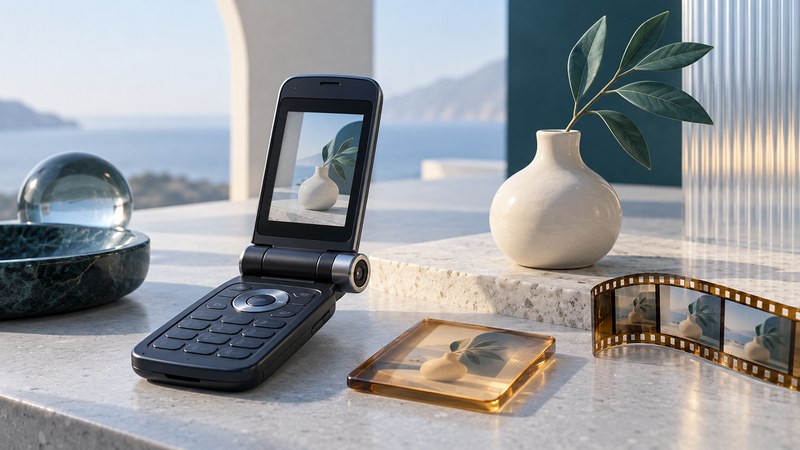
The LG VX7000 combined a clamshell phone, a rotating camera lens, an external display, and short video recording. Its design makes an important distinction visible: taking a picture, saving it, and sending it through a mobile service are three separate operations. A useful account of the phone examines each one.
The lens could face the subject while a display showed the composition
LG's VX7000 data sheet, published in 2005 documents a rotating VGA camera with an embedded flash and self-portrait operation with the flip closed. It lists a 176 × 220-pixel internal display and a 96 × 96-pixel external display, along with recording of 15-second video clips.
The earlier LG VX6000 camera workflow offers a useful comparison for resolution choices, saved pictures, and carrier messaging.
The design allowed the camera's viewing direction and the user's viewing direction to be considered separately. For a picture of another person, aim the lens toward that subject and use the appropriate preview. For a self-portrait, framing depends on the lens facing the photographer and a visible preview. The physical position of the phone alone tells only part of the story.
When interpreting a product photograph, locate the lens and the display before deciding where the camera points. When examining real hardware, use its documented movement and avoid forcing a stiff mechanism. A conceptual illustration can explain the idea; the manual and physical unit establish the actual geometry.
Keep the saved image, preview, and video frame separate
| Item | Documented value or control | How to interpret it |
|---|---|---|
| Highest still-photo setting | 640 × 480 pixels | Dimensions of a saved still at that setting. |
| Internal display | 176 × 220 pixels | The screen presenting the preview and menus. |
| External display | 96 × 96 pixels | A smaller viewing surface used with the closed phone. |
| Video duration | 15-second clips | A recording-length limit, separate from still-image dimensions. |
| Image controls | Brightness, white balance, zoom, and flip-image options | Adjustments with different effects on the result. |
The values above are from LG's data sheet. A screen's shape and resolution describe how an image is viewed; a camera setting describes what is saved. For a surviving file, inspect its actual dimensions. A still-photo specification supplies no reliable video resolution by itself.
LG also qualifies its advertised storage counts by resolution, color, and quality. Treat a count of pictures as an estimate under conditions, and inspect remaining storage before assuming that a particular unit can save the advertised maximum.
A small local test reveals more than a feature list
For an already working phone, choose a simple subject with an obvious top and bottom, such as a book standing beside a cup. Use a well-lit scene and change one setting at a time. This is an observation exercise, not a repair procedure or a test of present-day network compatibility.
- Record the starting state. Note the selected photo size, lens direction, and which display provides the preview.
- Capture and save one image. Reopen it from local storage. Check that the saved composition and orientation match your intention.
- Try one controlled change. Compare the ordinary view with the flip-image setting or a different brightness setting. Label the results so they remain distinguishable.
- Record a short clip separately. Reopen it and check picture, orientation, duration, and sound. Keep those observations separate from the still-photo test.
The LG VX7000 user guide in Spanish, camera menu section provides the model's capture, save, and camera-setting instructions. Menu wording varies with language and software. Follow the matching guide for the unit being examined.
A failed local save points toward capture, storage, or device condition. A locally saved image that reopens correctly establishes a working result up to that point. It gives you a useful boundary before investigating any transfer or service problem.
Document what the particular unit can still do
A useful collection record includes the model label, software version if accessible, included accessories, lens movement, functioning displays, and the local photo/video results. Record failures as observations rather than guessing their cause. Keep original files beside any viewing copies and note how each was obtained.
For broader context, read how multimedia handsets process files, how phone flash, night mode, and continuous light differ, or the Siemens SL65's contrasting slider and accessory design. Return to the Telephone guides for the full collection.