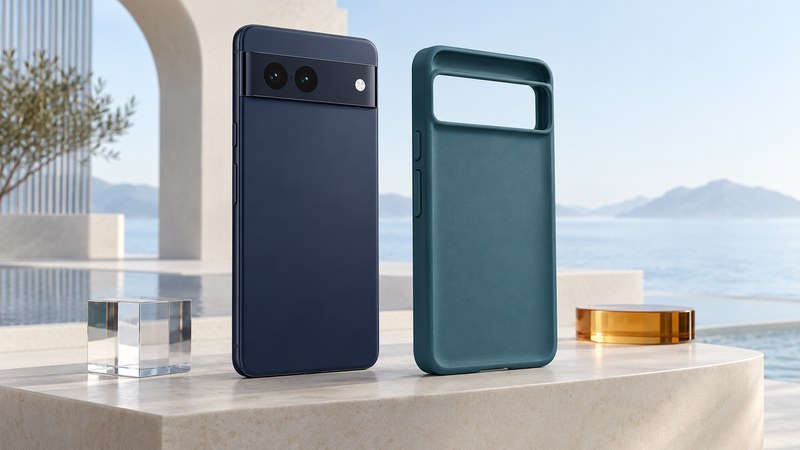
Choose a rugged Pixel case by its exact fit, documented protection tests, and effect on daily use. A useful case should remain securely seated while letting you operate the buttons, camera, cables, and charging equipment you rely on. A protection claim and a warranty answer different questions.
Match the complete model name
Check the phone's model in Settings and match it to the case manufacturer's supported-device list. Similar names can refer to different sizes, camera layouts, and button positions. Treat regular, Pro, XL, a-series, and Fold versions as distinct until the manufacturer confirms compatibility.
Google’s Pixel hardware specifications provide a reference for model dimensions and features. Use the exact case specification alongside them. Dimensions alone do not establish a match: openings, retention edges, and control locations also matter.
If buying for an older Pixel, confirm that the listing actually names that model and that the return policy applies. A historical Pixel 2 case announcement or a photograph of a similar phone gives little evidence about a present listing's identity or condition.
Read a protection claim as a test description
Ask what was tested: the case SKU, phone model, drop height, landing surface, number and orientations of drops, sample count, and pass criteria. Also ask who performed the test and where its report or description can be read. These details make a claim interpretable.
As a manufacturer example, UAG’s description of its Military Grade Protection testing states 26 drops from 48 inches with device function and screen condition assessed afterward. This is UAG's account of a defined test, not an independently repeated test by Yenra. Confirm that the specific case you are considering carries the relevant claim.
A different landing surface, corner impact, worn case, or previously damaged phone changes the circumstances. Keep drop-test evidence separate from water resistance, crush protection, and screen-scratch claims. Buy for the hazards and handling you actually expect, and avoid deliberately dropping a phone to verify a purchase.
Read warranty coverage independently. UAG says its warranty excludes damage to the protected device. Check the current seller and manufacturer's terms for your purchase and jurisdiction, including what is covered, how a claim is made, and the return period.
Do a nondestructive fit and usability trial
Scroll sideways for all columns. Keyboard users can focus the table and use the arrow keys.
| Check | What to do | Reason to investigate |
|---|---|---|
| Seating | Fit the case according to its instructions and inspect every corner. | A loose corner, distorted edge, or unusual force. |
| Controls | Try power, volume, supported gestures, and edge navigation. | Stuck buttons or repeated accidental presses. |
| Camera and screen | Take ordinary photos and inspect openings and raised edges. | Obstructed lens/flash or interference with a screen protector. |
| Cable access | Insert the cable you normally use and confirm charging/data if needed. | A plug that cannot seat properly. |
| Grip and carrying | Hold for a call, type, and try the intended pocket or holder. | Slipping, uncomfortable edges, or poor mount fit. |
Use a clean surface and the manufacturer's fitting method. Stop if the phone or case deforms unexpectedly. Try the case with your existing screen protector and everyday accessories while you are still within the return period.
Check wireless charging as a complete combination
First establish that the exact phone supports your intended wireless charger. Then check the case and any attached wallet, grip, plate, or magnetic accessory. A case described as compatible with one arrangement may behave differently with another.
For a concrete scoped example, Google’s Pixel Stand guidance describes charging through many cases up to 3 mm thick, with material and attachment restrictions. That guidance applies to the listed Stand and phone combinations; use the documentation for a different charger or newer accessory system.
After normal use, inspect for loosened edges, trapped debris, cracks, or worn closures. Follow the case maker's cleaning and replacement guidance. For the wider choice of phone shape, see slim-phone ergonomics; for chargers and cables, see the phone charging-kit guide.