Choose compatible equipment, improve an existing setup, and troubleshoot one variable at a time. These sixty guides connect hardware decisions with practical checks, worked examples and recovery planning, engineering explanations and computing history.
Upgrades, repairs, and expansion

Choosing a Graphics Card: Workloads, VRAM, Power, and Fit
Choose a graphics card by software support, useful performance, memory needs, power connections, cooling, and physical compatibility.

RAM Upgrades: Capacity, Compatibility, and Stable Settings
Identify compatible memory modules, understand speed and ECC claims, and install and test a RAM upgrade with a clear baseline.

SATA, NVMe, and M.2: Choosing a Compatible SSD Upgrade
Check SSD interfaces, physical fit, shared ports, firmware detection, and a reversible migration plan before upgrading storage.

How Heat Sinks Work: Diagnose Cooling with Better Measurements
Follow the heat path, check airflow and mounting, and compare cooling with repeatable workload, ambient-temperature, power, and performance records.

3D Memory Explained: NAND Layers, HBM, and Stacked Cache
Understand the differences between 3D NAND storage, stacked DRAM in HBM, and vertically integrated cache, including capacity and bandwidth tradeoffs.
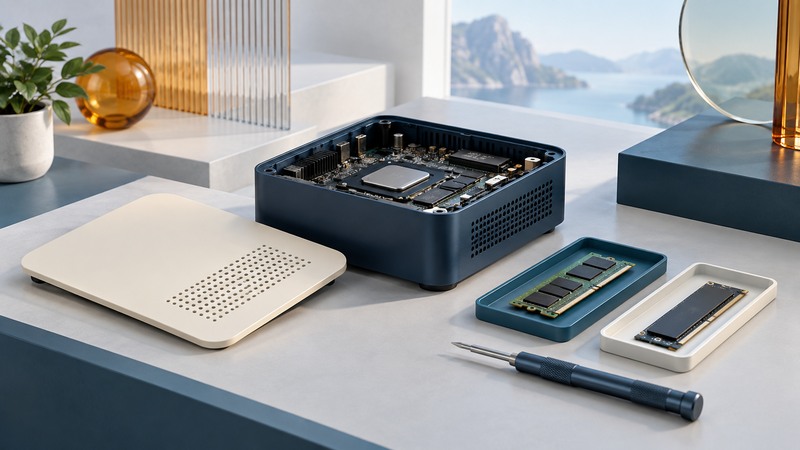
Modular Computers: Repairability, Upgrade Paths, and Parts Support
Evaluate modular computers through service manuals, exact replacement parts, support and a realistic repair or upgrade plan.
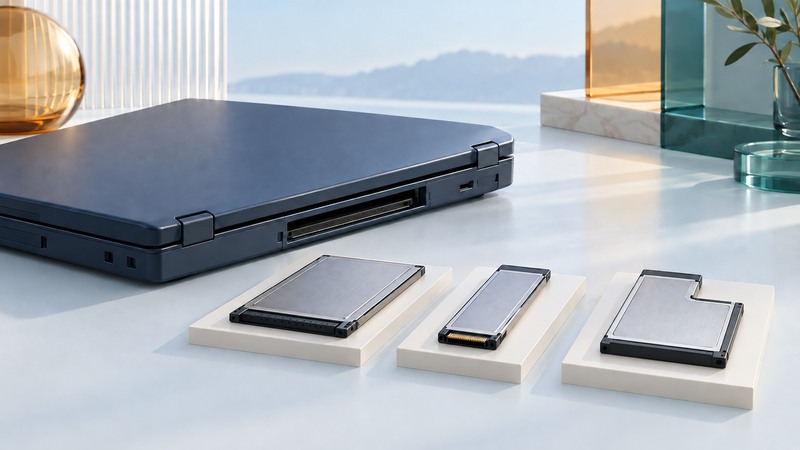
PC Card, CardBus, and ExpressCard: Identify Legacy Expansion Hardware
Identify PC Card, CardBus and ExpressCard hardware, check adapter bus support and drivers, and test legacy equipment.
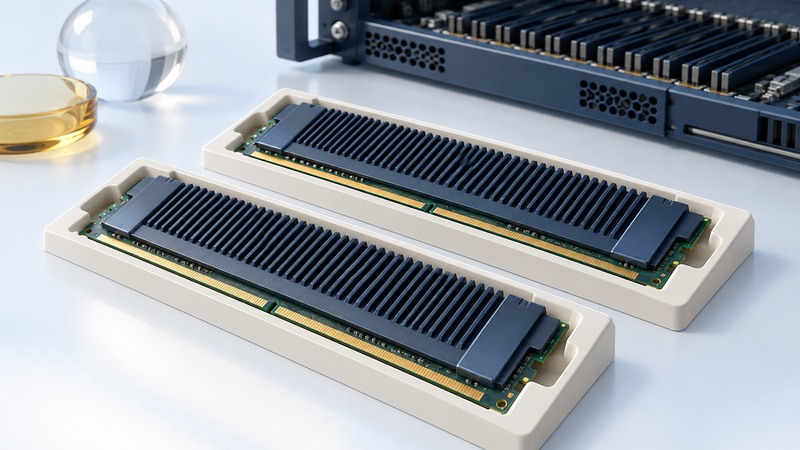
Fully Buffered DIMMs: Identify Legacy Server Memory and Check Compatibility
Identify fully buffered DIMMs for a legacy server and check module architecture, approved population, cooling and post-service diagnostics.
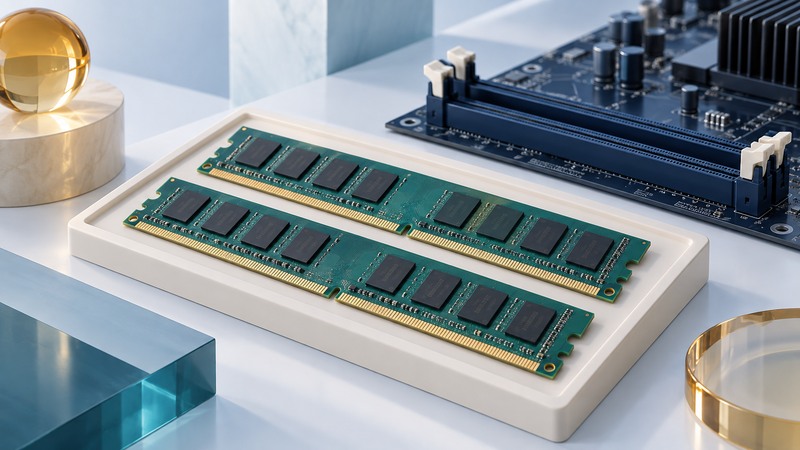
DDR2 SDRAM: Identify Legacy Memory and Check System Compatibility
Decode DDR2 module labels, distinguish chip and module specifications, calculate data rate, and verify a supported replacement.
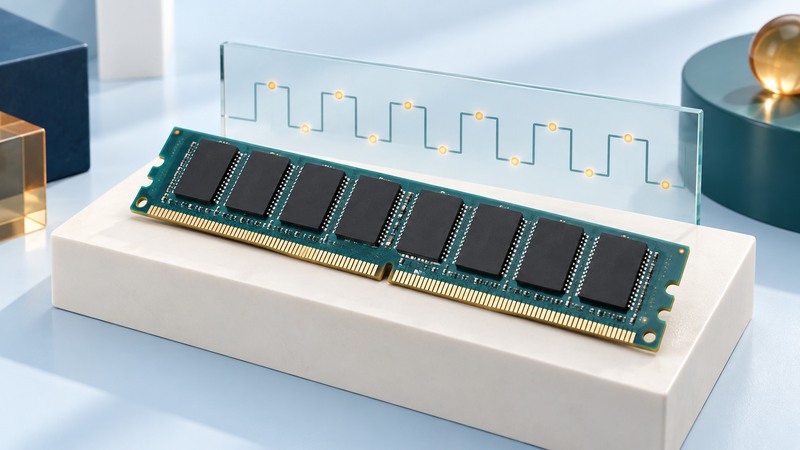
DDR SDRAM: Transfers, Refresh, and Legacy Compatibility
Understand first-generation DDR transfer rates, refresh, standby-power claims and exact module compatibility.
Storage, privacy, and recovery

Portable Storage: SSDs, Hard Drives, Connections, and Backups
Choose portable storage, check USB and file-system compatibility, estimate transfer times, and keep a recoverable second copy.

Network Attached Storage: Capacity, Sharing, and Recovery
Plan NAS capacity, permissions, network performance, snapshots, independent backups, and restore tests for a home or small office.

RAID Levels Explained: Capacity, Drive Failures, and Recovery
Compare RAID 0, 1, 5, 6 and 10 with capacity examples, specific failure patterns, rebuild planning, and independent backups.
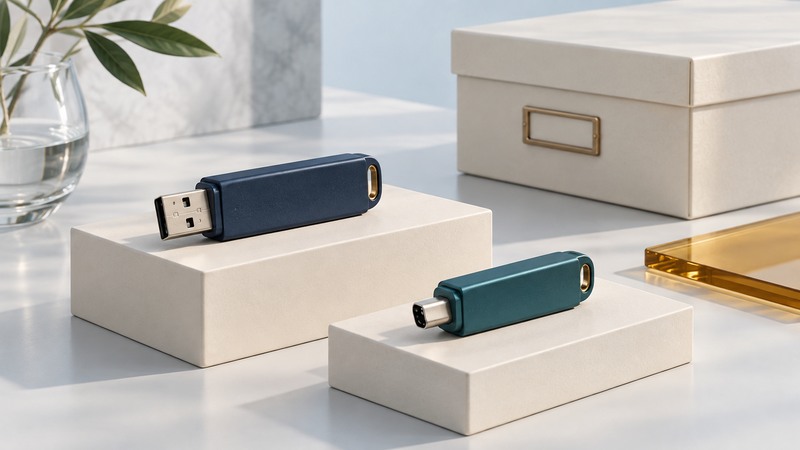
USB Flash Drives: Compatibility, Real Capacity, and Reliable Transfers
Choose compatible USB flash drives, understand file-size limits, verify capacity and transfers, and preserve another copy.

Computer Disposal: Reuse, Data Sanitization, and Recycling
Prepare a computer for reuse or recycling with verified backups, appropriate data sanitization, battery handling, and a documented handoff.
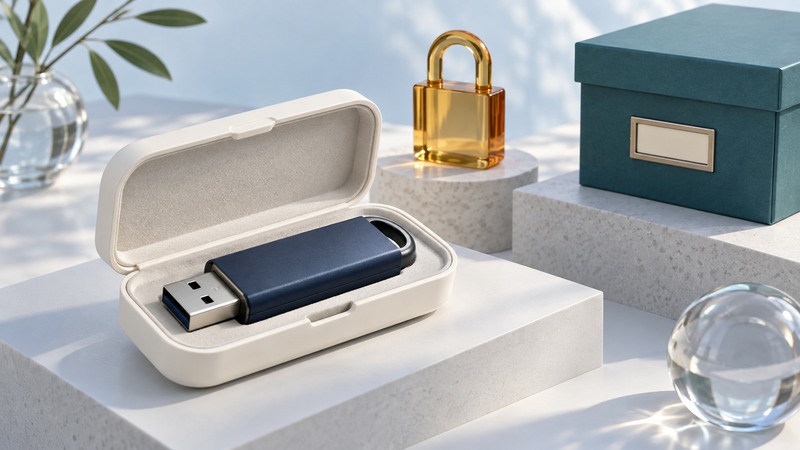
Encrypted USB Drives: Compatibility, Unlocking, and Recovery
Choose an encrypted USB-drive workflow, test supported hosts, keep recovery information separate, and verify another copy.
Storage Mirroring and Replication: Failure Scenarios and Recovery Tests
Distinguish mirrors, replicas, snapshots and backups, set recovery objectives, and rehearse a controlled restoration.
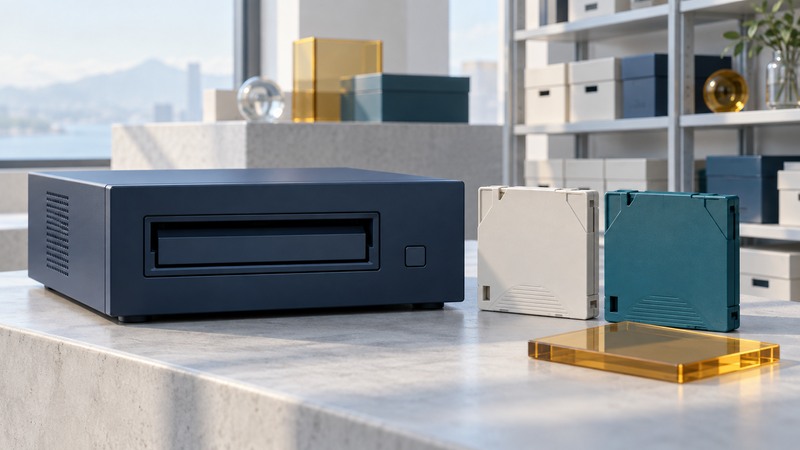
LTO-8 Tape Archives: Compatibility, LTFS, and Restore Planning
Maintain an LTO-8 archive with exact media compatibility, native-capacity planning, catalogs, verification and restore tests.
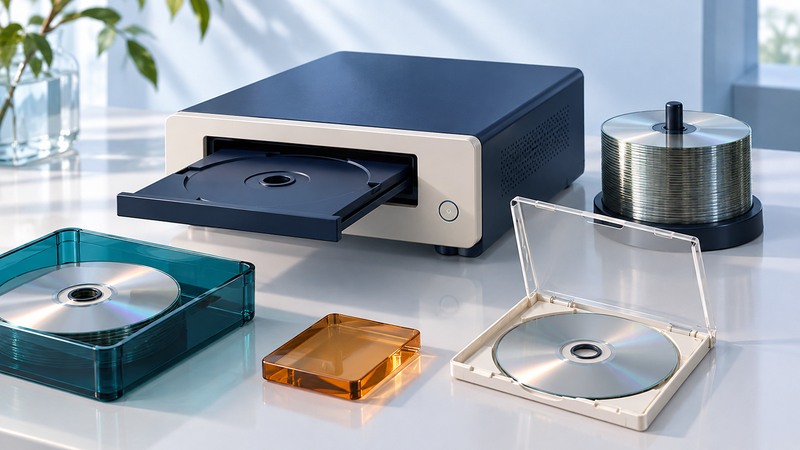
Blu-ray Duplication: Media Compatibility, Verification, and Batch Planning
Plan a Blu-ray batch around a tested master, compatible media, read-back verification and realistic recording, printing and handling time.
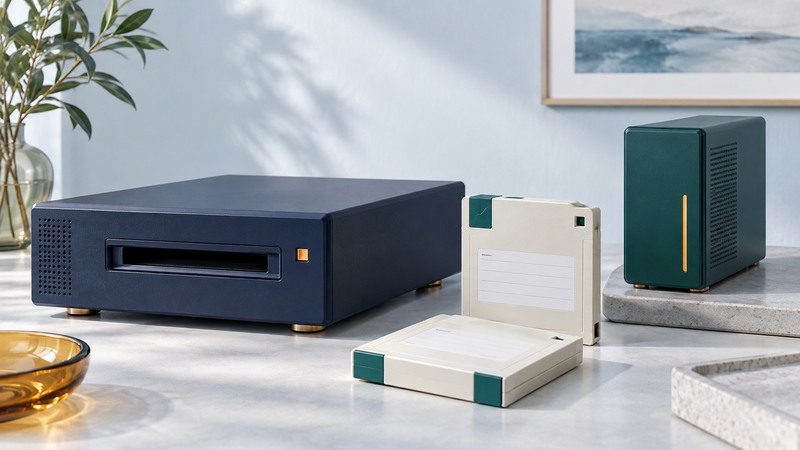
Iomega REV Archives: Identify Media and Plan a Verified Migration
Identify Iomega REV media, drive and backup-software dependencies, then document a migration with file verification and an independent copy.
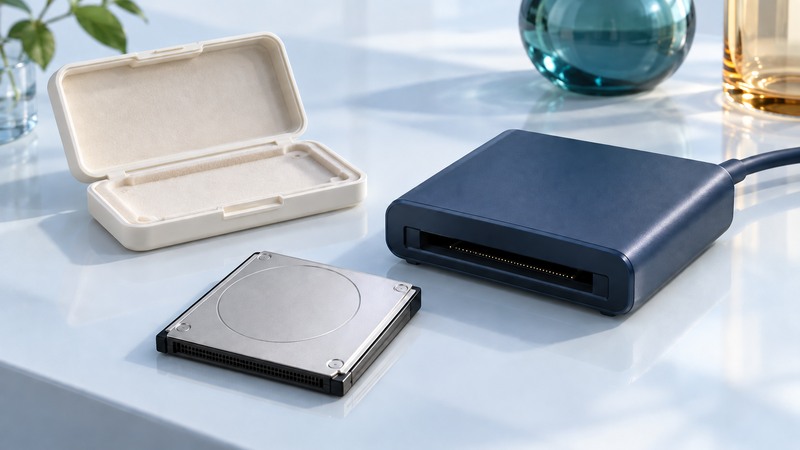
Microdrive Storage: Identify Legacy Media and Copy Data Safely
Identify a legacy Microdrive, check reader support and preserve its files with a documented copy and practical verification steps.
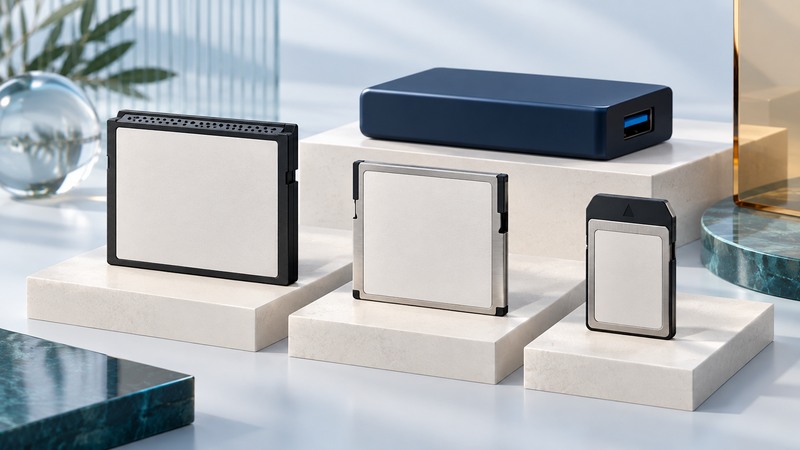
CompactFlash, CFast, and CFexpress: Identify Cards, Match Readers, and Protect Files
Identify CompactFlash, CFast and CFexpress families, check device and reader support, and verify copies before reusing a card.
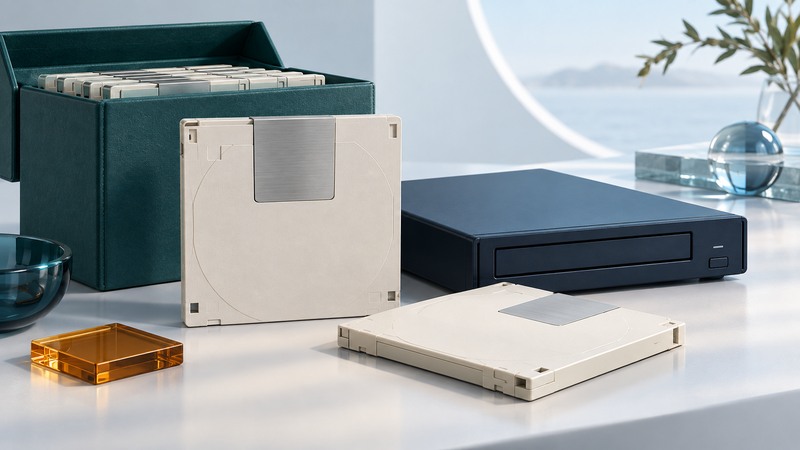
UDO Archives: Media Generations, Reading Dependencies, and Verified Migration
Inventory UDO cartridges and reading dependencies, reconcile migrated objects, and preserve the context needed to retrieve an archive.
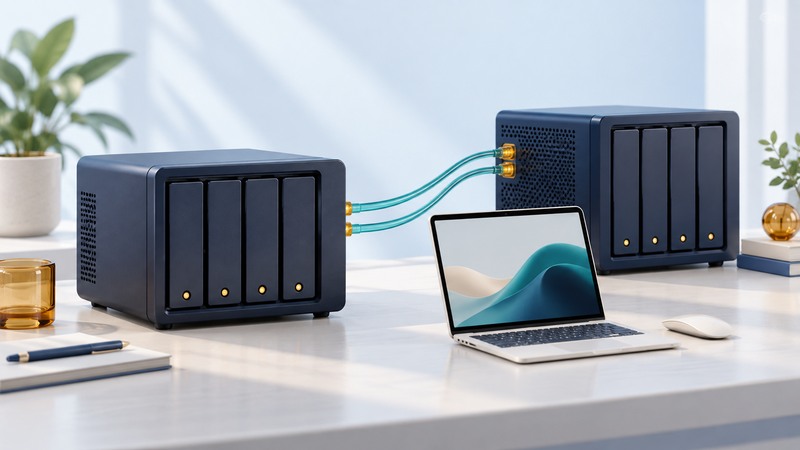
Disk Storage Systems: Match Architecture to Workload
Translate workload, usable capacity, access and recovery needs into measurable disk storage requirements.
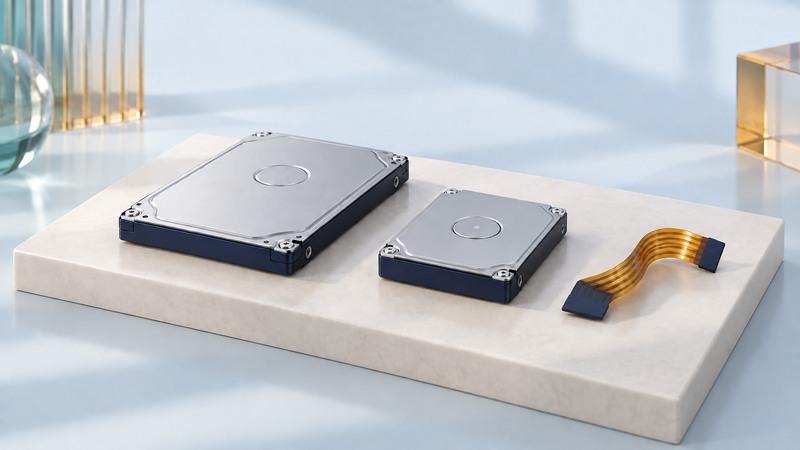
Miniature Hard Drives: Identify Embedded Interfaces and Plan Replacement
Identify embedded miniature drives by exact model, dimensions, protocol and power before choosing adapters or replacements.
IBM TotalStorage: Identify Legacy Arrays and Prepare Migration
Identify legacy IBM arrays, map hosts and volumes, and prepare evidence for a supported migration and rollback review.
Printing, scanning, displays, and desk equipment

IPP Printing: Setup, Compatibility, and Troubleshooting
Set up compatible IPP printing, verify printer features, and diagnose discovery, queue, and document problems.
Scanning Photos and Documents: Settings, OCR, and Quality Checks
Choose scanning settings for photos and paperwork, check OCR and image quality, and organize dependable digital copies.
Laptop Webcams: Better Lighting, Framing, Sound, and Setup
Improve laptop video calls through lighting, framing, microphone tests, camera permissions, and compatible equipment.
OLED Monitors: Workload Fit, Text Clarity, HDR, and Care
Evaluate OLED monitors for text, brightness, HDR, room lighting, connection compatibility, and model-specific panel care.

Wireless Keyboards: Connections, Layout, Pairing, and Reliability
Compare keyboard connections and layouts, pair devices, and troubleshoot missed keys, wake problems, and wireless links.

Computer Speakers: Connections, Placement, and Clear Sound
Connect and place computer speakers, compare stereo and surround needs, and isolate weak, distorted, or missing sound.

Laser and LED Mouse Sensors: Tracking, Settings, and Troubleshooting
Understand laser and LED mouse tracking, DPI and report rates, and diagnose surface, connection, and cursor problems.
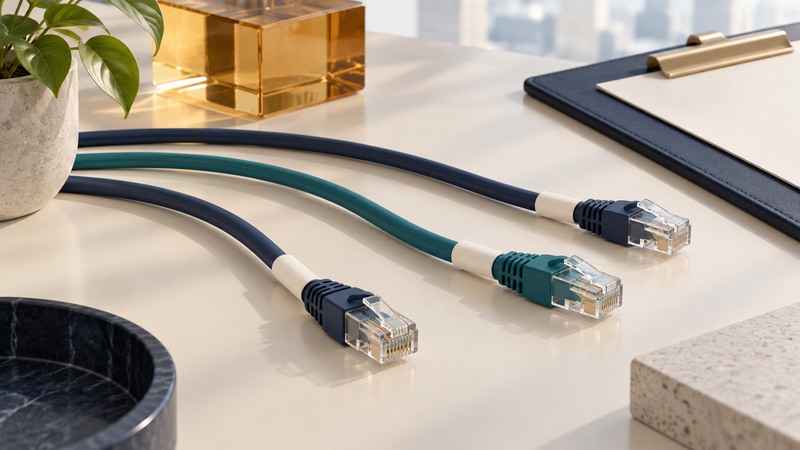
Cable Labeling: A Simple System for Desks and Small Networks
Label both cable ends with stable IDs and maintain a simple endpoint inventory for desks and small networks.

Touchscreen Monitors: Connections, Input, and Troubleshooting
Connect an LCD touchscreen, verify supported input methods, map touch to the right display, and isolate setup faults.
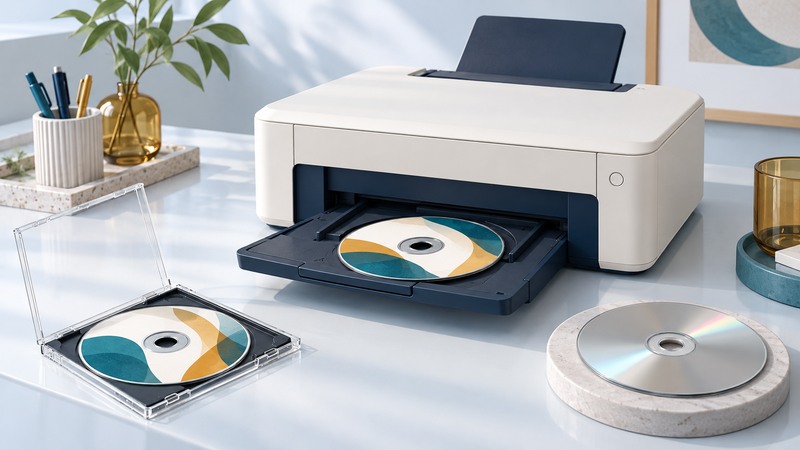
Direct DVD Printing: Printable Media, Layout, and Handling
Choose printable DVD media, size the artwork ring, verify tray alignment and manage drying and read-back checks for a repeatable disc-printing job.

Wireless USB and USB Receivers: Identify the Technology and Restore a Connection
Distinguish WirelessUSB, historical Wireless USB and peripheral receiver families, then troubleshoot power, USB detection, mode and pairing.
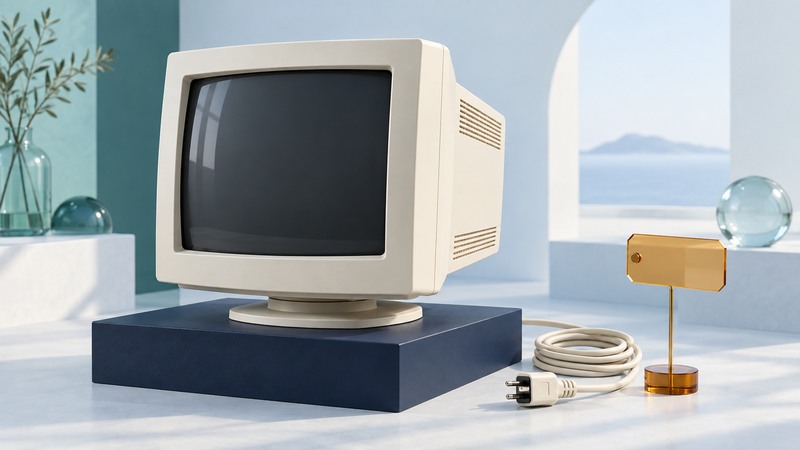
IBM G51 and G51t Monitor Recall: Identify Affected Units and Verify Next Steps
Match IBM G51 and G51t labels to the expanded 2003 CPSC recall and distinguish historical repair terms from verified current next steps.
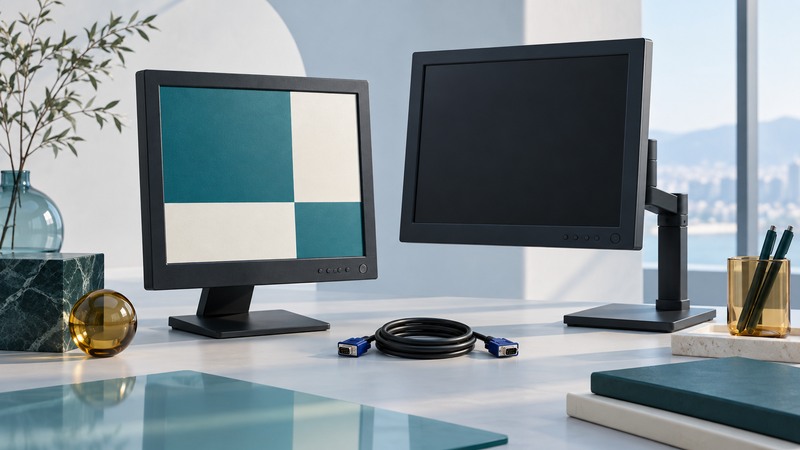
IBM ThinkVision L150 and L150p: Connections, Setup, and Reuse Checks
Compare IBM ThinkVision L150 and L150p inputs, establish a readable image, and test whether a legacy LCD fits its intended task.
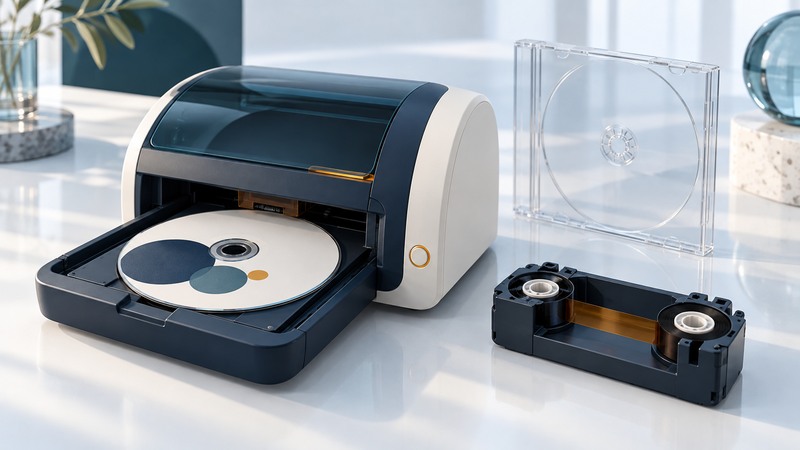
Thermal CD and DVD Printing: Ribbon Compatibility, Layout, and Batch Costs
Match thermal disc-printing materials and legacy software, design for printable areas, and calculate ribbon costs including rejected discs.
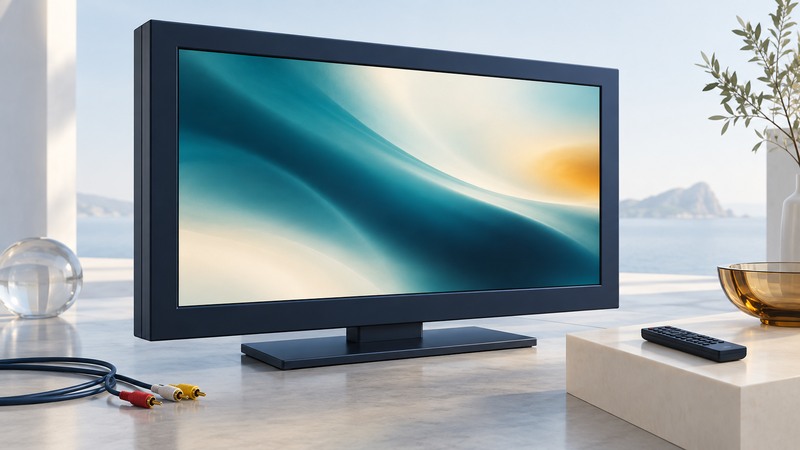
Legacy Plasma Displays: Inputs, Image Retention, and Reuse Decisions
Identify legacy Sony plasma displays, check signal and image-care settings, and judge reuse from the actual content and panel condition.
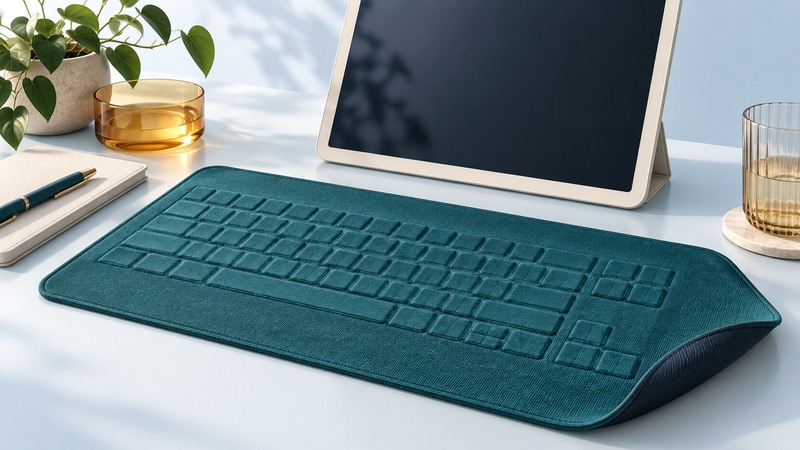
Fabric Keyboards: Textile Sensing, Usability, and Durability
Understand textile input sensing and evaluate accuracy, feedback, supporting surfaces, connection and documented care.
Travel, portable power, and field work

Laptop Batteries and Power Banks: Compatibility, Health, and Runtime
Match laptop charging profiles, power-bank output and cable capability; calculate watt-hours and realistic runtime estimates with stated assumptions.
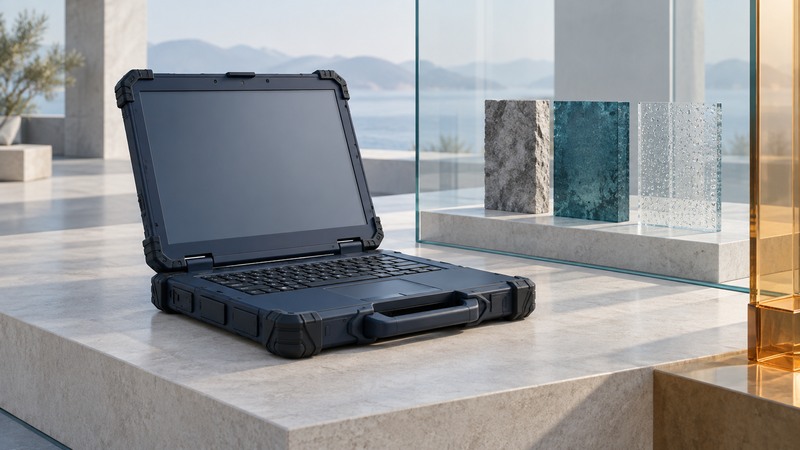
Rugged Laptops: Match Test Evidence to Field Conditions
Match rugged-laptop evidence to field conditions, connected accessories, shift workloads, repair needs, and support.
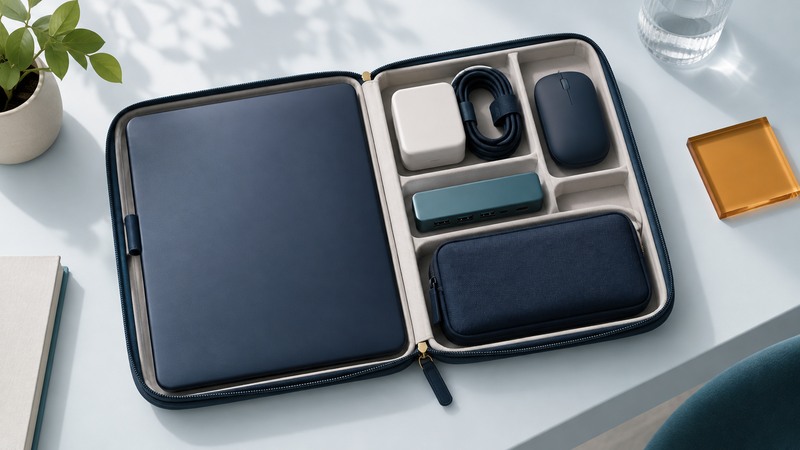
Laptop Travel Kit: Pack and Test a Dependable Mobile Setup
Pack a laptop travel kit around power, display, connection and offline tasks, then rehearse the complete setup.
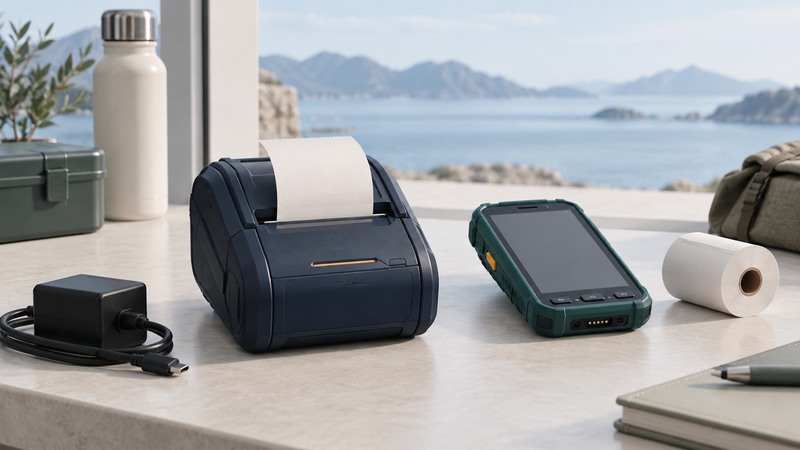
Mobile Printers: Media, Connections, Power, and Field Tests
Match mobile printers to receipts, labels or full-page documents, and test media, software, power and field use.
Optical links and network video
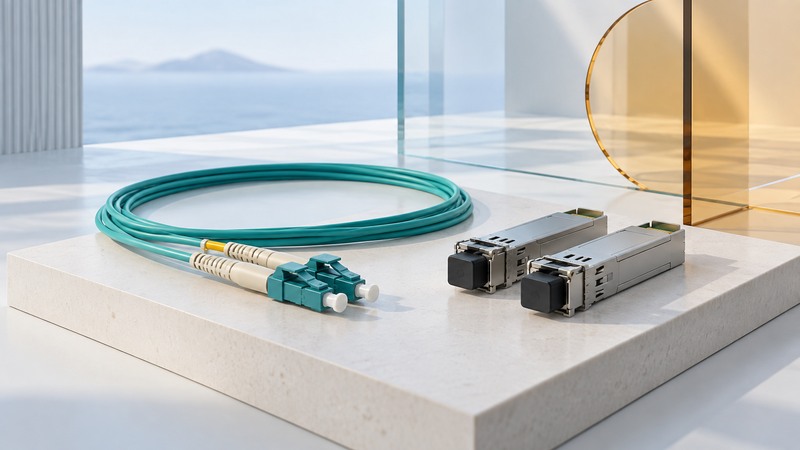
Fiber-Optic Links: Fiber Types, Transceivers, and Compatibility
Check fiber type, transceivers, optical specifications and equipment support together, with a link-budget example.
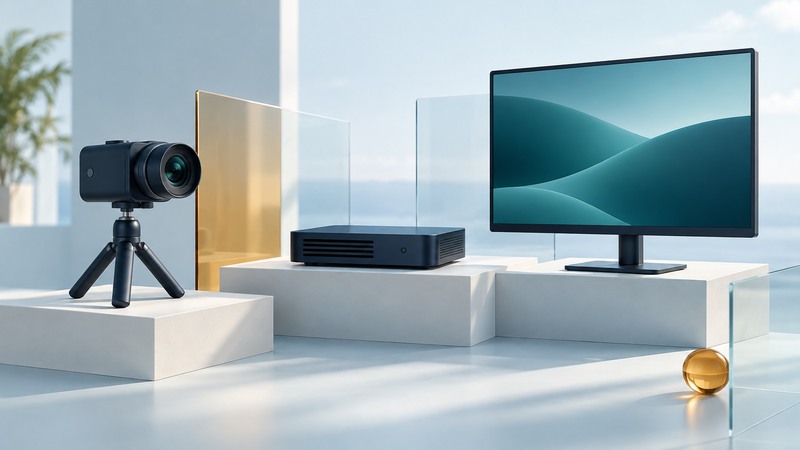
Network Video Appliances: Encoders, Streams, and Latency Tests
Specify a network video signal path, calculate stream payload, and test playback, recording and end-to-end latency.
Memory, silicon, controllers, and enclosures

MRAM Explained: Magnetic Storage, Persistence, and Application Tradeoffs
Understand magnetic memory states and evaluate an MRAM part for retention, endurance, interface, capacity and reliable persistent-state recovery.
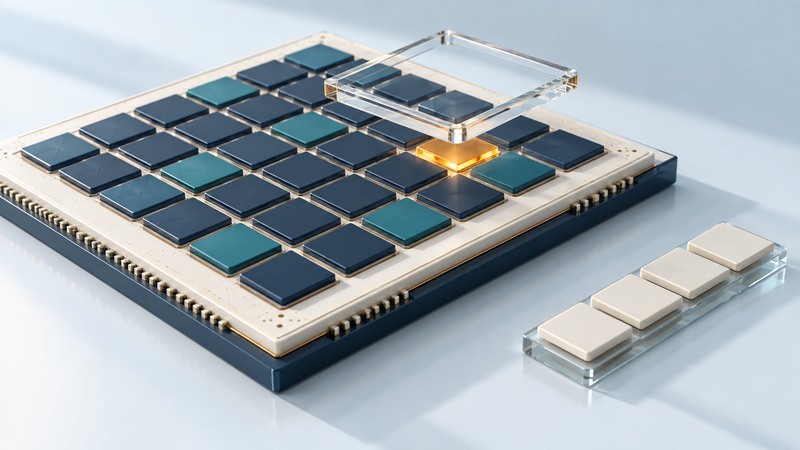
Embedded Memory Testing: MBIST, Fault Coverage, Diagnosis, and Repair
Separate embedded-memory test, fault coverage, diagnosis, repair and ECC, using a small worked MBIST example and a practical test-plan checklist.
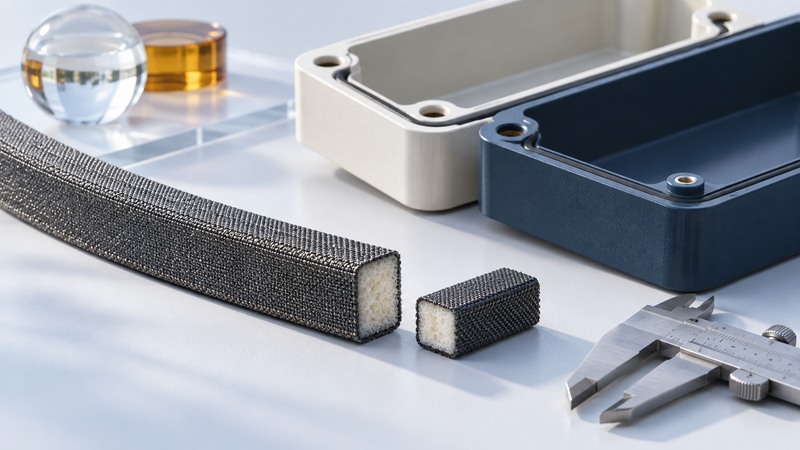
Conductive Fabric Gaskets: EMI Contact, Compression, and Material Selection
Evaluate a conductive fabric gasket through contact geometry, compression tolerances, material evidence and testing in the intended enclosure.

Phase-Change Memory: How It Stores Data and How to Evaluate Its Tradeoffs
Understand PCM states, SET and RESET operations, multilevel encoding, and the conditions behind retention, endurance and energy claims.
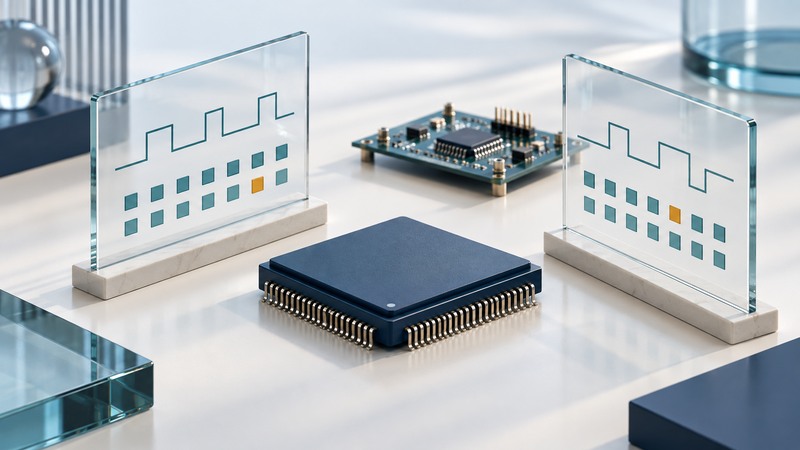
Silicon Verification: From Design Requirements to Coverage and Bring-Up
Connect chip requirements to tests, independent checks and coverage, using an eight-entry FIFO and a reviewable evidence record.
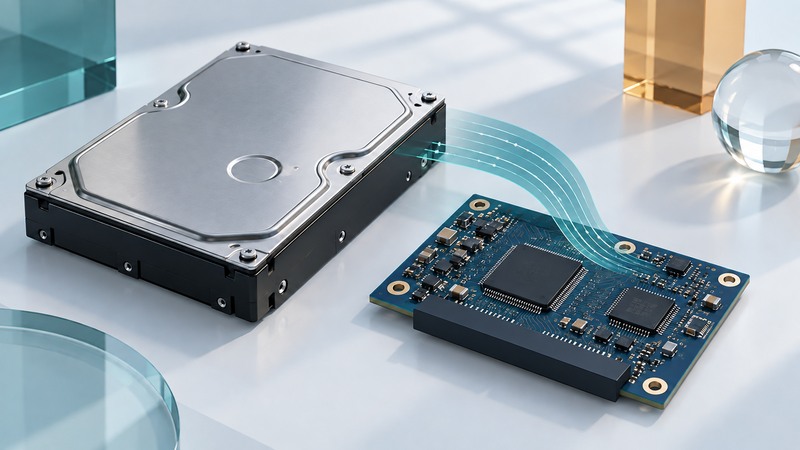
Inside a SATA Hard Drive Controller: Data Flow, Read Channels, and Firmware
Follow data through a SATA hard drive controller, distinguish interface speed from media throughput, and interpret cache and firmware roles.

Carbon-Nanotube Transistors: Read the Evidence Behind Performance Claims
Distinguish nanotube transistor measurements, working circuits and manufacturing evidence using dated original research.
Computing history and design
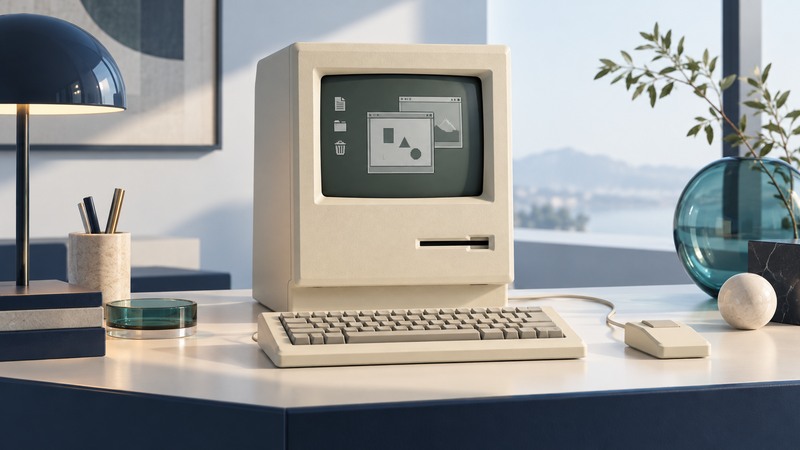
The Original Macintosh: The 1984 Design, Everyday Use, and Lasting Influence
Explore the original Macintosh hardware, graphical workflow, MacPaint and MacWrite, practical limits, and place in computing history.
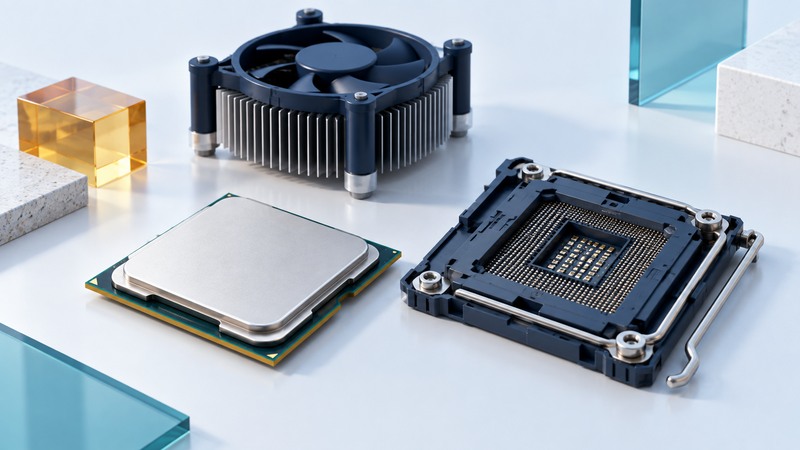
Pentium 4: Identify the Processor and Understand the Platform
Read Pentium 4 markings, match motherboard and firmware support, and understand the limits of clock-speed comparisons.

Netpliance i-opener: History, Hardware, and Preservation
Explore the i-opener’s service history and document a surviving appliance, local software and preservation goals.
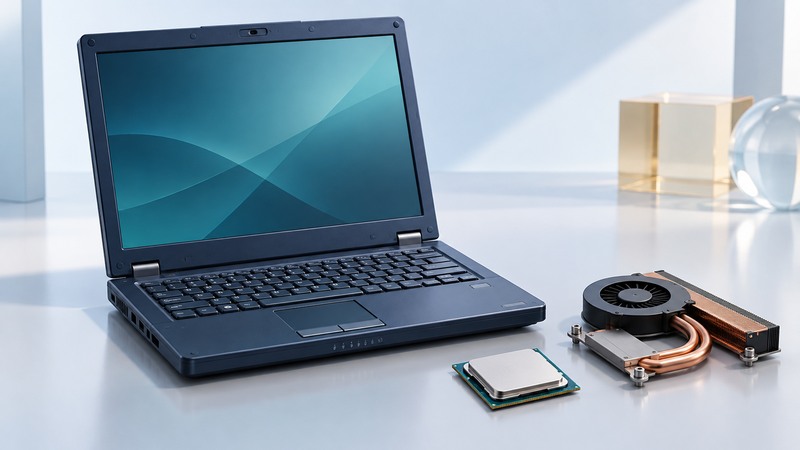
Mobile Athlon 64: Understand Early 64-bit Laptop Platforms
Assess an early Mobile Athlon 64 laptop through CPU identity, software requirements, firmware, power management and drivers.
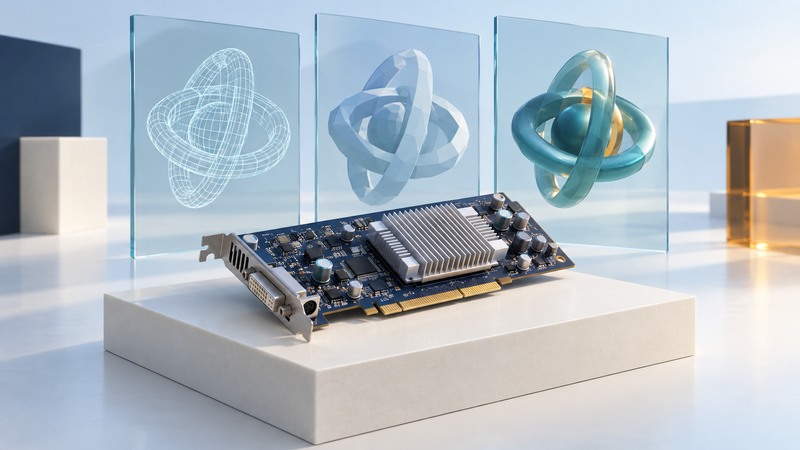
3Dlabs P10: Programmable Graphics in Context
Understand the historical 3Dlabs P10 through programmable rendering, memory distinctions and driver/API evidence.
Historical hardware coverage
These articles include historical product announcements and earlier technology reporting. Specifications, availability, prices, and advice may describe their original publication period.