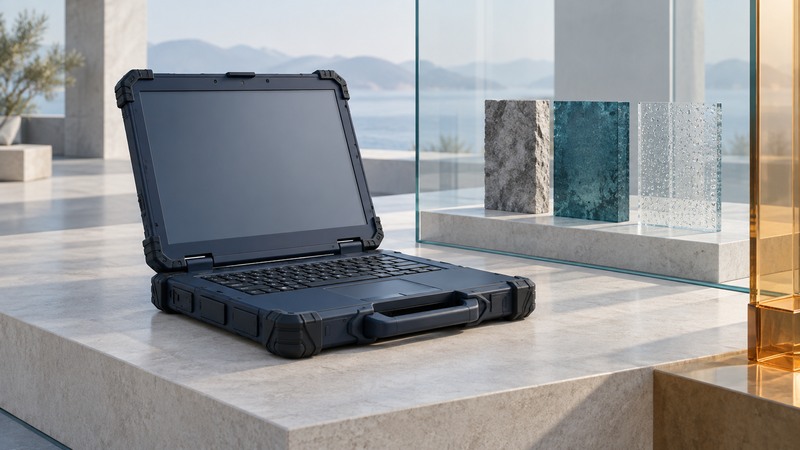
Select a rugged laptop by matching documented test conditions and usable features to the work it must perform. Begin with the environment, the accessories and a complete shift. Then ask for evidence tied to the exact configuration you plan to buy.
Describe a working day before comparing ratings
List where the device travels, how it is carried, where it is used and what can interrupt the task. Record temperature, dust, rain, vibration, handling, gloves, sunlight and charging opportunities. Separate normal operation from storage in a vehicle and transport while powered off.
List the full system: laptop, dock, power adapter, external cables, scanner, radio or other accessory. A sealed laptop may be used with port covers open; a desk-rated adapter may have different limits. Ask about the actual connected operating configuration.
Give each requirement an observable outcome. “Usable outside” might mean reading the assigned form under the intended light while wearing the normal gloves. “Lasts a shift” needs a workload, screen setting, radios, temperature and charging plan. A specification is easier to compare when the required result is explicit.
Read military-standard claims as a request for details
The Defense Logistics Agency's MIL-STD-810 record describes an environmental tailoring process based on equipment requirements. The standard provides engineering and test-method guidance; a short “MIL-STD-810” label leaves open the methods, conditions and configuration actually evaluated.
Request the revision, method and procedure, test levels and duration, operating state, sample configuration, laboratory and pass criteria. For drops, ask about height, surface, orientations, number of drops and post-test checks. For vibration, ask whether the profile represents the vehicle or mounting arrangement you expect.
Keep laboratory results separate from a manufacturer's warranty. Passing a defined test gives evidence for those conditions. It does not specify every accident the warranty will cover. Obtain both documents and resolve mismatches before procurement.
Use ingress ratings for their specific purpose
IP ratings describe enclosure protection against solid-particle and water ingress under defined conditions. The two digits address different categories. Getac's IP-rating explanation gives a manufacturer overview of the IEC 60529 system. Check the report and manual for the exact device, including port-cover positions and permitted use.
Water jets, immersion, salt exposure and cleaning chemicals are different questions. A rating in one category should prompt you to inspect evidence for the exposure you actually expect. Also check what inspection or service is required after damage to seals, covers or the enclosure.
On narrow screens, focus the table and use the arrow keys or swipe to see every column.
| Need | Ask for | Try in a supported pilot |
|---|---|---|
| Dust or rain | Exact ingress rating, configuration and cover requirements | Opening, closing and using required ports in the permitted environment |
| Drops or vehicle vibration | Method, procedure, levels, surface/profile and pass criteria | Carrying and mounting ergonomics; use lab evidence for destructive conditions. |
| Outdoor forms | Display and touch modes, glove compatibility | Reading, signing and entering real forms in representative light |
| Long shifts | Battery test conditions, supported charging and swap procedure | A full workload with screen, radios and accessories enabled |
| Fleet service | Repair turnaround, parts, battery supply and OS support policy | Backup recovery and a replacement-device handoff |
Run a pilot that resembles the job
Use the exact software, authentication, network access and peripherals. Check sunlight readability, reflections, wet/glove touch modes where documented, keyboard access and the ability to carry the device with its accessories. Keep the evaluation within the manufacturer's permitted conditions. Commission appropriate laboratory testing when the evidence for a destructive exposure is missing.
Log start/end charge, actual work completed, connectivity gaps, errors and any battery swap. A battery benchmark with a dim screen and idle radios may represent another workload. For power terminology and estimates, see laptop batteries and compatible power banks.
Plan for recovery and support
Evaluate spare batteries, charger and dock availability, repair turnaround, storage replacement, driver support and supported OS life. Include a spare-device strategy where downtime matters. Confirm how the organization will restore applications and encrypted data to a replacement machine.
Use the field-laptop evaluation worksheet to record requirements, vendor evidence, unresolved gaps and pilot results. A missing document is an unresolved requirement, not a passed check.
For data protection, maintain independent backups and recovery tests; plan secure retirement when equipment leaves service.