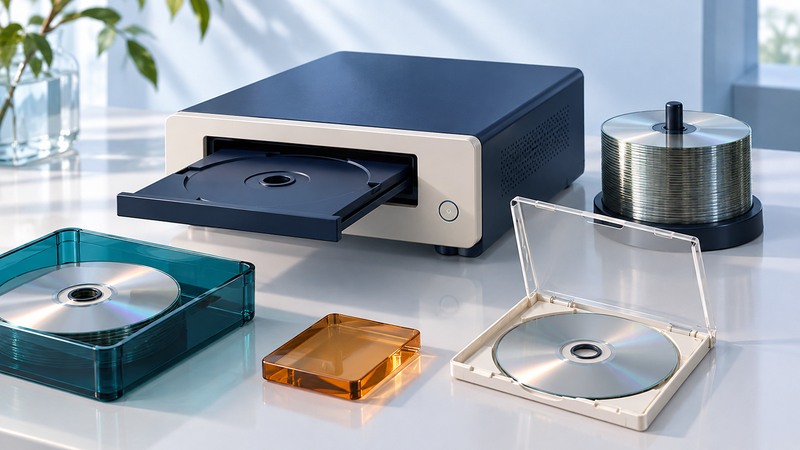
A dependable Blu-ray batch starts with a tested master and ends with readable copies. Match the recorder, disc, software and recipient's equipment before loading a stack of blanks. Treat recording, verification and surface printing as separate steps with separate failure checks.
Define the deliverable first
For a data disc, decide which files and folders the recipient needs and which software will open them. For a video disc intended for a living-room player, use an authoring workflow that produces the required disc structure and test it on the intended player. A folder containing a video file answers a different requirement from an authored video title.
Write a short acceptance statement: “These project files open on the receiving workstation,” or “The menu, chapters and complete program play on this player.” Include the required equipment in the delivery notes. Only duplicate material you have permission to distribute.
On narrow screens, focus the table and use the arrow keys or swipe to see every column.
| Check | Record | Evidence to seek |
|---|---|---|
| Recorder | Exact model, firmware and supported media | Manufacturer's manual for that configuration |
| Blank disc | Format, layer count, capacity and product code | Recording support and recipient reading support |
| Software | Version, operating system and project type | Successful small job on the actual workstation |
| Printed surface | Coating and printer settings | Printable media specified for the printer |
Model names matter. Primera's Bravo SE-3 manual distinguishes its DVD model from the Blu-ray version and documents project and verification settings. Use the manual as a model-specific reference; use the Bravo 4200 downloads page only for the corresponding equipment. A driver for one generation does not establish support for another.
Freeze and test the master
- Gather the final files into a dedicated source folder or approved image. Resolve missing files and check the reported project size against the selected media.
- Assign a revision identifier. Save the project settings and a file inventory so a later batch can be traced to the same material.
- Record one pilot copy using the planned media and settings. Enable the software's verification step and retain its result.
- Test the pilot on the recipient's equipment. Open important documents, inspect folder names, or exercise the video menu and playback.
- Approve that revision before starting the remaining copies. A changed file or authoring setting creates a new master to validate.
Read-back verification checks the recorded content against the tool's expected data. The recipient test checks practical usability. Keep both results: a verified copy can still depend on software the recipient lacks.
Budget for the complete cycle
Illustrative ten-disc schedule
Assume one sequential recording station needs 12 minutes to burn, 8 minutes to verify and 2 minutes to print each disc. That is 22 minutes per disc, or 220 minutes: 3 hours 40 minutes for ten. Add setup, the pilot's recipient test, handling and rejected copies separately. These are invented planning inputs, not measured drive performance.
Measure a pilot cycle to replace those assumptions. A second recorder helps only when the software, source transfer and shared printer keep up. Record each stage's timing before promising a delivery date. The duplication batch record keeps the master, media lot, timings and acceptance results together.
Release a traceable batch
Give each accepted disc a batch identifier and keep rejected discs separate. Investigate a run of errors with a small test: retain the same master and change one variable, such as media lot or the manufacturer's recommended recording setting. Avoid repeatedly consuming a full stack while the cause remains unknown.
Finish the surface with the correct printable coating and drying procedure; the direct disc-printing guide explains the layout and handling checks. Keep the master and another verified copy on independent storage. Optical distribution should fit within a broader storage and backup plan.