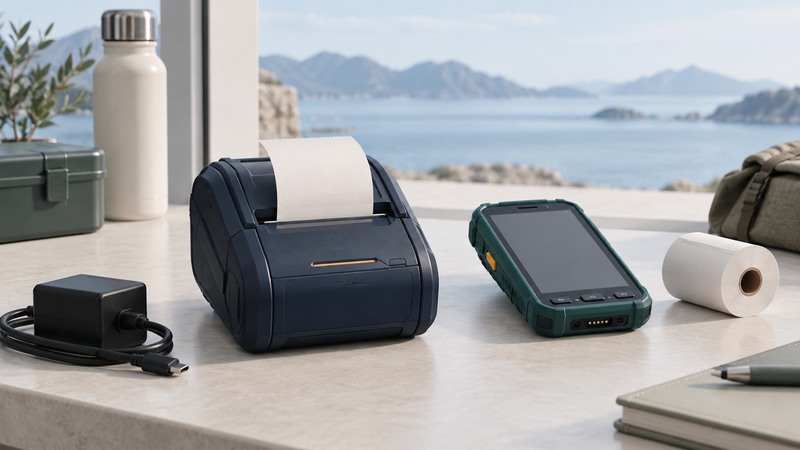
Choose a mobile printer by the document it must produce, the application that sends it and the conditions in which the printout will be used. A portable printer that pairs successfully can still print the wrong size, omit a field or produce a label that does not survive its intended environment.
Start with the finished output
Collect representative receipts, labels or full-page documents before comparing hardware. Record required paper width, printable area, length, color, barcode requirements and expected handling. Include the largest or most complex document, not just a short demonstration receipt.
On narrow screens, focus the table and use the arrow keys or swipe to see every column.
| Output | Check in the hardware and media | Acceptance test |
|---|---|---|
| Short receipt | Roll width, tear-off arrangement and readable text size | Longest realistic transaction fits without missing totals |
| Adhesive label | Media sensing, label dimensions, adhesive and surface suitability | Label stays attached and scans on the actual item |
| Full-page document | Supported page size, feeding method and required paper | Margins, signatures and small text remain usable |
| Output kept for later use | Media durability under expected light, heat and handling | Required information remains readable through a representative trial |
Retain the underlying digital record through the organization's normal process. Do not use a successful print today as proof of long-term physical durability.
Distinguish direct thermal from thermal transfer
Direct thermal printing forms the image on heat-sensitive media without a ribbon. Thermal transfer uses a ribbon with compatible media. Zebra's thermal-printer overview explains these methods and notes that ordinary direct thermal output can be sensitive to light, heat and abrasion. The actual media specification matters; do not assign one lifespan to all thermal paper.
Portable does not mean receipt-only. Brother's PocketJet PJ-883 is an example of a full-page thermal mobile printer with several connection options. It illustrates a different output class, not a recommendation that one model fits every field job. Check its current supported platforms, supplies and accessories against your requirements.
Ask the media supplier about the expected surface, storage conditions and handling. A shipping label, a temporary visitor pass and a document stored near a hot vehicle window have different demands. Test the exact stock and configuration rather than substituting a generic roll at deployment.
Verify the application-to-printer path
Work outward from the application: supported printer model or language, OS, driver or vendor integration, connection, then media settings. A Bluetooth pairing or Wi-Fi connection establishes a transport relationship; it does not prove the application can generate a correct job.
- Install only the supported software for the exact printer and host. Record the versions used in the trial.
- Load the specified media and run the manufacturer's basic test. Confirm feed direction, sensing and print quality.
- Print from the actual field application using the intended page or label definition.
- Check long names, non-English characters, multiple pages, barcodes and any conditional fields relevant to the job.
- Test reconnection after sleep, moving out of range and changing the battery through the documented process.
If the printer's own test works but the application output is clipped, check the application's page dimensions and driver settings before changing hardware. For network queue troubleshooting, see the printing guide where the printer supports that workflow.
Rehearse a representative shift
Use the real host, carrying arrangement, media and charging equipment. Track print count, standby time, reconnects and battery indications. Manufacturer battery claims depend on their test conditions; your mix of dense graphics, idle time and wireless use may differ.
Example trial: a fictional delivery route needs 30 receipts and six replacement labels. Rehearse that mix, including the longest receipt and a label applied to the actual package surface. Confirm that a depleted roll can be changed with the supplies carried, and that a replacement print cannot be mistaken for a second original transaction.
Scan required codes with the intended reader and application. Visual sharpness alone does not establish that the code encodes the right record. Review any reprint or duplicate-handling rules with the workflow owner.
Pack supplies and record faults
Carry compatible spare media, approved charging equipment and any documented cleaning supplies. Protect media and batteries within their manufacturers' environmental limits. Keep the printer accessible without putting tension on connected cables.
Record the job, media batch, battery state and connection when a fault appears. Recheck the field sequence after changing the application, printer firmware or media stock. The travel-kit checklist and rugged-computer guide help evaluate the rest of the mobile setup.