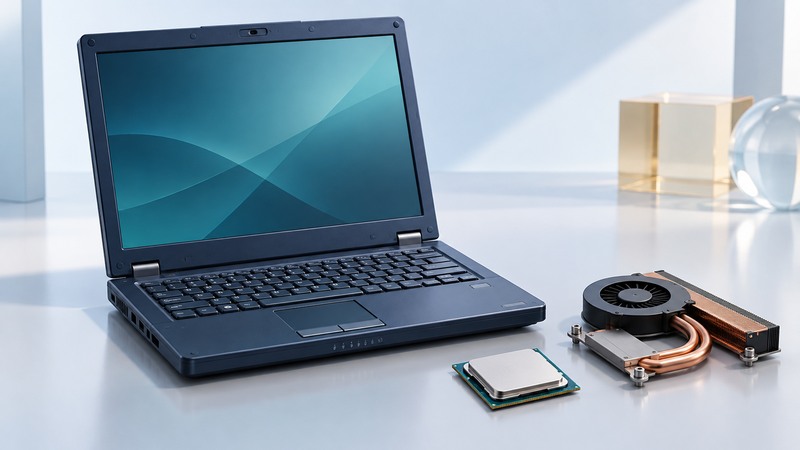
Early Mobile Athlon 64 laptops brought AMD64 to portable computers, but the processor name is only the beginning of a compatibility check. The installed CPU, firmware, chipset, memory limits, cooling and available drivers determine what a particular laptop can run. Assess the complete machine before choosing an operating system or replacement processor.
Identify the laptop before comparing processors
Record the laptop’s full model and hardware revision, BIOS version, installed processor identification, memory configuration and operating system. Use the service manual and supported-parts list for that exact machine. Read the actual clock specification separately from the marketing model number; similar retail names can cover different configurations.
If software can identify the processor, save its report alongside photographs of accessible labels. Compare the full ordering or part code when consulting processor documents. Do not remove a cooling assembly solely to read a marking if the same identification is available through documentation and software. Any disassembly should follow the laptop’s service procedure.
On narrow screens, focus the table and use the arrow keys or swipe to see every column.
| Question | Evidence to obtain | Common missing piece |
|---|---|---|
| Will an operating system run? | Its CPU-feature requirements and available platform drivers | A 64-bit processor name does not establish every required feature. |
| Will memory work? | Laptop memory specification, supported capacities and module type | Processor address capability is different from installed-memory support. |
| Will another CPU work? | Exact supported part, firmware, electrical and cooling requirements | A matching package alone does not establish platform support. |
| Will power management work? | Firmware tables, operating-system support and observed transitions | Maximum clock speed says little about idle or battery behavior. |
Understand 32-bit and 64-bit execution
AMD’s AMD64 Architecture Programmer’s Manual, Volume 2 describes legacy mode and long mode. Long mode includes 64-bit mode and a compatibility mode for supported older applications under a 64-bit operating system. The manual is a later architectural reference; its complete feature set must not be attributed to every early Mobile Athlon 64.
The practical dependency runs from hardware to firmware to operating system to driver to application. Installing a 64-bit operating system requires more than an application advertised as 64-bit. Graphics, wireless, storage and other platform devices need suitable drivers. Conversely, a 32-bit application may be useful on a supported 64-bit system when its dependencies are available.
Larger architectural address spaces also do not guarantee that an old laptop can accept more physical memory. Check the board, firmware and supported modules. For historical software demonstrations, preserve installers, settings and driver versions, and document the network conditions under which the demonstration was tested.
Evaluate frequency and voltage management in context
The Linux kernel’s CPU frequency driver documentation describes the PowerNow! family of drivers, including powernow-k8 for Athlon 64-class processors. Frequency and voltage transitions depend on platform information such as firmware tables. This is background for understanding the mechanism, not a claim that a particular current distribution supports every old laptop.
Record idle and loaded behavior under the intended software setup: observed frequency, temperature, fan response, suspend/resume and AC-to-battery transitions. Compare like conditions. A changed battery, blocked cooling path or different display brightness can dominate a runtime comparison. TDP is a thermal design parameter, not a direct measurement of total laptop power or hours of battery life.
Before replacing a processor, require positive support evidence for the exact laptop configuration. Mechanical fit, electrical limits, firmware recognition and heat removal all need to agree. The practical improvement may instead be a documented memory or storage change, or maintenance of the existing cooling system.
Treat execute-disable as one protection mechanism
Microsoft’s data execution prevention explanation describes marking memory pages as non-executable so attempts to execute code there can be blocked. Hardware support and operating-system configuration matter. This mechanism limits particular exploitation paths; it does not make an old operating system comprehensively protected from malicious software.
For a restoration, list the required applications and decide whether the machine needs network access at all. Document the software’s support status separately from successful installation. A working historical environment is a valuable result when its limitations and intended use are clear.