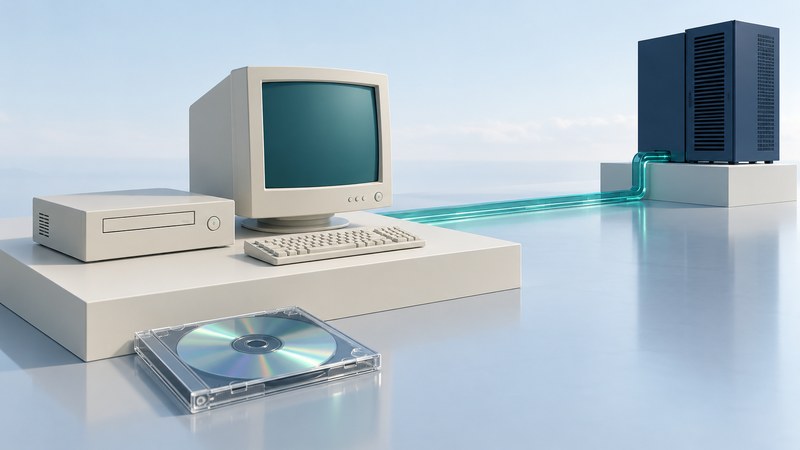
The New Internet Computer, or NIC, was an early-2000s attempt to make Web access a small, inexpensive appliance. Its Linux system booted from an optical disc, while a browser and network clients connected the user to services elsewhere. Understanding which work happened locally and which depended on the network explains both the appeal of the design and the limits of a surviving unit.
What the NIC actually ran
In his February 2001 firsthand Linux Journal review, Billy Ball described a 266 MHz Cyrix processor, 64 MB of RAM, a CD-ROM drive and flash storage for settings. The reviewed software booted Linux and X11, then presented Netscape Navigator 4.72. It also included clients for remote computing and communications.
The reviewer’s US price was $199 for the main package, with a monitor priced separately. That dated figure described a purchase bundle; a complete deployment also needed displays, connections, working services and support. Keep prices tied to their date and included equipment.
The NIC was a local computer capable of running its own browser. A remote-desktop session represented another mode of use. That distinction matters when reconstructing a demonstration: the box, boot disc and network application each supply a different part of the experience.
Map the dependencies before diagnosing a fault
On narrow screens, focus the table and use the arrow keys or swipe to see every column.
| Resource | Role | What a failed test might indicate |
|---|---|---|
| Boot disc and optical drive | Load the local operating system and supplied applications | Wrong image, unreadable media or local hardware/configuration problem. |
| RAM and persistent settings | Hold running software and retain configuration | Startup or configuration problem that should be documented before resetting. |
| Local network | Reach a gateway or a demonstration server | Cable, addressing, name resolution or routing problem. |
| Remote application or service | Provide mail, stored files or a remote desktop | Server availability, credentials or protocol compatibility problem. |
| Peripherals and software support | Turn a browser task into a usable workstation | A supported printer, display mode or driver may be missing. |
A successful power-on is the first observation. Follow it with a local startup check and then a controlled service test. When the local browser opens but a destination fails, preserve that distinction in the record. It prevents a vanished service from being mistaken for a failed computer.
Why a boot disc simplified one task and moved another
A fixed software image makes the starting environment easy to reproduce when the correct disc and compatible hardware are available. User work still needs somewhere to persist, and applications still need an update path. Those responsibilities move into the surrounding system: a server, an image-maintenance process, administrative tools and support staff.
Jay Sissom’s September 2001 firsthand account of experimenting with the ThinkNIC describes replacing repeated test CDs with a network-boot workflow. It shows how development and maintenance could change the appliance’s behavior. A modified machine should therefore be labeled with its actual boot image and configuration, rather than treated as a stock example.
For a classroom or shared-workstation concept, evaluate a complete session: start up, access the application, save work, end the session and retrieve the work later. Then ask who restores service when the network or server is unavailable. The low cost of an endpoint answers only one part of that operational question.
Build a small, clearly bounded demonstration
- Inventory the unit and media. Record labels, hardware markings, disc version and any modification history. Photograph the starting configuration.
- Preserve before resetting. Retain readable copies of lawful boot media and record checksums. Preserve settings where possible; a reset may discard useful history.
- Define the target experience. Choose local startup, viewing a saved period Web page or a controlled remote-session demonstration. List the software and server needed for that one task.
- Use an isolated test environment. Keep old browsers and services away from everyday accounts and sensitive data. Use a maintained computer to obtain and inspect reference material.
- Record each dependency and result. Note the boot medium, network configuration, local application, server software and observed behavior. Mark reconstructed content and modern substitutes clearly.
A useful exhibit can show the original workflow even when the original commercial services have disappeared. Tell viewers which components are original, which have been restored and which are modern stand-ins. That makes the demonstration historically legible and reproducible.