Plan television placement, identify equipment, connect sources and diagnose playback. Explore receiver engineering, researched television histories and guides to finding remembered programs.
Practical television guides
Room layout and connections
Flat-Panel TV Planning: Screen Size, Placement, and Connections
Measure your room, compare screen dimensions, check furniture and mounting compatibility, and plan an accessible connection path.
Using a Widescreen TV as a Computer Monitor
Test text clarity, desktop scaling, overscan, signal formats and responsiveness before choosing a television for computer work.
TV Lift Cabinets: Fit, Clearance, Cables, and Controls
Match a TV, lift and cabinet using exact dimensions, movement, ventilation and service access, then document the installer handover.
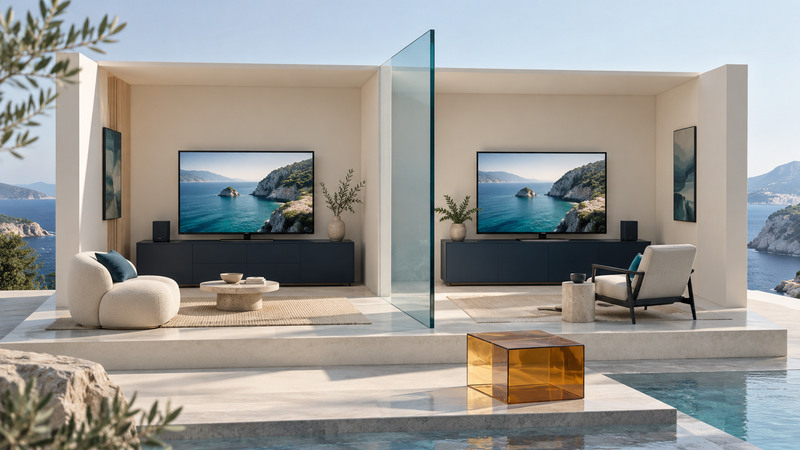
Video Between Rooms: Wireless HDMI, Extenders, and Casting
Choose and test a room-to-room video path by source compatibility, picture format, walls, delay, sound and remote control.
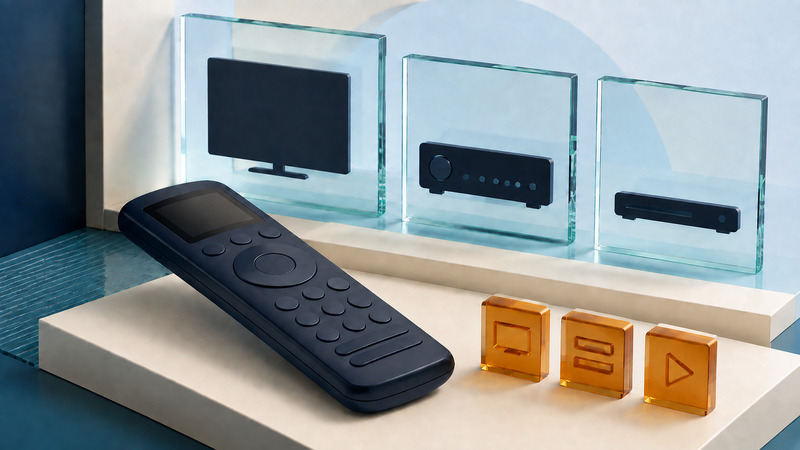
Harmony Remotes: Support, Activity Problems, and Replacement Planning
Identify your Harmony model and software support, preserve working settings, diagnose activity and input problems, and plan a supported replacement.
Display quality and existing equipment
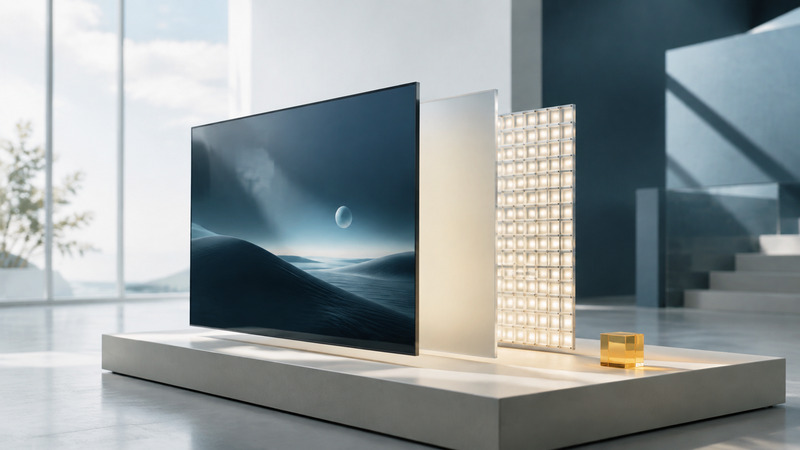
LCD TVs Explained: LED, QLED, Mini LED, and Picture Tradeoffs
Understand LCD panels and backlights, compare dimming, reflections and motion, and use a repeatable viewing checklist for your room.
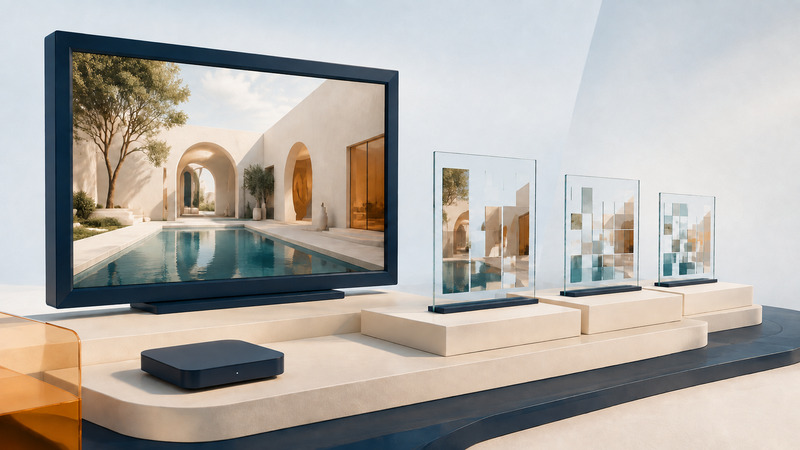
HD, 4K, and HDR Content: Check the Complete Picture Path
Trace video quality from source to screen, diagnose missing HDR or soft images, and distinguish resolution, compression, output modes, and upscaling.
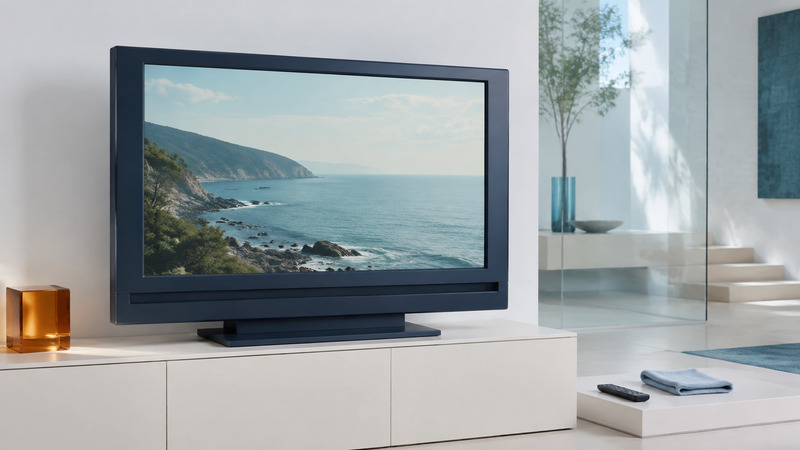
Living with a Plasma TV: Picture Care, Connections, and Running Costs
Care for an existing plasma television, check compatible sources, measure electricity use, and decide what repair or replacement would solve.
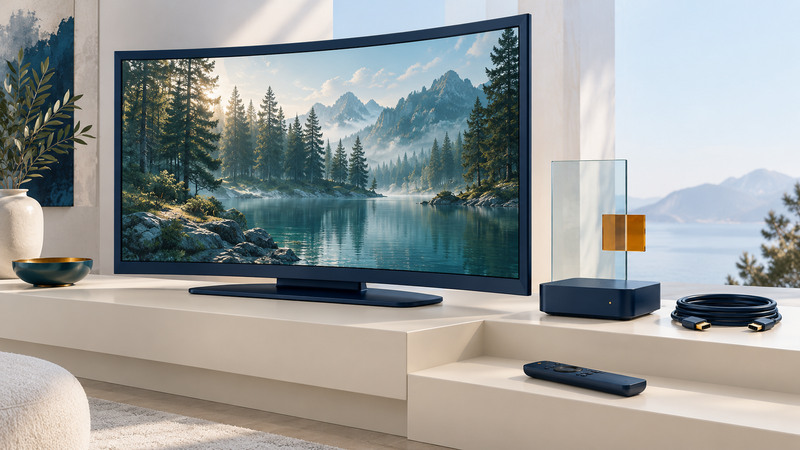
Samsung SUHD TVs: Model Identification and Source Compatibility
Identify your SUHD television, find the correct regional manual, check external HDR sources and preserve a working configuration.
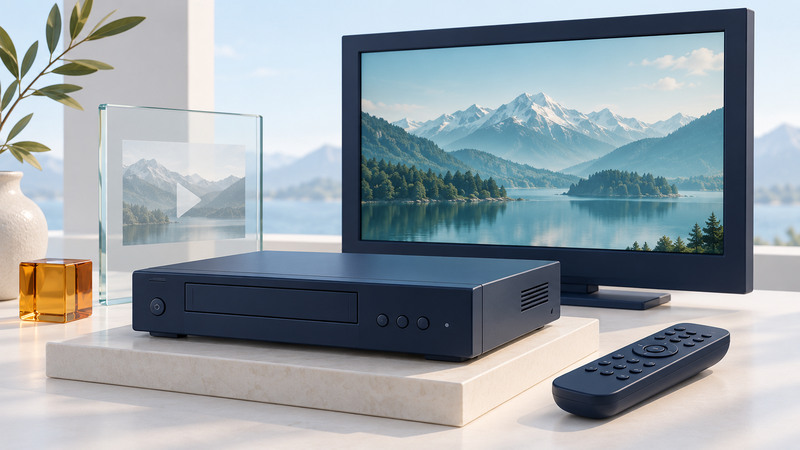
TiVo Series2: Identify Your DVR and Plan Its Next Step
Document your Series2, verify device-specific service support, test the picture and channel-control paths, and plan around your recording needs.
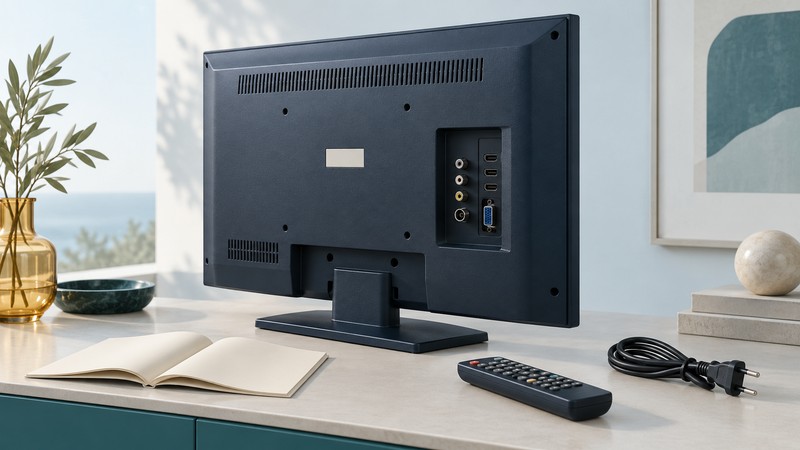
Sanyo LCD TVs: Model Identification, Manuals, and Connections
Identify a Sanyo LCD television, find model-appropriate documentation, check its real connections, and test an external picture and sound source.
Reception, networks and travel
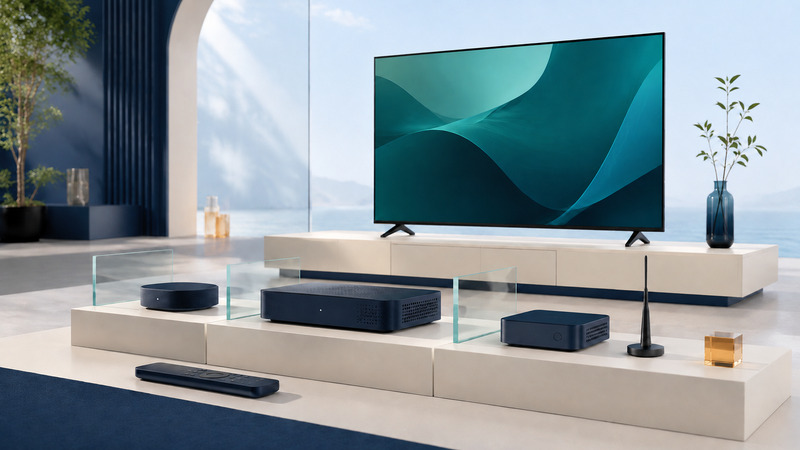
TV Set-Top Boxes: Streaming, Cable, Antenna, and DVR
Choose a television receiver by source, service authorization, broadcast support, picture and sound connections, recording, and everyday usability.
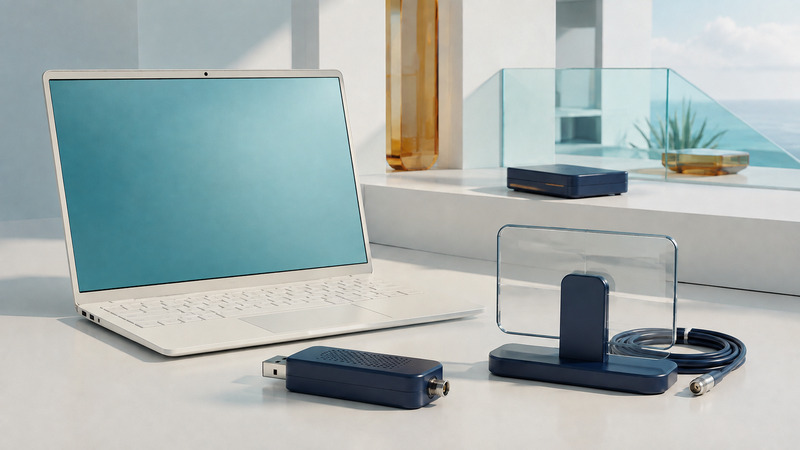
USB TV Tuners: Compatibility, Reception, and Recording
Match a USB TV tuner to regional broadcasts and supported software, test antenna reception, and verify scheduled recordings and storage needs.
Watching Your Own TV Away from Home: Remote Viewing and DVR Options
Choose a supported way to watch away from home, check upload and conversion needs, and rehearse remote playback before traveling.
Television over IP: Streaming, Buffering, and Live Delay
Separate internet streaming, managed IPTV and local network television, then test buffering, changing quality and concurrent demand.

Television in Cars and RVs: Satellite, Mobile Data, and Offline Viewing
Plan passenger or parked viewing around exact satellite support, mobile data, offline downloads, power and a pre-trip test.
TNT HD: Finding the Right Feed and Checking Playback
Find the U.S. TNT feed for your provider, verify program access and schedules, and separate account problems from picture and sound settings.
Cameras, projection and production
Helmet Cameras: Framing, Sound, and Reliable POV Recording
Plan point-of-view footage with permitted mounting, useful framing, stabilization comparisons, sound checks and realistic recording tests.

CineJet Explained: Planning High-Speed Aerial Footage
Prepare an aerial filming brief that connects the desired shot with a verified camera package, monitoring plan and useful post-production handoff.
LCoS Projection Explained: D-ILA, SXRD, and Practical Tradeoffs
Understand reflective microdisplays, distinguish native resolution from pixel shifting, and plan projector placement and viewing tests.
Broadcast Graphics: Readable Lower Thirds and Reliable Live Overlays
Design readable television graphics, validate cue data, protect caption space, and rehearse preview, take and recovery workflows.
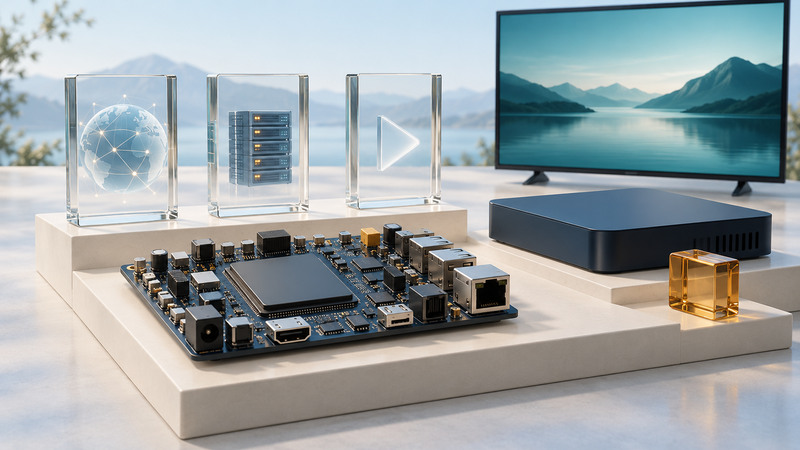
IPTV Receiver Reference Design: From Network to Screen
Trace an IPTV receiver’s network, decoding, authorization and presentation stages, then turn requirements into a repeatable validation plan.
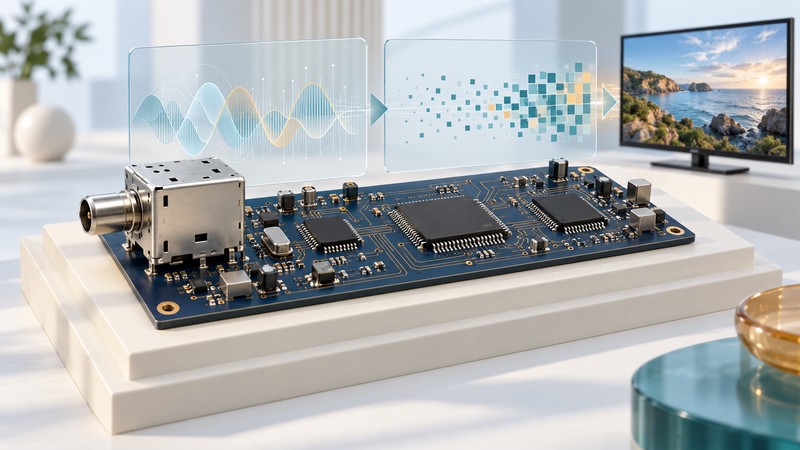
HDTV Receiver Chips: Tuning, Demodulation, and Decoding
Trace a broadcast receiver from RF tuning through demodulation, error correction and decoding, and read compatibility claims by function.
Television history and program archives
Connected devices and early designs
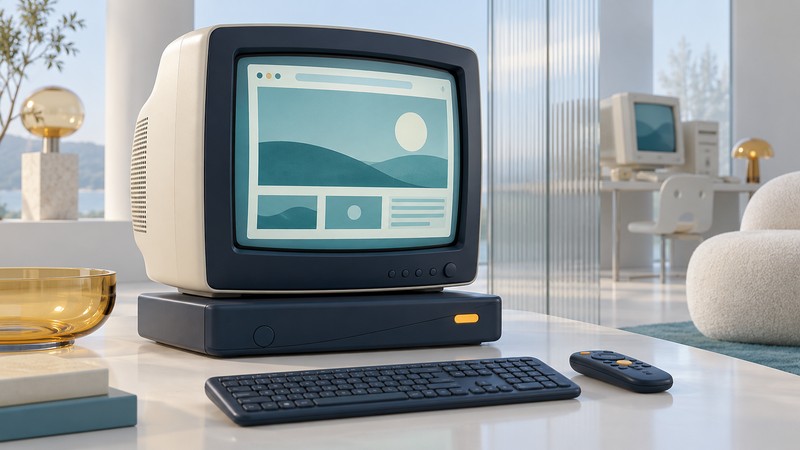
MSN TV 2: How Internet Television Worked Before Smart TVs
Understand MSN TV 2’s box, keyboard, household media and retired online service, and interpret surviving equipment in its historical context.
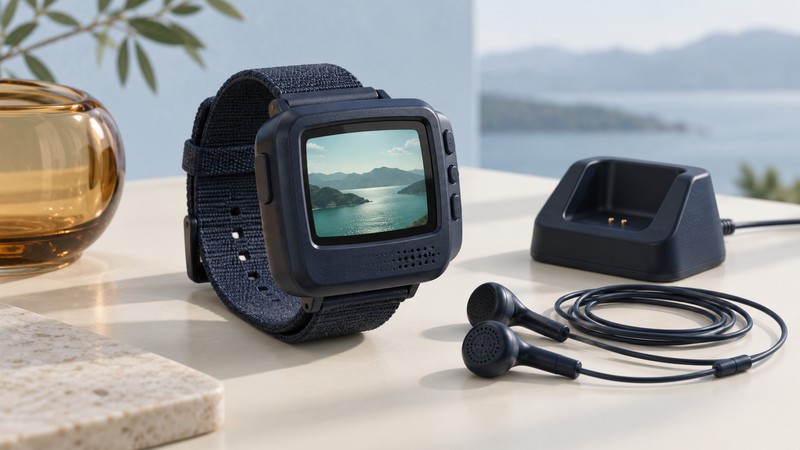
Wristwatch Televisions: Tiny Screens, Antennas, and Analog Reception
Explore the NHJ VTV-101’s tiny screen, earphone antenna and analog reception, then assess the evidence in a vintage TV-watch listing.
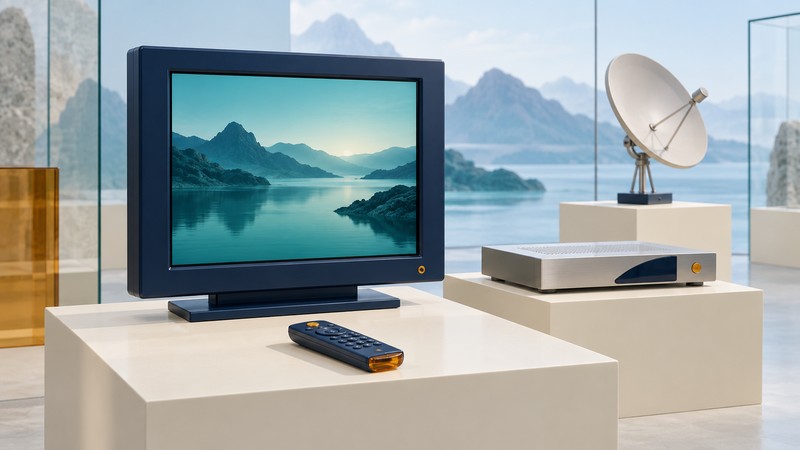
Humax LCD TVs: Integrated Satellite Reception and Modular Design
Use Humax’s LD2060 documentation to understand integrated satellite television, evaluate module claims and distinguish display tests from service eligibility.
Channels, shows and remembered programs
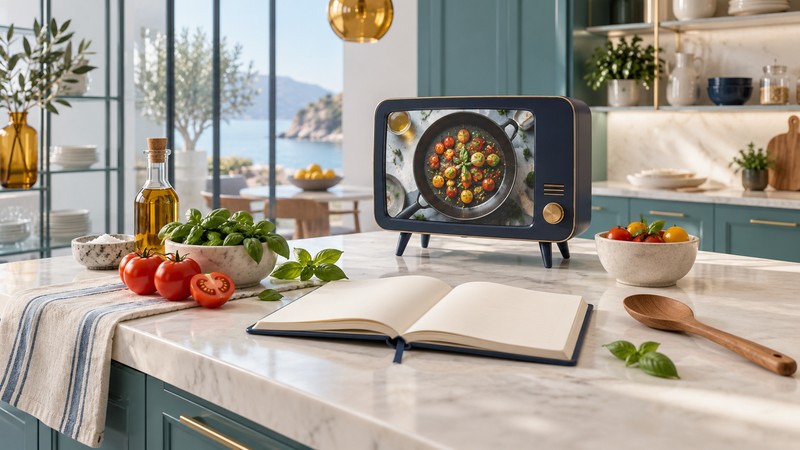
The Rachael Ray Show: History and Finding Its Recipes
Use the official Rachael Ray Show archive, distinguish related programs, and trace a remembered recipe or segment using specific clues.
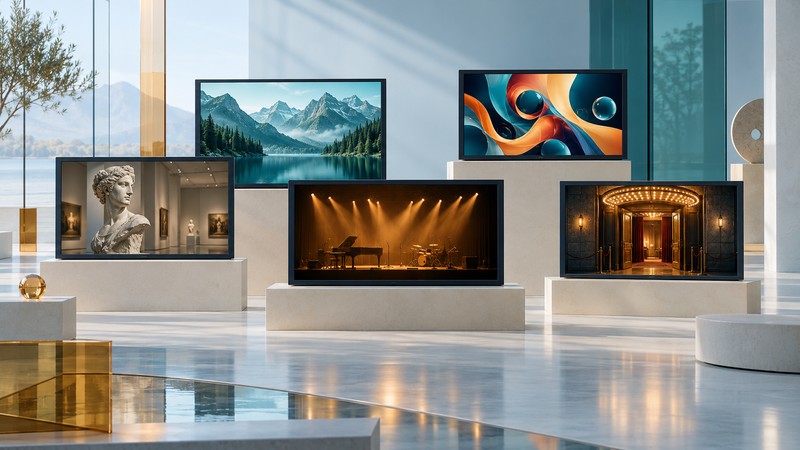
VOOM HD Originals: A Guide to the Early HD Channel Experiment
Separate VOOM’s satellite platform, HD channel suite and international distribution, with channel examples and a sourced closure timeline.
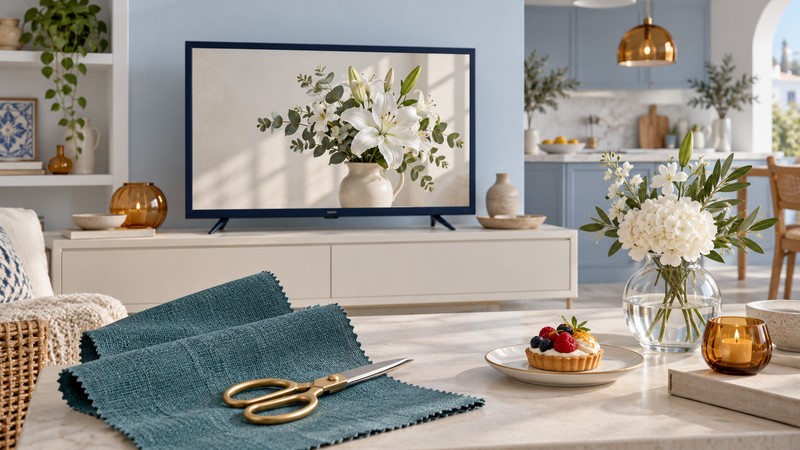
Casa Club TV: Programs and Spanish-Language Lifestyle Television
Trace Casa Club TV’s lifestyle programs and Más Chic rebrand, then identify remembered shows using presenter, territory and production clues.
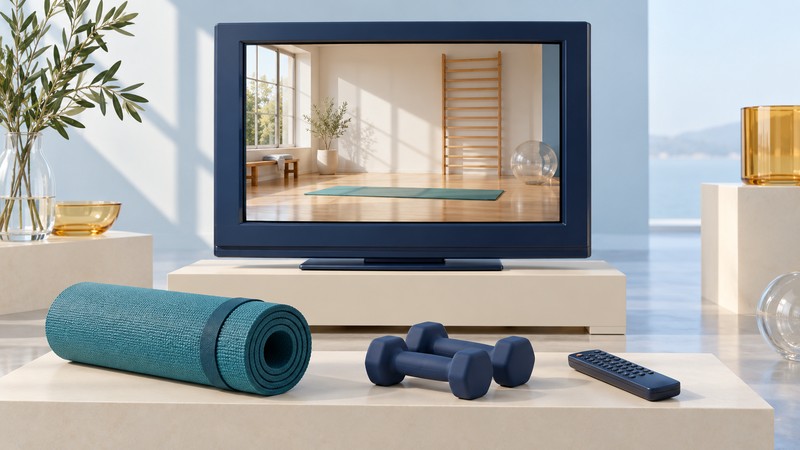
FitTV: Channel History, Programs, and Finding Old Episodes
Follow the Discovery-era FitTV channel changes, identify documented workout programs and distinguish a remembered episode from a later edition.
AI and television
10 Ways AI is Changing TV Production
Practical uses across development, editing, localization and operations, with rights, consent and human review.
10 Ways AI is Improving TV Watching
Recommendations, search, accessibility and picture processing, with privacy and transparency considerations.
Earlier television coverage
These articles include historical product announcements, program launches and earlier technology reporting. Specifications, prices, services and availability may describe their original publication period.