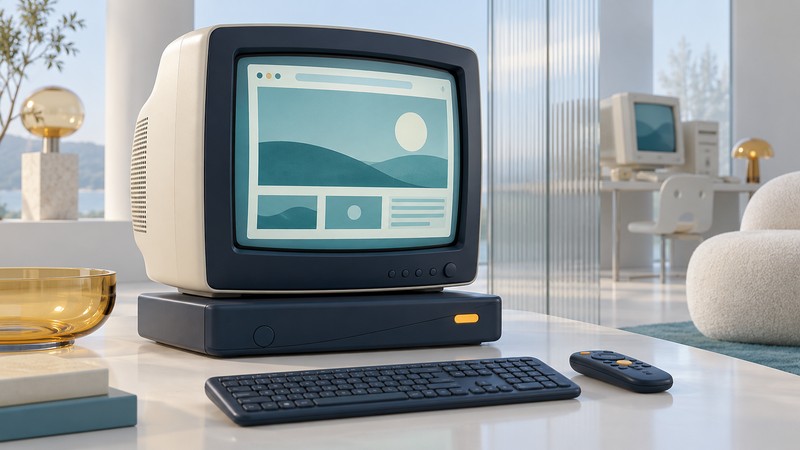
MSN TV 2 brought web browsing, communication and household media to a television through a dedicated box and wireless keyboard. Its history is a useful example of a connected appliance whose experience depended on both physical equipment and an online service.
The living-room internet appliance
Microsoft announced MSN TV 2 on October 5, 2004. Thomson manufactured the appliance under the RCA brand, with a wireless keyboard and remote. It combined a television interface with access to web content, email and compatible media shared from a home PC. Microsoft’s launch announcement describes Ethernet, USB accessory ports and a telephone modem, with Windows CE and Internet Explorer 6 technology underneath.
The box occupied a place between a television receiver and a desktop computer. The keyboard made text entry practical from the sofa, while the remote provided a familiar way to move through television-oriented choices. The television supplied the visible screen; the appliance supplied the software environment.
MSN TV 2 also belonged to a longer lineage. Microsoft’s 2004 manufacturing announcement traces the service to WebTV, acquired by Microsoft in 1997 and renamed MSN TV in 2001. MSN TV 2 was a later product in that family, so a photograph of an earlier WebTV receiver should be identified separately.
Read the system as several connected parts
Display and controls
The TV showed the interface. A matched keyboard and remote let the viewer enter text and make selections. A replacement remote’s appearance alone would not establish compatibility.
Home network and files
Microsoft described playing compatible music, photographs and video from a networked PC. That path required the right file formats and sharing environment as well as a physical network connection.
Internet service
Online content, communication and service registration belonged to a wider hosted system. Microsoft’s launch terms required an MSN TV subscription for the service.
These distinctions explain why a surviving box tells only part of the story. Powering on demonstrates one condition. Displaying a setup screen demonstrates another. Neither observation establishes successful account registration, current web compatibility or a functioning media-sharing session.
The distinction between local files and hosted services is especially useful. A file stored on a nearby PC describes where the content originates. It does not establish that every piece of software needed to reach and play that file can operate independently after service retirement. The launch announcement should therefore be read as documentation of the original system, not a present-day restoration procedure.
Microsoft’s retirement notice, reproduced in contemporaneous reporting containing the customer letter, set September 30, 2013 as the last day of MSN TV service. The retired service is the central limit when evaluating claims that an old unit is “working.”
How to assess a surviving set
For a collection or exhibition, document the manufacturer and full model, the case and connector layout, and the accompanying keyboard, remote, power supply and printed material. Photograph existing labels and screens without exposing former users’ account details. Keep the date and conditions of any demonstration with the record.
- “Powers on” should describe the observed light or screen and the equipment used.
- “Complete” should identify the included accessories and the original packing-list evidence.
- “Plays media” should identify the file, format, source and demonstrated software environment.
- “Internet capable” needs historical context: the original capability and retired service belong in the description.
Preserve old account information privately and use contemporary supported equipment for current accounts. Documentation can explain the historical experience without requiring an obsolete appliance to handle personal credentials.
Why the design remains interesting
MSN TV 2 exposes the layers that a modern television interface often hides: input device, local software, household network, media formats and service operator. As an interpretive comparison, its dedicated keyboard made the web-appliance ambition particularly visible. Its retirement also makes service dependence tangible: preserving the enclosure and electronics preserves an artifact, while preserving the complete experience requires evidence of the surrounding system.
Compare that service dependence with a legacy TiVo owner’s equipment and support checks or explore modern ways to move video between rooms.