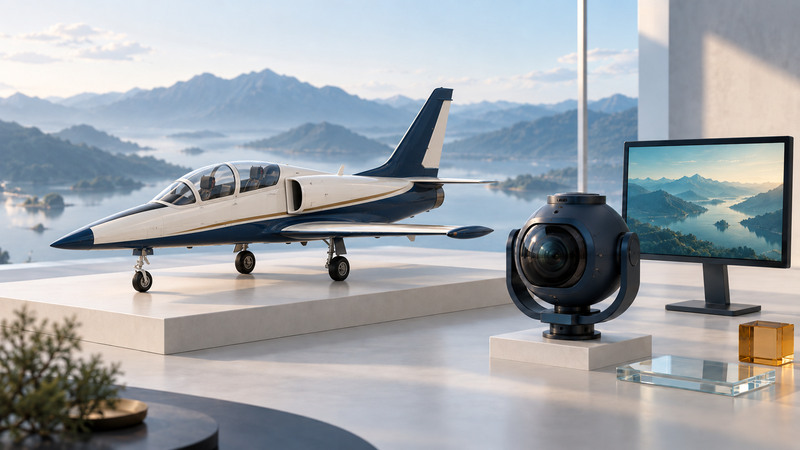
CineJet brings a stabilized cinema camera onto a jet platform for demanding aerial imagery. For a producer, the useful starting point is the shot: what the audience must see, how it should connect to surrounding footage and what the aerial team needs to assess feasibility. A clear brief is more valuable than choosing a platform from a headline speed.
Separate the aircraft, stabilization system and camera
Helinet's aerial production overview identifies the L-39 jet and SHOTOVER F1 Rush among its high-speed filming capabilities. CineJet's role is to combine an aerial platform, specialist crew and stabilized imaging system suited to a demanding shot.
The gimbal stabilizes and points a supported camera package. The camera and lens determine other properties such as sensor format, recording mode and optical field of view. SHOTOVER's F1 family documentation describes six-axis stabilization and interchangeable camera and lens configurations. A jet-specific installation needs the aerial operator's separate confirmation. Obtain the operator's current approved package for the assignment; platform capacity is not a promise that every camera, lens and recording mode can be combined.
A jet, helicopter, drone or ground camera can serve different creative needs. Give the operator the desired perspective, movement, subject and location, then ask which feasible approach serves the sequence. Aircraft selection, flight planning, separation and operating limits belong to the qualified aerial team.
Describe the picture before discussing the maneuver
Write the intended image in ordinary visual language: subject size in frame, direction of movement, visible background, camera orientation and the moment that matters. Provide reference frames or a storyboard with rights to share it. Distinguish essential requirements from preferences so the team can offer useful alternatives.
Include the subject's real constraints: location, availability, approved activity, schedule and any limitations already identified by its operator. Explain the desired weather and light visually, then leave the operational assessment to the aerial coordinator and pilots.
Agree who can approve a creative alternative and how it will be communicated. If a preferred shot becomes unavailable, the team needs a pre-agreed fallback that still helps the edit.
Confirm the complete imaging package
Bring the director of photography and post-production lead into the conversation before finalizing the camera. Record the camera body, sensor mode, frame rate, codec, recording media, lens range and any required filters. Confirm the usable image area after stabilization, delivery crop and visual-effects requirements.
Longer focal lengths can make framing and focus especially consequential. Ask the aerial cinematographer how the proposed lens and subject scale will serve the shot. The goal is a usable composition with the required detail, not merely the longest lens or largest resolution number.
FUJINON's account of aerial imaging on Top Gun: Maverick illustrates how lens choices formed part of a specific production's camera workflow. Treat such a case study as context for discussion, not a specification for a different aircraft or shoot.
Request a sample from the proposed recording workflow when practical. Have post-production confirm that it can ingest, decode and color-manage the file before the location shoot. Specify whether a viewing LUT is only a monitor aid or is baked into any delivered version.
Distinguish a monitoring picture from recorded evidence
Agree who sees a live image, where they see it and what happens if the monitoring link is delayed or unavailable. Helinet describes real-time monitoring among its production services, but the arrangement for a particular location and aircraft needs confirmation. Monitoring resolution and latency can differ from the camera's recorded output.
Use a concise naming and take-identification system that the aerial team can integrate into its established workflow. Decide how creative notes are logged and who relays them. The production should not create competing communication channels that interfere with operational coordination.
After a take, distinguish “the monitor looked good” from “the recorded file has been checked.” Arrange the permitted review points and reporting responsibilities in advance. Weather, airspace and operational decisions remain with the responsible aviation team.
Specify what arrives in the edit
A useful handoff includes camera originals, agreed viewing copies, clip identifiers and the settings needed to interpret the footage. Record timecode conventions, date and location, camera and lens identification, color-space information and any crop or stabilization applied to derivatives. Ask for additional metadata only when the production will use it.
Agree who copies and verifies the media, where originals are retained and when the receiving team confirms the transfer. Preserve camera originals separately from transcodes. A playback check and a file-integrity check answer different questions, so include both in the handoff process.
Use the aerial production brief to organize creative requirements, operator questions, monitoring and delivery. It is a production planning aid, not a flight plan or an authorization to operate.
For lower-cost point-of-view material that accompanies the sequence, see POV camera testing. For titles and overlays added in post or live production, use readable broadcast graphics.