AI is becoming part of ordinary television watching, especially as streaming keeps taking a larger share of viewing time. The viewer's problem is no longer scarcity. It is overload: too many apps, too many subscriptions, too many similar tiles, too many half-remembered titles, and too much time spent deciding what to watch instead of watching.
The best AI features reduce that friction without taking control away from the viewer. They help find something appropriate, improve picture and audio, keep streams stable, make foreign-language and accessible content easier to enjoy, and connect the TV to the rest of the home. The tradeoff is data. A smarter TV experience often depends on viewing history, voice input, account profiles, device data, and ad targeting, so privacy settings matter as much as convenience.
1. Better Viewing Recommendations
Recommendation systems are the most familiar form of AI in TV watching. They analyze viewing history, search behavior, likes, watch time, abandoned episodes, household profiles, genre preferences, language, location, device, and time of day to suggest shows and movies. The goal is to reduce browsing time and surface content that would otherwise disappear inside a large catalog.
Good recommendations should also make room for surprise. A system that only repeats what someone already watched can trap viewers in a narrow lane. The best interfaces balance familiarity, editorial curation, new releases, live events, local content, family profiles, and the occasional unexpected choice.

2. Conversational Search
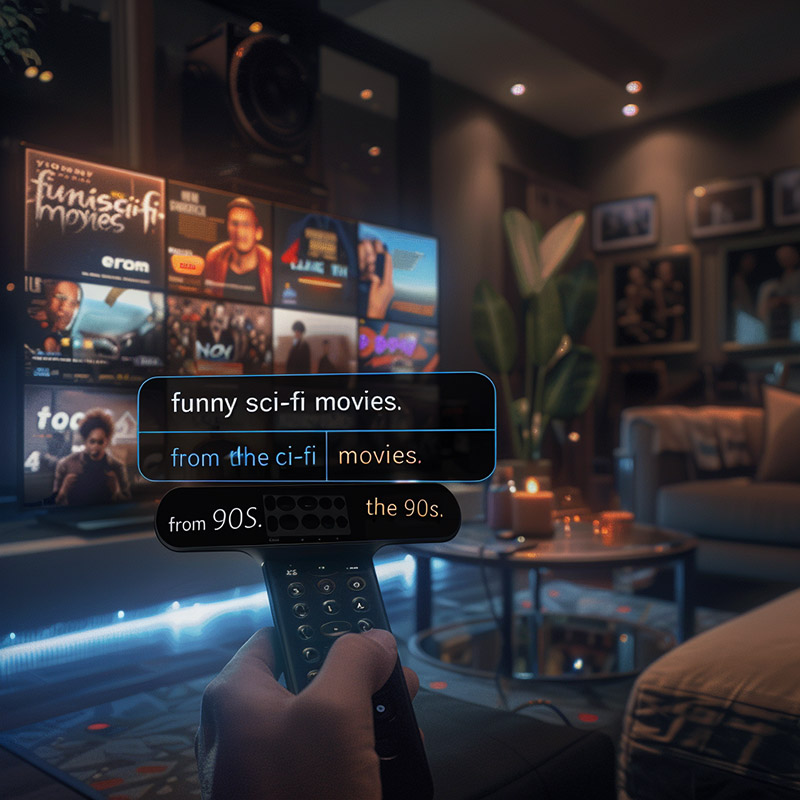
TV search is becoming more natural. Instead of remembering an exact title, viewers can ask for "the detective show with the chess player," "a funny sci-fi movie from the 1990s," "something like that cooking competition but shorter," or "a documentary about deep-sea exploration that is okay for kids." Google has brought Gemini to Google TV, and major TV makers are adding more conversational assistant features to their smart-TV platforms.
The challenge is trust. Search results can be shaped by licensing, promoted placement, subscription availability, account data, and model errors. A helpful AI search should clearly show where a title is available, whether it costs extra, why it was suggested, and whether the answer is a recommendation or a paid placement.
3. Smarter Content Curation
AI can organize content into useful collections: family movie night, ten-minute news catch-up, comfort shows, live sports tonight, unfinished series, holiday episodes, free ad-supported choices, award winners, local broadcasts, or "something everyone in this profile group might tolerate." This is especially useful when a household watches across multiple apps.
Curation is strongest when it combines machine learning with human editorial judgment. Algorithms can identify patterns, but editors understand cultural moments, quality, tone, sensitivity, and context. A thoughtful TV interface uses AI to sort the shelves, not to remove the bookstore.

4. AI Picture and Audio Enhancement
Many modern TVs and streaming devices use AI or machine-learning techniques for upscaling, noise reduction, motion processing, contrast adjustment, object enhancement, dialogue clarity, and room-aware sound. These tools can make older HD or lower-bitrate content look better on large 4K and 8K screens, and they can make speech easier to hear in noisy rooms.
Enhancement should be adjustable. Some viewers like crisp upscaling and strong motion smoothing; others want film grain, original cadence, and less processing. A good AI picture mode improves weak sources without making classic films look artificial or turning every scene into the same glossy image.

5. Adaptive Streaming and Network Awareness
Adaptive streaming already changes video quality as bandwidth rises and falls. AI can make that smarter by predicting household congestion, device capability, Wi-Fi strength, content type, scene complexity, and viewer tolerance for quality drops. A live sports stream, a dark movie, and a children's cartoon do not stress compression in the same way.
The viewer benefit is fewer stalls and fewer sudden quality collapses. The platform benefit is more efficient delivery. The risk is opacity: if a service quietly lowers quality to save cost, viewers should still have clear playback settings, data-use controls, and diagnostics that explain whether the bottleneck is the app, the home network, the internet provider, or the device.

6. Voice Controls and On-Screen Assistants
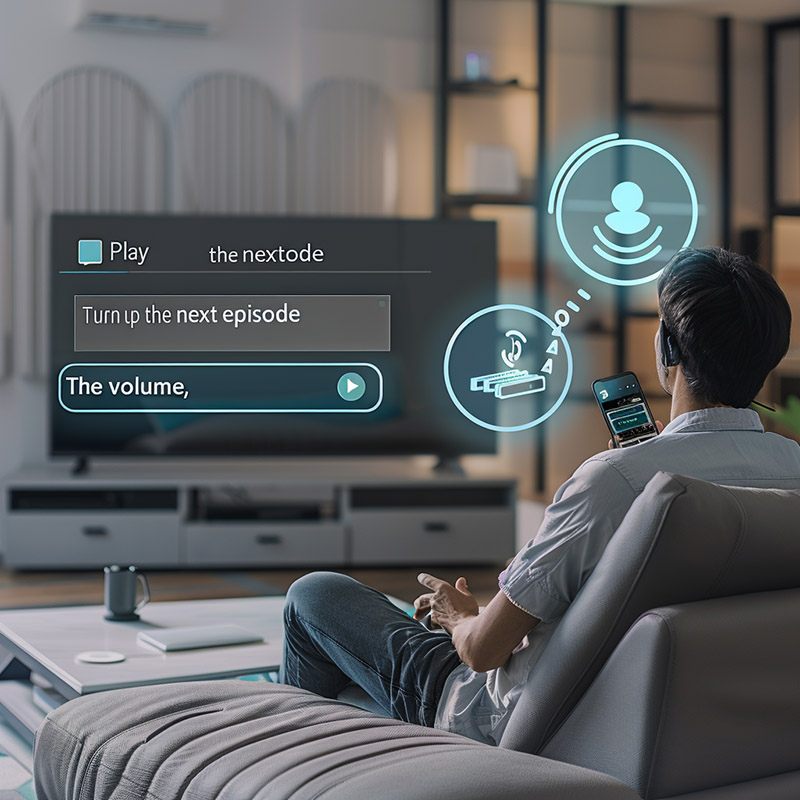
Voice control is moving beyond simple commands. AI assistants can search, summarize a series, explain an actor's other roles, change settings, open apps, control playback, adjust volume, answer household questions, and connect with compatible smart-home devices. This can make TVs easier to use for people who dislike remote keyboards or have limited mobility.
Voice also brings privacy questions. Viewers should know when the microphone is active, how recordings are handled, whether wake words are processed locally or in the cloud, and how to delete voice history. A living-room assistant needs clear boundaries because televisions are shared devices in private spaces.
7. Translation, Subtitles, and Accessibility
AI can generate subtitles, translate captions, align dubbing, clean transcripts, create audio descriptions, and improve speech separation. These tools make international shows easier to discover and can help viewers who are deaf, hard of hearing, blind, low vision, learning a language, watching quietly, or trying to follow dialogue in a noisy room.
Accuracy still matters. Automatic captions can miss names, jokes, accents, technical terms, song lyrics, and overlapping speech. Translation can flatten tone or miss cultural context. For premium programming, news, emergency information, education, and children's content, AI output should be reviewed or clearly labeled when it has not been.

8. Interactive and Companion Experiences
AI can make companion experiences more useful: live sports stats, recap questions, character guides, shopping information, trivia, alternate camera suggestions, synchronized second-screen content, and interactive educational overlays. In games, concerts, sports, children's programming, and learning content, AI can turn passive viewing into something more responsive.
Immersive television is still a niche. AR glasses, VR worlds, and holographic living rooms are not the normal way people watch TV. The more practical near-term change is a TV that can answer questions about what is on screen without forcing viewers to leave the show, search a phone, or spoil future episodes.

9. Smart Home Integration
Smart TVs increasingly act as dashboards for lights, speakers, cameras, thermostats, appliances, and doorbells. AI can connect those controls to viewing routines: dim the lights for movie night, show a doorbell camera without leaving the game, lower volume when someone rings, or switch to a calmer picture mode at night. Platforms such as Google TV, Samsung SmartThings, LG ThinQ, and Matter-compatible ecosystems are pushing TVs closer to the center of the home.
Interoperability is the hard part. A TV should not become another silo of accounts and incompatible devices. The best smart-home TV features are useful, optional, secure, and easy to disable for guests, children, renters, or anyone who does not want the television to control the house.

10. Troubleshooting and Device Care
AI can help diagnose common viewing problems: weak Wi-Fi, HDMI handshake issues, app crashes, low storage, old firmware, wrong picture mode, audio delay, remote pairing, device overheating, or a streaming service outage. Instead of making viewers dig through menus, the TV can suggest a specific fix or explain what changed after an update.
Predictive maintenance is useful only when it is honest. A diagnostic assistant should distinguish between a user-fixable setting, a network issue, a manufacturer defect, and a sales prompt for a new device. Helpful troubleshooting reduces frustration; vague alerts and upsell language do not.

What Viewers Should Watch For
AI can make television easier and more accessible, but viewers should keep control. Check privacy settings, separate household profiles, turn off data sharing you do not want, use kids' profiles carefully, review voice-assistant settings, and be skeptical of recommendations that hide costs or blur ads with organic results.
The best AI television experience is not one that watches for you. It is one that helps you find, understand, hear, see, and manage what you already wanted from TV: a good program, at the right time, with less friction.