Start with the task you want to finish: connect older audio equipment, fix a device, manage calls and privacy, or build a working wireless prototype. Each guide explains the required compatibility and how to check the result.
Start with the overview
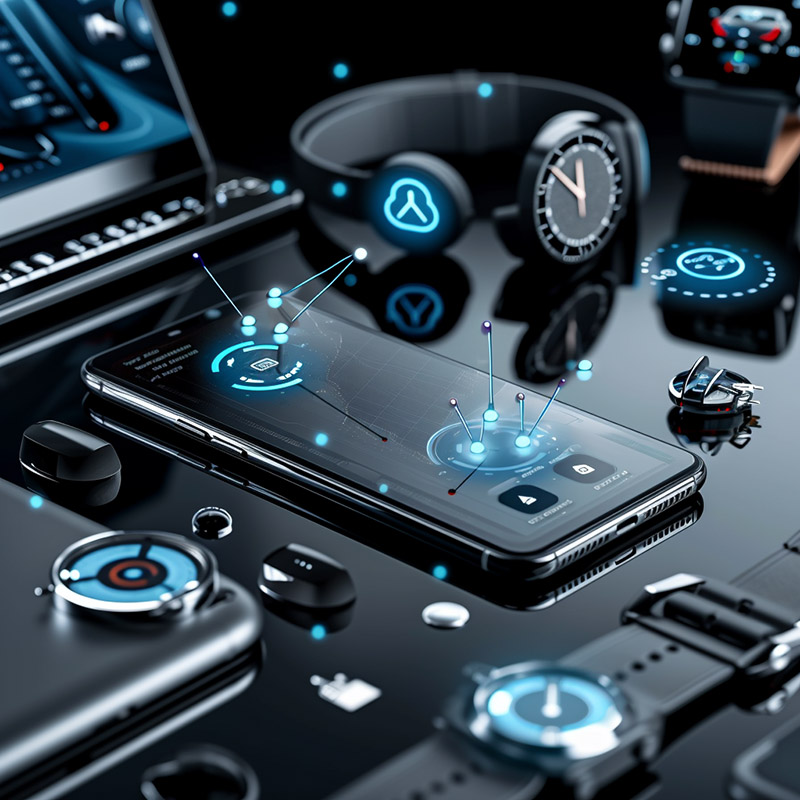
Bluetooth Technologies: 10 Practical Uses (2026)
Bluetooth has grown from a short-range cable replacement into a flexible wireless platform for audio, wearables, input devices, cars, smart homes, location-aware products, and low-power connected devices.
Listening and reusing audio equipment
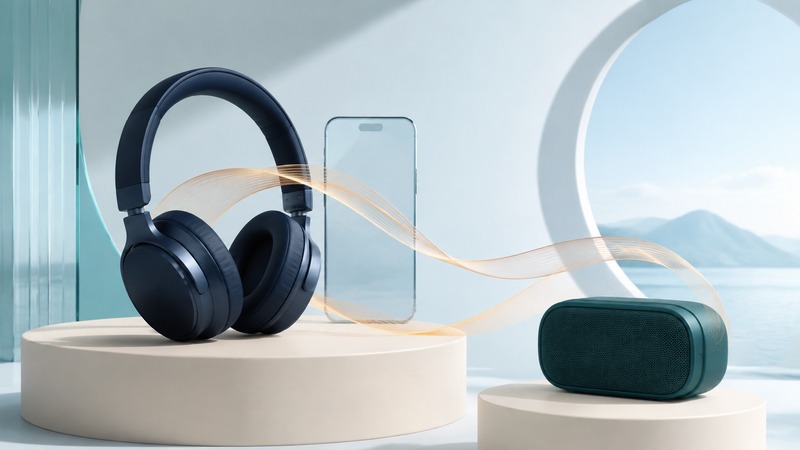
Bluetooth Audio: Compatibility, Sound Quality, and Troubleshooting
Understand audio modes, microphone-related quality changes, LE Audio, multipoint, and Auracast, then diagnose Bluetooth sound problems with a repeatable test log.
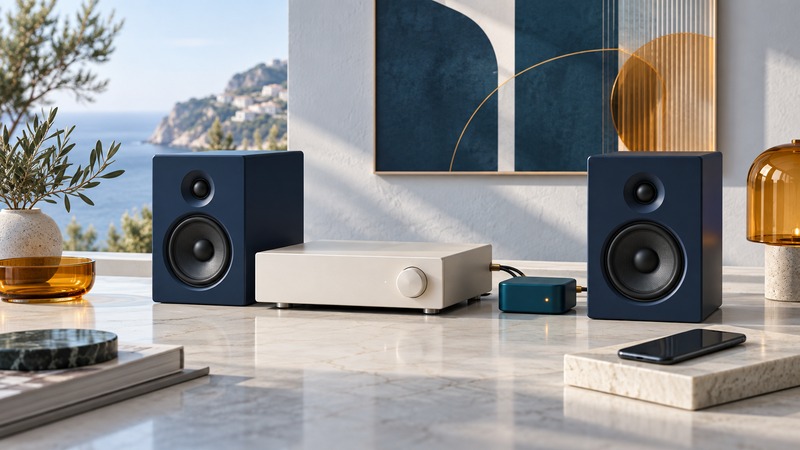
Add Bluetooth to a Home Stereo: Receivers, Inputs, and Setup
Match a Bluetooth receiver to an amplifier or powered speakers, connect the correct inputs, and troubleshoot pairing, volume, and missing sound.
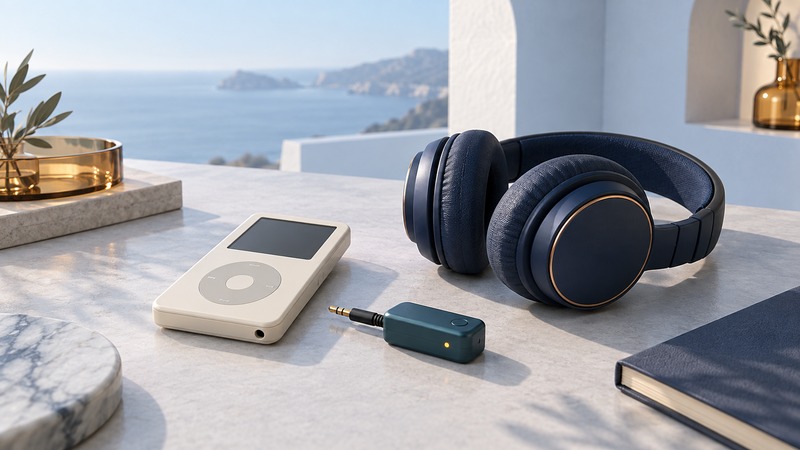
Use an iPod with Bluetooth Headphones: Model and Adapter Compatibility
Identify your iPod, distinguish built-in Bluetooth from external transmitters, and check pairing, charging, playback controls, and sound.
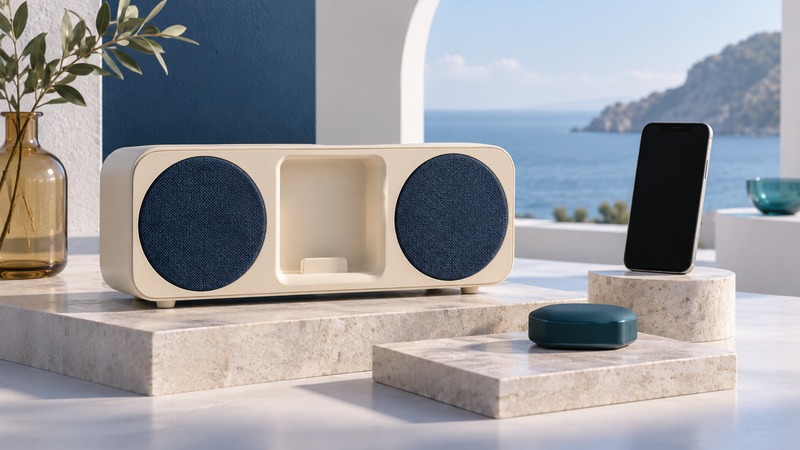
Reuse an iPod Speaker Dock with a Bluetooth Receiver
Check an old speaker dock’s power and audio compatibility, compare dock receivers with AUX alternatives, and diagnose a paired connection that stays silent.
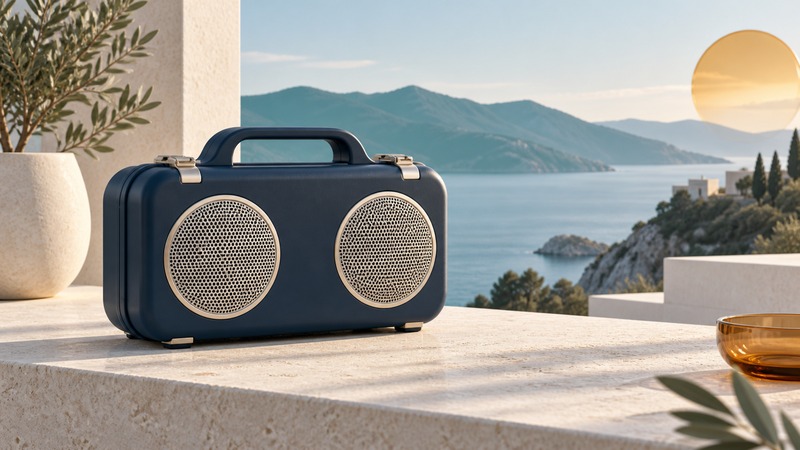
Rugged Bluetooth Speakers: Water Protection, Battery Life, and Outdoor Use
Compare rugged speakers by documented protection, charging requirements, battery use, carrying needs, and service support, with DemerBox examples.
Calls, cars, and riding
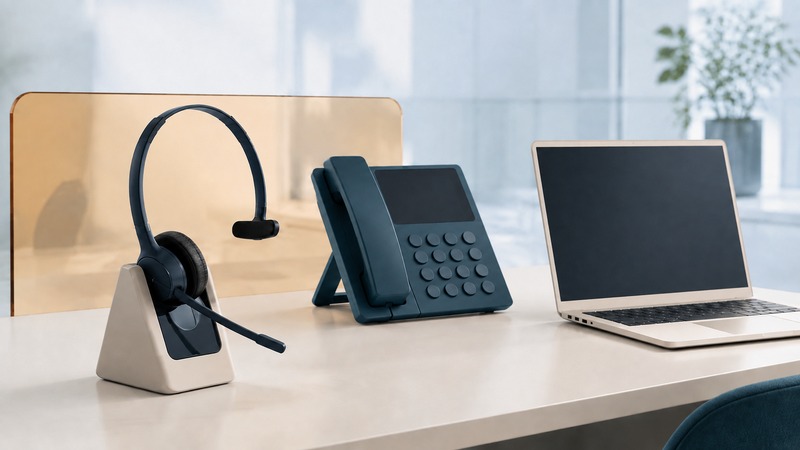
Telephone Headsets: Match the Connection to Your Calls
Compare USB, Bluetooth, and DECT headset connections, check desk-phone and calling-app compatibility, and test microphones, controls, and comfort.
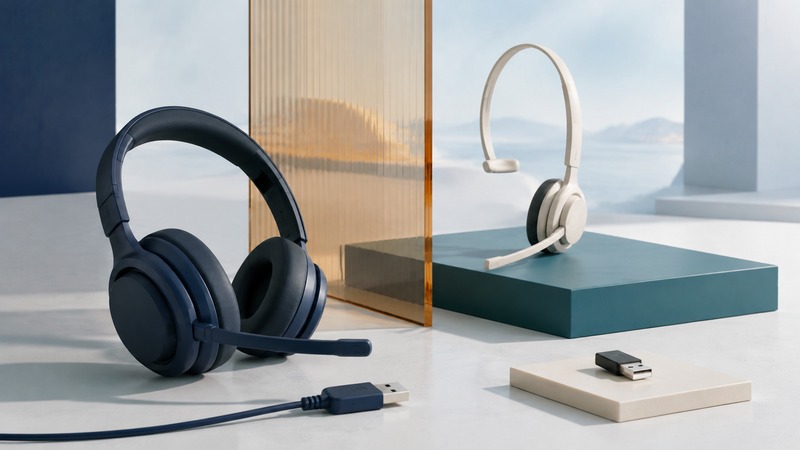
Alternatives to Bluetooth Headsets: Which Connection Fits?
Compare wired USB and analog, DECT bases, proprietary wireless receivers, and supported Bluetooth setups for calling, gaming, mobility, and everyday convenience.
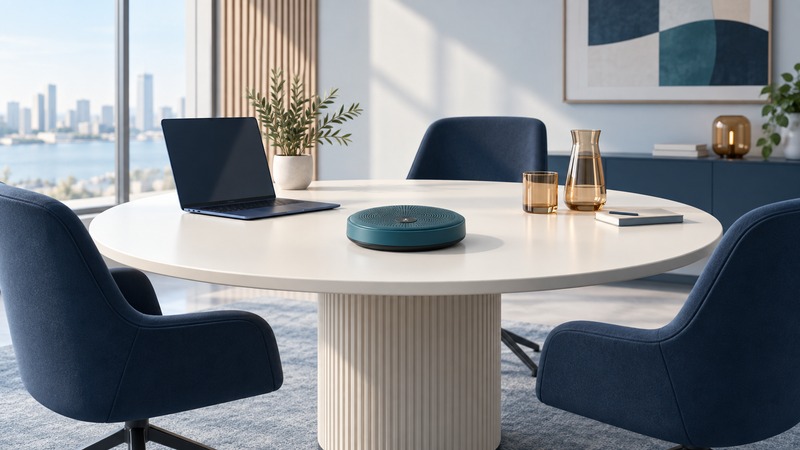
Bluetooth Conference Speakerphones: Compatibility, Echo, and Call Controls
Check speakerphone support for your computer and meeting app, compare USB and Bluetooth, and test pickup, echo, mute, and reconnect behavior.
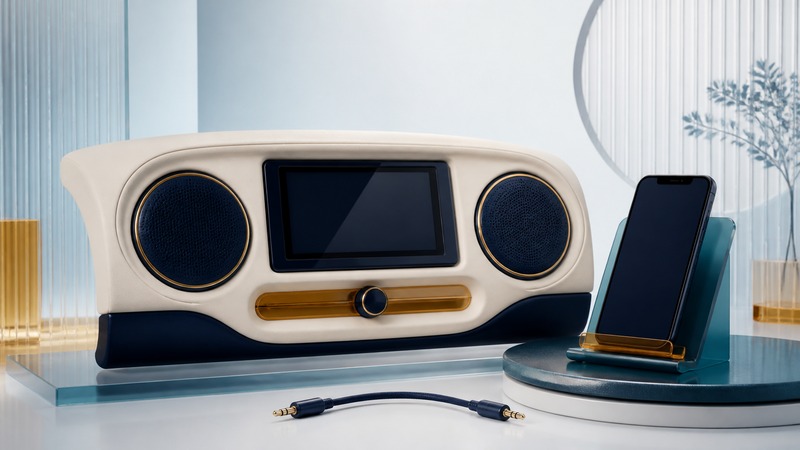
Bluetooth Car Stereo: Setup, Missing Audio, and Upgrade Options
Troubleshoot Bluetooth music, calls, microphones, and reconnection, then compare auxiliary receivers, FM transmitters, head units, and phone-projection options.
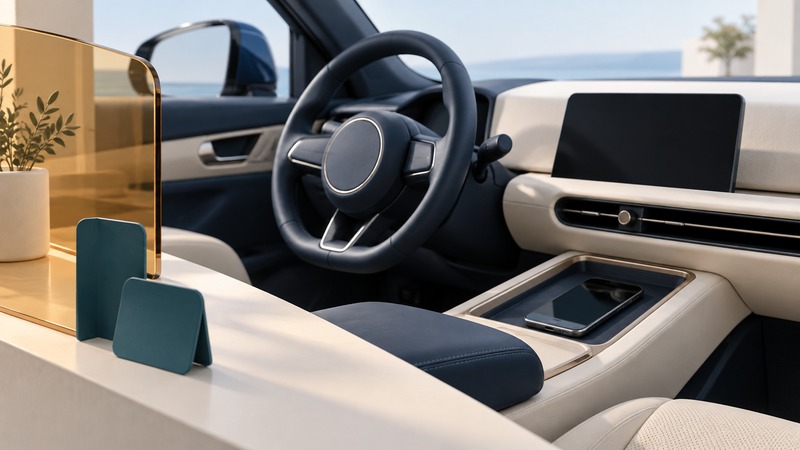
Bluetooth in Cars: Calls, Contact Sharing, and Privacy
Set up car calling and contact permissions while parked, manage multiple phones, and remove personal data from rental or shared vehicles.

Motorcycle Intercoms: Bluetooth, Mesh, and Group Compatibility
Plan compatible motorcycle intercom groups, distinguish phone pairing from mesh and Bluetooth bridges, and check firmware, audio priorities, and reconnection before riding.
Software, security, and everyday devices
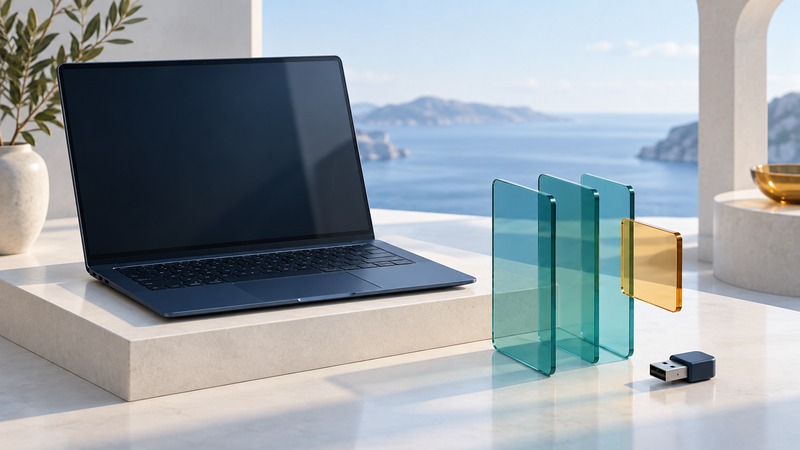
Bluetooth Software: Drivers, Permissions, and Connection Troubleshooting
Identify the software layer behind a Bluetooth problem, find supported drivers, check app permissions, and record a repeatable diagnosis.
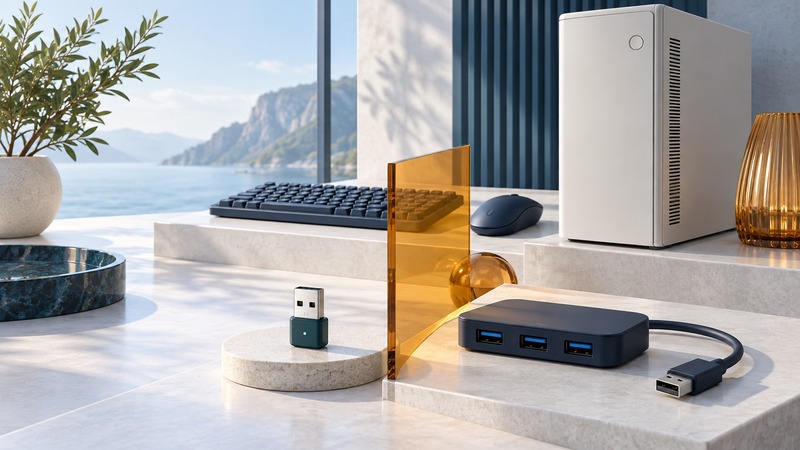
Bluetooth Hubs and USB Adapters: Connecting Multiple PC Devices
Distinguish Bluetooth adapters, proprietary receivers, and USB hubs, then test keyboards, mice, and other devices together on one computer.
Bluetooth Security: Pairing, Permissions, and Practical Protection
Understand pairing, saved connections, app permissions, and Bluetooth controls, with practical checks for personal devices and shared workplace equipment.
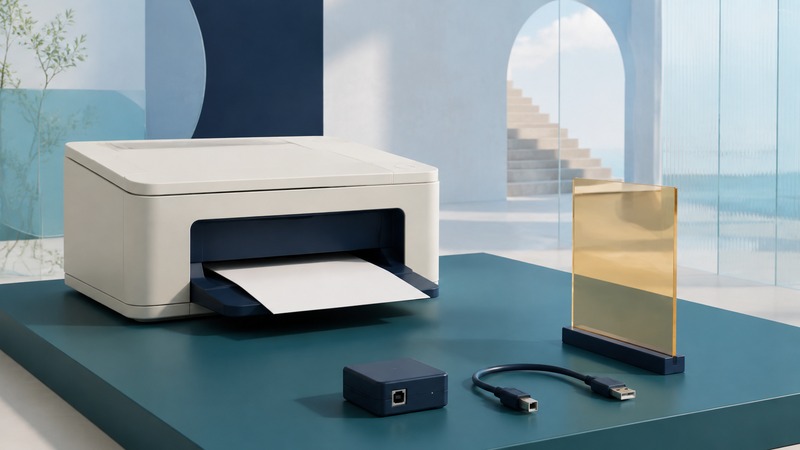
Bluetooth Printer Adapters: What Works and What to Use Instead
Distinguish Bluetooth printer setup from printing, verify adapter and software compatibility, and compare AirPrint, Wi-Fi Direct, USB, and shared-printer alternatives.
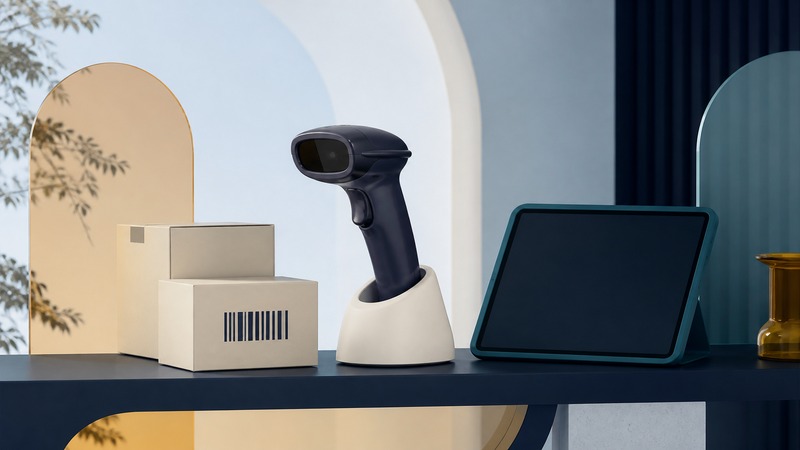
Wireless Barcode Scanners: Pairing and Reliable Data Capture
Choose HID, serial, or app integration; preserve identifiers; diagnose missing and duplicate scans; and test the complete workflow with verified sample labels.
Bluetooth Photo Frames: Compatibility and Reliable Photo Transfer
Check a photo frame’s supported transfer method, prepare JPEG copies, test orientation and cropping, and diagnose Bluetooth transfer failures.
Building and integrating connections
Bluetooth Serial Adapters: Compatibility, Setup, and Testing
Check RS-232 wiring, serial settings, Classic SPP versus BLE services, and reconnection behavior, then verify an isolated loopback before connecting equipment.
Choosing a Bluetooth Module for an Embedded Project
Compare radio and software capabilities, host interfaces, antenna integration, power budgets, firmware support, and product qualification before selecting a Bluetooth module.
Bluetooth Development Kits: From Board Selection to a Working BLE Demo
Choose a supported development board and toolchain, follow a versioned Nordic LED Button Service example, and verify data, controls, and reconnection.
Earlier reporting and product history
These pages retain historical announcements. Check publication dates and current manufacturer documentation before relying on their product, service, or compatibility claims.
- Ultimate Ears Blast and Megablast with Amazon Alexa
- Alloy Advanced Magnetic Wireless Earphones
- MoGo
- VMX
- Voice controlled
- Bluetooth Messenger Bags
- Bluetooth Voice Recognition Phone
- BlackBerry Bluetooth Printing
- Connected Car
- Bluesnarfing
- Bluetooth Wireless PDA Modem
- Windows XP Bluetooth Support
- Bluetooth Serial Cable Replacement
- Bluetooth Transceiver