Find help with listening, calls, connected-car services, tethering, security, older equipment and embedded projects. Choose a task, check the required compatibility, and use the guide’s examples and working checklist to verify your result.
Start with the overview
Bluetooth Technologies: 10 Practical Uses (2026)
Bluetooth has grown from a short-range cable replacement into a flexible wireless platform for audio, wearables, input devices, cars, smart homes, location-aware products, and low-power connected devices.
Listening and reusing audio equipment
Bluetooth Audio: Compatibility, Sound Quality, and Troubleshooting
Understand audio modes, microphone-related quality changes, LE Audio, multipoint, and Auracast, then diagnose Bluetooth sound problems with a repeatable test log.
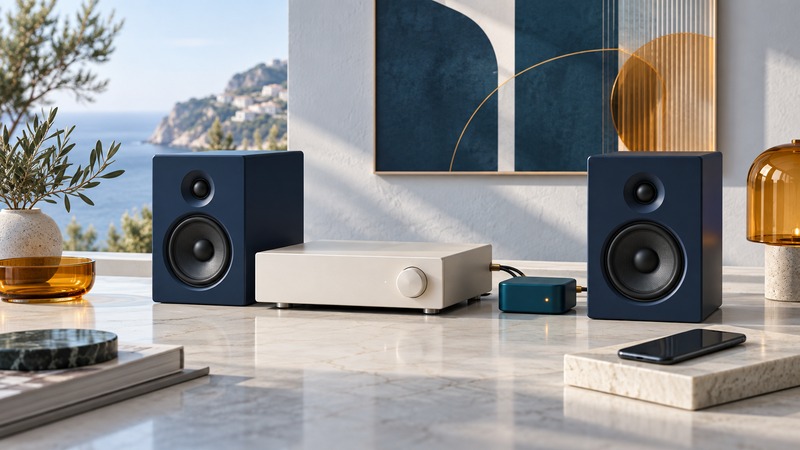
Add Bluetooth to a Home Stereo: Receivers, Inputs, and Setup
Match a Bluetooth receiver to an amplifier or powered speakers, connect the correct inputs, and troubleshoot pairing, volume, and missing sound.
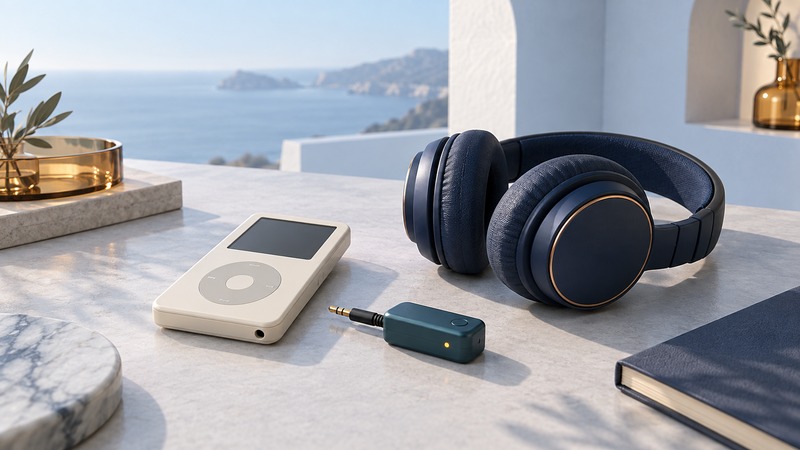
Use an iPod with Bluetooth Headphones: Model and Adapter Compatibility
Identify your iPod, distinguish built-in Bluetooth from external transmitters, and check pairing, charging, playback controls, and sound.
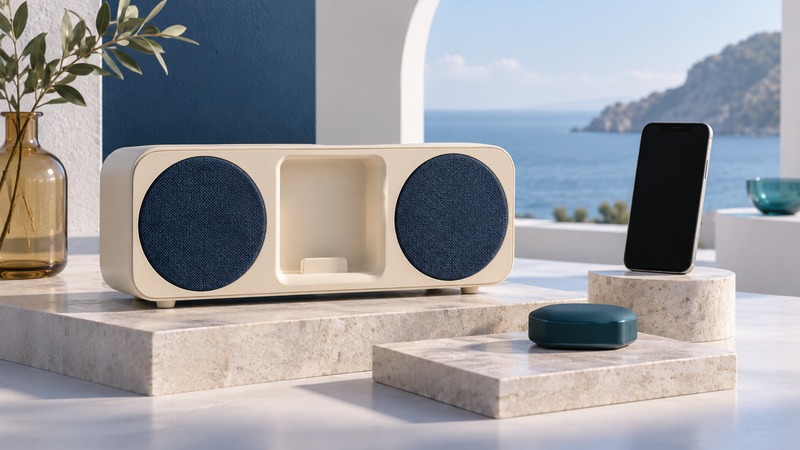
Reuse an iPod Speaker Dock with a Bluetooth Receiver
Check an old speaker dock’s power and audio compatibility, compare dock receivers with AUX alternatives, and diagnose a paired connection that stays silent.
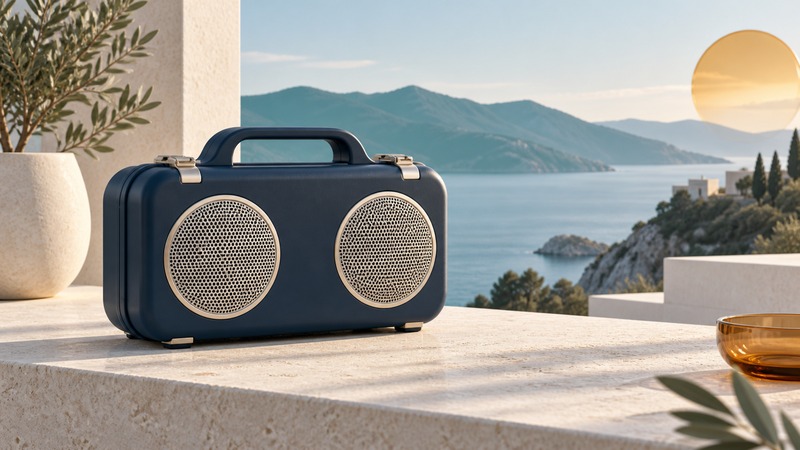
Rugged Bluetooth Speakers: Water Protection, Battery Life, and Outdoor Use
Compare rugged speakers by documented protection, charging requirements, battery use, carrying needs, and service support, with DemerBox examples.
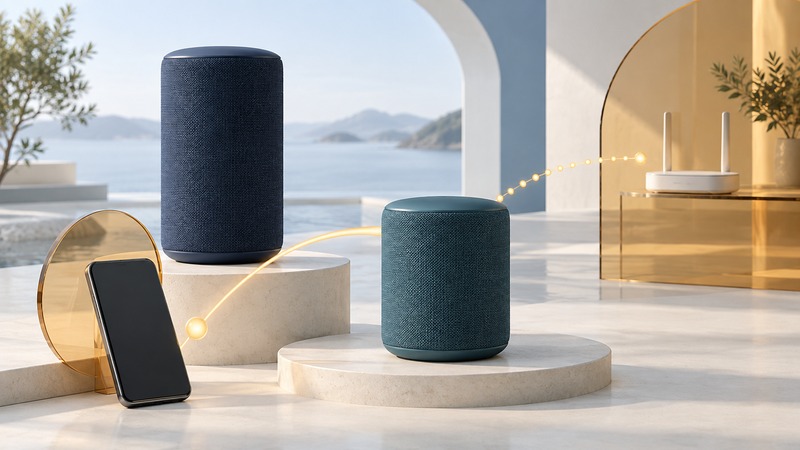
Ultimate Ears BLAST and MEGABLAST: Playback and Smart-Feature Checks
Pair BLAST or MEGABLAST over Bluetooth, separate playback faults from online-service problems, and check charging and support requirements.
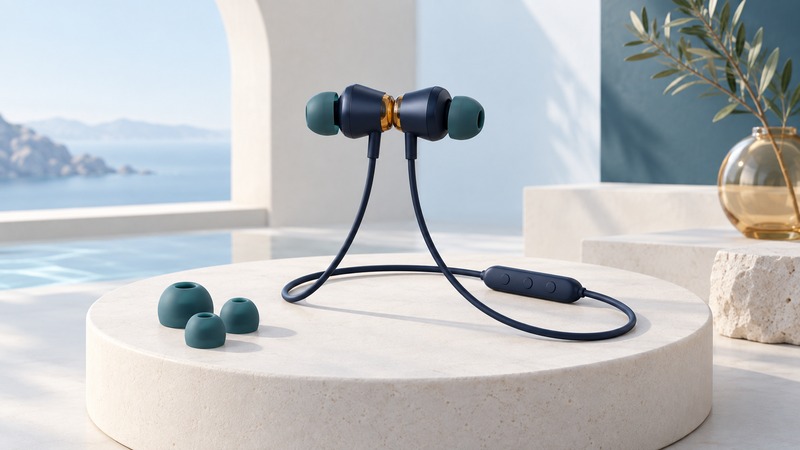
Magnetic Bluetooth Earphones: Controls, Fit, and Everyday Reliability
Use the Naztech Alloy design to understand magnetic controls, check call quality, and evaluate comfort and battery performance.
Calls, cars, and riding
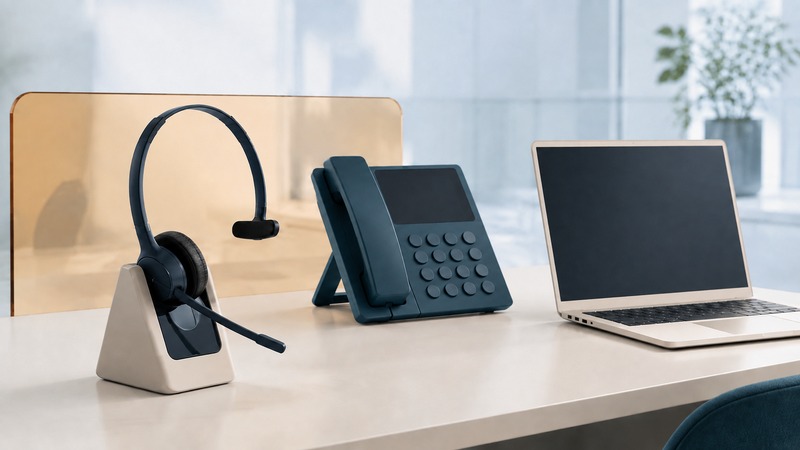
Telephone Headsets: Match the Connection to Your Calls
Compare USB, Bluetooth, and DECT headset connections, check desk-phone and calling-app compatibility, and test microphones, controls, and comfort.
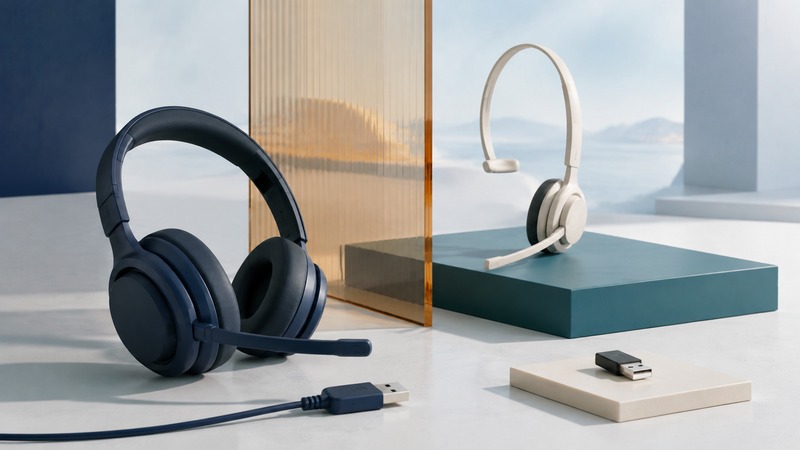
Alternatives to Bluetooth Headsets: Which Connection Fits?
Compare wired USB and analog, DECT bases, proprietary wireless receivers, and supported Bluetooth setups for calling, gaming, mobility, and everyday convenience.

Bluetooth Conference Speakerphones: Compatibility, Echo, and Call Controls
Check speakerphone support for your computer and meeting app, compare USB and Bluetooth, and test pickup, echo, mute, and reconnect behavior.
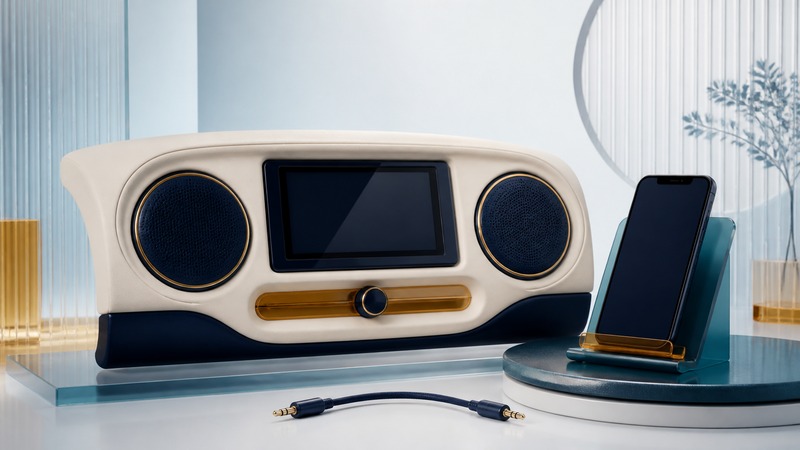
Bluetooth Car Stereo: Setup, Missing Audio, and Upgrade Options
Troubleshoot Bluetooth music, calls, microphones, and reconnection, then compare auxiliary receivers, FM transmitters, head units, and phone-projection options.
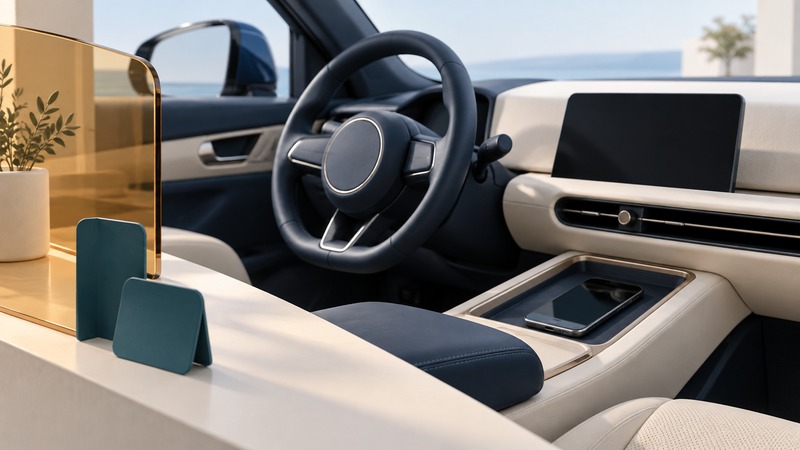
Bluetooth in Cars: Calls, Contact Sharing, and Privacy
Set up car calling and contact permissions while parked, manage multiple phones, and remove personal data from rental or shared vehicles.

Motorcycle Intercoms: Bluetooth, Mesh, and Group Compatibility
Plan compatible motorcycle intercom groups, distinguish phone pairing from mesh and Bluetooth bridges, and check firmware, audio priorities, and reconnection before riding.
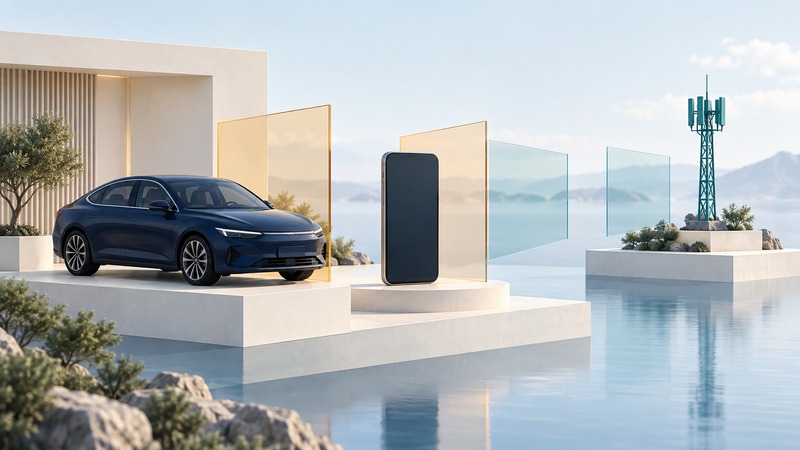
Connected Cars: Bluetooth, Phone Projection, and Built-In Services
Identify the connections behind car features, check service and subscription requirements, and evaluate a used vehicle’s connected functions.
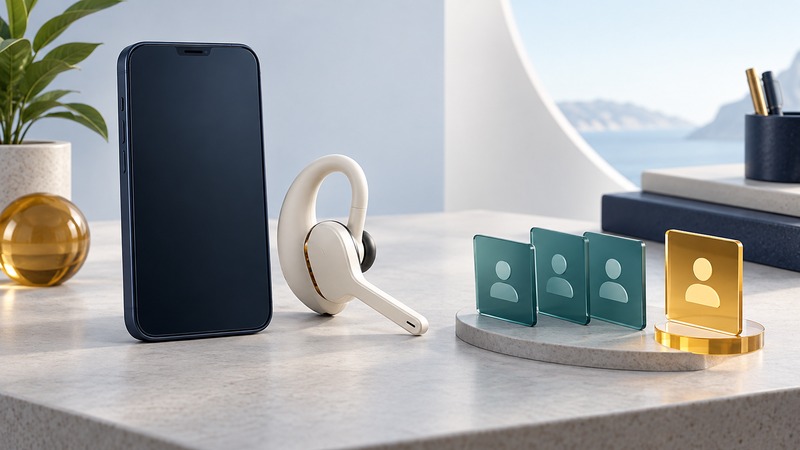
Voice Calling Through a Bluetooth Headset: Setup and Contact Recognition
Test phone-side voice calling, contact selection, lock-screen permissions, and headset audio using a repeatable setup check.
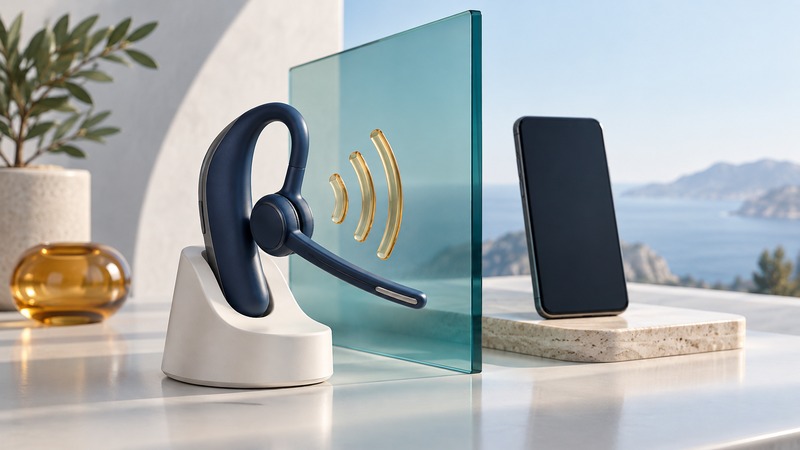
Voice-Controlled Headsets: Local Commands, Phone Assistants, and Offline Limits
Distinguish headset-resident voice commands from phone assistants, then test command availability, connection state, and fallback controls.
Software, security, and everyday devices
Bluetooth Software: Drivers, Permissions, and Connection Troubleshooting
Identify the software layer behind a Bluetooth problem, find supported drivers, check app permissions, and record a repeatable diagnosis.
Bluetooth Hubs and USB Adapters: Connecting Multiple PC Devices
Distinguish Bluetooth adapters, proprietary receivers, and USB hubs, then test keyboards, mice, and other devices together on one computer.
Bluetooth Security: Pairing, Permissions, and Practical Protection
Understand pairing, saved connections, app permissions, and Bluetooth controls, with practical checks for personal devices and shared workplace equipment.
Bluetooth Printer Adapters: What Works and What to Use Instead
Distinguish Bluetooth printer setup from printing, verify adapter and software compatibility, and compare AirPrint, Wi-Fi Direct, USB, and shared-printer alternatives.
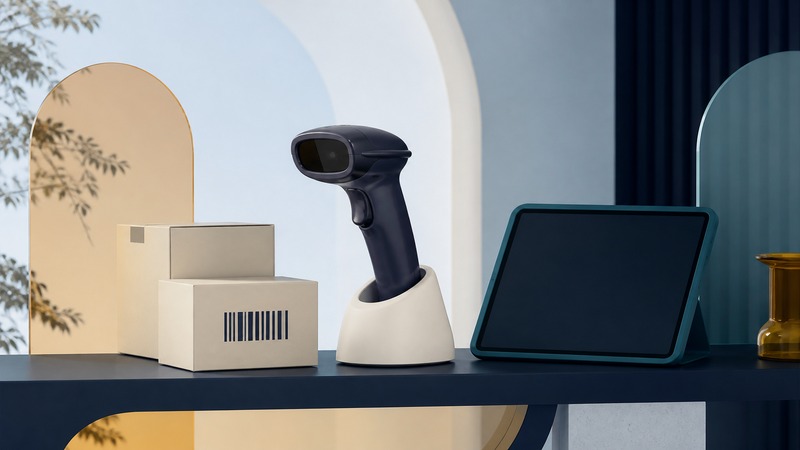
Wireless Barcode Scanners: Pairing and Reliable Data Capture
Choose HID, serial, or app integration; preserve identifiers; diagnose missing and duplicate scans; and test the complete workflow with verified sample labels.
Bluetooth Photo Frames: Compatibility and Reliable Photo Transfer
Check a photo frame’s supported transfer method, prepare JPEG copies, test orientation and cropping, and diagnose Bluetooth transfer failures.
Bluesnarfing: Historical Attacks, Current Advisories, and Response
Understand Bluetooth attack terminology, check whether a security advisory applies to your device, and record an evidence-based response.
Bluetooth Tethering: From PDA Modems to Phone Connections
Check tethering compatibility, connect a supported Android phone to Windows over Bluetooth PAN, and distinguish network failures from pairing failures.
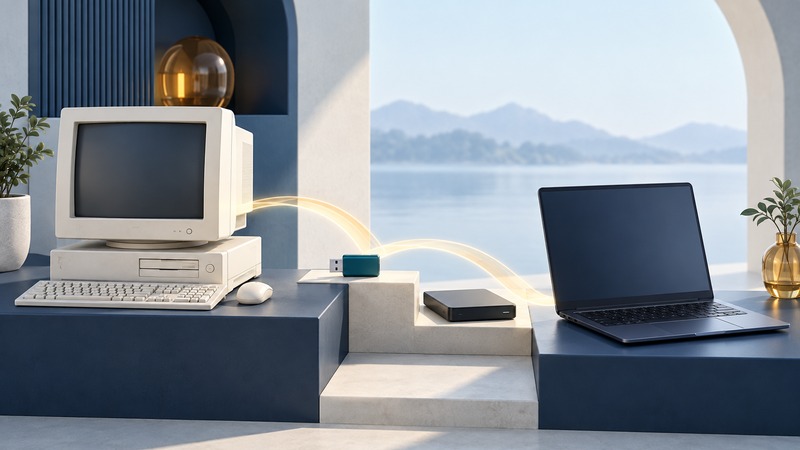
Windows XP Bluetooth: Legacy Compatibility and Migration Planning
Document an XP-dependent Bluetooth workflow, preserve its useful data and settings, and verify a replacement on supported equipment.
Building and integrating connections
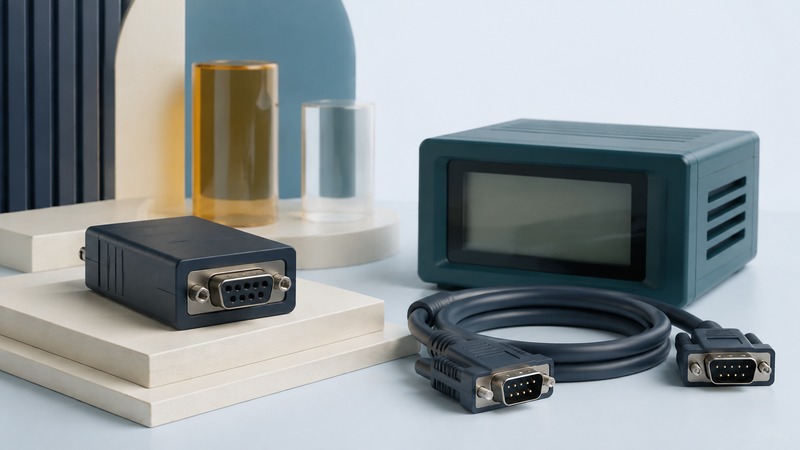
Bluetooth Serial Adapters: Compatibility, Setup, and Testing
Check RS-232 wiring, serial settings, Classic SPP versus BLE services, and reconnection behavior, then verify an isolated loopback before connecting equipment.
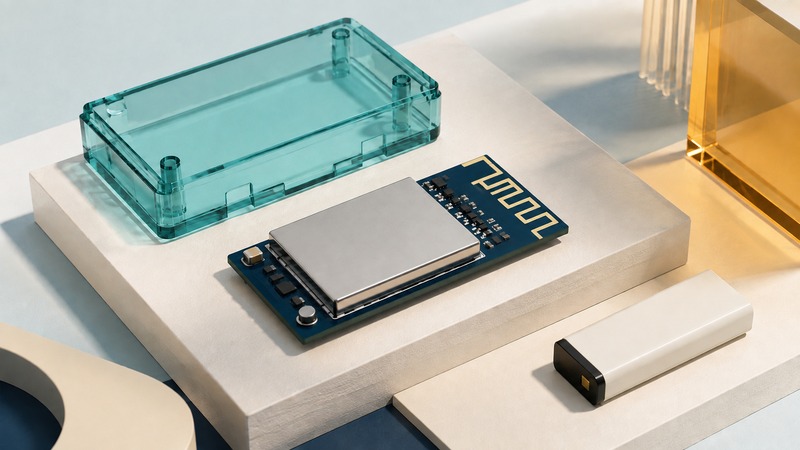
Choosing a Bluetooth Module for an Embedded Project
Compare radio and software capabilities, host interfaces, antenna integration, power budgets, firmware support, and product qualification before selecting a Bluetooth module.
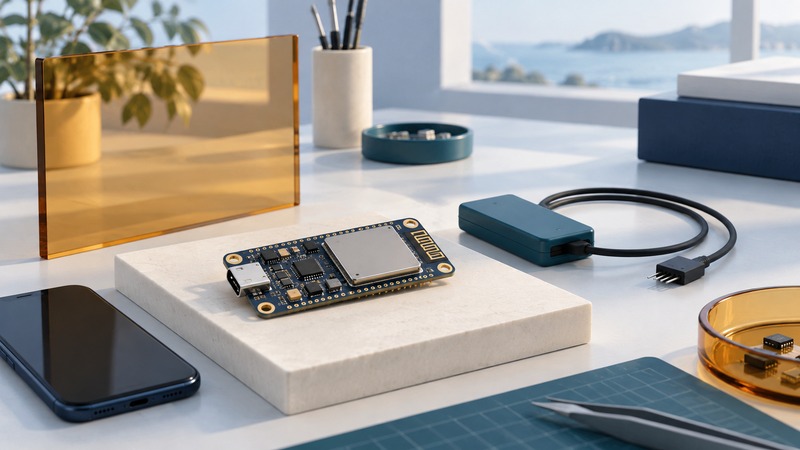
Bluetooth Development Kits: From Board Selection to a Working BLE Demo
Choose a supported development board and toolchain, follow a versioned Nordic LED Button Service example, and verify data, controls, and reconnection.
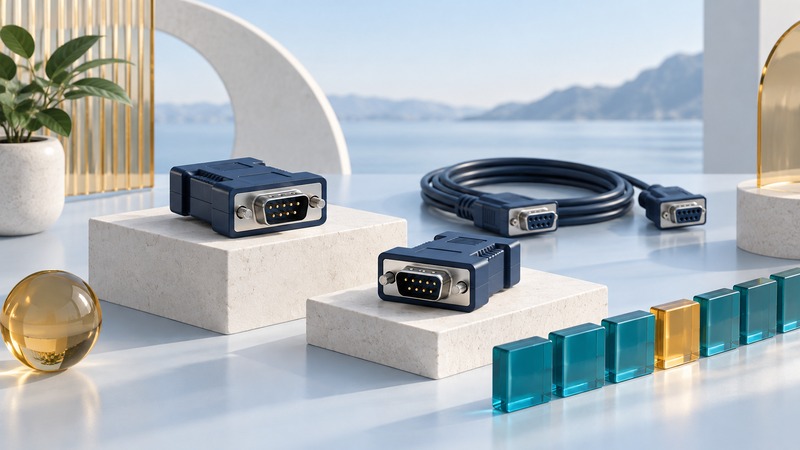
Replacing a Serial Cable with Bluetooth: Reliability and Recovery Tests
Define and test serial-link timing, record completeness, reconnection, and duplicate handling before accepting a Bluetooth cable replacement.
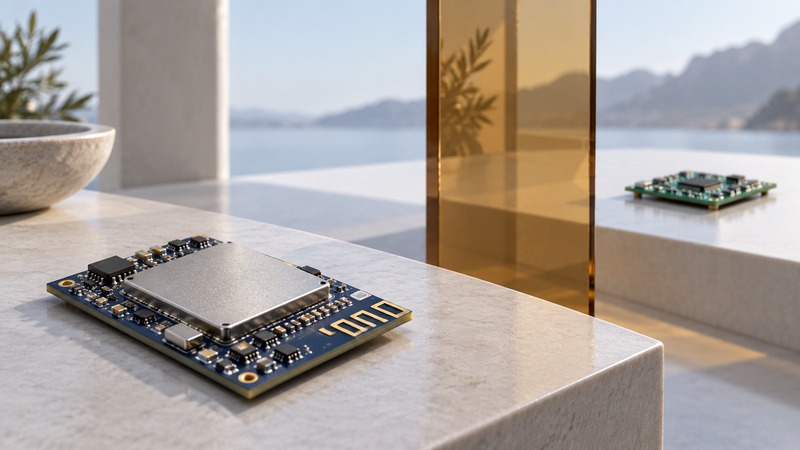
Bluetooth Transceivers: Radio Range, Antennas, and Link Budgets
Read Bluetooth radio specifications, calculate an illustrative link margin, and plan a range test that reflects the installed product.
Legacy equipment and design
Understand older Bluetooth systems, assess documented reuse options, and explore the design choices behind integrated accessories.
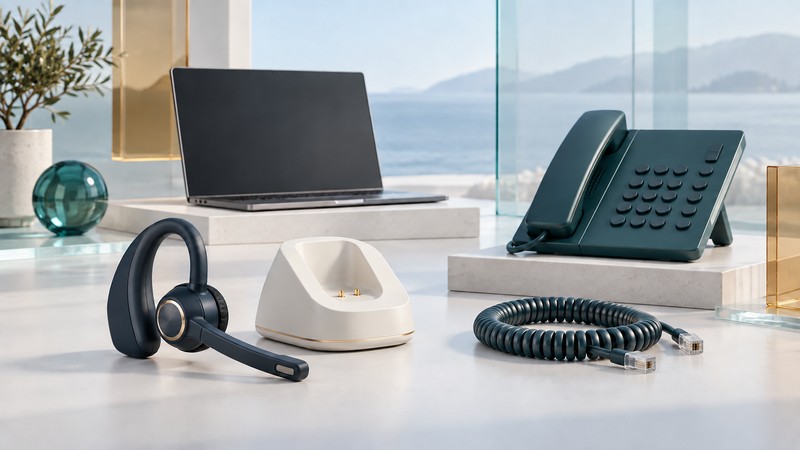
VMX Office Headset: Connections, Compatibility, and Reuse
Identify the VMX Office base, cables, and calling paths; test audio and controls separately before reusing or replacing a legacy headset system.
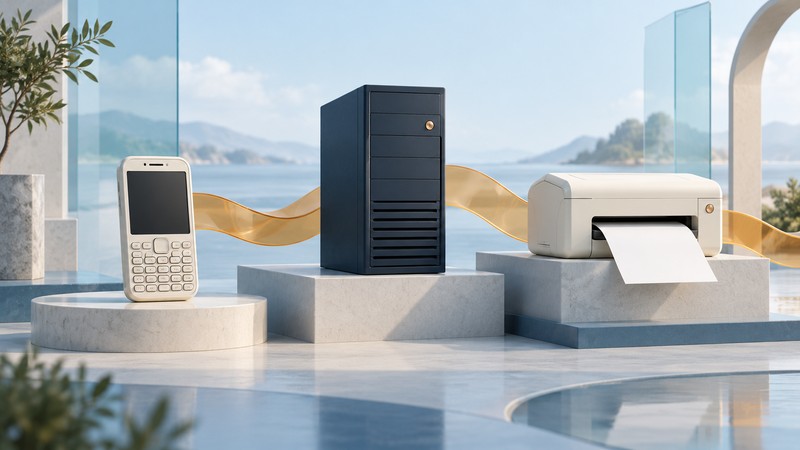
BlackBerry Bluetooth Printing: Legacy Workflows and Migration
Understand Content Beamer printing, distinguish server and local editions, and move a legacy BlackBerry document-printing task to a supported workflow.
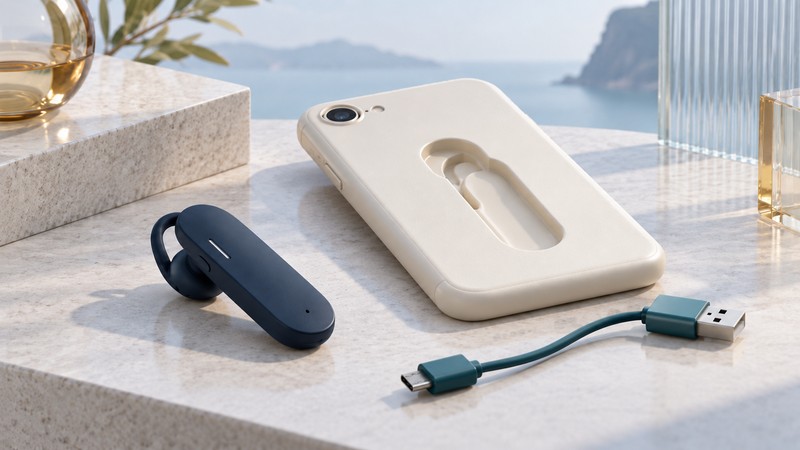
MoGo Talk Headset: Charging Design, Variants, and Reuse
Understand MoGo Talk’s folding headset and storage system, identify model-specific charging accessories, and assess a legacy unit for a defined calling task.
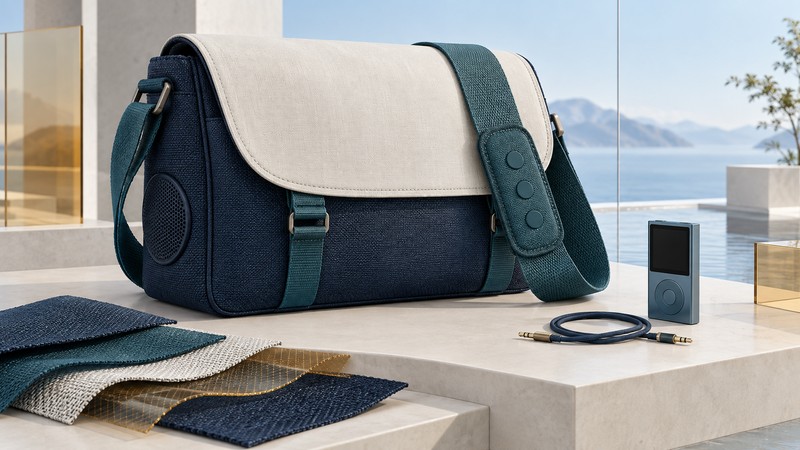
Bluetooth Messenger Bags: Smart-Fabric Controls Explained
Explore G-Tech and Eleksen’s wearable-control designs, distinguish fabric buttons, Bluetooth calls, and wired audio, and evaluate a smart bag’s usability and care requirements.