Find a player that fits your music and the way you listen. Explore practical guides to choosing, loading and using players, alongside earlier reports on iPods, Walkmans, car accessories, docks and CD-based devices.
Music player guides and earlier reporting
Start with a practical guide or explore the earlier product reports. Specifications, prices and availability in earlier reporting belong to those original announcements.
Choosing and carrying a player
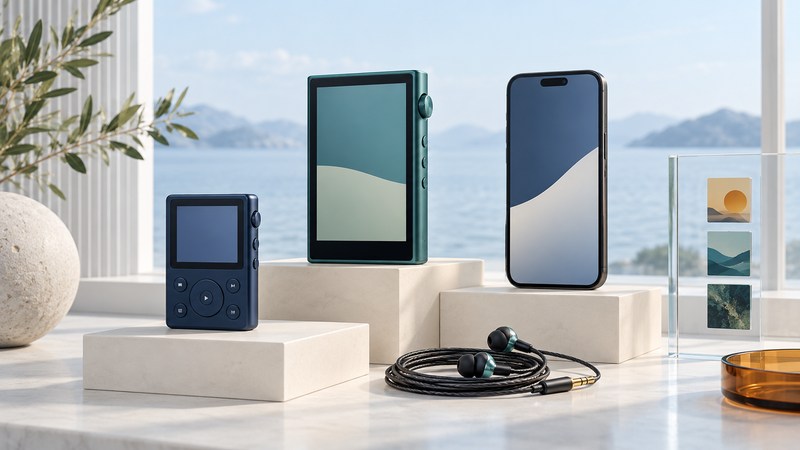
Portable Music Players: Choose for Your Library and Listening Routine
Choose a portable music player around your files, apps, controls, headphones, storage and transfer routine, then test it with a representative playlist.
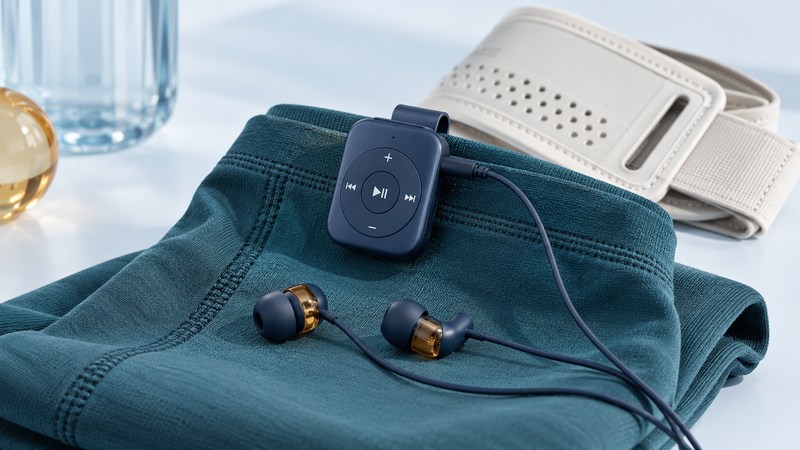
Wearable Music Players: Controls, Fit, and Offline Listening
Evaluate a wearable music player’s attachment, controls, offline playback, environmental limits and battery routine before relying on it.
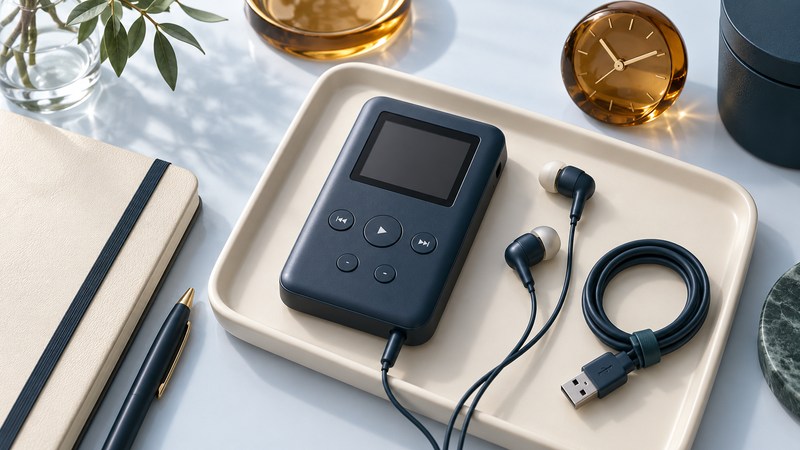
Used MP3 Players: A Practical Inspection and Playback Checklist
Inspect a used MP3 player, test controls and disconnected playback, and record verified functions and unresolved questions.
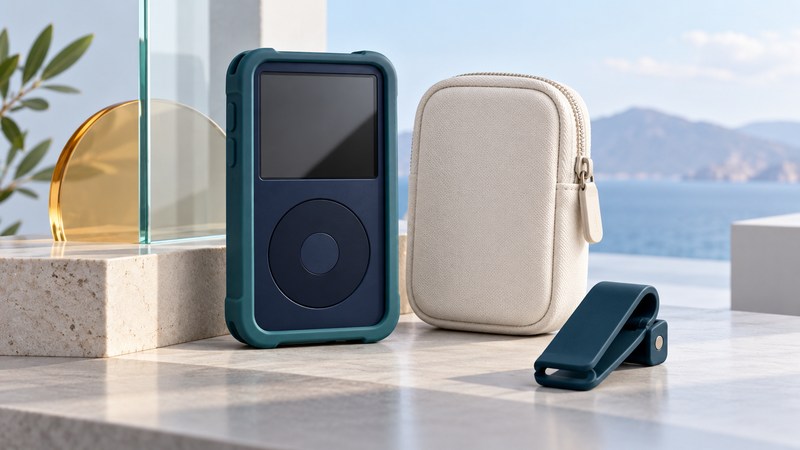
Protecting an iPod: Case Fit, Port Access and Everyday Carry
Check iPod case fit, control and port access, protection claims, cleaning and an everyday carrying routine.
Archos Gmini XS 100: Browse, Organize and Play a Local Library
Organize an Archos Gmini XS 100 library, compare folder browsing with ARCLibrary, and verify a small playlist.
Miniature Music Players: Small-Screen Controls and Library Planning
Evaluate a miniature music player with title-recognition, control and resume tests, then plan storage from measured files.
Earlier player reporting
- MPIO — The 2004 MPIO FL300 design-award report.
Files, transfers, and player families
USB MP3 Players: Transfer Music and Troubleshoot Missing Files
Diagnose USB music-player connection, copying, playback and tagging problems with a small test album and a clear sequence of checks.
Music Players on a Mac: Files, Syncing, and Older iPods
Choose the right Mac transfer method for removable-disk players, Android-based players and iPods, then verify a small music library.
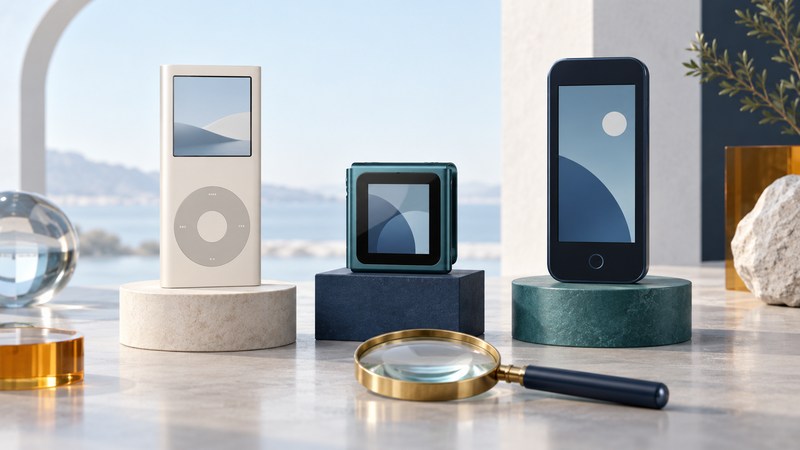
iPod nano: Identify the Generation and Check Compatibility
Identify an iPod nano generation and check its cable, audio, syncing and service requirements before using or buying an older player.
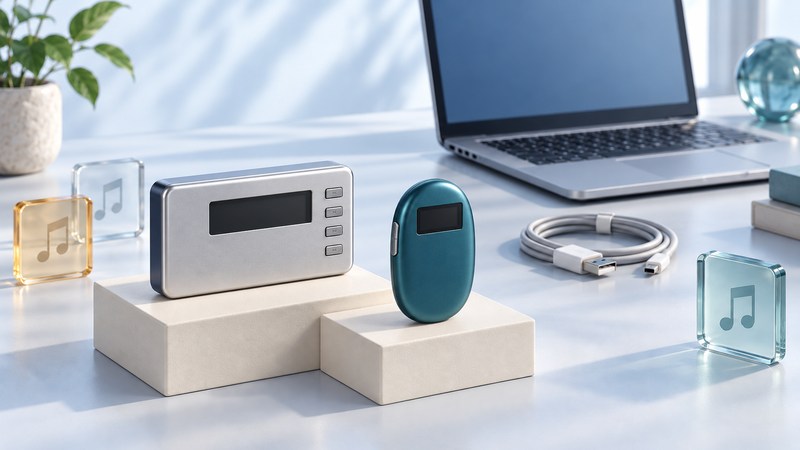
Network Walkman: Models, Formats, and Music Transfer
Understand NW-HD1 and NW-E75 formats, SonicStage and MP3 File Manager transfer routes, and preservation checks for an older music library.
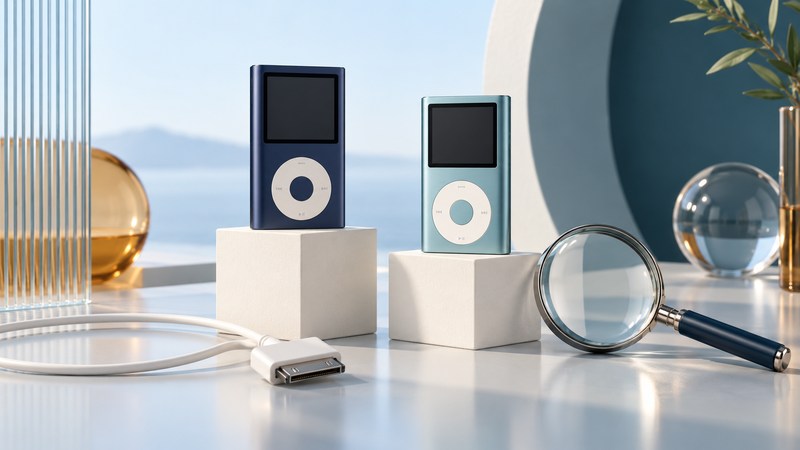
iPod mini: Identify the Generation and Check Compatibility
Identify an iPod mini generation, check its charging and transfer connections, and protect existing music before testing a library.
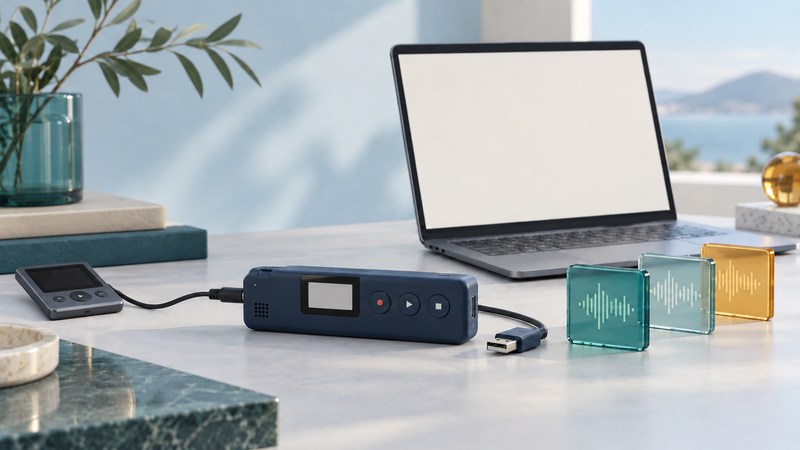
Kanguru Audio Flash: Record, Check and Export Audio
Make a short Kanguru Audio Flash recording, verify the saved sample, and copy and check the file on a computer.
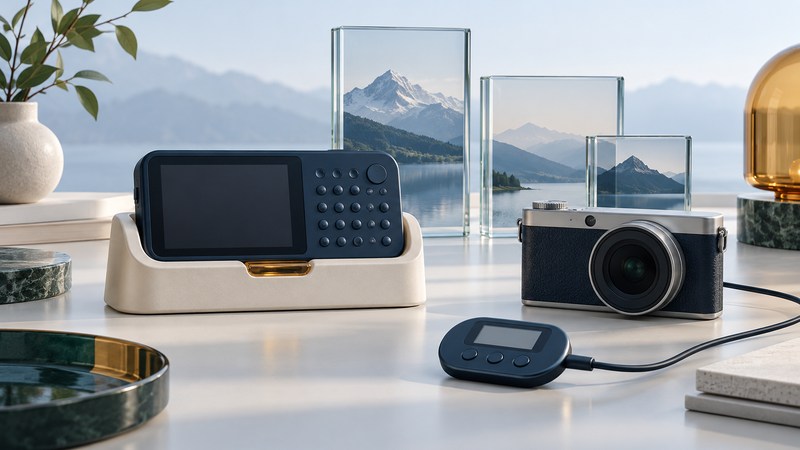
Sony VAIO Pocket: Music, Photos and Legacy Transfer Workflows
Map a Sony VAIO Pocket setup, test music and photo transfers separately, and preserve a working legacy workflow.
Earlier player reporting
- Mini iPod — The February 2005 second-generation iPod mini lineup.
- DMC Xclef 500 — The 2004 expansion of the Xclef 500 to 100 GB.
- Xclef MP3 Player — Earlier 2004 coverage of the Xclef storage and music player.
Listening in the car
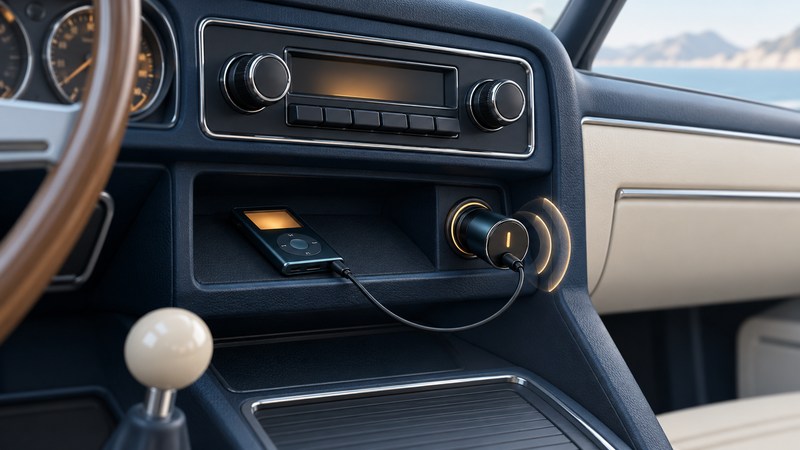
FM Transmitters for Car Audio: Setup and Interference Checks
Connect a player to a car FM transmitter, match frequencies, and isolate interference, weak audio and charging noise while parked.
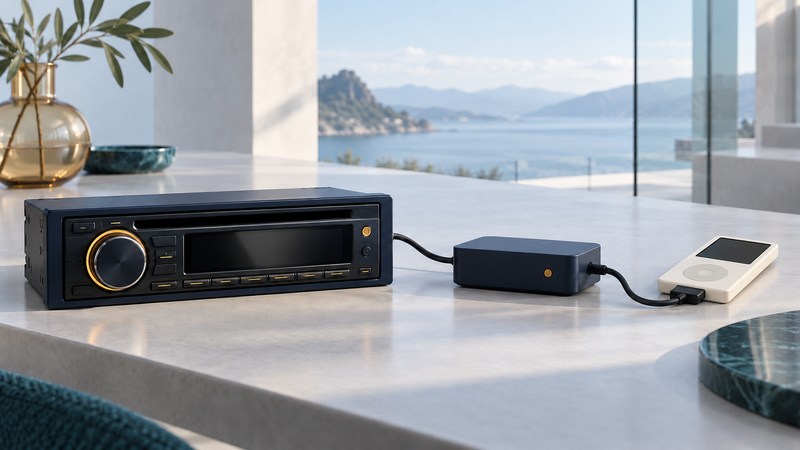
Alpine KCA-420i: Check Receiver, iPod and Charging Compatibility
Identify an Alpine KCA-420i system and check receiver, iPod, control, display and charging compatibility.
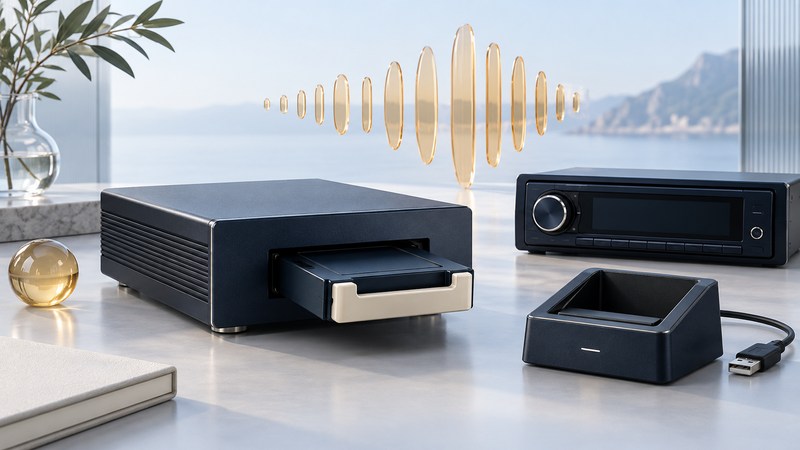
Mazda PhatBox: Understand the Cartridge and Music-Browsing System
Identify a Mazda PhatBox system, prepare a small DMS playlist, and understand radio-button browsing with spoken prompts.
Earlier player reporting
- iPod Mini Car Charger — The 2004 TEN flexDock mini power and line-out accessory.
- iPod Dock — A 2004 cup-holder mount for the iPod mini.
Speakers and docks
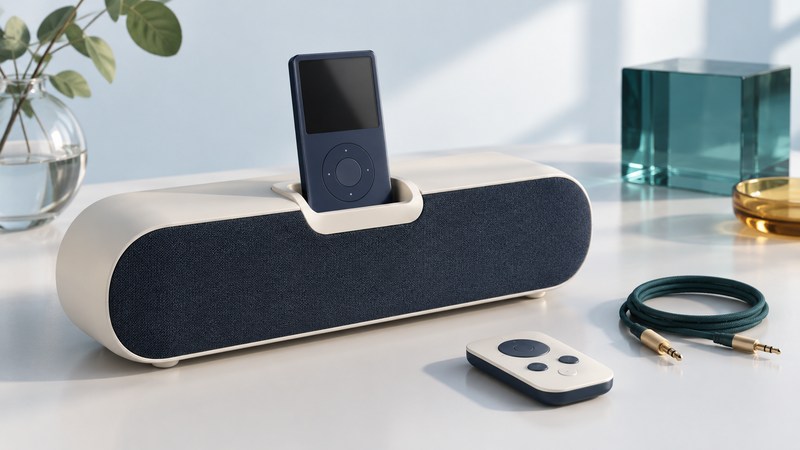
Bose SoundDock: Identify the Model and Connect a Music Source
Identify a Bose SoundDock model, compare its inputs and charging support, and test docked or auxiliary audio.
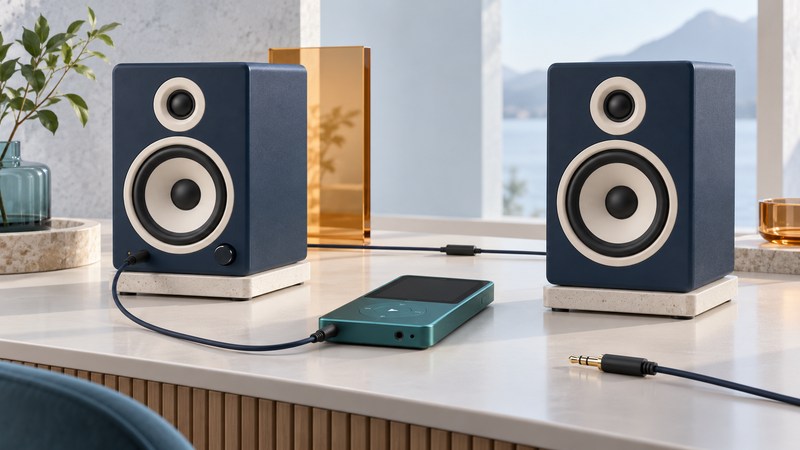
iPod Speakers: Connect a Player to Powered Speakers
Connect an iPod or music player to powered speakers, match audio ports, set listening levels and isolate a no-sound problem.
CD-based music players
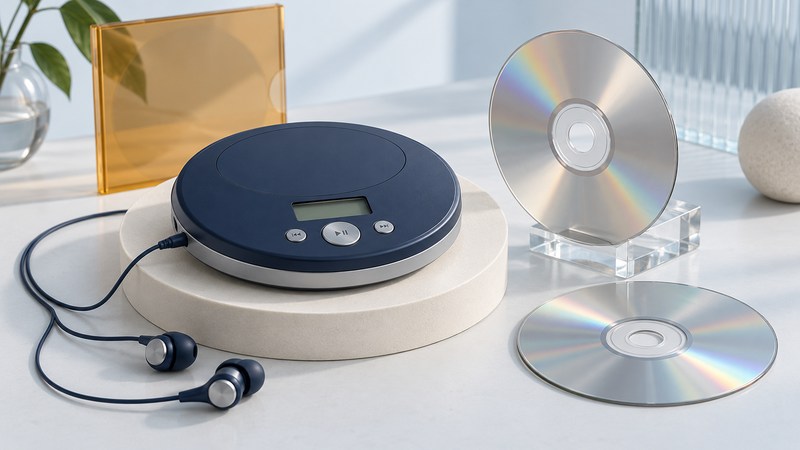
RioVolt SP150: Prepare an MP3 CD and Troubleshoot Playback
Choose an audio or MP3 data CD for a RioVolt SP150, prepare a small test disc, and troubleshoot disc recognition and track display.
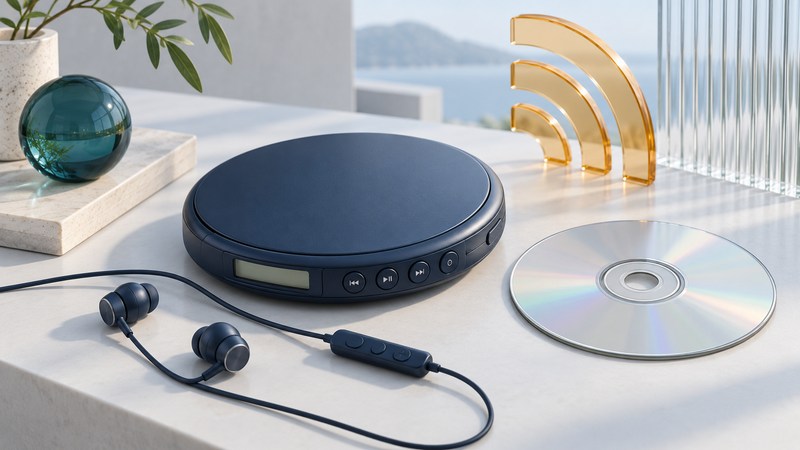
RioVolt SP250: Controls, FM Radio and Playback Troubleshooting
Use RioVolt SP250 controls and compare disc, FM and remote behavior through repeatable playback checks.
Build your offline music library
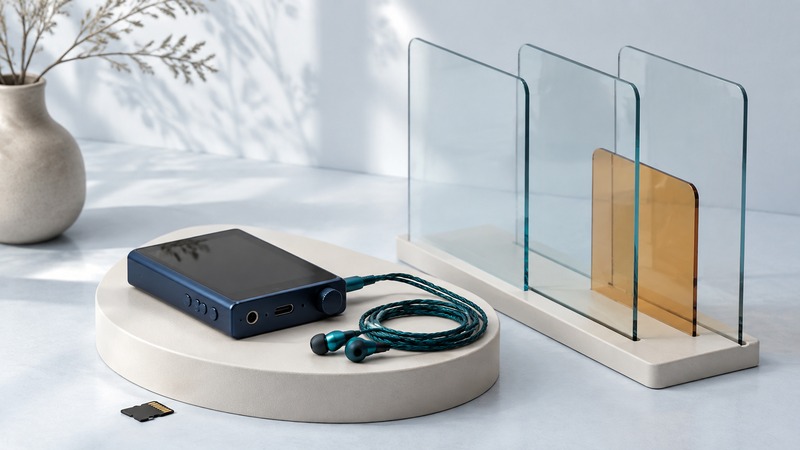
A portable music player is useful when it gives you a dependable library, controls you can operate easily, and a listening routine that suits you. Start with the music you want to carry. A player with a large capacity is little help if it cannot open your files or run the service that supplied them.
Local files and app downloads are different things
A local library consists of audio files that a compatible player can read: perhaps purchases downloaded from an artist, your own recordings, or other files you are authorized to use. A subscription app's offline download stays within that service's system. It should not be treated as an ordinary MP3 that you can drag onto any player.
For example, Bandcamp lists downloadable purchase formats including MP3, FLAC, ALAC, WAV, and others. In contrast, Spotify's offline-listening instructions describe app-managed downloads and require going online at least once every 30 days to retain them. Check your service's current rules before planning a long disconnected trip.
A simple dedicated player can be a good fit for a fixed file library and tactile controls. A player with an app platform may support streaming services, but you must check app availability, operating-system support, account requirements, and offline behavior on that exact model. A phone may already do everything you need. Compare the routine, including charging and transfers, before buying another device.
Read the supported-format list carefully. MP3 and AAC are lossy formats; FLAC and ALAC are lossless compression formats; ordinary PCM WAV stores uncompressed audio. Changing a lossy file into FLAC does not recover information already discarded. Sony's NW-A306 specifications illustrate why exact model documentation matters: supported sample rates and bit depths differ by format. The letters on a filename alone do not establish compatibility.
Budget for playing time, not a promised song count
These are calculated examples, not measurements of a particular player. For constant-bitrate audio, approximate payload size in decimal megabytes is bitrate in kilobits per second × duration in seconds ÷ 8,000. Metadata, artwork, filesystem overhead, and encoder details add to or change the result. Variable-bitrate files need an average bitrate or, better, a measurement of the actual library.
On a small screen, scroll the table sideways to read all columns.
| Encoding assumption | Four-minute track | One hour |
|---|---|---|
| 128 kbps constant bitrate | 3.84 MB | 57.6 MB |
| 320 kbps constant bitrate | 9.60 MB | 144 MB |
| 44.1 kHz / 16-bit / stereo PCM | 42.336 MB | 635.04 MB |
The PCM row comes from 44,100 samples per second × 16 bits × 2 channels = 1,411,200 bits per second. Its container header adds a little more. FLAC does not get a fixed row because its size depends on the audio and compression settings; total a representative folder of your own files instead.
For an invented planning case, suppose you allocate 10 decimal GB to music and reserve 1 GB for additions and overhead. The remaining 9 GB can hold the calculated 8.64 GB payload of 60 hours at 320 kbps: 320 × 60 × 60 × 60 ÷ 8 ÷ 1,000,000 = 8.64 GB. That leaves 0.36 GB within the budget before accounting for the actual files. A device's advertised capacity, free space, and displayed binary units may differ, so confirm the available space on the device.
Download the storage calculation examples (CSV) to inspect the same assumptions. This is a reference sheet with calculated values, not an automatic capacity detector. For your own library, use its measured folder size and keep a margin for cover art, database files, and future purchases.
Make a small test transfer first
- Keep a master copy. Store the organized library on a computer or backed-up drive. The portable player should not be the only surviving copy of your recordings.
- Read the transfer instructions. Check whether the player needs file-transfer mode, a particular application, or a named music folder. A cable that charges successfully may not carry data.
- Copy one album. Include a track with an accented title, an album with several artists, and a long track if those are part of your collection. Test the actual formats you plan to use.
- Disconnect as documented. Let copying finish, eject where required, and allow the player to update its library. Do not remove a memory card during a write.
- Check the result on the player. Browse by album and artist, inspect track order, and play the beginning and end of a song before transferring the rest.
Sony's NW-A306 help guide (PDF) provides a concrete example of transferring files into the Music folder. Other players may use different folders or synchronization tools. Follow the current manual for yours, including the supported memory-card format and capacity.
Library tags and filenames do different jobs. A tidy filename helps you manage folders, but the player may sort by embedded album, album artist, disc number, and track number. For a compilation, consistent album and album-artist fields can keep the release together while individual track artists remain distinct. Fix a copied test album first; preserve the original files until you have checked the changes.
A playlist often stores references to files rather than the audio itself. Moving a folder can break those references. Confirm the player's playlist format and path rules, and test after disconnecting from the computer. Keep titles clear enough to recognize without relying on tiny cover thumbnails.
Prove that the library works without a network
Use the offline-library checklist (CSV) before relying on the player. Disable Wi-Fi and mobile data where present, close and reopen the playback app, and try several albums. For subscription content, test inside the correct signed-in app and note any renewal requirement. Do not assume that seeing a title in the library means the audio is stored locally.
If a track is missing, first check whether copying completed and the library scan finished. If it appears but will not play, inspect the real file format and supported encoding. If an album is scattered, investigate tags. If everything works by cable but not over Bluetooth, investigate the headphone connection separately; our wireless-headphone guide explains codecs, device switching, and wired fallbacks.
Finally, try the controls, volume range, charging cable, and battery behavior during a representative session. A dependable offline setup is a verified collection and a workable routine. It is not a particular brand or a larger number on the box.