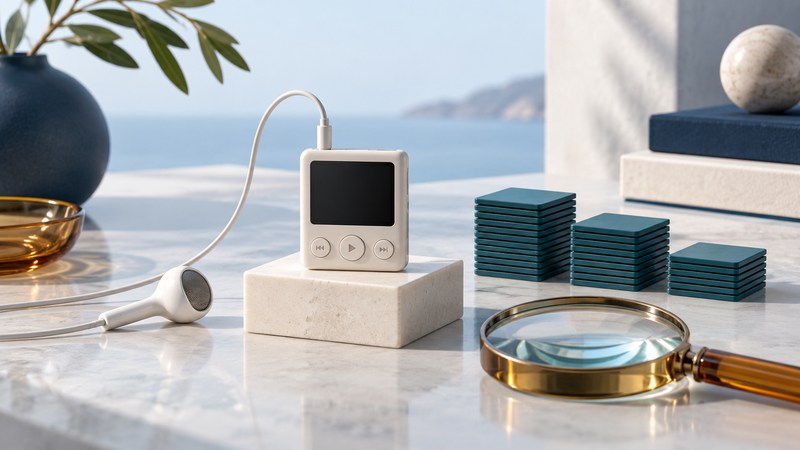
A miniature music player earns its place when you can find the right recording, recognize it on the screen and operate its controls comfortably. Test those tasks with a small copy of your real library before judging the device by its storage label or dimensions.
Why the small screen matters
The Klegg Mini belongs to the mid-2000s move toward very small digital players: SigmaTel named it among its fourth-quarter 2005 design wins in a January 2006 company release filed with the SEC. That historical connection establishes the product context. For a particular surviving unit, use its exact manual and observed menus to establish formats and button behavior.
The exercise below is a practical evaluation method, with illustrative filenames and calculations. It works best when you define the listening task first: choosing albums, carrying a few playlists, or resuming long spoken recordings. A screen that serves one of those tasks well may make another frustrating.
Make a small, recognizable test collection
- Choose six to eight authorized files. Include two short titles, two long titles with a common beginning, a title containing a character you use in your library, and two successive chapters. Include a long recording if that is part of your listening.
- Use a documented playable format. Keep original files elsewhere and transfer copies. Write down both filenames and embedded track titles so you can discover which the player displays.
- Set three retrieval tasks. For example: find the second chapter, choose the correct long title, and return to the last recording played.
- Record what happens. Count button presses and wrong selections. Note whether scrolling text reveals the distinction quickly enough for comfortable use.
Illustrative naming problem: “Morning walk recording – River” and “Morning walk recording – Hill” may look identical when truncated. Try “River – Morning walk” and “Hill – Morning walk” on copies. For ordered chapters, compare “01 River” and “02 Hill.” Repeat the test in both folder and album views if the player provides them.
Rename only after you know which field the screen uses. If a tag view ignores your filename change, edit the copied track's title tag instead and refresh the library using the device's documented method. Keep leading chapter numbers consistent and check that the resulting playback order matches your intended sequence.
Test controls in the situations you will use
| Task | Try this | Record |
|---|---|---|
| Read a title | Identify two similar tracks indoors and in daylight. | Correct selection, delay and viewing angle |
| Adjust playback | Pause, resume and change volume while stationary. | Accidental skips or ambiguous button presses |
| Use the lock | Follow the manual's lock/unlock sequence. | How clearly the screen indicates the state |
| Resume a long track | Note a timestamp, stop, power down normally and return. | Whether track and position survive |
| Recover a mistake | Open the wrong folder and return to the selection. | Steps needed and whether context is retained |
Choose your own acceptance criteria before repeating the test. For a chapter listener, retaining position may be essential. For a short exercise playlist, easy pause and volume controls may matter more. Keep the same files and tasks when comparing devices so differences in the library do not obscure differences in the controls.
Plan space from measured files
Use the player's reported free space and the actual size of your test collection. A nominal capacity or a song-count claim leaves too many assumptions about track length and encoding.
Illustrative calculation, decimal units: constant-rate audio at 128 kilobits per second uses about 57.6 MB per hour before additional overhead. At 320 kilobits per second, it uses about 144 MB per hour. If a device reports 400 MB free and you choose to reserve 40 MB, the remaining 360 MB holds roughly 6 hours 15 minutes at the first rate, or 2 hours 30 minutes at the second. These are planning estimates, not capacities asserted for the Klegg Mini.
For variable-rate files, total your actual file sizes instead. Transfer one complete planned collection, inspect the remaining space and repeat the retrieval test with the larger library. Keep the player if the everyday task remains comfortable; simplify the collection if its menus become the bottleneck. For wearing and attachment questions, continue with the wearable-player guide.
Explore Music Players
Browse music-player guides and earlier reporting, or follow the offline-library setup guide. Primary documentation is linked alongside the guidance. Sources and model details checked October 7, 2026.