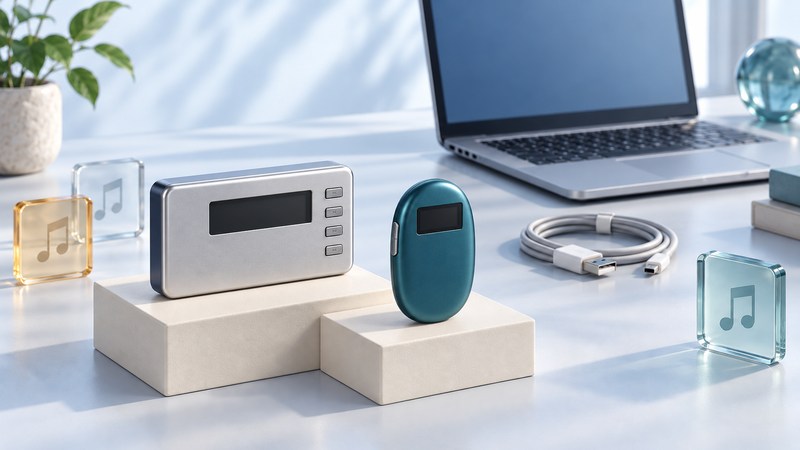
For an older Network Walkman, identify the model and its transfer method before copying music. The NW-HD1 hard-drive player and NW-E75 flash player belong to a period when a file accepted by computer software could be converted into a different format for playback. Model, firmware and software together determine the useful route.
Identify the player and the documented transfer route
Read the model number on the enclosure, record the computer's operating system and installed software version, and keep any service paperwork. The model name is the starting point; an old listing's broad claim of MP3 support is insufficient to establish how a particular unit accepts files.
| Player or configuration | Documented route | What to establish first |
|---|---|---|
| NW-HD1, original configuration | SonicStage transfers ATRAC3/ATRAC3plus through the USB cradle. | Working cradle, correct power supply and a compatible installed software environment. |
| NW-HD1 with a documented MP3 upgrade | Sony offered a service upgrade enabling MP3 transfer/playback with SonicStage 2.3. | Evidence that this particular unit received the upgrade. |
| NW-E75 | Original SonicStage/ATRAC workflow; Sony also documented a separate MP3 File Manager route. | Which application and driver are installed and applicable to the unit and computer. |
The original NW-HD1 manual describes the ATRAC workflow and warns that copying MP3 or WAV files through Explorer does not make them playable. Sony's Japanese MP3 upgrade notice documents a paid service for eligible Japanese-market units, with applications ending May 31, 2005. It explains the historical exception; it is not a currently available upgrade offer.
For the NW-E75, compare the original NW-E55/E75 manual with Sony's later MP3 File Manager documentation. The latter explicitly includes NW-E75 and describes direct MP3 transfer without ATRAC conversion. Its listed Windows versions are from the Windows 98/Me/2000/XP era. An archived download page is not evidence of support on a current computer.
Separate the source file, conversion and transfer
Think of three questions: What file do I own? What can the player decode? What software puts it into the player's music library? An MP3 on the computer can become an ATRAC copy during a software-managed transfer. Another workflow can transfer the MP3 itself. Both may start with the same source file while producing different results on the player.
Keep an inventory with one row per test track: source format, transfer application, selected conversion setting and playback result. Preserve the source file separately. Renaming an extension changes the name, not the encoded audio.
Also distinguish ordinary music files from protected downloads and application databases. A directory visible as removable storage proves that a computer can see storage; the player's music menu still depends on its expected transfer and library structure. For a straightforward file-copy player, the USB music-transfer guide provides a different workflow.
Test an existing working setup conservatively
Begin with the computer and software that already work, if available. Sony ended SonicStage CP download availability on March 29, 2013 and documented its operating-system limitations. Treat rebuilding that environment as a separate compatibility project; installing a modern Sony application does not establish support for these older models.
- Record the starting state. Note the player model, any upgrade evidence, software version, cable or cradle and the number of tracks already present. Photograph important settings.
- Protect the music before making changes. Keep independent copies of original files and use the installed application's documented backup procedure for its library. A normal folder copy may not capture everything required by a managed library.
- Choose two or three replaceable test tracks. Use files you can play on the computer and identify clearly by title. Keep the original library intact.
- Transfer through the established application. Check the selected device and conversion option. On the original NW-HD1 workflow, Sony identifies the destination as ATRAC HDD. Wait for completion before disconnecting.
- Verify on the player. Find the tracks, play them through headphones, and compare titles and order with your record. Change one relevant setting before repeating a failed test.
If the device does not appear, first resolve the connection, driver and application compatibility. If it appears and transfer succeeds but playback fails, record the exact error and file settings. Reformatting at that point discards information that could help diagnose the failure.
Preserve a usable library beyond one player
For music you still have on CD or as ordinary files, retain that independent source before relying on a device copy. Keep a separate listening copy when conversion is necessary. A successful playback test on one Walkman demonstrates that particular combination; it does not establish a recoverable master library.
The NW-HD1 manual limits return transfers to the originating computer's SonicStage library and prohibits initializing its disk from the computer. If music survives only on a player, stop before resets, formatting or automatic synchronization and assess the original computer and backups first. Recoverability can depend on the original software and rights associated with the tracks.
For a new everyday listening setup, use the portable-player selection guide to evaluate file support and transfer requirements before committing your library to another device.
Explore Music Players
Browse music-player guides and earlier reporting, or follow the offline-library setup guide. Primary documentation is linked alongside the guidance. Sources and model details checked October 7, 2026.