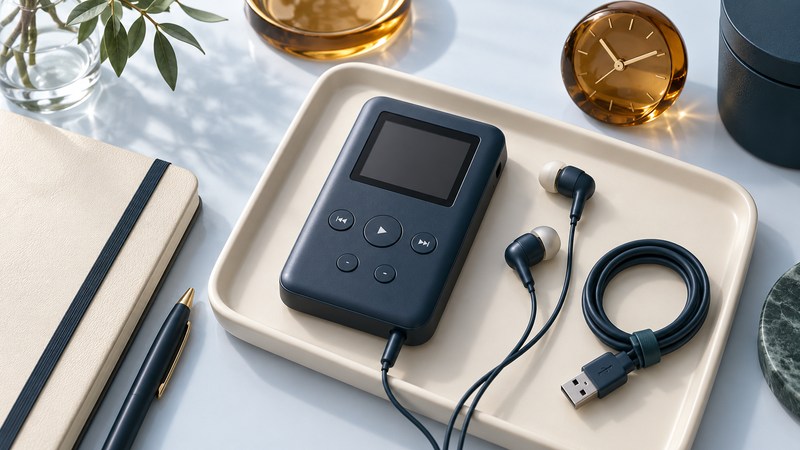
The best used music player for your purpose is one whose condition, connections and playback you can actually verify. Assess the specific unit with a small test library and a written record. Start with its identity and power requirements, then test controls, transfer and listening; a seller’s capacity figure or “powers on” description leaves most of that work undone.
Bring the information and files the test needs
Ask for the full model, photographs of its labels and ports, included cables/power supply, and any known battery, enclosure, storage or firmware changes. Bring known-working headphones and a few local files you are authorized to copy. Agree before adding files or changing settings on somebody else’s player. Existing personal files should remain untouched.
Find the exact manual before applying power. The Archos Jukebox Recorder manual, version 4.0 (manufacturer PDF hosted by Minidisc.org), for example, describes a hard-drive MP3 recorder with four rechargeable AA NiMH cells and a specified external adapter. That is a model-family example, not permission to use any AA battery or matching barrel plug in another player. The same-looking connector can conceal different power requirements.
Inspect the casing, screen, battery compartment where user-accessible, and cables. Deformation, corrosion, leaking cells or damaged wiring should be assessed before a powered test. Keep the inspection external and within the manual’s user-accessible procedures. A repair project can be a reasonable choice, but its condition should be described as such.
Test functions that matter to your listening
Download the used-player inspection worksheet (CSV). Open it in a spreadsheet, duplicate the blank assessment rows for each unit, and enter observed, failed or untested with the conditions. The sheet contains instructions, units and a link back to this guide. It records evidence rather than calculating a quality score.
Scroll sideways to read the checks and their limits.
| Check | What to do | Record the limit |
|---|---|---|
| Controls and display | Browse menus, select tracks, change volume, pause, resume and try the hold function if present. | Which controls were tried; any intermittent response or unreadable area. |
| Audio output | Play a familiar stereo track through known-working headphones, starting quietly. | Headphones and output used; both channels, noise and interruptions. |
| Data connection | Use the documented transfer route to copy an agreed small test set, then eject correctly. | Computer, application, cable and whether copying completed. |
| Disconnected playback | Find the transferred tracks and listen after removing the data cable. | Actual formats tested, track order and any failures. |
| Power observation | Run a timed listening session under recorded settings. | Minutes observed, starting/ending indication and any shutdown; total endurance remains unknown. |
| Special functions | Try recording, radio, remote or removable storage only if you need them and the manual supports them. | Tested individually, or explicitly untested. |
Keep the test set small enough to recognize. Include a track with an ordinary title, one with accented characters and one longer recording if these reflect your library. First verify each file on the computer. A successful MP3 test leaves other formats untested. For a copy failure, follow the USB troubleshooting sequence before attributing the problem to storage.
A library-managed iPod requires a different transfer workflow from a removable-disk player. Check its existing library before accepting synchronization changes. The iPod mini guide covers identification and preservation checks; the player-selection guide helps decide which workflow suits your needs.
Interpret a successful short test carefully
For a longer check, record the same headphones, listening level, screen use, playback mode and files each time. Start from the manufacturer’s normal charged indication and observe the duration you actually need. Avoid repeatedly running an unfamiliar old battery to shutdown merely to produce a number. Apple’s battery guidance also explains why temperature and storage history matter for its rechargeable devices.
Recording deserves its own test if it is central to the purchase. On an Archos Jukebox Recorder, the manual distinguishes microphone, analog and digital sources; choose the documented source and make your own brief sample. Play the copied recording on a computer. A player that reproduces an existing song has not yet demonstrated that its recording path works.
Decide from the unresolved questions
Separate the result into three parts: functions observed working, faults reproduced, and functions left untested. Add missing essentials such as a proprietary cable, documented charger or compatible transfer setup. If an essential route remains unknown, resolve it before treating the unit as ready for everyday use.
Keep the worksheet with the player. It provides a baseline for later comparisons and makes a future repair discussion specific. An attractive enclosure or large reported disk is useful only when the complete listening routine works for you.
Explore Music Players
Browse music-player guides and earlier reporting, or follow the offline-library setup guide. Primary documentation is linked alongside the guidance. Sources and model details checked October 7, 2026.