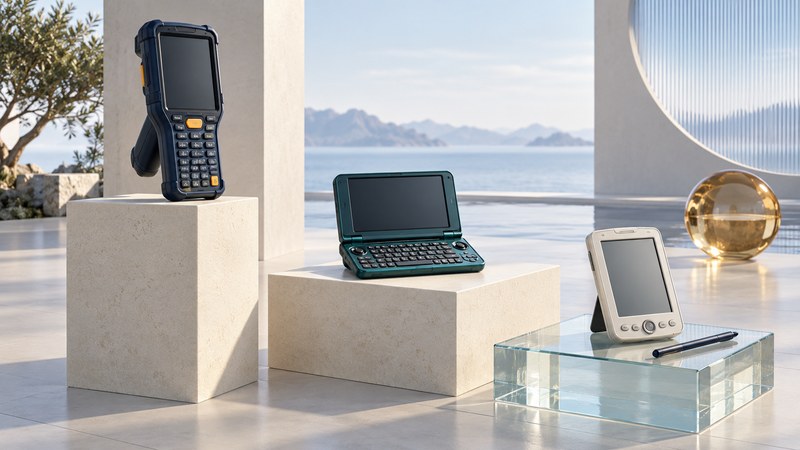
Choose a handheld for work, understand how its data reaches a business system, or preserve software and documents from a classic PDA. Start with the practical guides below, then explore the devices and accessories that shaped handheld computing.
The twenty illustrated guides provide practical explanations, planning checks and historical interpretation. The remaining historical entries retain accounts of specific products and announcements; their prices, networks, software services and availability describe their period.
Handhelds for work
Begin with equipment requirements, then test the capture and delivery workflows the device must support.
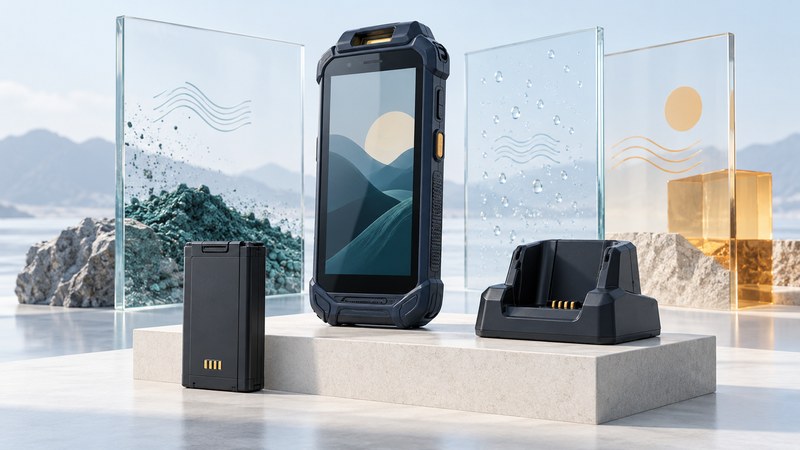
Rugged Handheld Computers: Choosing for the Job
Compare environmental evidence, scanning, ergonomics, batteries and support life, then run a measurable field pilot.
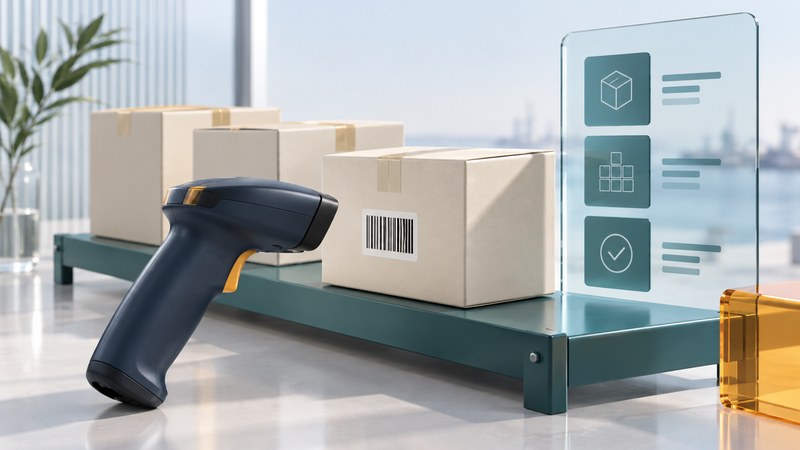
Industrial Handhelds: Scanning and Workflow Integration
Choose data capture, validate transactions and test offline synchronization from the scan to the final business record.
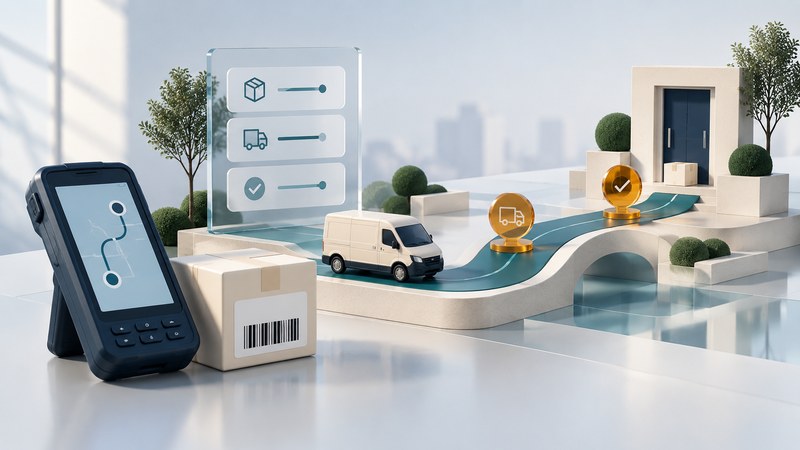
Delivery Handheld Computers: From Scans to Proof of Delivery
Follow delivery events through capture, offline storage, retries and server confirmation, with a practical acceptance checklist.
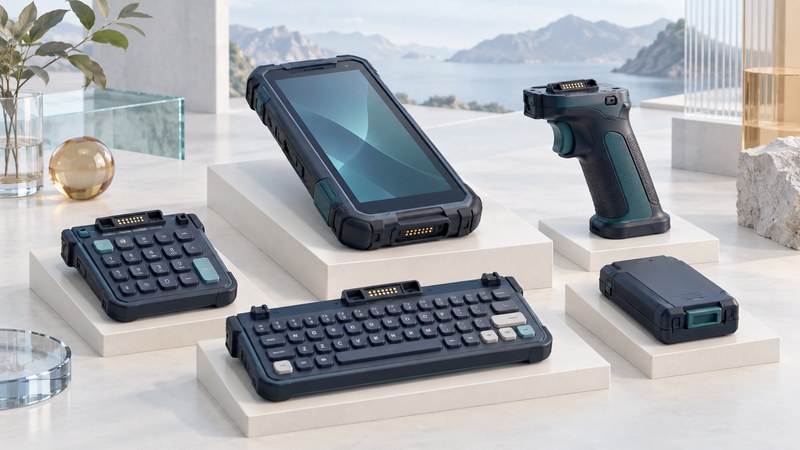
Modular Mobile Computers: When Interchangeable Hardware Helps
Evaluate supported modules, spare parts, replacement time and lifecycle costs before choosing a modular handheld fleet.
Accessories and input
Compare physical and projected keyboards, evaluate translator and FM radio cards, then explore historical cases, mounts and finishes. Check the exact hardware and software combination.
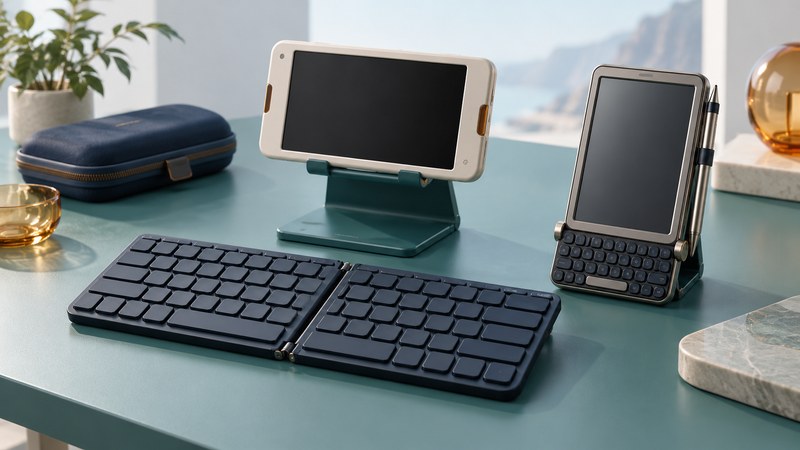
Mini Keyboards for Handhelds: Compatibility and Typing Tradeoffs
Check connections, layouts, shortcuts and working position, then compare compact keyboards with a repeatable typing trial.
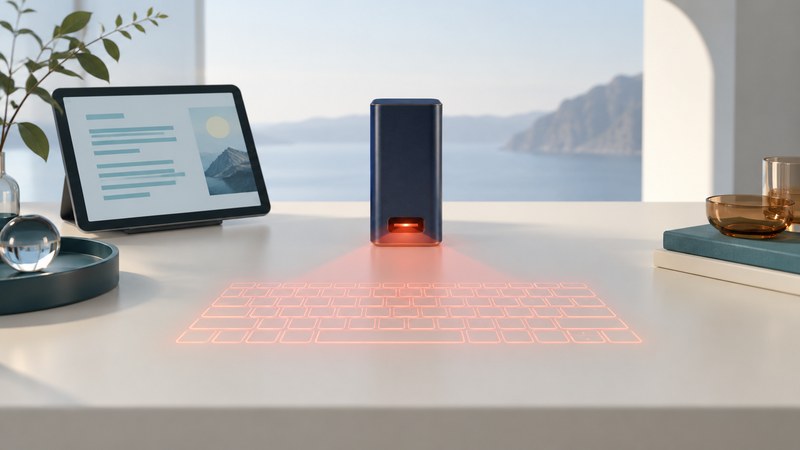
Virtual Laser Keyboards: How They Work and How to Evaluate Them
Understand projection and infrared sensing, check surface and lighting conditions, and run a practical typing trial with timing and error records.
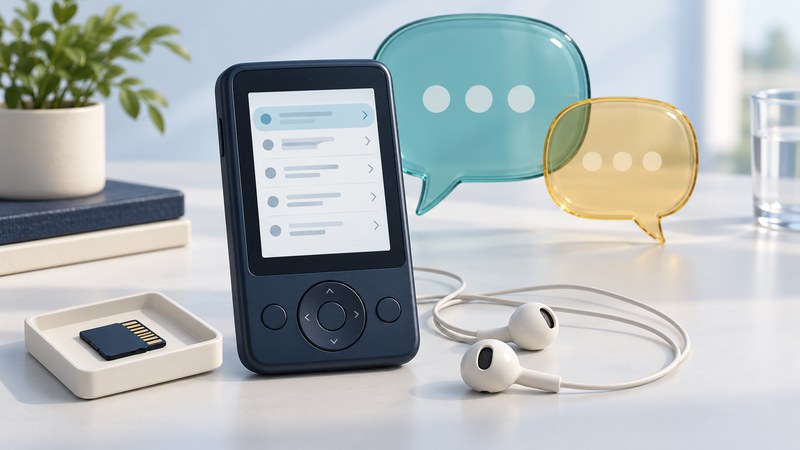
Speaking Translator Cards: Phrasebooks and Compatibility
Check the device, application, language content and audio path of a translator card, then evaluate lookup, speech and offline operation separately.
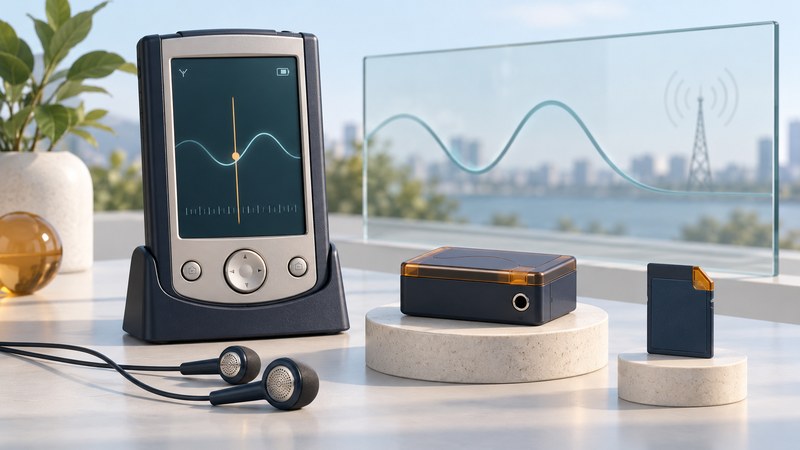
FM Radio Cards for PDAs: Compatibility and Reception
Identify a PDA radio accessory, verify its interface, driver and audio path, and run a repeatable reception check for the exact setup.
- Handheld cup-holder dock — A 2004 description of Belkin’s Omni Dock vehicle mount.
- Palm handheld accessories — PalmOne persona and Vaja cases for selected handheld models, reported in 2004.
- Soft-touch finishes on handhelds — The PPG Velvecron finish used on the Palm Zire 72, reported in 2004.
- Cases for iPAQ PDAs — Leather and aluminum cases and stylus accessories described in 2003.
Classic devices and software
Identify classic handhelds, preserve their data and software, evaluate Palm navigation and understand retired online services. Start with the exact model and installed software.
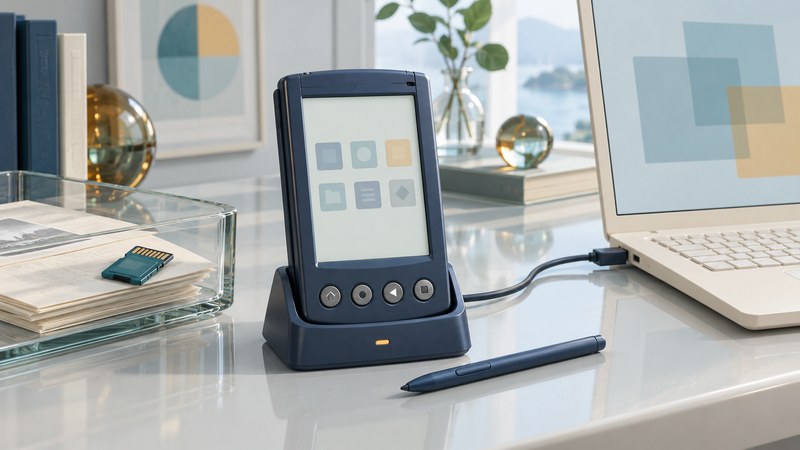
Palm OS Software: Compatibility, Installation and Preservation
Identify a classic Palm setup, protect existing data and plan a compatible installation with a repeatable preservation record.
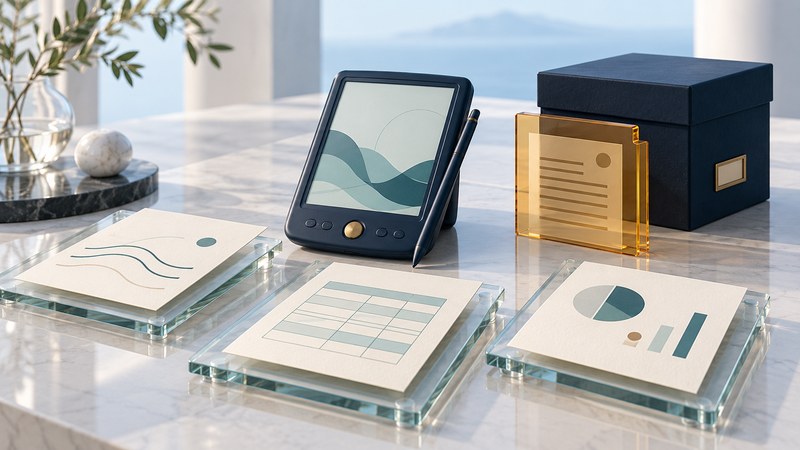
Palm Documents To Go: Recovering Old Office Files
Identify native Office files and Palm databases, choose a recovery route and check that the recovered information remains correct.
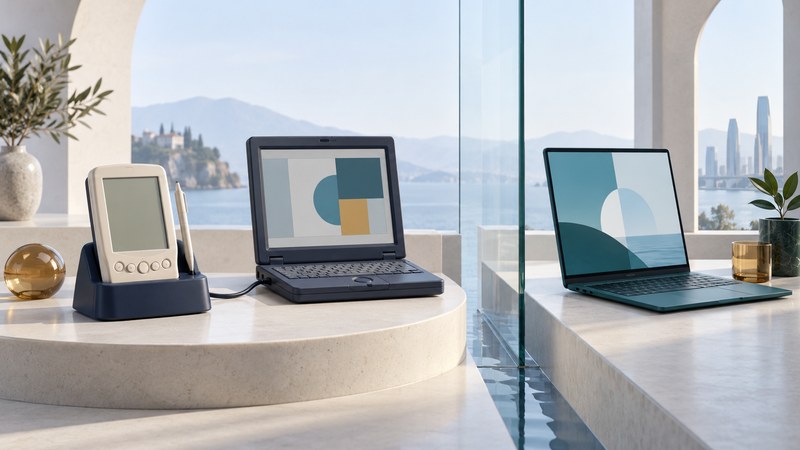
Palm VPNs: Mergic, PPTP and Legacy Connectivity Limits
Understand the limits of historical Palm VPNs and choose a documented route for data recovery or isolated research.
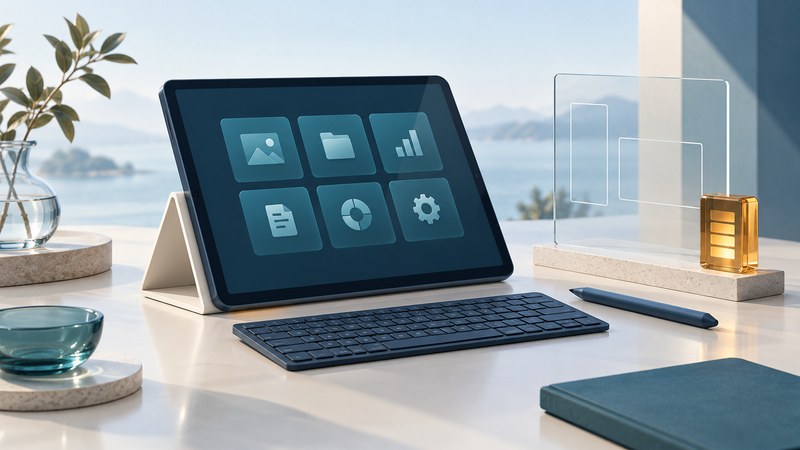
Linux Tablets: Hardware Support, Touch Input and Practical Limits
Evaluate a specific tablet and Linux release through touch, applications, networking, sleep and recovery checks.
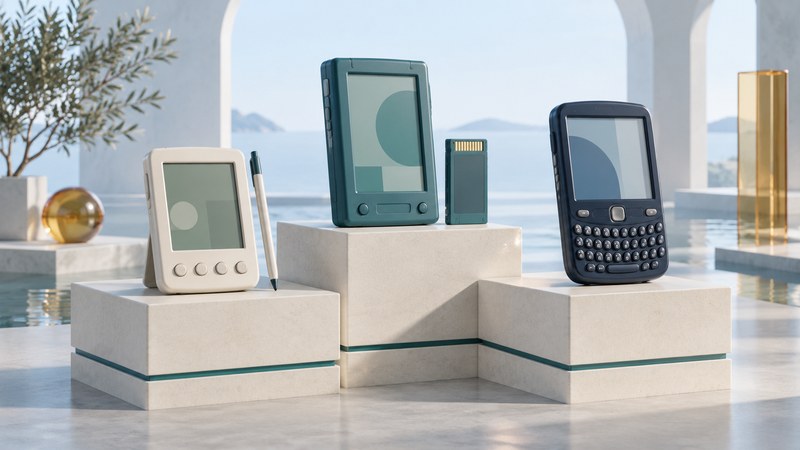
Palm, Palm OS and Handspring: A Guide to the PDA Family
Distinguish Palm-family companies, device lines and operating systems, then identify the right manual and preservation path.
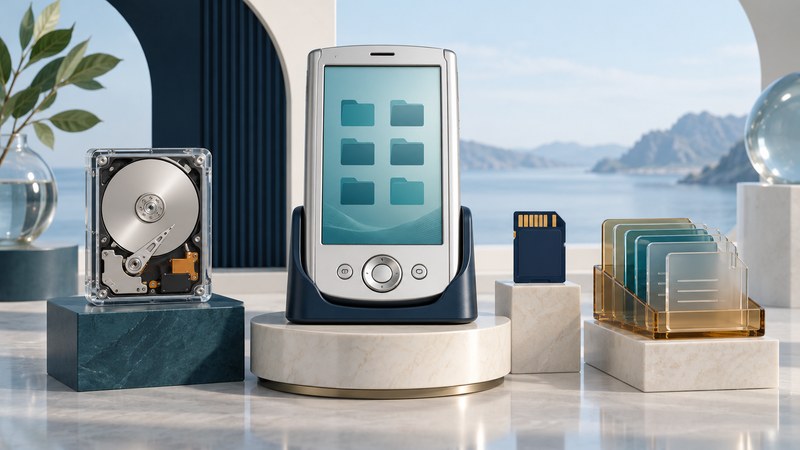
Palm LifeDrive: Storage and File Preservation
Map LifeDrive program data, drive files and expansion-card contents, then choose and verify a preservation route for each.
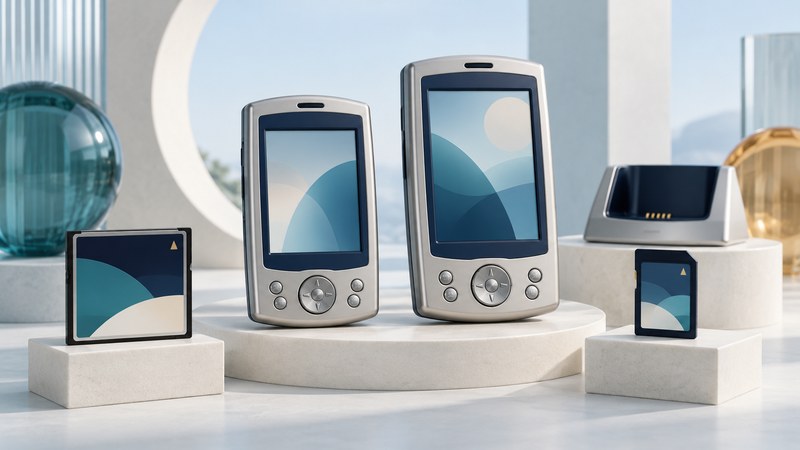
Dell Axim X50 and X50v: Models and Data Preservation
Identify the Axim model and installed operating system, locate its data and plan a checked preservation session before software changes.
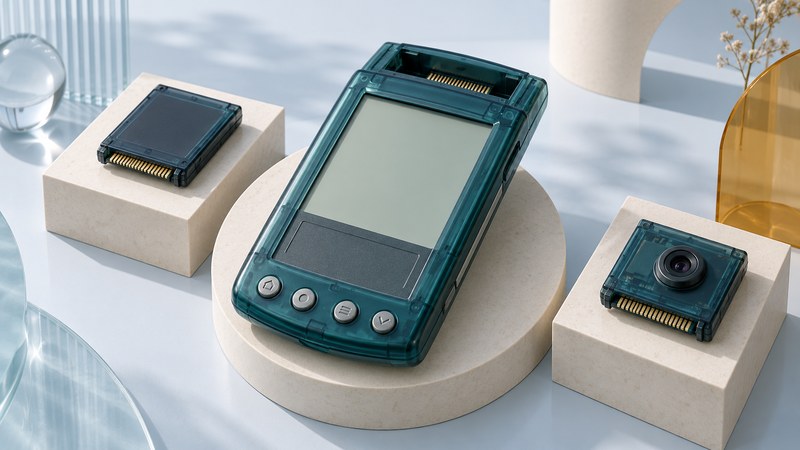
Handspring Visor: Models and Springboard Expansion
Identify a Visor and assess Springboard module compatibility, power, software and preservation requirements as one working combination.
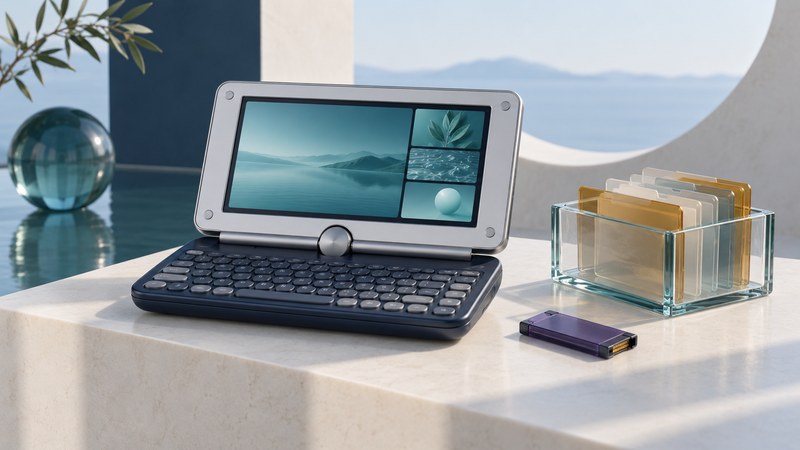
Sony CLIE UX40 and UX50: Connectivity and Preservation
Distinguish the UX40 and UX50, inventory handheld data, Internal Media and Memory Stick contents, and verify separate preservation routes.
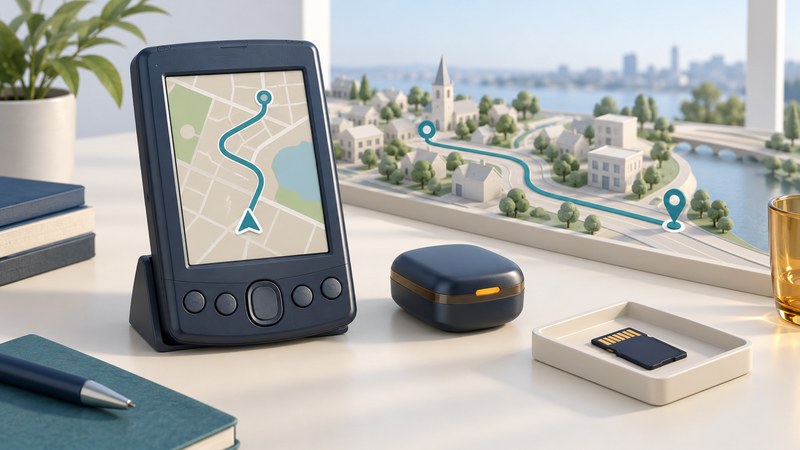
Palm GPS Navigation: Receivers, Maps and Legacy Software
Identify a Palm navigation package, check its receiver, software and maps separately, and interpret the limits of a working legacy setup.
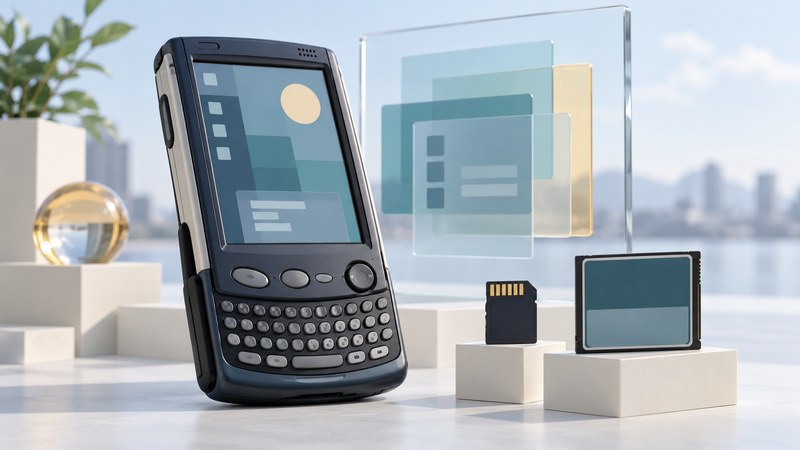
Sharp Zaurus SL-6000: Software and Data Preservation
Identify the SL-6000 model and installed environment, preserve files and applications, and distinguish installation from restoration or system changes.
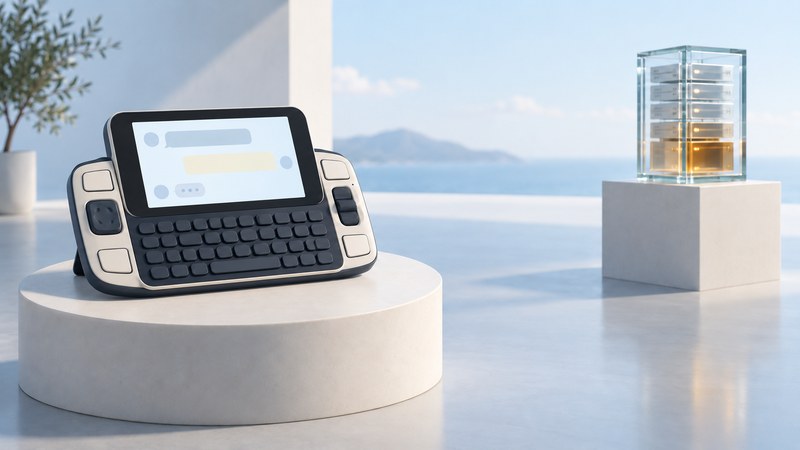
T-Mobile Sidekick 2: Design, Retired Services and Preservation
Understand the Sidekick 2 and its Danger service dependencies, then document a surviving device without assuming activation or data recovery.
Palm, Handspring and CLIE: historical coverage
- Palm Zire — Historical model profile of the compact Palm organizer.
- Palm Tungsten T — Historical model profile of the Palm OS 5 handheld.
- Handspring Treo 600 software development — A 2003 account of the Palm OS smartphone’s developer tools.
Pocket PC and organizers: historical coverage
- Dell Axim X30 — The 2004 launch of Dell’s X30 configurations.
- Compaq iPAQ 3835 — Historical model profile of the color Pocket PC.
- Casio Cassiopeia BE-300 — Historical model profile of the Pocket Manager.
- Casio PV-S400 Plus — Historical model profile of the Pocket Viewer organizer.
- Toshiba e740 — Historical model profile of Toshiba’s expandable Pocket PC.
- Toshiba e330 — Historical model profile of the Pocket PC 2002 handheld.
- Sharp YO-290P organizer — Historical model profile of the electronic organizer with PC Link.
- Palm Treo with Windows Mobile — The 2005 Palm, Microsoft and Verizon smartphone announcement.
Linux, messaging and media handhelds: historical coverage
- Sharp Zaurus SL-5500 — Historical model profile of the Linux/Java multimedia PDA.
- Pepper Pad — A 2006 account of the handheld media computer and its software ecosystem.
- T-Mobile Sidekick iD — A 2007 account of the customizable keyboard messaging device.
- Gizmondo — A 2004 announcement describing the entertainment handheld and planned retail showcase.
Related library
Explore the Computers category for the wider computing library.