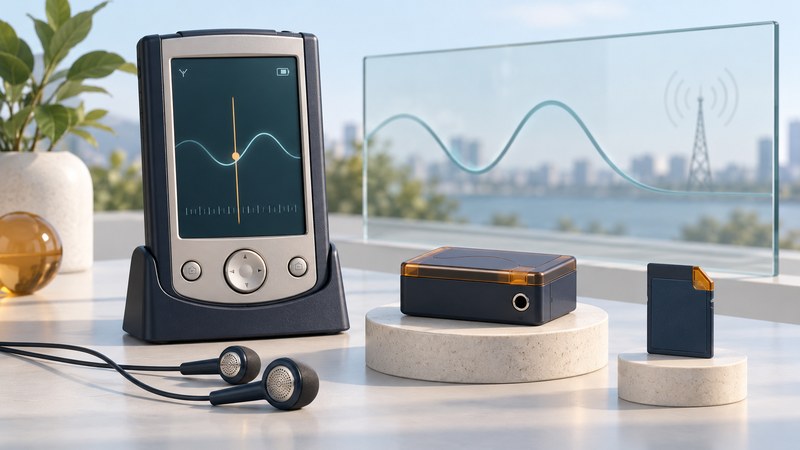
An FM radio card adds a broadcast receiver to a compatible PDA. To evaluate one, follow the whole path: card interface, driver and tuning program, antenna arrangement, and the audio output you will actually use.
FM reception uses a tuner to receive local broadcasts. Playing a stored audio file uses the handheld's media software; streaming a station adds a network connection. A successful test of one path tells you little about the others.
Separate SDIO peripherals from storage cards
The SD Association's SDIO overview explains the use of the SD interface for input/output devices and the role of function drivers. Reading a memory card establishes storage support; an accessory also needs the appropriate I/O support and software.
CompactFlash and SD-format radio products need separate records. Note the radio's complete model number, physical interface, original software media and stated host requirements. Check the handheld's slot documentation as well. A passive adapter that changes physical fit supplies no evidence that a different driver or peripheral function will work.
Scroll the table horizontally to see every column. Keyboard users can focus the table region and use the arrow keys.
| Part | Establish | If uncertain |
|---|---|---|
| Card and slot | Exact interface, model and host support | Find the matching hardware documentation; keep SD and CF evidence separate. |
| Driver and application | Supported OS, processor where relevant, version and installation order | Retain original media and seek the exact package instructions. |
| Antenna arrangement | Any required cable, headset or supplied accessory | Use the documented arrangement; do not improvise a connector. |
| Audio path | Card socket, host speaker or other documented output | Inspect the actual card and its controls before diagnosing reception. |
For a used PDA, preserve its existing software and data before adding drivers. The Axim model and preservation guide illustrates why the installed OS matters even within one handheld family.
What the iBIZ CompactFlash example establishes
A 2003 firsthand test by Don Tolson, republished by Radio World, describes an iBIZ CompactFlash Type I radio used with an HP Jornada 568. The reviewer installed its supplied software through ActiveSync and listened through the socket on the radio card. Reception differed between his work and home locations, and automatic scanning missed some signals he found manually.
Those observations support a bounded example of a working CF configuration. They establish neither an SD version's installation procedure nor universal compatibility with every Pocket PC. They also explain why the radio's own socket deserves attention: testing only the PDA speaker could miss an available audio path.
A complete manufacturer installation guide for the iBIZ SD and CF products was not located for this article. Use the exact supplied documentation for installation order, compatible hosts and accessory requirements. The following trial begins only after compatibility and installation have been established.
Run a reception check one variable at a time
- Write down the configuration. Record handheld and OS, radio model, driver/application version, audio output and antenna or headset arrangement.
- Choose a known local FM station. Confirm that another ordinary FM receiver can hear it at the test location. Record its frequency in MHz and the time. This supplies a comparison, not a calibrated signal measurement.
- Check control and sound separately. Note whether the tuner application recognizes the accessory and responds to tuning. Start at a comfortable volume and check the documented output.
- Compare scanning methods if available. Record whether automatic seek stops at the station and whether manual tuning makes it audible. These are different results.
- Move the complete setup to a second location. Keep the station, output and settings constant. Note the position and nearby equipment. Then return to the first location to see whether the difference repeats.
- Record a short listening observation. Describe clear audio, hiss, interruptions or another station intruding. Avoid converting subjective impressions into sensitivity or range specifications.
If the accessory is unrecognized, investigate interface and driver compatibility first. If the tuning controls respond but sound is absent, verify the audio route and documented antenna arrangement. If only one location gives poor results, repeat the location comparison before concluding that the radio is faulty.
Keep a result someone else can interpret
Download the PDA radio compatibility and reception record. Keep the original driver package, its instructions and the completed record with the accessory. A successful trial applies to that combination and those conditions. This guide presents historical evidence and a proposed test method; no PDA radio hardware was tested.
Explore handheld computing
Handheld computers: work devices, accessories and classic PDAs