Prepare for a test, understand a monitoring or treatment plan, and organize the information your care team needs. These patient guides include source links and practical resources for appointments and follow-up.
Tests, imaging and symptoms
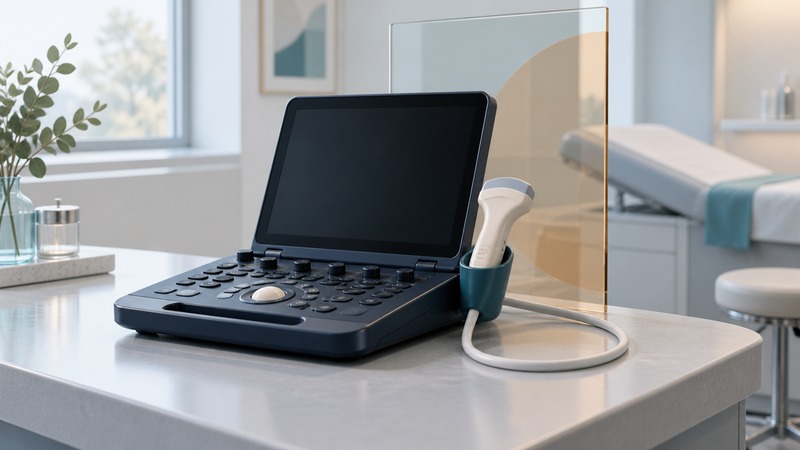
Ultrasound: What to Expect and What Portable Scans Can Answer
Prepare for an ultrasound, understand focused bedside scans and Doppler imaging, and clarify how you will receive the results.
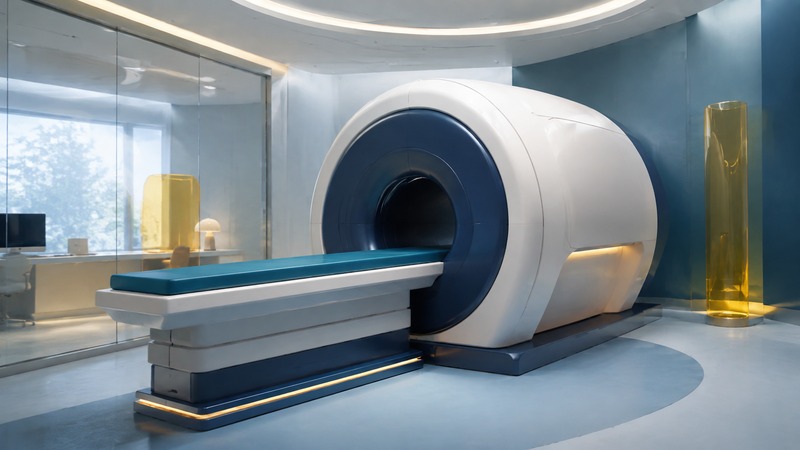
MRI Machines: What They Look Like and What to Expect
A patient guide to MRI scanner designs, safety screening, comfort, contrast questions, and preparation for an examination.

Blood Draws and IV Access: Preparing for Venipuncture
Prepare for a blood draw or IV placement, communicate needle anxiety and previous difficulties, and know what follow-up to ask for.

Endoscopy Explained: Tests, Preparation, and Results
A practical guide to digestive endoscopy: procedure differences, preparation, sedation questions, biopsy results, aftercare, and the role of AI detection aids.

Capsule Endoscopy: Uses, Preparation, and Limitations
Understand small-bowel, colon, and upper-GI capsule tests, their limitations, preparation questions, retention risks, and MRI precautions.

Children’s Headaches: Recording Symptoms and Preparing for Evaluation
Recognize concerning headache patterns, keep a useful symptom diary, use children’s drawings as communication, and prepare for a clinical evaluation.

3D Dentistry: Understand the Images and Your Treatment Plan
Distinguish dental animations, surface scans and CBCT images, then use them to ask clearer questions about treatment choices.

Tissue Oxygenation Imaging: What the Map Measures and What It Can Answer
Understand superficial tissue oxygenation maps, distinguish them from pulse oximetry, and ask how the findings affect clinical decisions.

Imaging-Room Comfort: Lighting, Sound and Sensory Support
Prepare a practical request for lighting, sound, communication and positioning support before a scan, with clear MRI safety boundaries.
Monitoring and ongoing care

Wireless ECG Monitoring: Telemetry, Holters, and Patches
Understand how heart rhythm monitors record and share information, keep a useful symptom log, and clarify device instructions and follow-up.

Implantable Defibrillators: Purpose, Follow-Up, and Everyday Questions
Understand how an ICD differs from a pacemaker or AED, how benefits and risks are discussed, and what to ask about follow-up, shocks, and daily life.
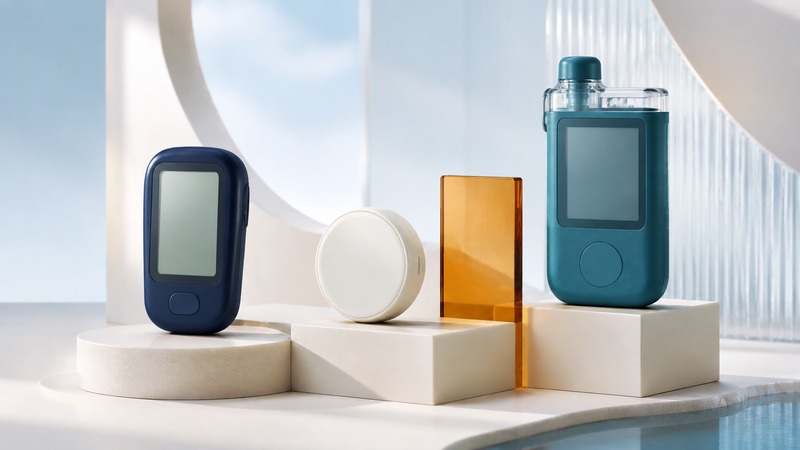
Glucose Monitoring: Meters, CGMs, and Insulin-Pump Integration
Compare blood glucose meters, continuous glucose monitors, and automated insulin delivery, with practical questions about alerts, compatibility, supplies, and support.

Diabetes Explained: Types, Testing, and Ongoing Care
Understand the main diabetes types, how clinical testing differs from home monitoring, and what to discuss when building an ongoing care plan.

Home Health Monitoring: From Health Buddy to Today’s Care Programs
Understand the Health Buddy model and ask how a home monitoring program collects readings, reviews them, responds and supports patients.

Dialysis Catheters: Purpose, Access Options, and Care-Team Questions
Understand a hemodialysis catheter’s role, compare access options, and clarify infection prevention, follow-up and urgent contact arrangements.

TPN Explained: Nutrition Through a Vein and Planning for Home
Understand parenteral nutrition, its monitoring needs, and the training, supplies and support to arrange before home treatment.

Smart Medication Patches: Delivery, Reminders and Practical Questions
Understand transdermal medicine delivery, separate reminder features from treatment, and prepare questions about your prescribed patch.

Children's Central Lines: Purpose, Infection Prevention and Family Questions
Understand pediatric central venous lines, antimicrobial features, trained care responsibilities and the symptoms families should report.

Total Artificial Hearts: Purpose, Transplant Planning and Daily Support
Understand total artificial hearts, how they differ from assist devices, and the clinical and practical questions families should discuss.
Records and communication

Electronic Medical Records: Request, Check, and Transfer Your Information
Request original medical records and imaging studies, check their completeness, ask for corrections, and confirm that the receiving practice can use them.

Portable Medical Records: Build a Useful Health Summary
Create a dated health summary, obtain supporting records, and share the right documents securely for appointments, travel, and changes of care.

Contacting Your Doctor: Find the Right Channel and Write a Useful Message
Find your practice’s official contact route, choose a portal message or phone call, and write a clear request that staff can route appropriately.
Treatment choices and recovery

Stitches: Types, Aftercare, and Follow-Up
Understand dissolving and removable stitches, confirm wound-specific care, and prepare for follow-up or stitch removal.

Minimally Invasive Spine Surgery: Compare the Procedure and Alternatives
Identify the proposed spinal operation, compare its goals and alternatives, and prepare questions about risks, recovery and a second opinion.

Laser Vision Correction: Procedures, Tradeoffs, and Questions
Compare LASIK, PRK, and small-incision lenticule extraction, understand candidacy and visual tradeoffs, and prepare questions for a surgeon.
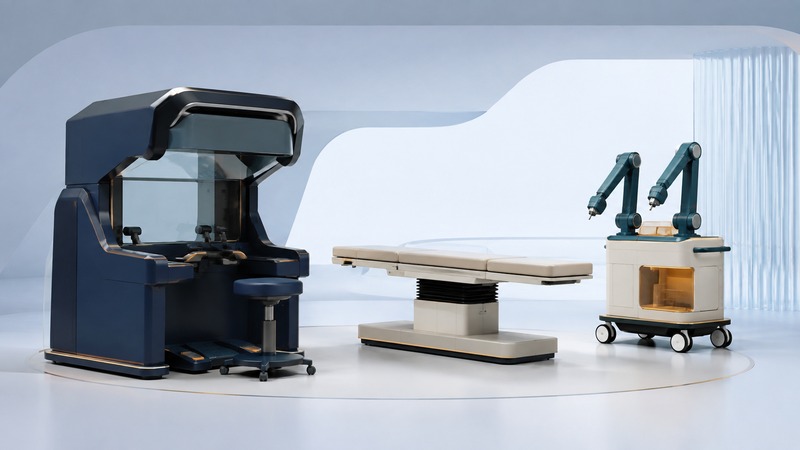
Robotic Surgery: What the System Does and How to Compare Options
Understand surgeon-controlled robotic systems, compare open and laparoscopic approaches, evaluate procedure-specific evidence, and prepare consultation questions.

Femoral Access-Site Care After Angiography or Angioplasty
Understand groin access-site closure, clarify your discharge instructions, and recognize symptoms that need prompt or emergency help.

Portable Chest Drains: Mobility, Home Support and Follow-Up
Understand why a chest drain remains in place and arrange device-specific teaching, mobility guidance, supplies and follow-up.

Distal Radioulnar Joint Replacement: Wrist and Forearm Questions
Understand the wrist-area joint involved in forearm rotation and compare treatment goals, alternatives, complications and rehabilitation.
AI in medicine

10 Ways AI is Transforming Medicine
Explore AI in medical imaging, documentation, research and clinical workflows, including evidence, privacy and human oversight.
Clinical technology and image quality

Medical Imaging Displays: Diagnostic Use, Calibration and Viewing Conditions
Evaluate imaging displays by intended use, grayscale and color performance, viewing environment, and a documented quality-assurance plan.
Historical medical reporting
These six articles preserve earlier product announcements and technology reporting. Their dates and descriptions identify the historical scope; check current sources for product availability, approvals and clinical claims.
Earlier imaging and examination technology
- Olympus gastrointestinal endoscopy devices
2017 reporting on therapeutic endoscopy instruments and related products.
- Endoscopic digital camera head
2005 reporting on camera coupling and surgical visualization equipment.
- Voice-activated ultrasound
2003 demonstration of voice controls for ultrasound equipment.
- Blue lasers for biomedical instruments
2004 reporting on a 488 nm laser for laboratory and imaging applications.
Earlier treatment and support devices
- Therapeutic warming and aerospace materials
2004 aerospace-manufacturing story with a brief therapeutic-device connection.
Earlier clinical computing and displays
- Medical thin-client workstation
2006 reporting on a fanless hospital computer and its contemporary software.