Choose and maintain useful computers, preserve your files, and understand how computing systems work. These 28 guides connect everyday tasks and computing history with examples, primary sources, and ways to check the result.
Personal computers and workspaces

Alienware PC Cooling: Airflow, Liquid Coolers, and Service Decisions
Identify your cooling assembly, compare repeatable workload observations, and plan model-specific Alienware service.
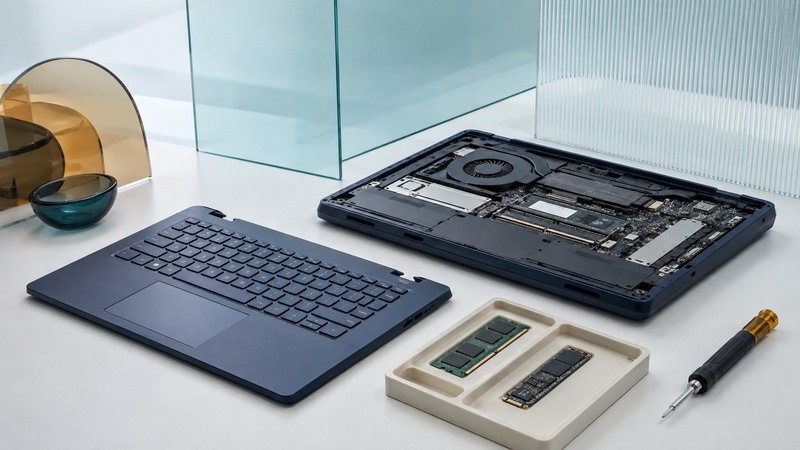
Modular PCs: Evaluate Repairability and Upgrade Options
Evaluate replaceable components, documented compatibility, complete upgrade costs, and the checks needed after a repair.
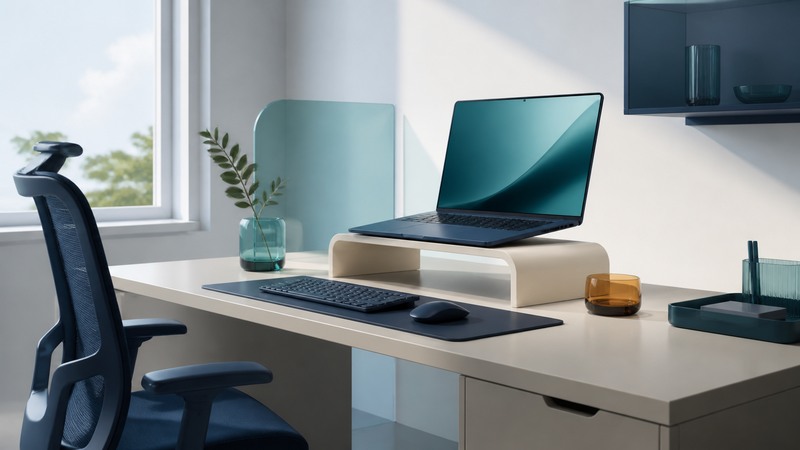
Laptop Desks: Set Up a Stable, Comfortable, Ventilated Workspace
Arrange laptop screen height, typing controls, stability, and ventilation around the person and the task.
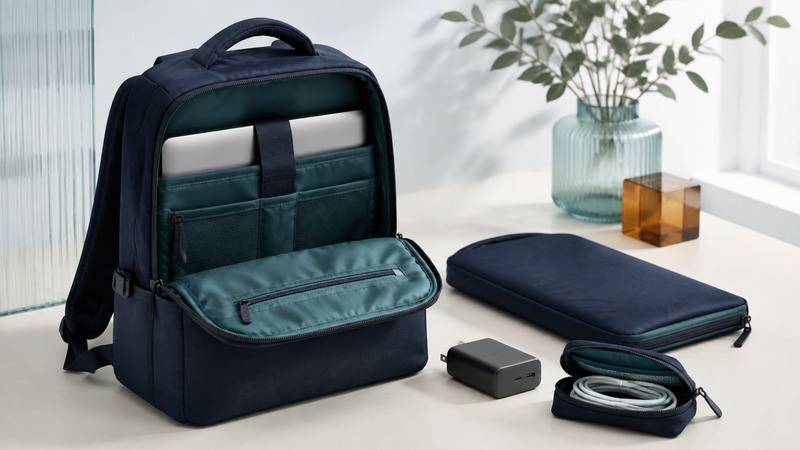
Laptop Bags: Measure Fit, Compare Protection, and Pack Well
Measure your laptop and bag compartment, evaluate padding and closures, and test the complete carried load.
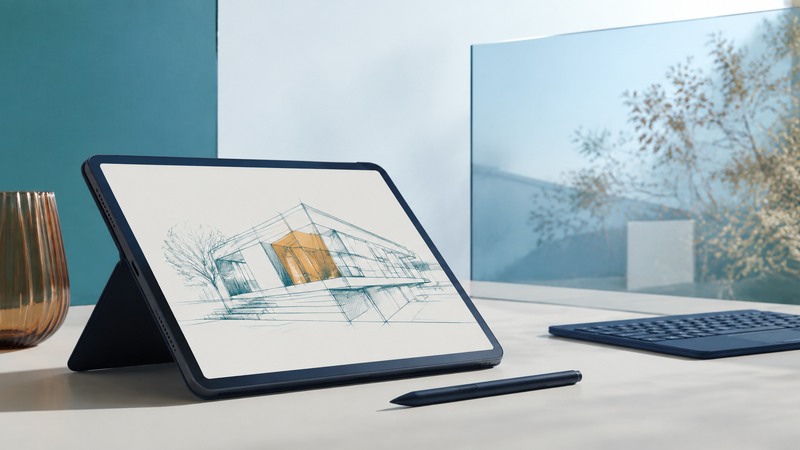
Tablet PCs: Choose Pen Input, Applications, and a Mobile Workflow
Choose a tablet PC by checking application support, pen compatibility, display conditions, and a complete document workflow.
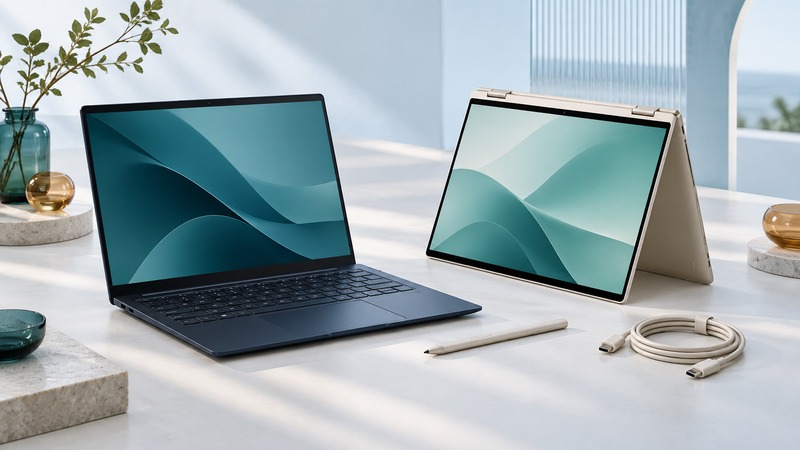
HP Spectre Laptops: Identify Your Generation and Assess a Used Device
Identify an HP Spectre generation, inspect a used laptop, test its accessories, and resolve repair and operating-system requirements.
Field work and wearable computing
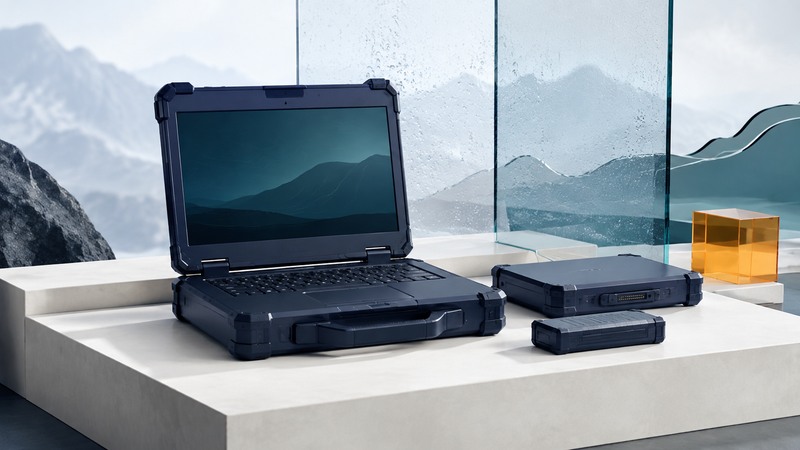
Rugged Laptops: Test Evidence, Field Requirements, and Buying Decisions
Match rugged laptops to working conditions, assess model-specific test reports, and run a practical acceptance trial.

Rugged Tablet PCs: Test Offline Work, Capture, and Field Handover
Run a field-tablet acceptance trial covering applications, accessories, offline records, synchronization, and handover.

Wearable Computers: Choose a Workflow and Run a Useful Pilot
Evaluate wrist and head-mounted computers with task trials that measure correctness, time, comfort, and record delivery.
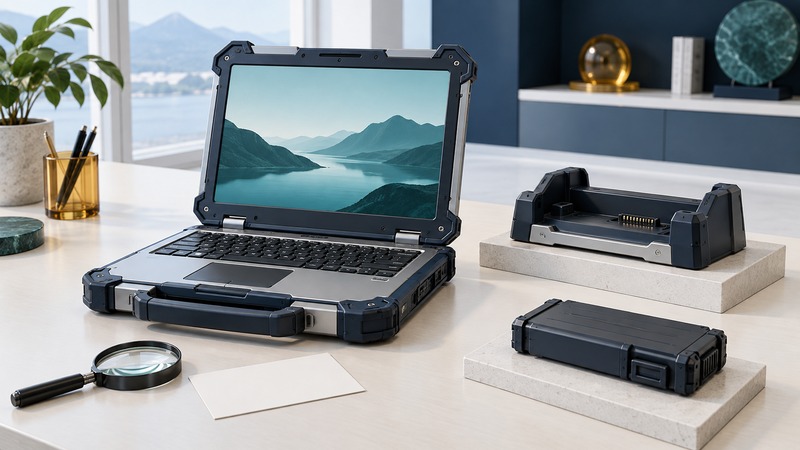
Panasonic Toughbook: Identify the Model, Check Support, and Plan Service
Identify a Panasonic Toughbook, check batteries and accessories, verify software support, and keep a useful ownership and service record.
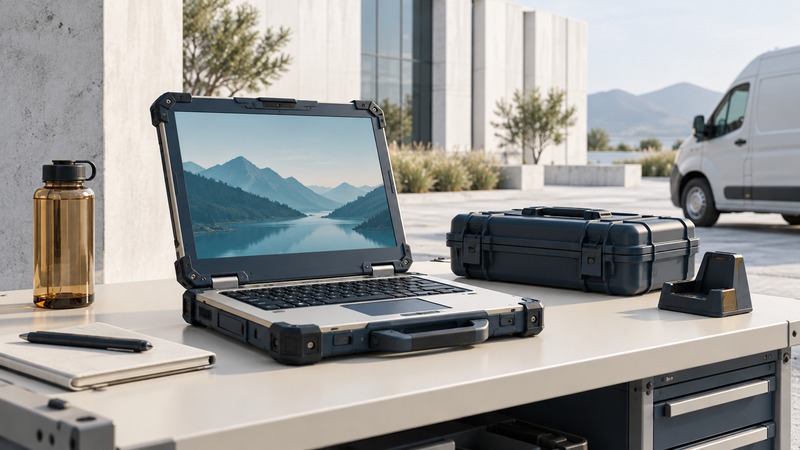
Semi-Rugged Notebooks: Match Protection to a Field-Service Day
Match a semi-rugged notebook to a field-service route, compare protection evidence, and run a practical shift trial.
Files, discs, and home media

How Long CDs and DVDs Last: Check, Copy, and Preserve Your Files
Preserve files on aging optical discs with a copying workflow, verification tool, and a plan for independent copies.

CD/DVD Disc Publishers: Prepare, Verify, and Reconcile a Batch
Plan a disc-publishing run with an approved master, matching labels, verification, recipient testing, and accepted-copy counts.

Media-Center PCs: Plan Storage, Playback, and a Reliable Setup
Plan local playback or a media server, test codecs and clients, estimate storage, and troubleshoot television playback.
Network clients, servers, and computing projects
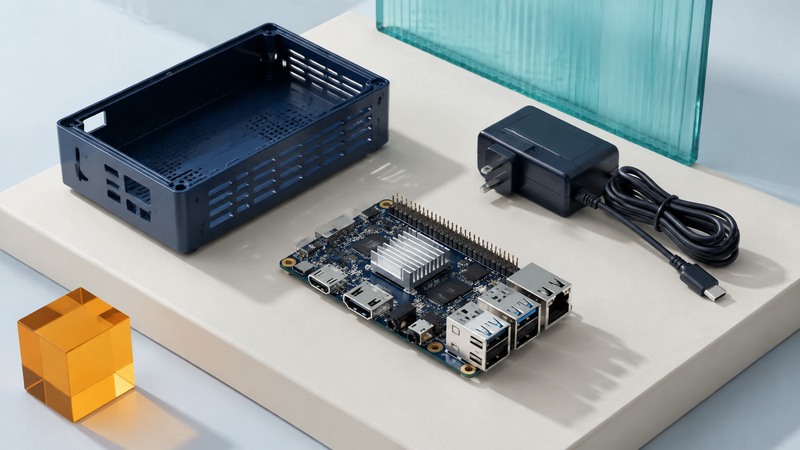
Single-Board Computers: Choose Hardware and Build a Working System
Choose a single-board computer using software, interfaces, power, storage, and cooling requirements, then validate the assembled system.

Network Clients: Thin Clients, Remote Desktops, and Terminal Workflows
Map applications and peripherals to a network client, test session recovery, and evaluate the complete service.
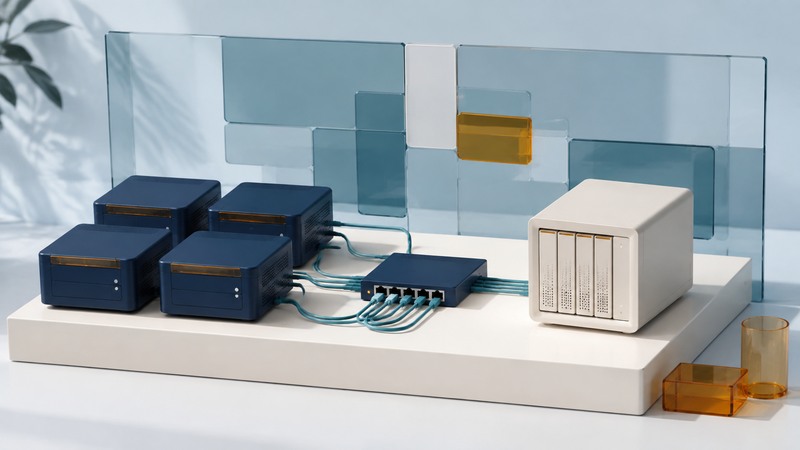
Cluster Computing: Workloads, Scaling, and Measured Performance
Determine when multiple computers help, calculate speedup and efficiency, and design a repeatable cluster benchmark.

High-Speed Cluster Interconnects: Measure Latency, Bandwidth, and Useful Work
Choose relevant network benchmarks, calculate communication costs, and test whether an interconnect improves the real application.

Dense Blade Servers: Plan Power, Cooling, and Capacity After Failure
Evaluate blade-server density through complete infrastructure budgets, shared dependencies, and useful capacity after a specified failure.

Solaris Security: Inventory, Review Evidence, and Validate Changes
Plan an Oracle Solaris 11.4 security review covering update level, roles, services, monitoring evidence, and recoverable changes.
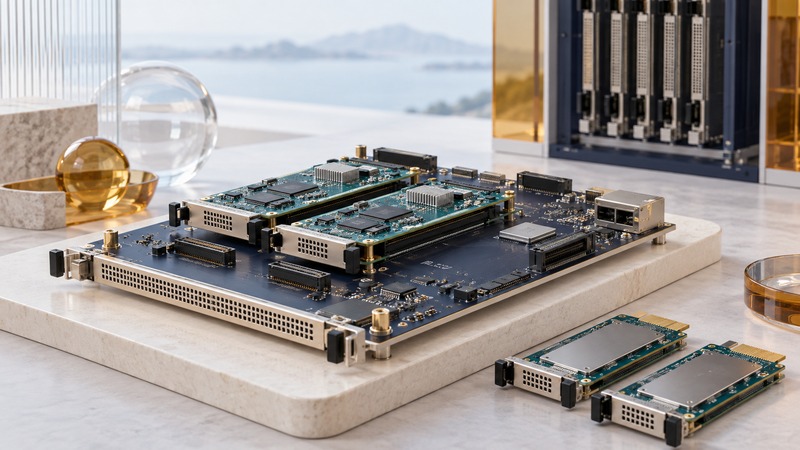
BladeCenter Carrier Blades: AdvancedMC Architecture and Legacy Compatibility
Understand the SBS BCT4-AMC1 and document legacy BladeCenter compatibility across chassis, modules, interfaces, management, and software.
Computing architecture explained

Computers on Mars: Radiation, Redundancy, and Communication Delay
Understand Mars flight computers through mission tasks, radiation effects, recovery, and the time required for communication.

The Cell Processor: Local Memory, Data Movement, and Parallel Work
Understand Cell’s heterogeneous architecture with a local-store budget, an illustrative pipeline, and the context of Roadrunner.
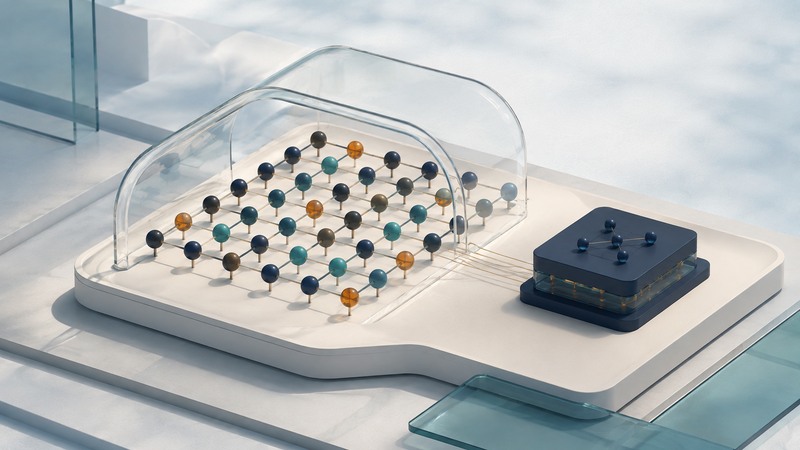
Quantum Computers: Qubits, Error Correction, and Evidence
Understand physical and logical qubits, interpret error-correction results, and evaluate quantum-computing claims in context.
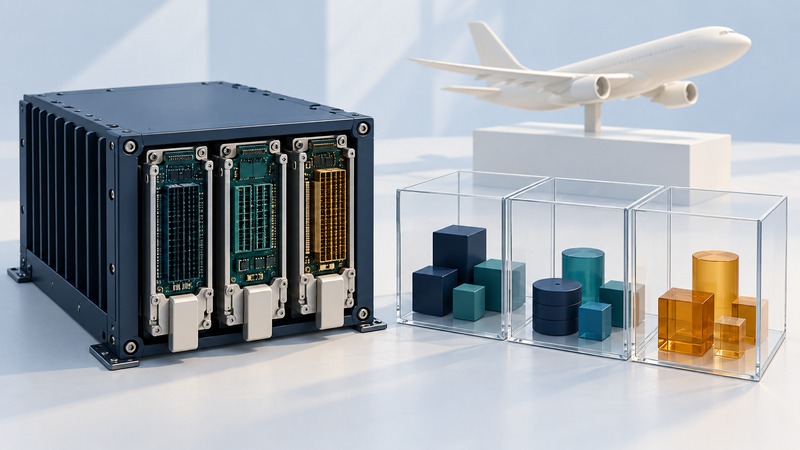
Avionics Computers: Real-Time Work, Partitioning, and Assurance
Understand avionics deadlines, time and memory partitioning, fault response, and the evidence behind integrated modular avionics.
Computing history and design
Explore the machines, engineering decisions, and creative designs that shaped computing, with primary records and practical ways to interpret them.
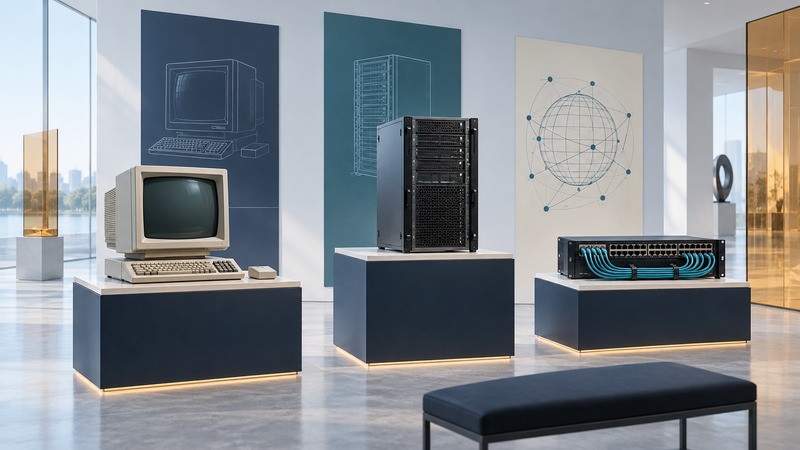
Andy Bechtolsheim: Workstations, Servers, and Network Engineering
Trace Andy Bechtolsheim’s documented work in workstations, servers, and networking through primary histories and company records.
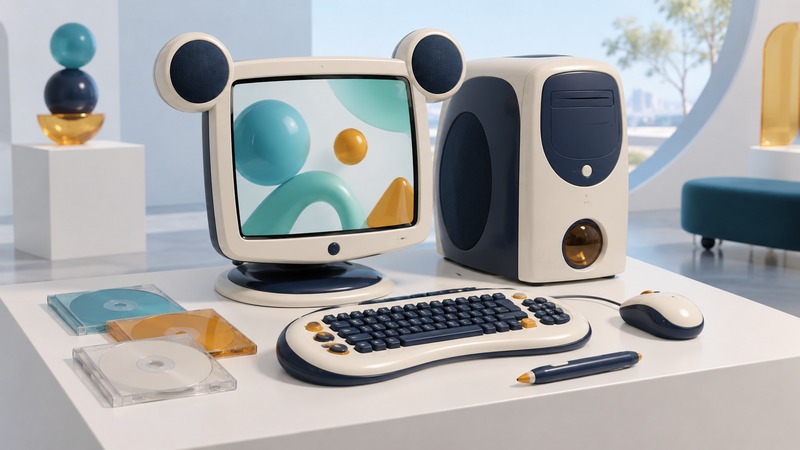
Disney Dream Desk PC: Design History and a Collector Checklist
Explore the Disney Dream Desk PC’s 2004 design and use a collector inventory to document completeness, preservation, and offline demonstrations.
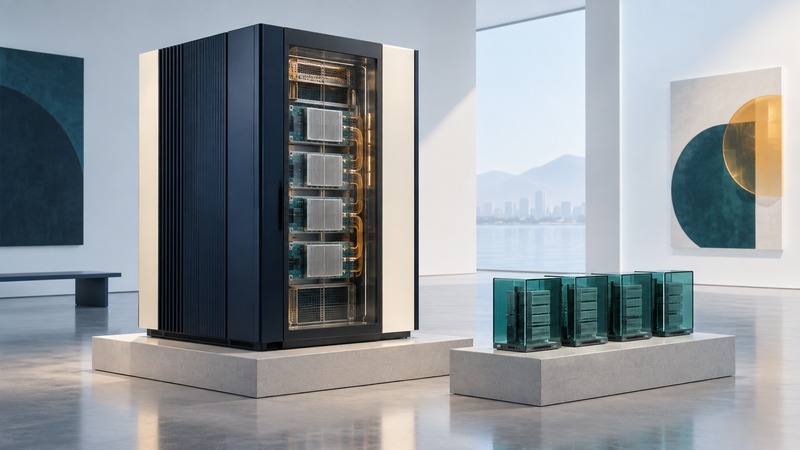
IBM eServer p690: POWER Architecture and Research Computing History
Understand the IBM p690’s POWER4 architecture, logical partitions, research use, and the context needed to interpret performance results.