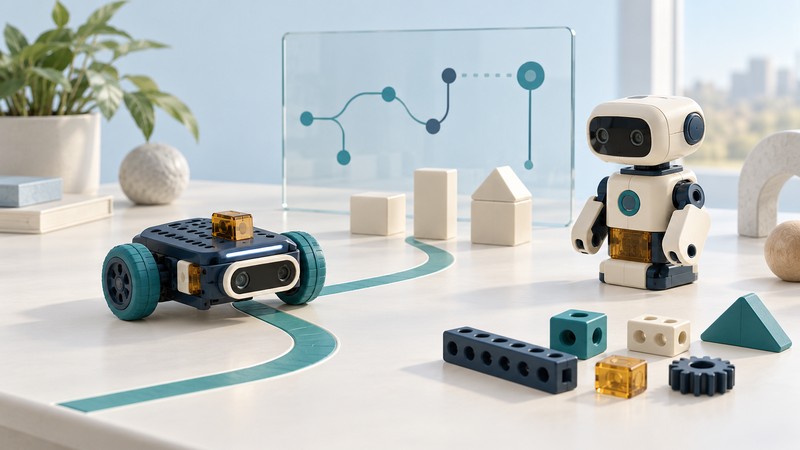
A toy can invite a child to steer a vehicle, build a machine, teach a program to recognize movement or invent a story. Start with what the child can create and change. Then look at how the technology works, what help it needs and whether the play remains worthwhile after the first demonstration.
How AI and robotic toys work
Look for three parts: an input, such as a button or movement sensor; a program that decides what happens; and an output, such as a motor, light or speaker. The Micro:bit Educational Foundation’s input, processor and output explanation makes this chain easy to follow.
Remote-controlled play
The player supplies commands: turn, drive, stop. Ask how much control the child has and whether the controller fits their hands. A wireless connection describes how commands travel; it does not establish an AI capability.
Reactive and programmed play
A sensor triggers a response, or a toy follows a stored sequence. A clap might start a sound; a distance reading might trigger a turn. Find out whether the child can change those rules or only select a built-in mode.
Build-and-code robotics
The child changes a physical construction, a program or both. Look for a clear route from a first working model to an original challenge: adjust a turn, add a sensor condition, then test the result. Autonomous movement can come from programmed rules.
AI-enabled play
Ask what the AI actually does: classify a movement, recognize speech, plan an action or generate a response. For a “learning” claim, ask what changes through experience and who can see or reset it. A generated conversation needs different scrutiny from a movement classifier.
These categories overlap. A robot can have manual and autonomous modes; a coding kit can use a trained model inside a larger program. Read the feature description and manual for the exact model, rather than inferring capability from a robot-shaped body or the word “smart.”
From a reaction to a learning experiment
One input, two ways to use it
In the Foundation’s micro:bit sensory-toy project, shaking the board triggers a sound and an image. The child can change the response and predict what a shake will do. This is a concrete way to explore a programmed reaction.
With micro:bit CreateAI, a learner instead records examples of movements, trains a model and tests which movement it recognizes. The model and a MakeCode program can then run on a micro:bit V2. Check the official guide’s device and browser requirements before choosing equipment.
Try this question: “What happens if someone else makes the same movement?” Compare the prediction with the result, then consider whether the training examples need more variety. In this suggested experiment, keep a note of which movements were recognized and what changed after adding examples.
For an educational claim, look for an activity you can describe: making a sequence, spotting a failed prediction, changing a design or explaining a result. Those observable tasks make it easier to judge whether a toy fits your purpose than a broad promise to “boost intelligence.”
Choosing a toy that fits the way you play
- Start with the activity. Does the child want to build, code, race, perform or tell stories? Identify what they can invent after completing the supplied demonstration.
- Match the setup to the household. Read the manufacturer’s age guidance, assembly steps and supervision requirements. Check hand controls, reading demands, sound controls, floor space and storage.
- Check the complete system. List the exact toy model, required phone or computer, supported operating system, app, account and accessories. Check the actual app listing and support pages before purchase, especially for a used toy.
- Ask what works offline. Separate initial setup, everyday play and optional downloads. Find out what remains usable if a subscription ends, an app disappears or a cloud service closes.
- Count the ongoing work and cost. Include batteries or charging, replacement parts, subscriptions and paid content. Look for an accessible manual, a support contact and a clear way to reset or transfer the toy.
- Make a decision you can explain. Write down the desired activity, the required equipment and the main uncertainty. A missing answer about an essential feature is a reason to investigate before buying.
For toys that listen, watch or converse
Check when a microphone or camera operates, what leaves the device, who receives it, how long recordings are kept and how a parent can delete them. Look for clear controls and a usable off switch. The FTC’s guide to protecting children’s privacy online provides a practical starting point.
Read the service’s age rules as well as the age printed on the toy. Explore conversational features together and check factual answers with reliable sources. Explain that a friendly voice or face is a designed interaction, not a person with feelings. UNICEF’s guide to discussing AI with children offers ways to have that conversation. Parent controls are one part of the decision; also consider the content and interaction the toy encourages.
Explore AI, robotics and creative play
Use these interests to choose a direction. Each puts a different kind of control in the player’s hands.
- Build and code: assemble a mechanism, write a sequence and change its behavior.
- Robotic movement: investigate routes, obstacles and the relationship between a sensor reading and an action.
- Creative experiments: connect movement, lights and sound, or train a small classifier and test its limits.
- Interactive characters and stories: examine how much the child authors, how responses are produced and what adult involvement the experience needs.
A useful comparison starts with a specific task and documented capabilities. Product versions and service requirements matter more than a seasonal “smart toy” label.
AI and robotics guides
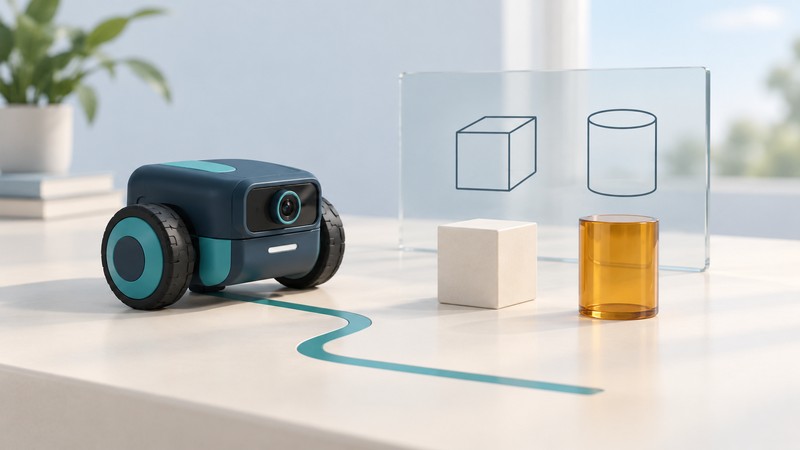
mBot2 with AI Camera 2.0: A Family Guide to Coding and Machine Vision
Choose the complete setup, explore a first color-recognition exercise, and understand model training, privacy and the rules behind a robot’s actions.
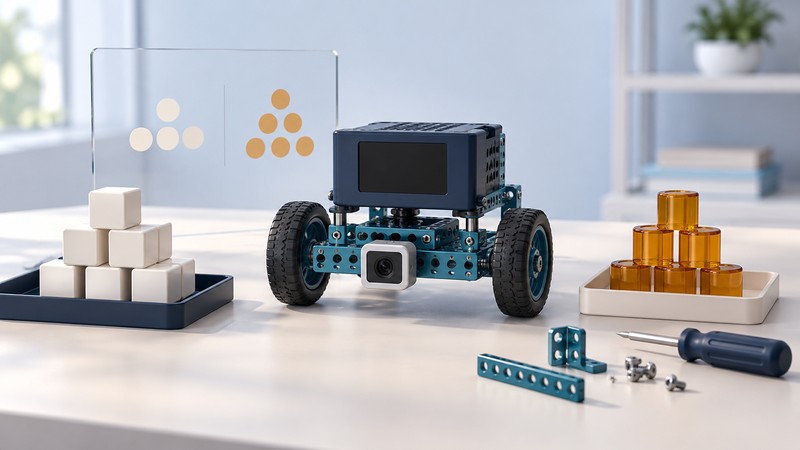
MatataStudio Nous AI Set: Build, Train and Test a Robot
Prepare a modular robot, plan three first sessions, and test a small trained model while separating local recognition from optional cloud AI.
The 2017 Toy Collection
Explore twenty toys covered in October 2017, from construction sets and doll worlds to robotic racing and electronic storytelling. These historical articles describe products and promotional claims from that season. Their app, availability and compatibility statements need fresh checks before a purchase; inclusion here is not a current buying recommendation.
Anki Overdrive provides a historical example of robotic racing, while the 2017 Teddy Ruxpin illustrates electronic storytelling. The collection also includes traditional toys and character figures, each grouped by its kind of play.
Building, drawing and design
- LEGO Minecraft Ocean Monument — A building set inspired by Minecraft underwater exploration.
- Magic Sketch — A reusable LCD drawing and tracing toy.
- Project Mc2 Smart Pixel Purse — A light-up accessory for displaying pixel designs.
Vehicles, tracks and robotic racing
- Anki Overdrive — App-controlled robotic cars and a modular battle-racing track.
- XPV Extreme Performance RC Skateboard — A remote-controlled miniature skateboard with stunt features.
- Hot Wheels Roto Revolution — A rotating track set built around timed launches and competing cars.
- Cars 3 Ultimate Florida Speedway — A large motorized track inspired by the film’s racing finale.
Dolls, worlds and imaginative play
- Barbie Dream Camper — A transforming camper and campsite for doll adventures.
- Disney Happy Places — Miniature rooms and Disney-themed furnishings.
- Enchantimals — Character dolls paired with animal companions.
- Shimmer and Shine Light-Up Genie Palace — A palace playset with sound-activated lights and phrases.
- Shopkins World Vacation — Travel-themed collectible characters and entertainment.
Stories, music and interactive characters
- Beat Bugs — Figures, plush characters and music-responsive toys from the series.
- Little Live Pets Secret Songbirds — Bird toys with a key-operated message-recording feature.
- Shimmer and Shine Genie Dance Dolls — Interactive dolls combining movement, songs and lights.
- SoundMoovz — Motion-triggered bands designed to work with a sound app.
- Teddy Ruxpin — The 2017 storytelling bear with animated eyes and app-linked features.
Target and action play
- Nerf AccuStrike RaptorStrike — A foam-dart blaster with a bipod and pop-up sight.
- Power Rangers Ninja Steel Master Blade — A character-inspired role-play blade and Ninja Star accessory.
- Transformers Team Combiners — Ultra Bee and Menasor teams of combining character figures.
For a secondhand toy, use the exact model number to find its manufacturer’s instructions and check the U.S. Consumer Product Safety Commission recall database. Product age and a working power switch alone do not establish suitability.