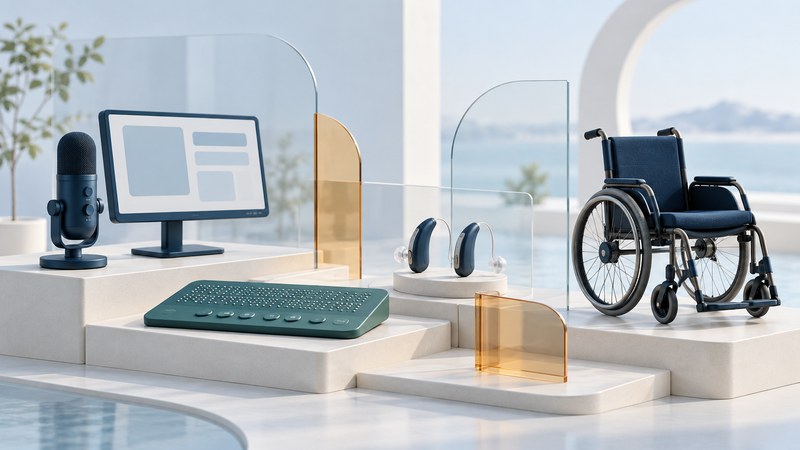
Find tools and approaches for reading, controlling a computer, making calls, hearing, moving around and learning. Start with the task you want to accomplish, then use the guides to prepare a setup, trial or conversation with a specialist.
Explore eighteen practical guides, with examples and preparation tools for everyday access, alongside the related Accessibility library.
What would you like to do?
Control a computer and use speech interfaces
Voice Computer Control: Set Up, Navigate and Correct by Voice
Set up Windows Voice Access or Mac Voice Control, practice everyday tasks, and recover from recognition and navigation problems.
Embedded Speech Recognition: Evaluate Offline Voice Controls
Distinguish wake words and voice commands, check what runs locally, and evaluate an embedded device with realistic users, errors and fallback controls.
Accessible Voice Self-Service: Design and Test a Useful Phone Call
Design a telephone self-service task with clear prompts, confirmation, recovery and human help, then evaluate whether callers can finish it.
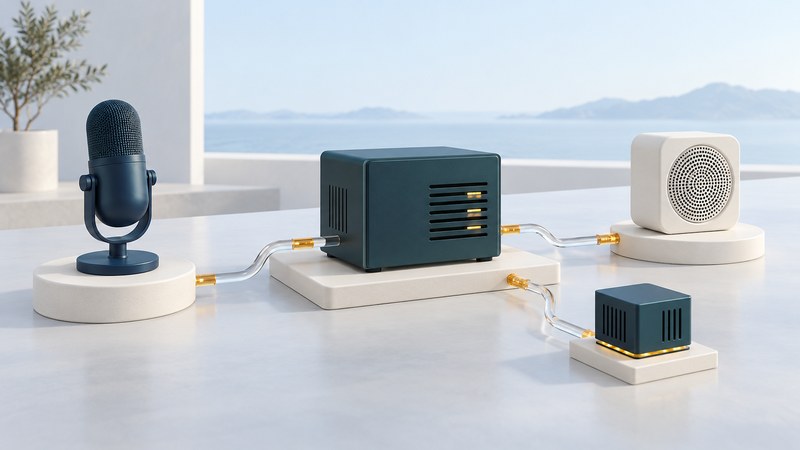
Network Speech Systems: Recognition, Synthesis and Deployment Choices
Trace a speech request through its components, compare local and hosted deployment, and evaluate reliability, data handling and accessible fallback.
Read print, digital text and tactile graphics
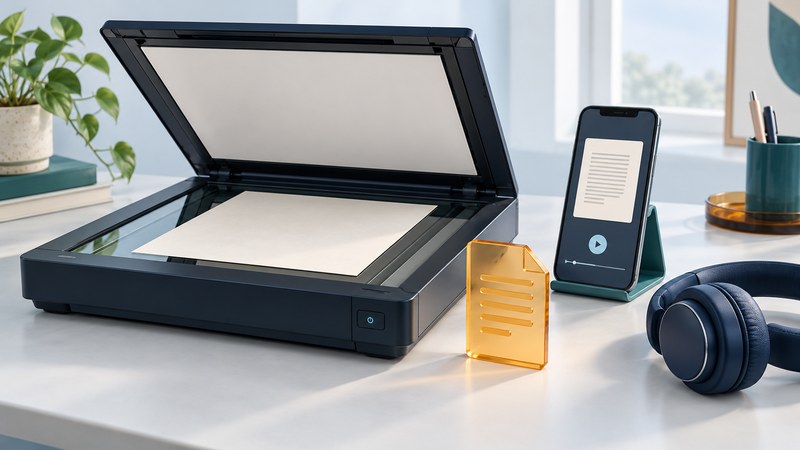
Read Printed Documents Aloud: Scanning, OCR and Speech
Capture printed pages, extract their text, listen aloud and check recognition errors before relying on the result.
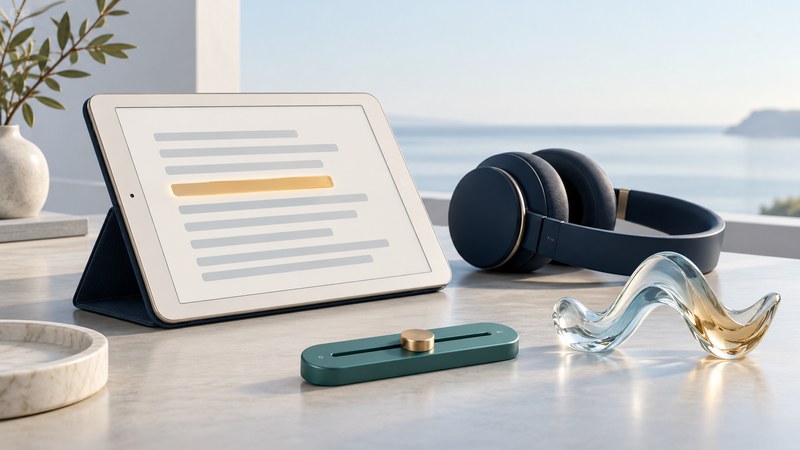
Text to Speech: Choose a Reading Voice and Build a Useful Workflow
Choose a read-aloud feature, adjust voice and speed, navigate digital text and solve common reading problems.

Refreshable Tactile Displays: Read Graphics and Compare Capabilities
Understand tactile graphics and braille displays, prepare useful learning material, and evaluate a device through a real task.
Hear and communicate

Phone and Hearing Aid Compatibility: Check Your Exact Pair
Verify hearing-aid and phone models, distinguish app control from streaming, and test calls before committing to a device.
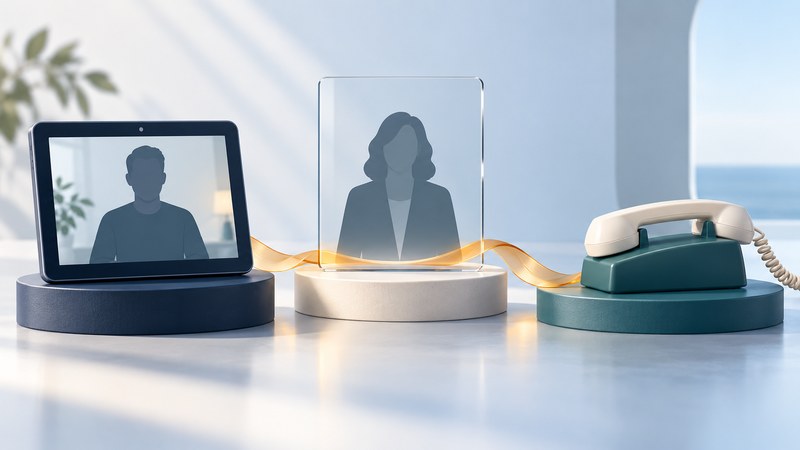
Video Relay Service: Prepare for Your First Call
Understand a U.S. video relay call, prepare your equipment and call details, and find current setup and emergency-calling information.
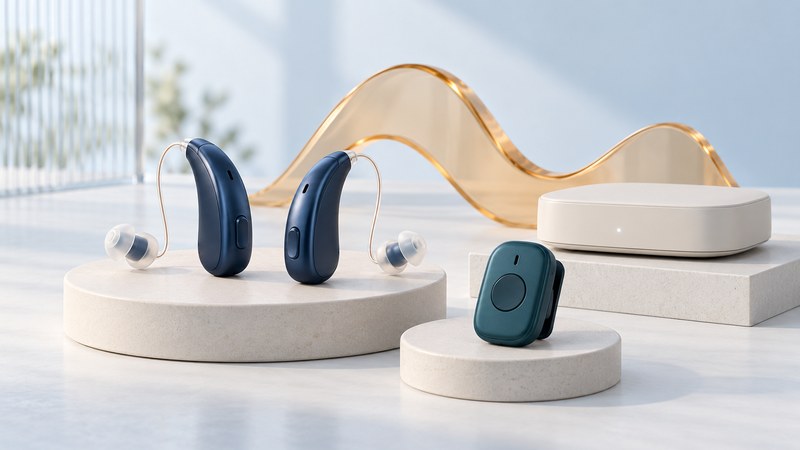
Wireless Hearing Aids: Understand the Connections and Plan a Trial
Distinguish hearing-aid wireless functions, compare listening accessories and prepare a practical trial with your hearing-care provider.
Mobile Text Relay: Choose and Prepare for an IP Relay Call
Understand mobile IP relay, check service and device requirements, prepare a text-based telephone call, and plan for connection problems.

Custom Hearing Aid Shells and Earmolds: From Scan to Fit
Understand custom hearing-aid shells, earmolds and digital production, then prepare useful fit observations and questions for your hearing-care professional.
Mobile Speech Interfaces: Turn Typed Messages into Spoken Conversation
Prepare typed speech and saved phrases for conversation, try an iPhone Live Speech workflow, and check input, audio and backup communication.
Move around and use public services
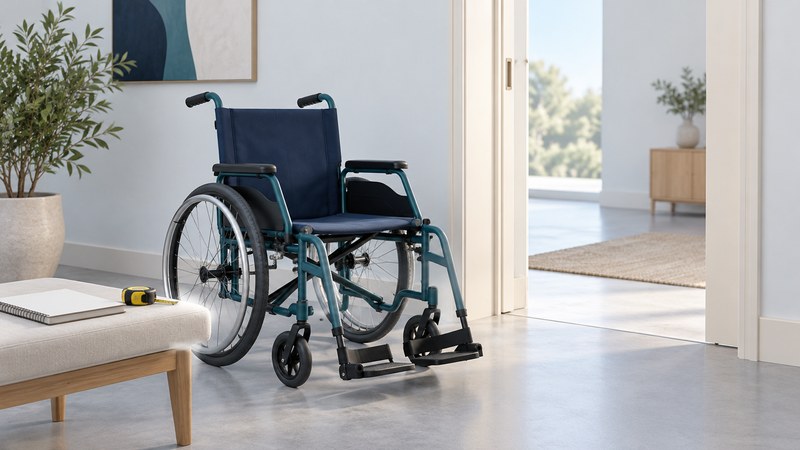
Mobility Devices: Prepare for an Assessment and Equipment Trial
Document daily mobility needs, prepare questions for a wheelchair or scooter assessment, and find equipment-trial and support resources.
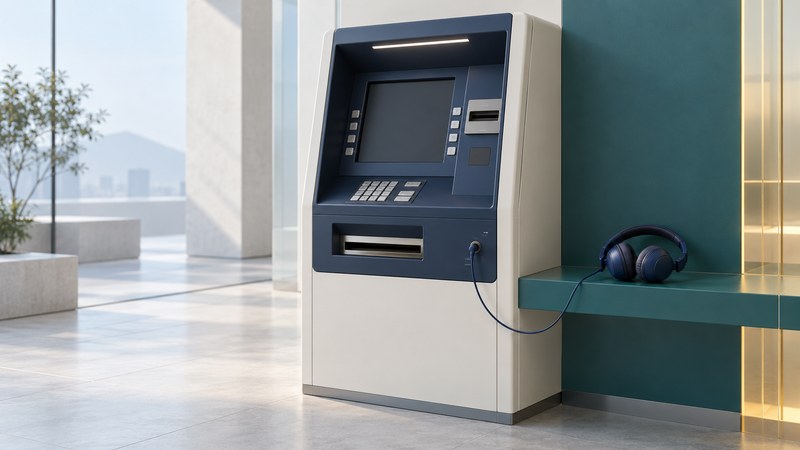
Accessible ATMs: Speech Guidance, Controls and Getting Help
Prepare for an audio-guided ATM visit, understand tactile controls and privacy, and report access problems clearly.
Learn, build and find training
Accessible E-Learning: Test a Course from Sign-In to Submission
Walk through a course with keyboard and assistive technology, identify barriers, and give vendors and course owners actionable evidence.

Assistive Technology Tools: Define a Need, Find a Design and Test It
Plan an everyday access tool with the person who will use it, compare existing options, and document a practical trial and handoff.

Assistive Technology Training: Choose Useful Workshops and Conferences
Choose training around a practical skill, check prerequisites and access arrangements, and turn a workshop or conference into a usable learning plan.