Find practical guidance for making digital content accessible and navigating learning, work, transport and voting. Choose a topic below for checks, questions and next steps.
Check websites and documents
Website Accessibility Check: A Practical First Audit
Review a real website task, identify access barriers, and turn findings into repair and retest steps.
Accessible PDFs with Adobe Acrobat: Create, Check and Repair
Create structured source documents, repair PDF reading order and forms, and verify the exported result.
Choosing an Accessibility Testing Tool: Coverage, Workflow and Evidence
Choose evaluation tools by the pages, states, evidence and team workflow you need to support.

Accessibility Evaluation and Repair: From Finding to Retest
Validate an accessibility finding, repair a form label in source and retest the affected task.
Jakob Nielsen on Accessibility and Usability: Lessons for Real Tasks
Explore Jakob Nielsen’s accessibility and usability work, then apply task-based observation alongside technical evaluation.

Flash Accessibility: What It Supported and How to Replace Legacy Content
Understand Flash’s historical accessibility support and plan a usable replacement for legacy interactive content.
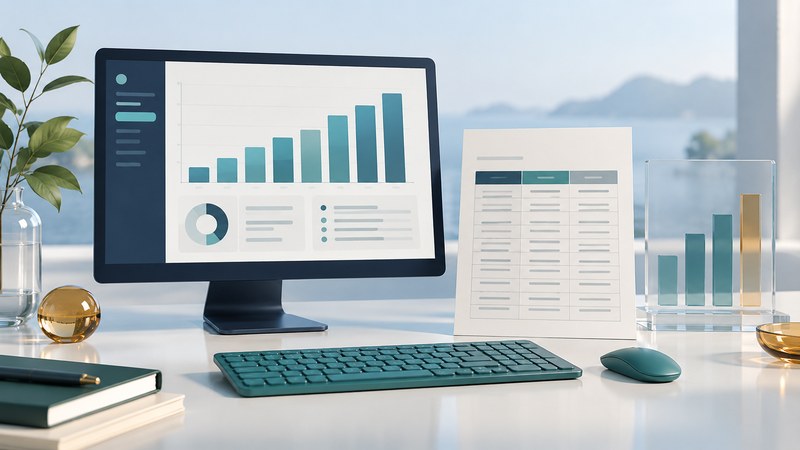
WebFOCUS Accessibility: Check Reports, Charts and Exports
Check a WebFOCUS report from filter selection through table reading, chart interpretation and exported output.

FrontPage Accessibility: Modernize an Older Website
Inventory a FrontPage-built site, replace fragile components and verify an accessible migration while preserving useful URLs.
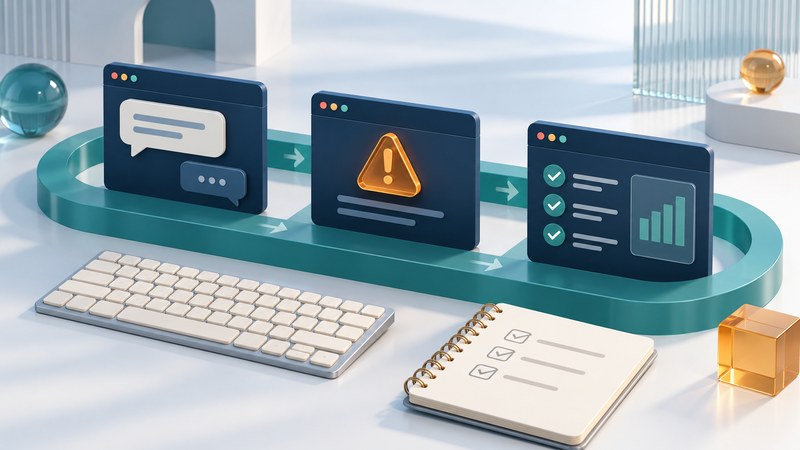
Astra QuickTest and Accessibility Regression Testing: From Recorded Actions to Useful Checks
Design accessibility regression checks that follow a real task, assert meaningful outcomes and preserve evidence for human review.
Understand requirements and run a program

Section 508 Explained: Scope, Standards and Procurement
Identify federal ICT accessibility requirements, evaluate vendor evidence, and plan acceptance and ongoing checks.

Corporate Accessibility Standards: Policy, Ownership and Release Checks
Build an accessibility policy with clear scope, responsibilities, evidence and an ongoing repair process.
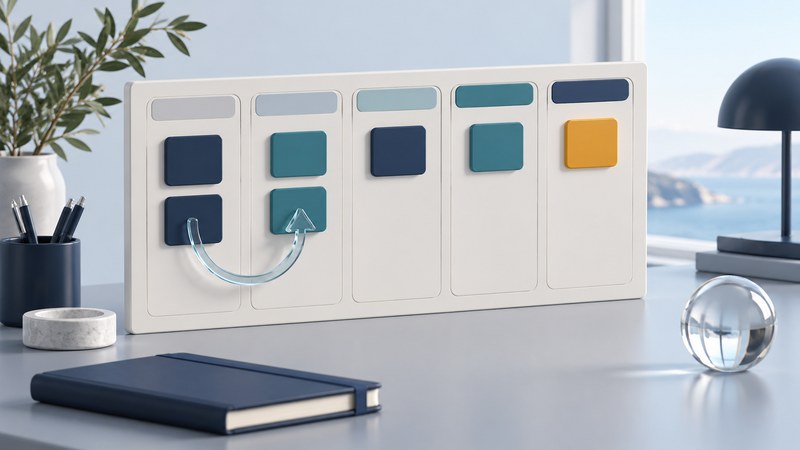
Track Accessibility Issues from Report to Verified Fix
Keep accessibility findings actionable with clear ownership, evidence, retesting and honest progress measures.

Plan an Accessibility Retrofit: Scope, Priorities and Acceptance
Scope an accessibility remediation project, compare proposals and define the evidence required for acceptance.

Integrate Accessibility Across a Multi-System Service
Map accessibility across connected systems, test transitions and assign responsibility for the complete service.

Make Legacy Systems Accessible: Assess, Integrate or Replace
Compare repairing a legacy interface, adding an accessible front end and replacing the system using task-based evidence.
VeriTest and Product Accessibility Assessment: What a Useful Report Should Contain
Read an accessibility assessment for scope, reproducible findings, user impact and evidence that repairs were retested.

Compaq's Accessibility Initiative: How to Read Product Evidence Today
Use Compaq's early accessibility initiative as context for reading model-specific product reports and testing an essential workflow today.
Make learning accessible
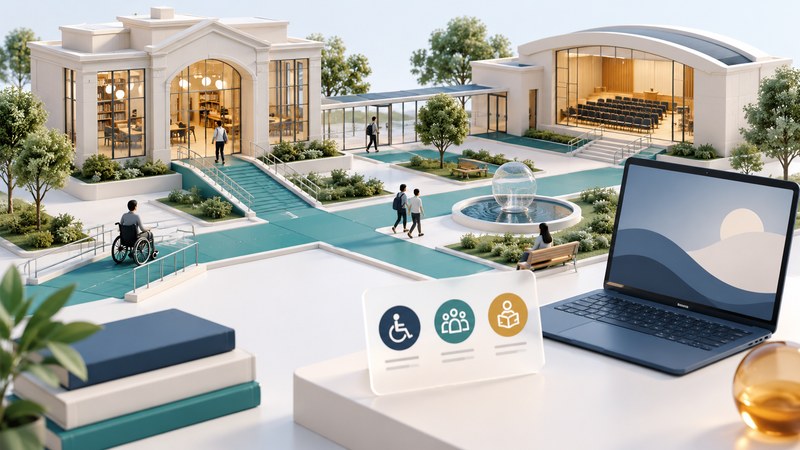
Digital Accessibility in Higher Education: Requirements and a Campus Plan
Map accessibility responsibilities across campus, prioritize course and service barriers, and verify requirements.
Choosing Accessible E-Learning: An LMS Evaluation Guide
Evaluate a learning platform with realistic course tasks, version-specific evidence and a plan for resolving barriers.
Learning with a Disability: Get Course Materials and Support That Work
Identify a course access barrier, request useful support, and check that the agreed solution works for your learning task.
Google Books Accessibility: What Changed and How to Find a Usable Edition
Use Google Books to identify an edition, understand reading availability and find a format that works with your reading tools.
Work, travel, vote and enjoy recreation
Accessible Job Applications and Interviews: A Practical Guide
Identify application barriers, request a useful adjustment, and prepare for an accessible interview.

Choosing an Accessible Vehicle: Adaptations, Fit and Evaluation
Compare vehicle access, driving adaptations, wheelchair fit and support using a practical assessment plan.
Accessible Voting Machines: Features, Preparation and Getting Help
Prepare to use accessible voting equipment, verify local procedures, and find help with an access barrier.

Accessible Fishing: Plan a Trip Around Access and Support
Check the route, fishing position, facilities and assistance before choosing an accessible fishing trip.
Use technology and evaluate interfaces
AI Accessibility Tools: Useful Tasks, Evidence and Limits
Evaluate AI-assisted captioning, dictation and visual description using practical trials, privacy checks and reliable alternatives.
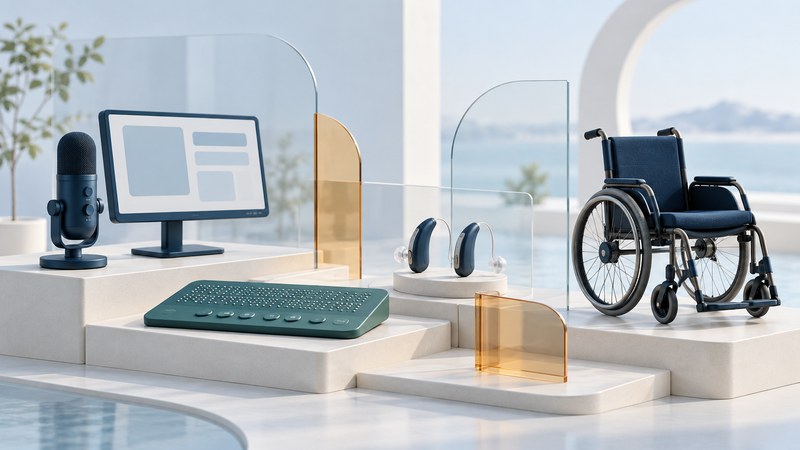
Assistive Technology library
Explore practical guides to reading, computer control, hearing, communication, mobility, learning and assistive technology design.

Empress and Database Accessibility: Test the Administration Workflow
Evaluate an Empress database workflow through its actual client, terminal, results and documentation using a small read-only exercise.

Panasonic Accessibility: Find Product Information and Request Support
Find the right Panasonic support route, request model-specific accessibility information and check whether the answer resolves your task.
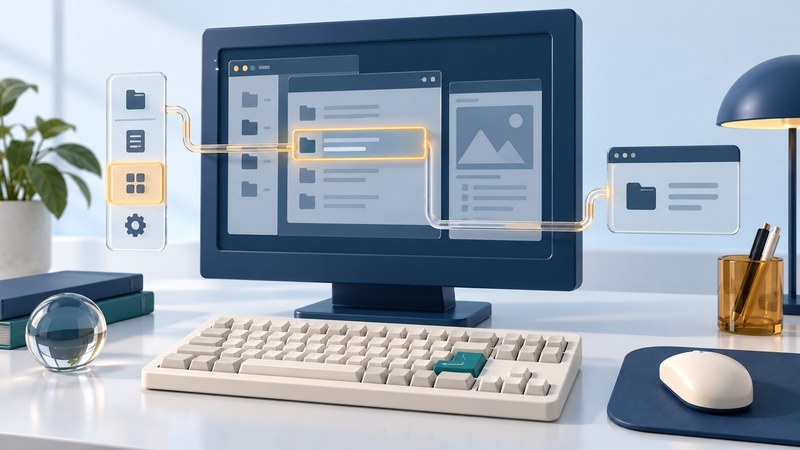
X-Designer and Motif Accessibility: Evaluate a Legacy Desktop Interface
Evaluate a legacy X-Designer or Motif interface by documenting its environment and testing keyboard, visual and assistive-technology behavior.
Accessibility history and reading
Read foundational accessibility writing with historical context and current implementation references.
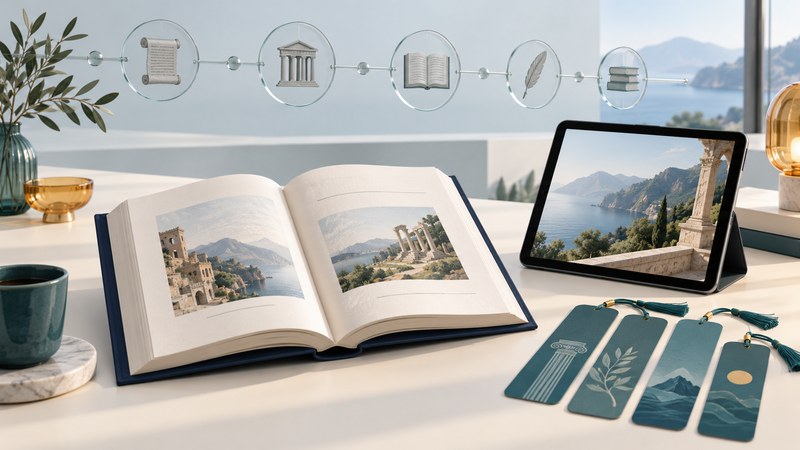
Joe Clark's Building Accessible Websites: A Critical Reading Guide
Read Joe Clark's 2002 accessibility book with historical context, current implementation references and a practical comparison exercise.