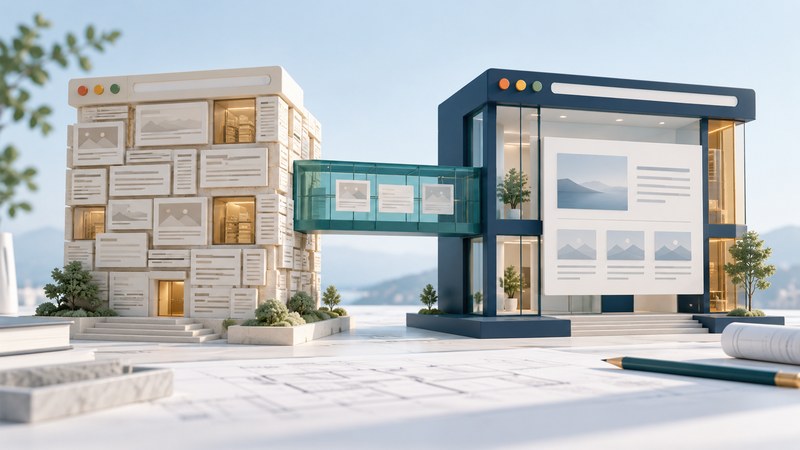
A FrontPage-built website can be renovated from its published files and observed behavior. Begin with a private copy, a URL inventory and the tasks readers need to complete. Preserve useful content and stable destinations while replacing the markup and dependencies that obstruct those tasks.
Find what the site actually depends on
Microsoft records April 9, 2014 as the end of extended support for Office FrontPage 2003. Plan the work around maintained editing and hosting tools. You can inspect HTML, images, stylesheets and server configuration without running the old authoring application.
Choose one ordinary content page, a navigation-heavy page and any important form. List their public URLs, titles, incoming links, downloadable files and server dependencies. Inspect for shared borders, generated navigation, image-based text, layout tables and FrontPage-specific comments or components. Treat these as inventory clues; verify what still performs a live function before replacing it.
For a form, identify where submissions go, what validates the fields and how success or failure appears. Keep personal submissions out of the test copy. A page can look intact while its processing component has stopped working.
Convert structure one page at a time
Keep the existing schedule URL if it remains useful. Separate page layout from data relationships: CSS can arrange the page, while an actual schedule table still needs table structure. The W3C page structure guidance provides a starting point for headings and meaningful regions. Read the migrated page in source order and by headings; both should tell a coherent story.
Move any essential words out of decorative image files into real text. For informative images, write alternatives that convey their purpose in this page. Inspect old spacer images individually; removing a spacer should leave both layout and reading order sensible.
Build a migration inventory
Use the FrontPage migration inventory for each representative page. Record the existing URL, reader task, dependencies, observed barrier, replacement approach and acceptance check. A useful entry is “Room request: replace the obsolete form handler; submit a test request, then confirm the success message and actual delivery.”
Prioritize tasks with consequences: finding essential information, making a request, obtaining a document or contacting the organization. Consolidate duplicate navigation and content after checking incoming links. When a URL must change, arrange a suitable redirect and verify that an old bookmark reaches the intended replacement without a chain of irrelevant pages.
Check the migration before switching over
- Compare titles, meaningful text, downloads and contact information against the inventory.
- Follow navigation and forms with the keyboard; check visible focus and a usable route through errors.
- Try narrow screens and enlarged text, especially navigation, schedules and long form labels.
- Read representative pages with the access tools used by the audience, including dynamically revealed content.
- Verify submission delivery with test data and an agreed recipient, then remove the test record through the normal process.
Keep a dated backup and a rollback plan outside the public site. After publication, check the preserved URLs and important incoming links again. Retire an old component only after its replacement has completed the same reader task successfully.