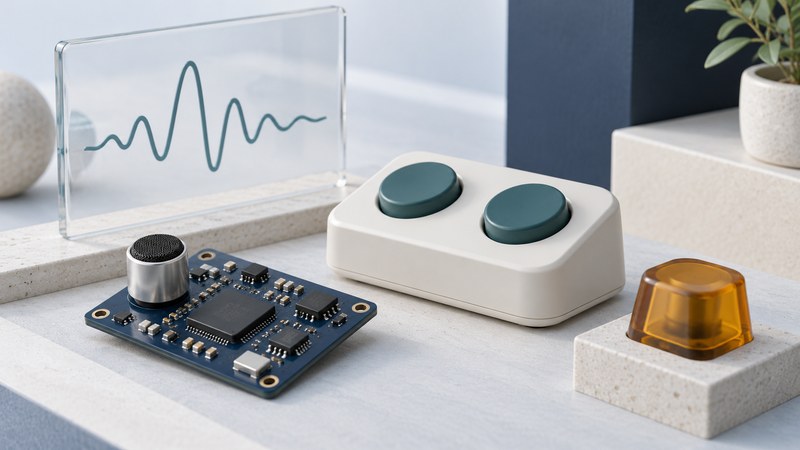
Embedded speech recognition processes spoken input within a device or product. It may listen for a wake word, recognize a small command set or transcribe broader speech. To judge whether it improves access, test the actions people can complete and how they recover when recognition fails.
This guide is for product evaluators, makers and accessibility teams. For setting up ordinary desktop voice control, start with the Windows and Mac voice-control guide. Here the focus is a device's voice interface and its local processing claims.
Separate the listening stages
| Stage | Question | Observable check |
|---|---|---|
| Wake-word detection | When should the device begin accepting a command? | Intended activations and unwanted activations. |
| Command recognition | Which supported request was spoken? | Correct, missed and mistaken commands. |
| Action and feedback | Did the requested operation finish? | Actual device state and confirmation the user can perceive. |
| Recovery | Can the person correct, cancel or use another control? | A complete task after an error. |
Sensory's VoiceHub documentation distinguishes wake words and spotted commands from grammar-based recognition with intents and entities. It also describes different model formats for embedded platforms. Use such documentation to identify the offered capability, then evaluate the actual product that incorporates it.
A correct wake word followed by a missed command is a different failure from a correctly recognized command that the application cannot execute. Record the stage so the team can investigate the relevant component.
Define exactly what works offline
Ask the supplier to identify which processing stays on the device, which functions contact a server, and what is needed for installation, model downloads, licensing or updates. Local recognition can still be part of a product whose requested action requires a network.
Sensory's SDK overview illustrates that recognizer families support different model types. Avoid transferring one model's memory, language or accuracy claim to another model or a complete device. Obtain requirements for the exact software and hardware configuration.
In an authorized test environment, compare a familiar nonessential task with the intended connection available and unavailable. Note startup behavior as well as operation after setup. If a vendor says “offline,” ask which of these conditions that statement covers. Review recording, logging and update behavior separately from the location of recognition.
Build a trial around intended users
- Choose a low-consequence task. A demonstration audio player with play, pause and repeat controls is a clearer starting point than an essential device function.
- Record the setup. Keep device, microphone, firmware, model, language and settings with the test record.
- Describe the conditions. Note distance, orientation, background sound and whether the device itself is playing audio.
- Include the intended users. Agree on participation, breaks, privacy and recording. Give people their normal way of speaking; document any training the product requires.
- Test recovery. Include a wrong action, a missed request and the alternative control the person would actually use.
The W3C's draft research module on voice systems discusses barriers involving language, memory and interaction. It is a work in progress, not a conformance standard. Use it to broaden questions about the experience, alongside direct evaluation with the product's intended users.
Tell participants what is being evaluated and let them stop. The task is to improve the system's fit to people, rather than coach everyone into one artificial speaking style. Check whether an alternative button, switch or other input is reachable and understandable for those same participants.
Count errors in ways that preserve their meaning
Keep results by participant and condition as well as totals. An average can conceal that one person could rarely complete the task. Record completion after correction, prompts required, delays and the user's judgment of the effort involved.
The voice-command trial record (plain text) includes this invented calculation and fields for a repeatable check. Choose acceptance criteria before testing; the sample numbers are examples, not recommended performance thresholds.
Turn a result into a specific next action
If wake detection is unreliable, investigate that stage before changing the command vocabulary. If recognition is correct but the action fails, inspect the application or connection. If people cannot tell what happened, improve feedback and test again. Compare one change at a time with the recorded baseline.
Retest the affected tasks after firmware, model, microphone or enclosure changes. Keep a usable alternative input and document what the voice control is intended to do. For a service that sends audio across a network, continue with network speech components and deployment choices.
Explore the library
Assistive Technology: Practical Guides for Everyday Access
Sources appear beside the claims they support. Reviewed October 4, 2026. Check current product instructions for your version, location and intended use.