Start with the task your network must support. These twenty guides and explainers connect coverage, access, device integration and embedded-system questions with practical evidence and useful next steps.
Plan an installation, diagnose a failed connection, bring a library to a screen, or build a sensor data path. The technology explanations also help interpret ranging, RF components and pre-standard Wi-Fi claims.
Plan and troubleshoot Wi-Fi

Wi-Fi Site Survey: Map Coverage and Validate Real Tasks
Map coverage, compare survey methods and validate real tasks with representative Wi-Fi clients.

Wi-Fi Interference: Identify the Cause and Verify a Fix
Distinguish coverage, competing airtime and non-Wi-Fi energy, then verify a controlled change.

Wi-Fi Channel Planning: Balance Width, Reuse and Airtime
Balance channel width, reuse and shared airtime using a measured multi-access-point trial.
Secure and manage access

Secure Workplace Wi-Fi: Access Policies and Verification
Define employee, guest and device access, test network boundaries and maintain a workable security policy.
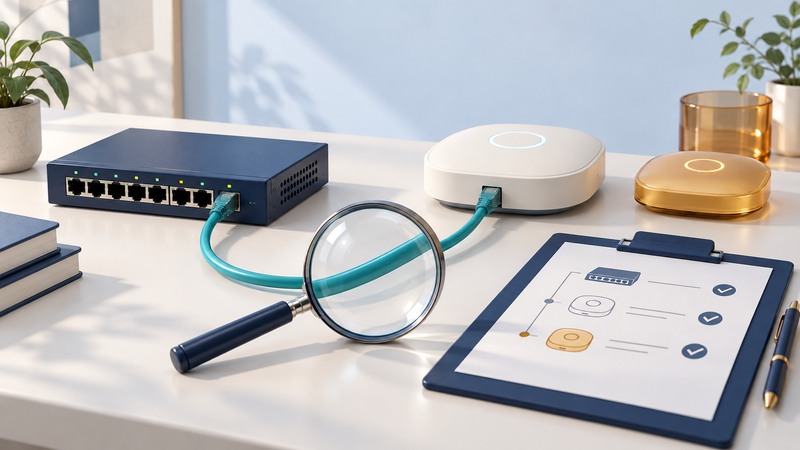
Rogue Access Points: Investigate and Remove Unauthorized Connections
Investigate unfamiliar access points, verify wired attachment and close unauthorized paths through owned infrastructure.

Wireless LAN Authentication: 802.1X, RADIUS and EAP Methods
Trace 802.1X, RADIUS and EAP roles, check certificate relationships and locate a failed network join.

Wireless Firewalls: Trace Rules, NAT and Connection Failures
Trace a permitted connection through interfaces, firewall rules, NAT and state, then verify a narrow correction.
Connect buildings and protect equipment

Wireless Ethernet Bridges: Plan and Test a Building-to-Building Link
Specify a building-to-building wireless link, check its path and verify capacity, Ethernet behavior and recovery.
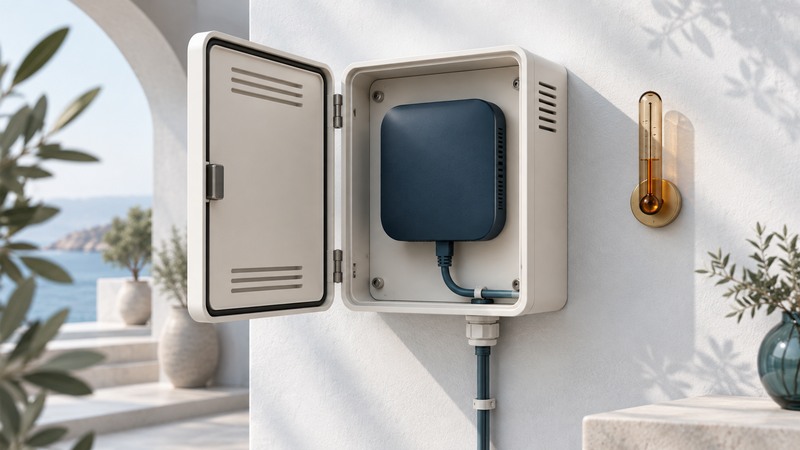
Access Point Enclosures: Fit, RF Performance and Maintenance
Check access-point enclosure fit, antenna arrangement, thermal limits and closed-installation performance.
Build sensors and embedded systems
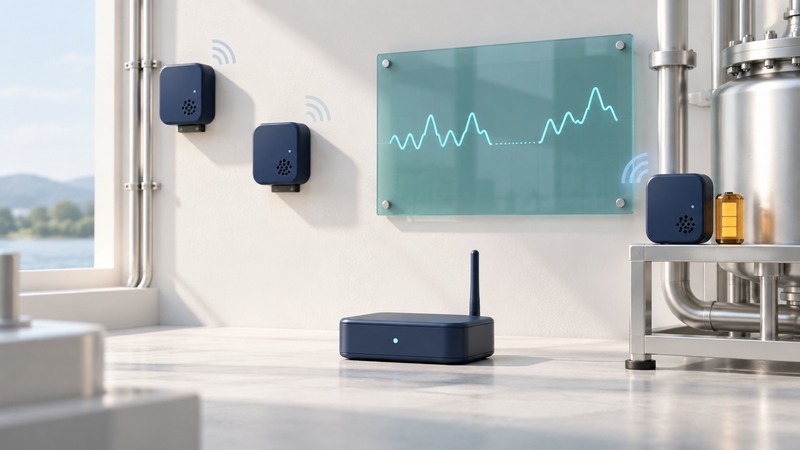
Wireless Sensor Networks: Design a Monitoring Pilot
Design a monitoring pilot around measurement quality, data freshness, recovery and maintenance.
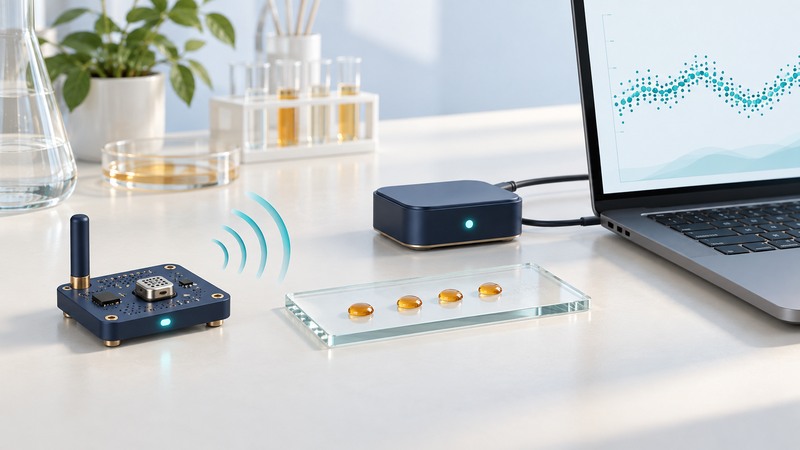
Build a Wireless Sensor Prototype: From Firmware to a Stored Reading
Follow a versioned Zephyr example from firmware and Bluetooth indications to an interpretable stored reading.
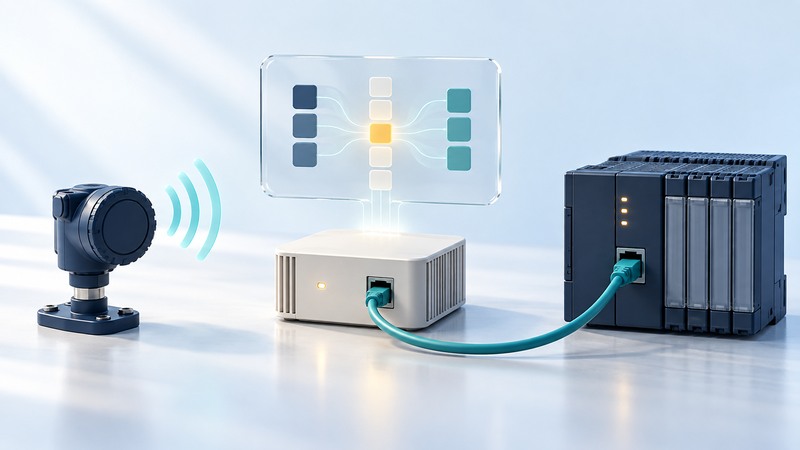
Zigbee Ethernet Gateways: Map Sensor Data into an Existing System
Define and bench-test Zigbee-to-Ethernet data mappings, including units, timestamps and failure behavior.
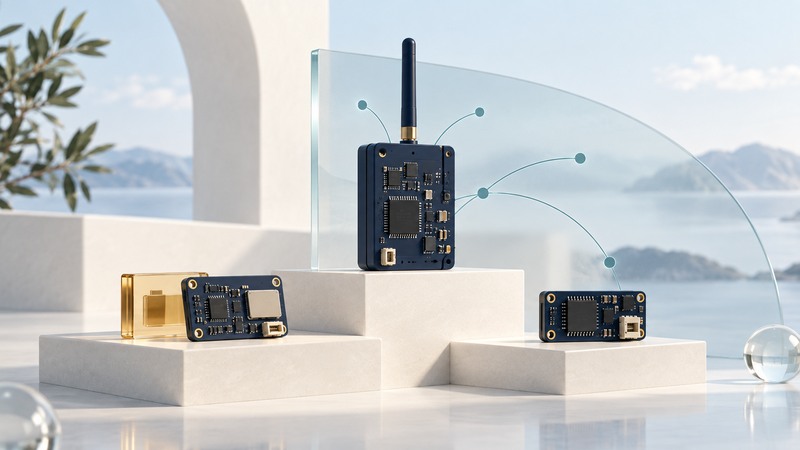
Wireless Mesh Modules: Select Node Roles, Interfaces and a Supported Stack
Compare mesh radio modules by supported stack, node role, host interface, power and recovery evidence.

Embedded Wi-Fi Web Modules: Provision, Expose Data and Test Recovery
Define provisioning, a readable data contract, persistence and recovery tests for an embedded Wi-Fi web service.
Connect media, controls and mobile work

Wireless Media Adapters: Bring a Local Library to a TV or Stereo
Match a local media library, playback adapter and TV or stereo outputs, then test representative files.
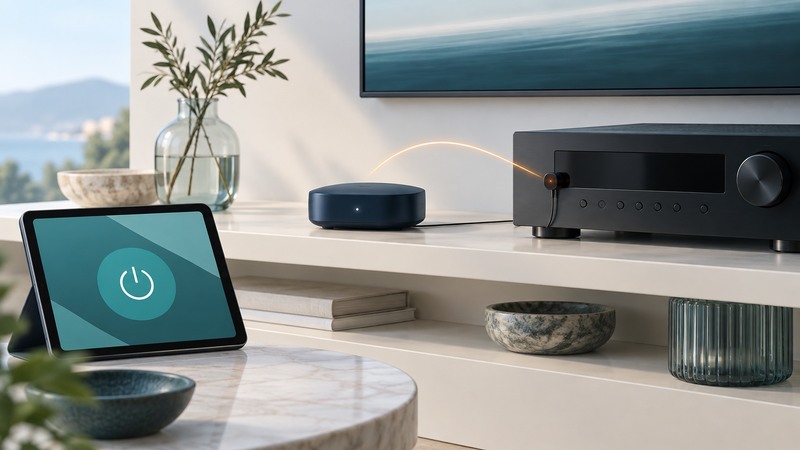
Wi-Fi-to-IR and Serial Bridges: Control Legacy Devices Reliably
Distinguish bridge acknowledgments from device feedback and test reliable IR or serial command sequences.

Mobility Assessment: Decide Which Workflow Is Ready to Go Mobile
Observe mobile workflows, record a baseline and choose a pilot with explicit success and exit criteria.
Understand radio technology and its history

Ultra-Wideband: Understand Ranging, Accuracy and Compatibility
Interpret UWB distance, direction and accuracy claims, and plan a compatibility and obstruction trial.

Wireless RF Front Ends: What Amplifiers, Filters and Switches Do
Understand amplifiers, filters and switches, and compare RF front-end specifications at matching conditions.
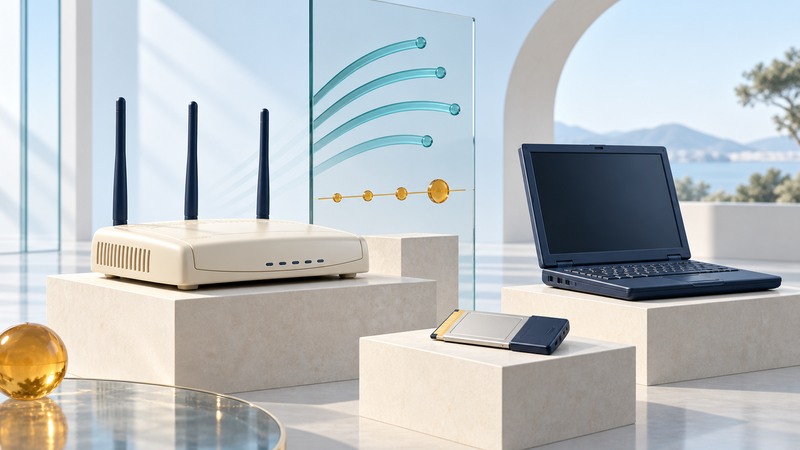
Belkin Pre-N and Airgo MIMO: What Pre-Standard Wi-Fi Promised
Interpret Belkin Pre-N and Airgo-era MIMO claims using model documentation, standards chronology and test context.
Historical reporting
These three remaining articles preserve period-specific access-point and conference reporting. Their availability and technical claims reflect the original publication period.
- Consumer CommunicationsSeptember 24, 2009
- 80211g Wireless Access PointNovember 12, 2003
- D-Link Airplus Wireless Access PointUndated legacy product description
Explore the wider Wireless library for home setup, devices, travel and mobile work.