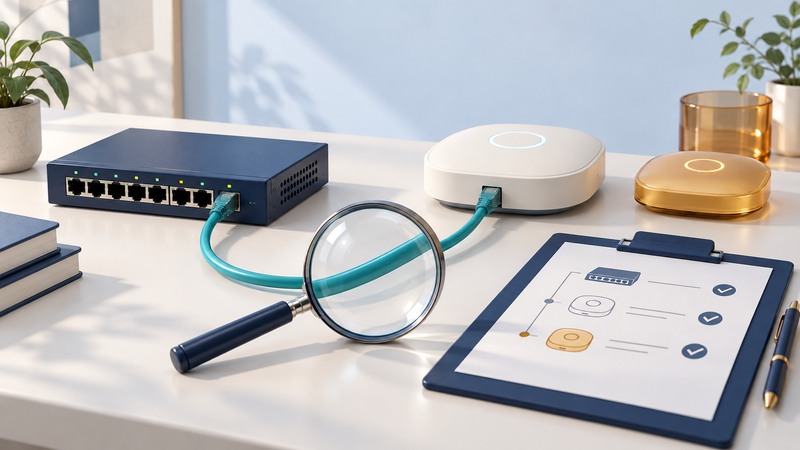
An unfamiliar Wi-Fi network is a reason to investigate. Establish whether the device belongs to your organization, whether it is authorized, and whether it connects to your wired infrastructure. Remediate through infrastructure you control and verify that the unwanted access path is closed.
This workflow is for authorized administrators working on their own organization’s network. Start with an approved AP inventory, controller observations, switch-management access and an incident record. A nearby network may belong to a neighbor; its presence alone does not establish an intrusion.
Separate the questions
Scroll the table horizontally; keyboard users can focus it and use the arrow keys.
| Observation | What it establishes | Next action |
|---|---|---|
| Unrecognized SSID or BSSID | A radio advertisement was observed | Check inventory, temporary installations and known neighbors. |
| Name resembles the corporate network | A naming similarity that may confuse clients | Compare authorized BSSIDs and investigate the source; a name is easy to copy. |
| Evidence of a wired connection | A possible path into owned infrastructure | Correlate switch, device and physical-port evidence. |
| Confirmed unauthorized attached AP | An unwanted network path exists | Coordinate removal or isolation of the confirmed owned port or device. |
Vendor labels differ. Meraki Air Marshal, for example, distinguishes a rogue SSID seen on the LAN from other SSIDs and uses wired-side observations as part of detection. Treat the label as a statement about that product's evidence, then verify the physical and logical path.
Create a timestamped evidence record
Record the SSID, BSSID, channel, band, first and last observation times, observing APs and signal readings. Include the controller's classification and its stated reason. Keep a consistent timezone across controller, switch and incident records.
Compare the current inventory, recent installations and change tickets. An authorized replacement may have new radio addresses. One physical AP can advertise multiple BSSIDs, and its wired MAC address can differ from its radio addresses. Preserve those distinctions when searching switch tables.
Record confidence explicitly: observed radio, suspected owned attachment, verified attachment or verified authorized device. Keep screenshots or exports that show the classification at the time of investigation. Remove credentials and unnecessary personal details before sharing troubleshooting material.
Trace the owned connection
- Use the controller's available wired-detection evidence and current switch forwarding tables to identify a candidate path.
- Check the switch port's description, neighbor information, learned addresses and expected endpoint. An uplink may represent many downstream devices.
- Correlate device records, DHCP information where available and the local site contact's observations. Locate the physical endpoint before changing its port.
- Confirm ownership and authorization. Ask whether the device supports a temporary event, a test bench or an approved operational requirement.
- If the path remains uncertain, keep the incident open and collect additional evidence. Avoid disconnecting a shared uplink merely because an address appears there.
Signal readings can guide a site walk, but reflections, floors and antenna differences limit location estimates. Inspect the likely area and its cable connections. A Wi-Fi observation and a MAC-table entry become stronger evidence when an identified physical device connects them.
Example: follow the port without disrupting a floor
If the travel router remains powered, it may continue advertising its name after Ethernet isolation. The acceptance criterion is closure of the unauthorized infrastructure path, along with the recorded disposition of the physical device.
Remediate and prevent recurrence
Use your incident process to preserve relevant evidence, remove the confirmed unauthorized connection and assess whether credentials or data may have been exposed. Provide an approved replacement for any legitimate business need. Update inventory, port descriptions and the incident record.
This workflow uses owned wired controls and physical remediation. Radio containment can disrupt other networks and has legal and operational implications; it is outside the procedure here. Keep automatic response settings under the organization's established security policy.
Record who closed the incident, what was changed, which service checks passed and whether monitoring still reports the device. Recurring unknown devices may indicate a gap in guest service, device onboarding or switch-port control. Address that requirement in the workplace Wi-Fi access policy. For certificate and server-trust failures during joining, use Wireless LAN Authentication.