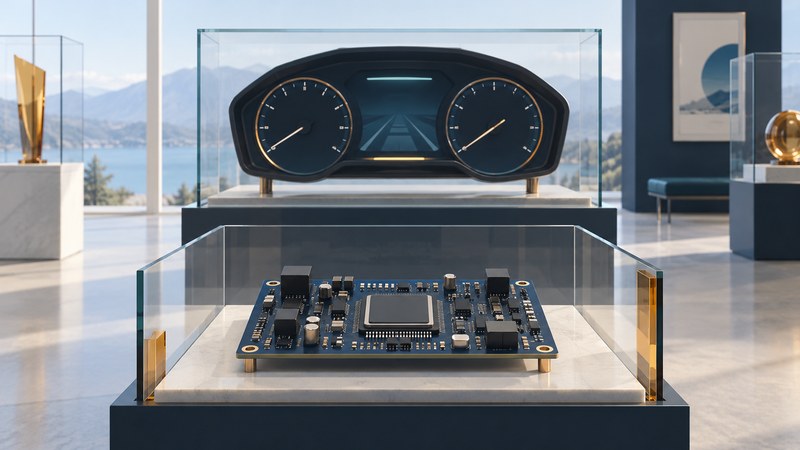
An instrument-cluster microcontroller brings several jobs together: receiving vehicle information, running control software, preparing graphics and coordinating outputs. “Single-chip” describes how much of that processing is integrated. A working cluster also needs power, interfaces, displays, software and a carefully verified system design.
Follow one value from the vehicle to the driver
Consider a speed value received from another vehicle controller. The cluster's software must interpret the message, decide whether it is timely and usable, and prepare the appropriate display. A graphical needle and a motor-driven physical needle are different output paths, even when they represent the same value.
- Vehicle inputsNetwork messages, switches and sensor interfaces
- Controller workSoftware, validation, memory and graphics
- Driver outputsDisplay pixels, gauge movement and sound
This is a functional map. The exact allocation depends on the chosen device and vehicle architecture. Power supplies, network transceivers, external memory, display electronics and other components may sit outside the microcontroller.
Infineon's TRAVEO T2G cluster family illustrates the range from conventional gauges to hybrid and fully graphical clusters. Its product documentation brings together processing, memory, graphics, communications and security features. Select the exact part before carrying a family-level claim into a design.
On a narrow screen, scroll the table sideways. Keyboard users can focus the table and use the arrow keys.
| Function | What it contributes | Useful question |
|---|---|---|
| CPU and software | Interpret inputs, manage state and schedule work. | What deadlines and worst-case workload must be met? |
| Graphics hardware | Accelerate supported drawing or composition tasks. | Which effects are supported at the intended resolution? |
| Memory | Hold code, working data, images and display buffers. | What capacity and bandwidth remain under peak load? |
| Interfaces | Move data to and from networks, memory and outputs. | Which external components and software are required? |
A small display can require substantial memory
The buffer count and pixel format are design choices. A second buffer can allow drawing one frame while another is displayed, but it changes the storage requirement. Transferring and composing those frames also consumes bandwidth. A capacity figure alone therefore leaves important questions about refresh rate, drawing workload and concurrent network activity.
Use the device's graphics documentation and a representative prototype to investigate the complete workload. Record display dimensions, format, layers, update rate and the conditions under which performance was measured.
Connect integration to system responsibilities
A more integrated MCU can simplify some connections and consolidate functions. A larger cockpit processor may serve a different combination of displays, applications and operating-system needs. Compare them against a defined job rather than treating the words MCU and processor as a performance ranking.
For example, the TRAVEO T2G CYT4EN product page identifies graphics acceleration, display interfaces, memory interfaces and hardware security alongside its processing cores. These are features of that device family. They do not establish interchangeability with an earlier Cypress part or a finished vehicle cluster.
Ask how the system handles startup, missing or stale messages, power interruptions and software updates. A valid numerical value with an old timestamp can be a different problem from a missing value. The intended response belongs in the system requirements and verification work.
Likewise, functional-safety and security claims have a documented scope. Follow the supplier's safety manual, assumptions and integration requirements. Component-level support is one input to system assurance; the assembled hardware, software and vehicle behavior need their own evidence.
Keep a specification-reading record
- Identify the part and document revision. Record the exact ordering code, package, temperature range and source date.
- Define the outputs. List every screen, gauge and sound path with its required behavior.
- Budget memory and timing. Include buffers, graphical assets, code, working data and concurrent tasks.
- Mark the external work. Note power, transceivers, memory, display circuitry, tools and software that remain outside the chip.
- Define the evidence. Choose checks for startup, update recovery, workload and specified failure responses, using the supplier documentation.
- Check support separately. Confirm lifecycle, development tools and availability through the supplier for the actual project.
For a vehicle owner, this architecture is a way to describe a symptom: which display or warning was affected, at what time, and under which conditions. A qualified workshop can then investigate the complete path. The digital-cockpit guide connects displays to broader vehicle functions, while automotive touch sensors explains a different input path.