Use the OSI model to ask a precise question about a connection: what job is being performed, what evidence shows it worked, and where should you look next?
Choose a guide for the question you have
Start with IEEE 802 for local links or PPP for negotiated access. SLIP makes framing visible. The three legacy-network guides explain carrier transport, virtual circuits, and resilience. Together they explore selected link and transport technologies; the walkthrough below connects those subjects to a complete Internet exchange.
READ A SPECIFICATION
IEEE 802: Ethernet, Wi-Fi, and VLANs
Translate standards numbers into questions about interfaces, power, security, and compatibility.
INVESTIGATE ACCESS
PPP and PPPoE connection stages
Identify the last successful stage and understand the packet-size budget beneath a session.
LEARN THROUGH AN EXAMPLE
SLIP: frame a stream of bytes
Encode and decode a tiny example to separate packet framing from the rest of networking.
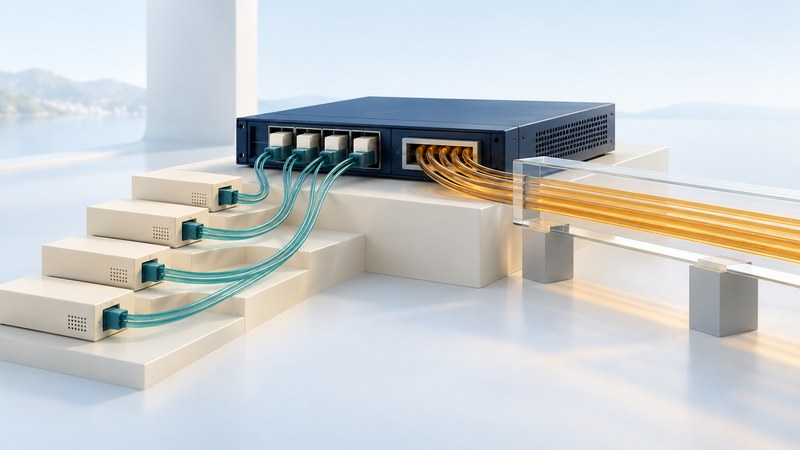
INTERPRET LEGACY TRANSPORT
SONET/SDH: read a circuit
Distinguish line rate, payload, timing, and protection before planning a replacement.
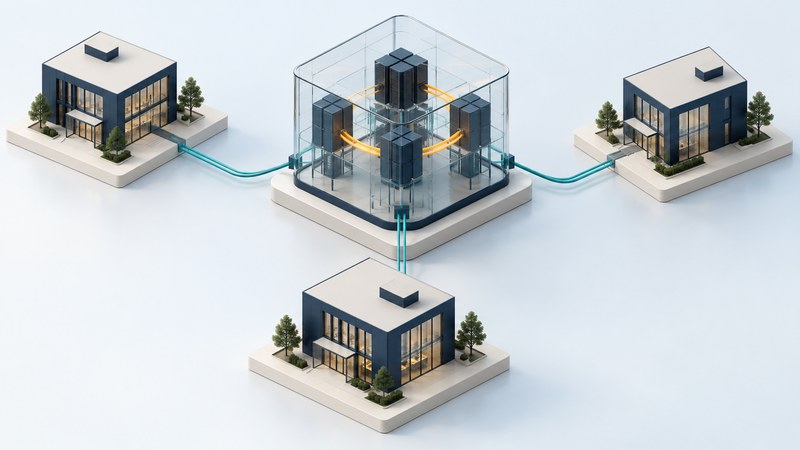
UNDERSTAND AN OLDER WAN
Frame Relay: follow virtual circuits
Read a three-site example and separate physical access from logical paths and service commitments.
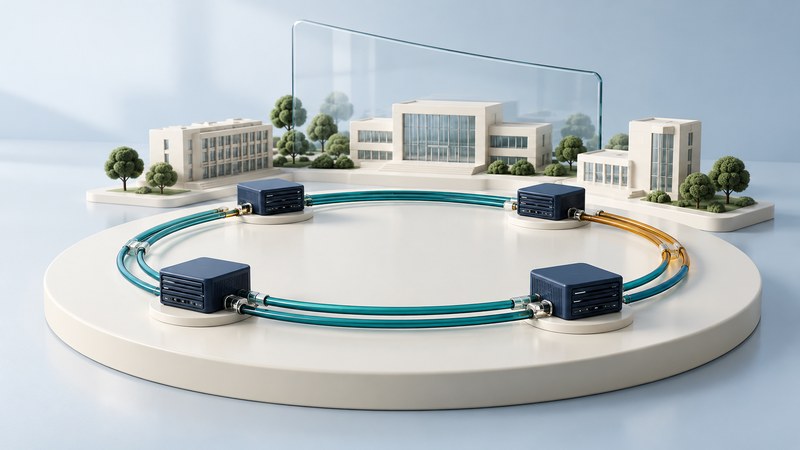
EXAMINE RESILIENCE
FDDI: trace a ring failure
See a surviving path after a cable cut, then test the meaning of redundancy in a modern design.
Follow one browser request
The OSI Basic Reference Model, ITU-T X.200, supplies seven categories of communication functions. Internet protocol stacks group those responsibilities differently. Use the model as a vocabulary for the work being done, while naming the actual protocols and devices involved.
- Device → local linkYour device sends frames over Wi-Fi or Ethernet toward the appropriate next hop.
- Router → other networksRouters forward IP packets toward the destination through successive links.
- Server or service edge → applicationA transport connection and its security exchange support an HTTP request and response. A proxy or service edge may answer on the application's behalf.
- Locate the service. The browser or operating system obtains address information, often through DNS. Cached information can avoid a new lookup; a proxy can change who resolves a name.
- Reach the next hop. The device uses its addressing and route configuration to choose a local destination or gateway. The local link must be ready to carry the required frames.
- Establish the chosen transport and security. The exchange depends on the protocol selected by the browser and server, and may reuse a connection already established.
- Exchange the application message. HTTP conveys the request and response semantics. Receiving a response can still reveal an application or authorization problem.
A common HTTPS path
HTTP/1.1 or HTTP/2
TLS
TCP
IP
Local link and physical medium
An HTTP/3 path
HTTP/3
QUIC, using TLS for its security handshake
UDP
IP
Local link and physical medium
Read these stacks from application toward the medium. RFC 9114 defines HTTP/3 over QUIC; RFC 9000 defines QUIC's transport behavior, and RFC 9001 describes its use of TLS. QUIC is carried in UDP datagrams and performs transport functions of its own. A single rigid OSI-layer label loses that useful distinction.
Use the layers to organize evidence
| Layer | Responsibility | Evidence to examine |
|---|---|---|
| 1 — Physical | Signals and the transmission medium | Link indication, cable or radio conditions, optical readings within equipment specifications. |
| 2 — Data link | Frames, local access, and link-level forwarding | Association, VLAN membership, frame errors, learned addresses, PPP state where used. |
| 3 — Network | Addressing and forwarding between networks | IP configuration, next-hop information, routes, and results for a specific destination. |
| 4 — Transport | End-to-end transport functions | Connection establishment, ports, loss, retransmissions, and protocol-specific behavior. |
| 5 — Session | Dialog and session coordination | The actual protocol's state and recovery behavior; modern implementations often combine responsibilities. |
| 6 — Presentation | Representation and transformation of information | Agreed formats and encoding; security transformations require protocol-specific interpretation. |
| 7 — Application | Communication services used by applications | DNS answers, HTTP responses, authentication results, and service logs. |
A switch, firewall, or proxy can perform functions associated with several layers. Likewise, a protocol's purpose and the protocol carrying it are separate questions. Describe both when a simple label would hide a dependency. RFC 3439's architectural discussion offers broader context on layering and complexity.
Investigate a connection from the evidence you have
First record the affected device, application, destination, time, exact error, and whether the problem is repeatable. Compare with a known-working case while changing one relevant variable at a time. The following cases are fictional teaching examples.
Use the plain-text connection notes worksheet to record observations, what they establish, and the next check. It includes one completed example and space for your own investigation. Keep credentials and sensitive payloads out of shared notes.
Know what each technology contributes
| Technology | Job in this collection | Reason to read |
|---|---|---|
| IEEE 802 | Local physical and data-link standards | Interpret current equipment requirements. |
| PPP | Negotiated point-to-point link | Understand session establishment and access failures. |
| SLIP | Minimal serial framing | Learn through a small byte-level exercise. |
| SONET/SDH | Synchronous carrier transport | Interpret inherited circuit requirements. |
| Frame Relay | Provider virtual-circuit WAN | Understand logical topology and service commitments. |
| FDDI | Token-passing dual-ring LAN | Trace recovery and inspect path independence. |
For the wider library of fiber, routing, security, measurement, and specialized systems, continue to Networking guides.