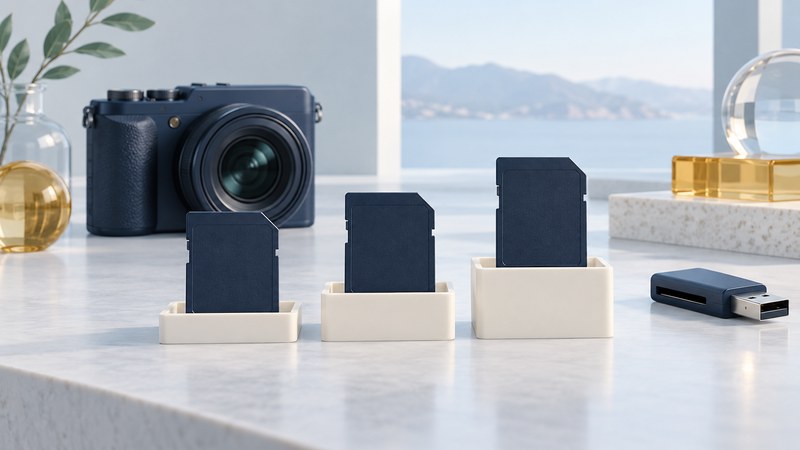
A compatible SD card starts with the device manual. Record the exact camera, recorder or other host model, then check the supported card family, capacity and recording mode. A card that fits the slot can still exceed the host’s capabilities.
Read capacity and card family together
The SD Association’s capacity definitions separate four families. These are standard limits, not a promise that every capacity is sold or supported by a particular product.
On a narrow screen, swipe the table or focus it and use the arrow keys.
| Family | Standard capacity range | Standard filesystem |
|---|---|---|
| SD | Up to 2 GB | FAT12/FAT16 |
| SDHC | Over 2 GB through 32 GB | FAT32 |
| SDXC | Over 32 GB through 2 TB | exFAT |
| SDUC | Over 2 TB through 128 TB | exFAT |
Full-size SD and microSD describe physical formats. Read the suffix and capacity as well as the shape. For example, a 128 GB microSDXC card remains an XC-family card when placed in a full-size adapter.
Build a device-specific selection
The SD Association compatibility chart shows that an SDHC host accepts SD and SDHC cards; SDXC and SDUC hosts add their respective newer families. The device manual can narrow the supported capacities or modes further.
- Find the exact model and firmware version. Save the manufacturer’s supported-media page or manual section with your notes.
- Record the permitted family and capacity range. For recording, include codec, resolution, frame rate and required speed-class symbol.
- Check the exact card series and capacity against any supported-media list. A brand name alone is too broad.
- Check the reader separately. Both the recording device and the computer’s reading path must support the card.
Estimate capacity from your own material
For photographs, use representative files from the actual camera and settings. RAW+JPEG, bursts and video can change the estimate substantially. Start with usable free space reported by the device after preparation.
Capacity describes room; speed classes and bus modes address different performance questions. Follow the camera’s stated class requirement even when your average bitrate calculation looks modest.
Prepare a card after protecting its contents
If the card holds needed files, copy and verify them before formatting. An unexpected format prompt is a reason to stop and check the reading path, especially with an older card.
For a supported empty or safely backed-up card, follow the recording device’s formatting instructions. When computer formatting is appropriate, the SD Association’s SD Memory Card Formatter is designed for SD-family media; check its supported operating systems and reader requirements. Select the target by its identity and capacity before confirming an erase.
- Copy any needed data to independent storage and verify it.
- Prepare the intended card using the device’s documented method.
- Record expendable photographs or video in the intended mode. Stop normally and review the results.
- Read the test files through the intended reader, then retain your card/model/firmware notes.
If preparation or recording repeatedly fails, isolate the card, reader and host one at a time using known-compatible equipment. Avoid repeated write tests on a card with unique files. Use the card-and-reader worksheet to document what you have actually verified.