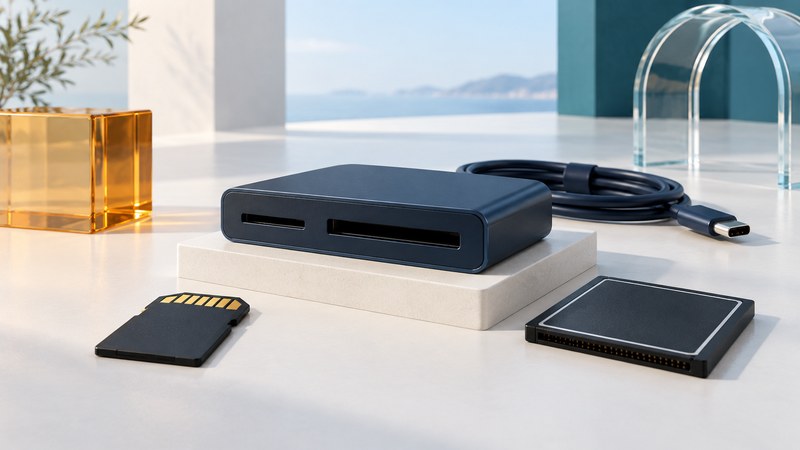
Choose a reader from the cards you need to read. Write down each card’s exact family and capacity, then confirm those details in the reader specifications. A large “in one” count usually describes supported formats or variants; it does not tell you how many cards can transfer at full speed together.
Make a card-to-reader inventory
On a narrow screen, swipe the table or focus it and use the arrow keys.
| Media | Reader specification to verify | Additional check |
|---|---|---|
| SD or microSD | Capacity family and required UHS/SD Express support | Direct slot or documented adapter |
| CompactFlash | CF support and relevant Type I/II limits | Microdrive support must be explicit if needed |
| CFast or CFexpress | Exact named family and CFexpress type | Similar names and outlines are insufficient |
| miniSD, Memory Stick, xD or SmartMedia | Exact legacy format and capacity support | Adapter and operating-system requirements |
| SxS | Exact reader/card support | Interface, driver and ingest-software support |
The CompactFlash Association’s card types distinguish CompactFlash, CFast and CFexpress interfaces. Use the card-family guide when identifying unfamiliar media.
For a collection, write one line per card family. A modern fast reader and a documented legacy reader may cover the collection more predictably than a single product with a vague compatibility list.
Check the connection beyond the slot
Record the reader’s supported USB data rate, its cable, the computer port, and any hub or dock. The USB-IF’s Type-C guidance distinguishes connector naming from performance: USB-C shape alone does not specify the available transfer rate.
SD bus modes also matter. A UHS-II card requires a suitable reading path to use that mode; its presence in a slot does not establish the negotiated mode. Consult the SD Association bus overview and the reader’s exact specifications for the path you intend to use.
For multi-slot readers, ask whether simultaneous transfers share an upstream link. Read the operating instructions for power requirements and supported combinations. A hub with other active devices introduces another variable.
Establish a useful transfer baseline
- Begin with a stable, backed-up test card whose contents you can afford to replace. Use a direct documented connection.
- Copy a representative file set into a fresh destination. Record source bytes, elapsed time and any errors.
- Verify the copy, then test the files in their intended application.
- Repeat after changing one component: cable, port, reader or destination. Keep the other conditions fixed.
Use the card-and-reader compatibility worksheet to keep specifications, observed behavior and unresolved questions together. It includes a place to record whether a card contains irreplaceable files.
Separate detection, reading and application problems
On a narrow screen, swipe the table or focus it and use the arrow keys.
| Observation | First useful check | Next decision |
|---|---|---|
| Reader never appears | Known-working port/cable and documented power | Resolve the connection before blaming media |
| Reader appears; card does not | Exact card-family, capacity and adapter support | Try a documented reading path |
| Computer asks to format | Whether needed files exist and original device can read | Cancel; preserve the card and reassess |
| Files copy but will not open | Expected format, application support and originals | Distinguish copy errors from decoding problems |
| Read errors or repeated disconnects | Error log and value of remaining source data | Stop repeated stress tests; assess recovery |
For ordinary readable cards, follow the copy-and-verify workflow. Copy full video directories and sidecars, not just the files your photo importer happens to display. Preserve the source until the transfer is accepted and a second copy is available.