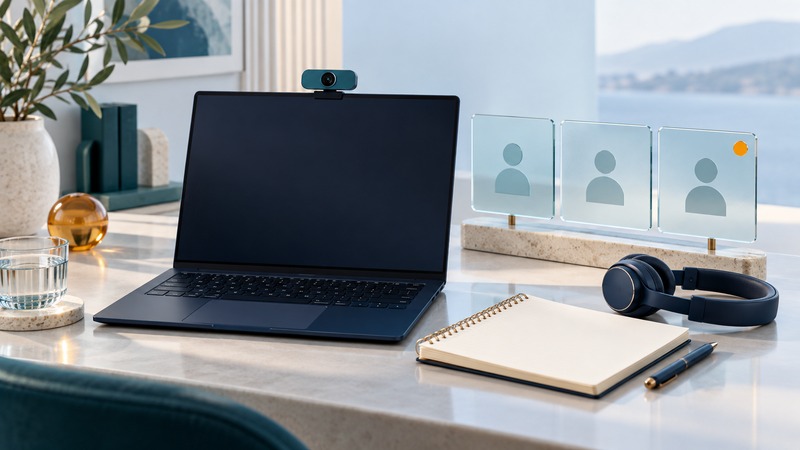
A personal web conference should let a small group solve a problem without spending the meeting solving the meeting software. For an ad hoc call, establish the decision, invite the necessary people, and verify the guest experience. The host needs a short operating routine more than a long list of features.
Prepare the invitation and the guest path
State the purpose in one sentence: “Confirm why the shipment file failed and assign the next test.” Include the expected duration, meeting link, time zone where relevant, material to review, and a fallback contact. Ask participants about access needs early enough to arrange them.
Before an important external call, test the invitation with an external account or a colleague using the same guest path. Check the lobby, identity requirements, permitted browser, microphone permission, and access to the working document. A host already signed into the organization can have a smoother experience than the invited customer.
Review who can enter, present, admit others, and record. Microsoft documents these controls in Teams meeting options; availability depends on the meeting type, administrator policy, and licensing. Other services have their own permission model. Save a tested setup appropriate to the meeting's sensitivity.
Start with sound and participation
Join early enough to select the intended microphone and speaker. Ask one remote participant to confirm intelligibility. If several people share a room, use one active room audio path or the platform's supported companion arrangement. An extra laptop speaker and microphone can create an echo loop.
Introduce the purpose, name who will capture actions, and explain how to interrupt or ask for help. Read important information aloud as well as displaying it. Provide accessible source documents so participants can inspect material at their own pace.
Teams live captions display speech during a call; Microsoft distinguishes them from a saved transcript. Check spoken-language settings and verify names, numbers, and specialized terms. If a participant needs a particular accommodation, confirm it with them and test that arrangement before the meeting.
A fictional fifteen-minute troubleshooting call
On a narrow screen, scroll the table horizontally. Keyboard users can focus the table region and use the arrow keys.
| Stage | Host action | Evidence of success |
|---|---|---|
| Minutes 0–2 | Confirm sound, participants, and the failed task | Everyone can follow the example |
| Minutes 2–6 | Share a sanitized failing file and exact error | The group agrees on the observed failure |
| Minutes 6–11 | Compare one known-good case and change one input | A specific hypothesis is tested |
| Minutes 11–15 | Read back result, owner, deadline, and next check | Each action has one accountable person |
If the guest cannot share, the host can display the prepared sample while the guest describes the relevant fields. If audio fails, use the agreed alternate channel and preserve the same action record. If the issue needs a longer investigation, end with the next experiment and owner instead of leaving everyone in an open-ended call.
Choose the record deliberately
For many short calls, a decision note with context, evidence, actions, owners, and dates is enough. When recording or transcription is useful, establish its purpose, applicable permissions, participant notice or consent requirements, access, and retention first.
Microsoft's recording documentation explains eligibility, notifications, storage, and sharing. External attendees may need an explicit share to view a recording. A visible recording indicator is a product behavior; the organizer must still meet the rules applicable to the meeting.
Review an automated transcript or AI summary against the actual decisions before distributing it. Correct names, amounts, responsibilities, and deadlines. Share the final note with the intended audience, and verify that recipients can open the supporting material.