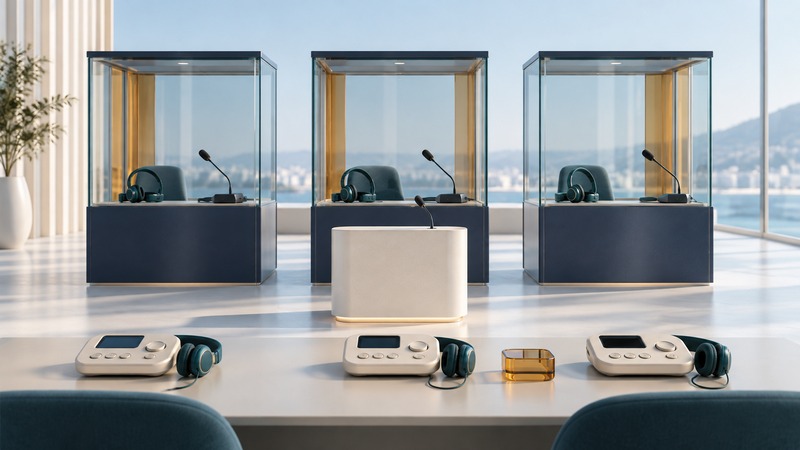
A conference interpretation system connects speakers, interpreters, and listeners so that people can participate across languages. The equipment is one part of the service. An organizer also needs the right language coverage, prepared interpreters, clear sound, usable participant controls, and a plan for interruptions.
Write a language and participation brief
List the languages people will speak and the languages they need to hear. These can differ: a participant may listen in one language and ask a question in another. Identify the session format, duration, breaks, specialist subject matter, audience size, and whether speakers, interpreters, or listeners will join remotely.
Live spoken-language interpretation differs from translating written documents. Simultaneous interpretation proceeds while a speaker talks; consecutive interpretation uses pauses for the interpreter. Agree the appropriate method with the interpreting provider and allow for its effect on timing.
Send the agenda, slides, terminology, names, prepared remarks, and planned videos through an agreed secure route. Include version dates and a process for late changes. Ask the provider to determine team composition, working arrangements, and any relay needs rather than deriving staffing from the number of channels on a console.
Map the audio paths before ordering equipment
The floor channel carries the speaker's original audio. Interpretation outputs carry the selected language. A relay arrangement lets an interpreter work from another interpretation when direct coverage is unavailable; the team must plan that dependency and its timing.
On a narrow screen, scroll the table horizontally. Keyboard users can focus the table region and use the arrow keys.
| Requirement | Planned provision | Acceptance question |
|---|---|---|
| English, Spanish, and French speakers | Interpreting team agrees all required directions | Can each planned speaker be understood in each required output? |
| Listeners in the room | Labeled receivers and suitable headsets | Can a first-time participant select the intended language? |
| Remote participants | Supported platform language channels | Can they both listen and ask a question in the agreed language? |
| Question period | A microphone route for audience questions | Can interpreters hear the question before responding? |
A language name on a menu confirms a label, not a working audio path. Test from the source microphone through the interpreter position to actual participant devices. Include presentation sound, remote guests, and any relay path in the routing plan.
Protect the sound and the interpreter's view
Use the equipment and connections specified for the chosen service, and have a qualified technician verify the room and remote paths. Participants should use microphones for interpreted speech, speak one at a time, and keep microphone handling quiet. Give interpreters a usable view of speakers and the material under discussion.
The European Commission publishes technical specifications for conference rooms with simultaneous interpreting. These are a detailed reference for its conference context, not a substitute for an equipment professional assessing your venue.
Agree how interpreters can alert the chair to inadequate sound and who can pause the session. Increasing listening volume is a poor response to distorted or incomplete speech; investigate the signal and equipment with the technician. Arrange sign-language interpretation, captioning, and other accessibility services according to participant needs, with appropriate visibility and platform support.
Rehearse the actual meeting
- Have each planned type of speaker talk through their actual microphone and connection. Include one remote speaker if the meeting is hybrid.
- Ask the interpreting team to confirm input quality, channel assignments, handovers, and access to current documents.
- Use a listener on every required language output to confirm the correct language, intelligibility, and control operation.
- Run a question from the audience and any video with speech. Confirm that the interpreting team receives both.
- Rehearse the stop signal, technician contact, and the agreed recovery or pause procedure.
The AIIC remote-interpreting checklist, developed for home assignments during the COVID-19 period, documents useful checks for preparation, audiovisual input, team communication, and backup arrangements. Use those checks with the provider's current requirements for the actual event.
Record who checked each path and what failed. Repeat a failed test after correction; an unchecked language channel remains an open issue.
Give participants a usable service
Provide short joining instructions with language selection, headset use, speaking rules, and a help contact. Demonstrate selection at the start. Tell the chair to repeat unamplified questions into a microphone and to leave space for interpretation when managing rapid discussion.
Agree whether recording is required, which language outputs it captures, who can access it, and what permissions are needed from the participants and interpreting team. Verify the recorded channels during rehearsal if recording forms part of the deliverable.
If a required channel fails, announce the pause or fallback in a way affected participants can understand. Resume when the interpreting team and technician confirm the path. Afterward, collect feedback separately from interpreters, technicians, and listeners; each observes a different part of the service. The planning brief and rehearsal record keeps these responsibilities together.