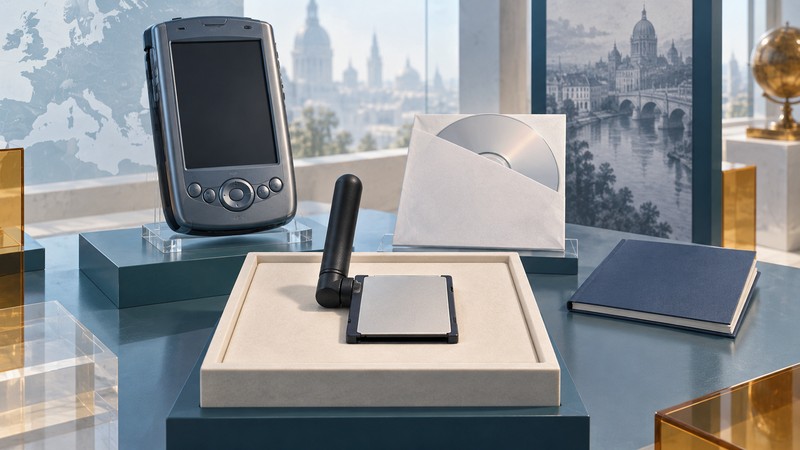
The Linksys WCF12 was a Type I CompactFlash wireless network card for the Pocket PC era. Its original manual is most useful as a map of the complete installation environment: adapter, handheld, desktop computer, synchronization software and wireless network.
What the original manual establishes
The Linksys WCF12 user guide (PDF) documents 2.4 GHz 802.11b networking, rates up to 11 Mbps and WEP. Its requirements pair a PDA running Windows CE 3.0 or higher with an available Type I CompactFlash slot. A separate computer loads the drivers using Microsoft ActiveSync; the listed desktop systems are Windows 98, Me, 2000 or XP.
Read “or higher” within that historical software context. For a surviving device, identify its actual system and seek a matching driver release. That phrase alone provides no evidence about a later operating system or an arbitrary CompactFlash-equipped product.
Build an identification record
- Card: record WCF12 and any hardware revision or regulatory identifier visible on the label. Retain clear photographs.
- Handheld: record the full model, operating-system version and expansion arrangement.
- Installation materials: retain the original CD, user guide and driver version information where available. Record where each item came from.
- Observed state: distinguish “card present,” “driver recognizes card,” “associated with network” and “application works.” Record exactly what was observed.
Use the manual as a historical map
The guide describes infrastructure networking through an access point and an ad-hoc arrangement among wireless stations. It also shows connection-status and configuration screens. These help interpret photographs of old systems and distinguish the intended network arrangement from the physical installation.
Its WEP feature needs present-day context. Apple’s current router guidance treats WEP as an obsolete security mode to avoid. Preserve the original setup record, but do not lower the protection of an everyday network to recreate it.
For an exhibition or inventory, a disconnected set of hardware, driver media and annotated screenshots can explain the workflow. A working network demonstration needs a separately assessed environment and a clearly stated test objective. Keep access to modern services outside any claim based solely on an early configuration screen.