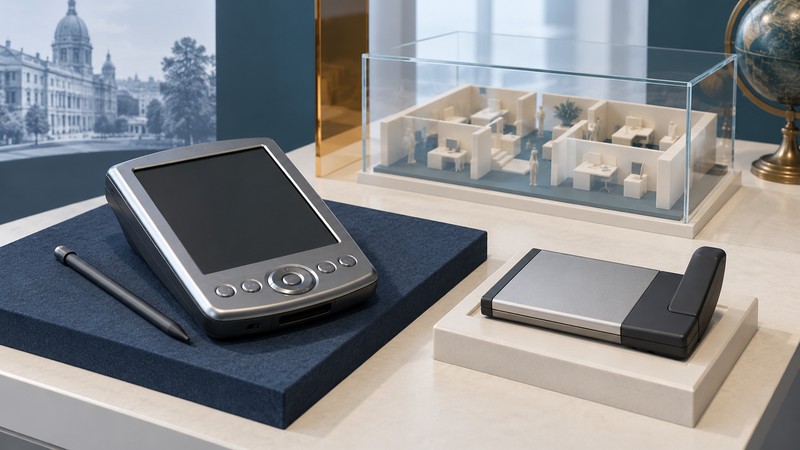
CompactFlash appeared in more than storage products. Wireless adapters such as Symbol’s Spectrum24 LA-4137 used a handheld’s expansion slot to add a radio and network interface. The interesting historical change was what the handheld could do while away from its synchronization cradle.
The slot became an expansion point
Symbol’s LA-4137 Quick Reference Guide (manufacturer document reproduced by Manualzz) describes an extended CF+ Type I card with an integrated antenna, Pocket PC/Windows CE drivers, automatic 1, 2, 5.5 and 11 Mbps rates, and WEP support. These are specifications for the adapter and its period software environment.
A storage card supplies a place for files. This adapter supplies a network interface that software must recognize and configure. Similar physical outlines therefore call for different host capabilities. A camera’s ability to store pictures on CompactFlash establishes storage support; support for a wireless accessory must be documented separately.
A system made of several parts
The Symbol guide’s installation requirements include a Type I CF-equipped handheld, a desktop computer and the appropriate Spectrum24 software. Its Windows CE 3.0/3.1 procedure uses a desktop-to-handheld synchronization connection to transfer the driver. That sequence shows how adding wireless access could still begin with a wired setup.
- Host: the handheld provides the slot, operating system and power. Identify the model and installed system.
- Adapter and driver: the radio hardware and its matching software expose the network interface. Keep the adapter’s exact model with the driver documentation.
- Local network: an access point and compatible configuration provide the radio connection.
- Application: useful work still depends on software and the service or computer it communicates with.
These layers give a useful way to interpret a demonstration. A recognized adapter, a joined wireless network and a working application are three different milestones. A screen showing a network name establishes less than a successfully completed application task.
Read the security language in its period
WEP was part of the documented feature set. Current Apple Wi-Fi security guidance explicitly advises against WEP and other obsolete security modes. Keep this distinction visible when presenting an early handheld: period compatibility and current network protection answer different questions.
Do not weaken an everyday network to accommodate an old adapter. A collection can document the hardware, driver media and original workflow without connecting it to a live network. If the goal is a working historical demonstration, have the network environment assessed separately before attempting it.
The Linksys WCF12 reference provides a second, device-specific example. Together they show why the card, handheld, installation computer and software belong in the same historical record.