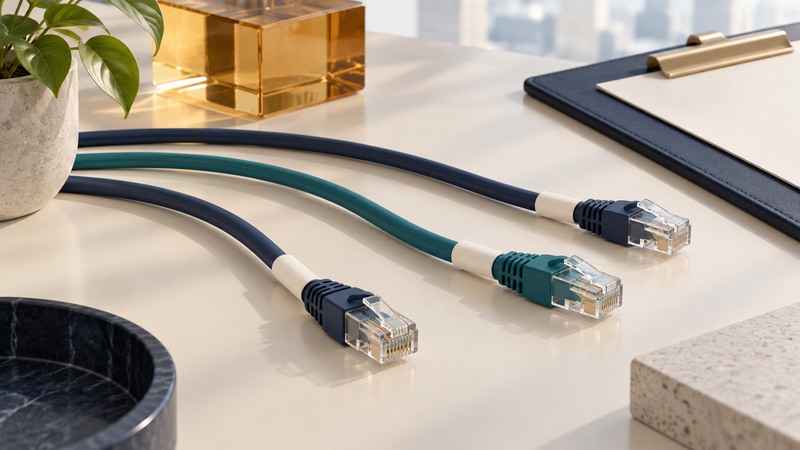
A useful cable label lets you identify the same cable at either end and find its current connections in a record. For a desk or small network, a short stable ID plus an endpoint list is enough to make moves and troubleshooting much easier.
This guide is for ordinary accessible equipment cables. Follow workplace procedures for managed racks, electrical systems and critical services. A desk-labeling scheme is not a claim of compliance with an enterprise cabling standard.
Give the cable a stable identity
Choose a simple prefix and sequence, such as C001, C002 and C003. Put the same ID at both ends. Keep the current device names and port numbers in a separate list so a move can change the connections without changing the cable's identity.
Give devices stable names too: SW01 for a switch, PR01 for a printer and DK01 for a dock are examples. Record the port's printed marking exactly. “Printer wire” becomes ambiguous after a printer replacement; “C003, SW01 port 5 to PR01 LAN” remains traceable.
Use color as an extra cue, such as a room or cable type, while retaining readable IDs. Color alone is difficult to communicate, can vary between suppliers and may be inaccessible to some readers. Avoid embedding passwords, sensitive network details or personal information on exposed labels.
Worked example: a small office desk
On narrow screens, focus the table and use the arrow keys or swipe to see every column.
| Cable ID | Type | End A | End B | Verified |
|---|---|---|---|---|
| C001 | Ethernet patch | SW01 port 1 | DK01 LAN | 2026-09-16 |
| C002 | DisplayPort | DK01 DP1 | MON01 DP | 2026-09-16 |
| C003 | Ethernet patch | SW01 port 5 | PR01 LAN | 2026-09-16 |
If the printer connection moves to switch port 8, update C003's End A to SW01 port 8, record the new check date and keep both C003 labels. If the cable itself is replaced, assign the replacement a new ID and mark the former cable retired or spare. This preserves the meaning of earlier troubleshooting notes.
The cable inventory template includes these fictional examples, a blank record to copy and instructions for each field. Save it in a text editor, replace the examples and keep the authoritative copy in one known location. Copy the blank record for each additional cable.
Match the label to the cable and environment
Choose a material designed for the cable jacket and conditions. Check the manufacturer's diameter range, application temperature, service temperature and resistance to relevant moisture or chemicals. The printer, ribbon and label stock also need to be compatible.
Self-laminating wire labels use a printable area with a clear wrapping section that protects it. Check the selected product's dimensions and cable-diameter range rather than assuming that any label will wrap correctly. A removable flag may suit a frequently rearranged desk; an appropriately rated permanent marker may suit another location.
Place the label where it can be read without straining the cable. Keep connector latches, strain relief and existing required markings visible. Avoid tight bends or bulky wraps that prevent a plug seating fully. Test a sample label on a spare cable before committing to a large batch.
Label and verify one cable at a time
- Photograph the working arrangement and record the devices and visible port markings.
- Trace one cable from end to end. If the route is uncertain, mark it unverified and arrange an appropriate identification test.
- Assign the ID and enter both endpoints, type, status and date in the inventory.
- Apply matching labels near both ends without obstructing the connectors.
- Have another person, or a later check, use the record to locate the cable. Confirm the intended service still works after any authorized reconnection.
Coordinate before unplugging anything that serves other users. A live link light can help observe a connection, but it does not certify cable performance or establish every intermediate route. Keep physical tracing, service checks and formal cable testing as distinct evidence.
Make the record part of every move
When moving a device, update its cable endpoints before closing the job. Record spares and retired cables so their IDs are not silently reused. Keep the date of the last physical verification; an old spreadsheet can look precise while describing a room that has changed.
A five-minute audit can begin with one service: identify its device, locate its cable ID and follow the inventory to the far port. Correct discrepancies immediately. Use the same method for network printer troubleshooting, speaker connections and shared storage.