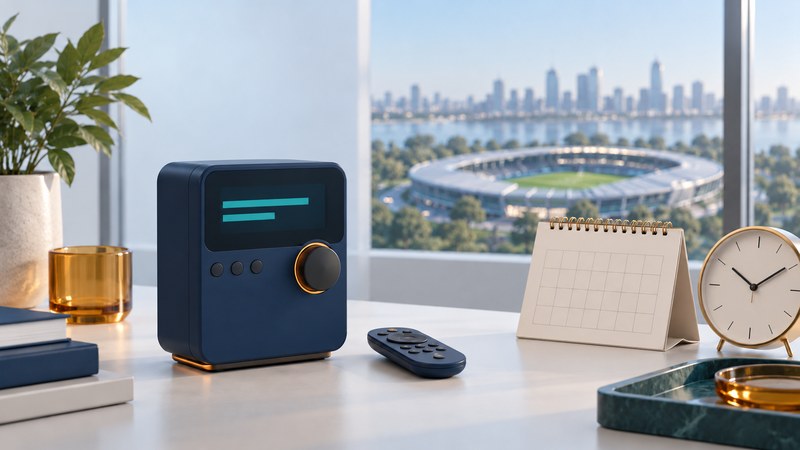
The XM Sportscaster is a particular receiver from the mid-2000s. Its name and sports-oriented presets give the product its identity, but finding a game today starts with the event’s current listing. Match that listing to the feed, platform and account you will actually use.
Identify and tune the receiver
The SiriusXM Sportscaster support page identifies the XMRVK101A vehicle-kit product. Its two-line display and stored favorites are useful identification clues; compare labels as well as appearance. The original manufacturer user manual, filed with the FCC (PDF) supplies the control reference used here.
On the receiver, use Up/Down to browse channels and Select to confirm when manual tuning is active. Channel 0 displays the Radio ID. To store a new favorite, tune the channel and hold FAV for two seconds; the receiver supports up to 30 favorites. Use Left or Right to exit Favorites mode into category tuning. These are channel shortcuts, so recheck the event listing when a new game approaches.
Before buying missing accessories, inventory the receiver, mount, antenna, approved power source and audio connection. Treat a wearable or home arrangement as its own documented assembly. A working vehicle demonstration establishes only the combination shown. Use the XM receiver guide for service and hardware questions that extend beyond this model.
Look up one game from start to finish
- Identify the event. Write the league, teams, game date and your time zone. For a doubleheader or playoff series, include the particular game.
- Open the official SiriusXM sports listings. Choose the relevant league or event and inspect the current game listing. Record the lookup time so you can distinguish an earlier plan from a later schedule change.
- Choose the feed. Where offered, distinguish home, away, national or alternate commentary. A general sports-talk channel may be discussing the game while another feed carries play-by-play.
- Match the listening platform. Record the satellite channel or app listing exactly as shown. Confirm availability for your receiver, subscription and location. Ask current provider support about an uncertain legacy-radio listing before relying on it.
- Test ahead of the event. Tune the intended destination, check its displayed identity and listen. Recheck the schedule near game time, especially after postponements or start-time changes.
A saved preset is a convenient last step after the lookup. Keep the event information with it so you can tell whether the shortcut still leads to the feed you intended.
Separate schedule, access and reception problems
On a narrow screen, swipe the table sideways or focus it and use the arrow keys.
| Observation | What to investigate | Evidence to keep |
|---|---|---|
| Sports discussion is audible, but the game is absent | Event date, start time and selected commentary feed | Current listing and the program actually heard. |
| The desired feed appears in the app only | Platform and receiver eligibility with provider support | Exact radio model and provider’s answer for your account. |
| The receiver reports No Signal | The documented antenna arrangement and reception | Location, display message and signal indication. |
| The receiver appears to tune, but the stereo is silent | The chosen audio route, stereo input and volume | A test of the stereo input and the receiver’s audio connection. |
The Sportscaster manual’s Antenna Aiming menu displays satellite and terrestrial signal indicators. Use those indicators with its antenna installation directions when investigating reception. Changing a favorite cannot resolve a missing antenna signal.
Keep a game-day note
Download the game-day listening notes (plain text) and fill it out for one event. The sheet separates the schedule lookup from the actual listening test. Avoid copying account credentials into a note you may share.
For current eligibility questions, use SiriusXM support. Launch-era league rights, channel counts and promotional subscriptions are historical details; the current event listing and account answer are the useful planning evidence.