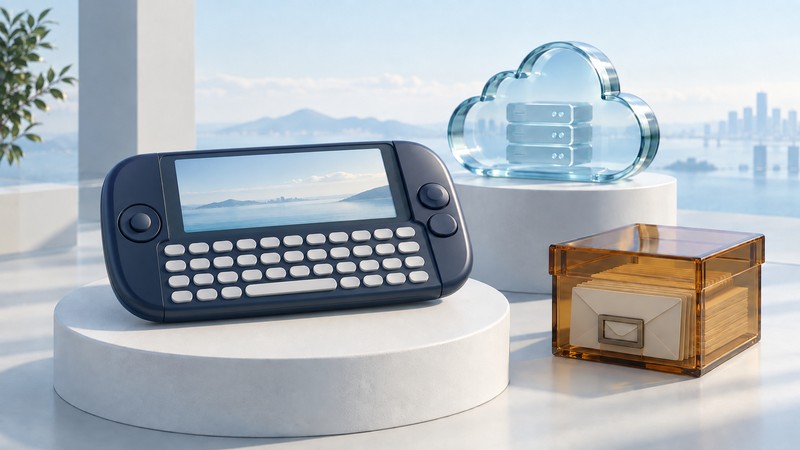
The T-Mobile Sidekick made messaging a visible part of a handheld’s design: a landscape screen, physical keyboard and quick access to conversations. Its history also shows that a device can depend on services outside the device. Preserving the hardware and preserving its complete experience are different tasks.
To interpret a Sidekick, first identify its model and platform. The Danger-era devices and the later Android-powered Sidekick 4G belong to different service histories, even though they share a brand.
Read the design through the task
T-Mobile’s Sidekick retrospective presents the device family and its progression. The keyboard and landscape arrangement made text entry central to the object, while the screen-opening mechanism gave the handset a distinctive interaction. Different generations changed the hardware and supported features.
A useful way to assess that design is to follow a conversation: notice an incoming message, open the device, read context, compose a reply and return later. The physical controls help explain the appeal without requiring every past app or service to remain available.
For a collection or an article, record the exact model and photograph the device’s controls and identifying label. A product-family name is insufficient for assigning a screen mechanism, radio capability or software platform to every version.
Separate handset, network and hosted data
On a narrow screen, scroll sideways. Keyboard: focus the table and use the arrow keys.
| Part | What it contributes | What surviving hardware establishes |
|---|---|---|
| Handset | Display, keyboard, local software and storage | A device may show its interface or local records. |
| Carrier network | A supported radio connection and account | Powering on does not establish present activation eligibility. |
| Hosted service | Remote data and service functions used by the platform | A preserved device does not preserve an external service. |
T-Mobile’s February 2011 Danger service notice said the data service would end after May 31, 2011. It described export options for personal information during the transition, including a web tool and an application for moving data to a memory card.
Those were instructions for that transition period. Their presence in an archived notice provides historical evidence of the dependency and migration plan; it does not establish that an old account or export endpoint is accessible today.
Distinguish the Android Sidekick 4G
In its March 2011 Sidekick 4G announcement, T-Mobile and Samsung described an Android-powered device with a physical keyboard. This reused the Sidekick identity with a different platform. Apply the Danger shutdown notice to the service it names, rather than treating every Sidekick-branded handset as the same system.
Fictional identification exercise: two listings offer a Sidekick LX and a Sidekick 4G. A buyer interested in design history checks model-specific documentation and photographs. A buyer seeking an everyday phone additionally needs current carrier eligibility, supported software and working applications. The same listing can satisfy the first purpose while leaving the second unestablished.
For a surviving device that may contain personal records, preserve its current state before experimenting with resets or account changes. Use model-specific documentation and appropriate specialist help when the records matter. A reset can change what remains available locally.
Use the history to evaluate connected products
Ask where each important record lives: only on the device, only in the service, or in both with a defined synchronization process. Ask whether an export includes attachments and context, and whether it can be opened independently. Then test a harmless sample before relying on the feature.
A useful portability record lists the export date, source account, included data types and destination format. Verify counts and a few representative entries after import. Keep account credentials and private archives out of public collection notes.
The Sidekick remains instructive because its distinctive hardware made the user interface tangible while its service history exposed less visible dependencies. Evaluating both gives a fuller account of what a connected device actually provides.
For related practical checks, read mobile email diagnosis, local records and synchronization and legacy mobile-app migration.