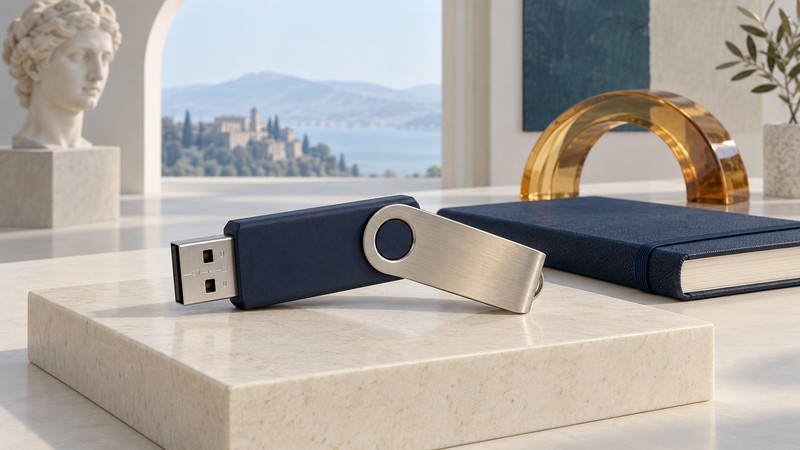
Imation’s Swivel flash drive made the connector cover part of the object. The cover rotated away for use and stayed attached, reducing the number of loose pieces a person had to manage. It is a useful product-design example because the visible mechanism solves a specific problem while the storage and software retain their own requirements.
Keep the cover with the drive
Imation’s 2005 USB 2.0 Flash Devices data sheet, reproduced by Manualzz highlights an attached swivel cap and lists a Swivel range alongside other USB designs. This dated document describes a range that included capacities beyond the earliest small drives. Identify the particular part and capacity before applying any family-level specification to a specimen.
The design changes the handling sequence. A separate cap requires somewhere to put it while the drive is connected, followed by a second action to reunite the parts. A pivot keeps the cover physically associated with the body throughout the transfer. This analysis concerns the mechanism’s everyday use; it is not a durability test.
What each feature is responsible for
- Swivel cover: keeps a cover attached and lets it move clear of the plug. Inspect whether the specific cover moves and closes as intended.
- Connector and electronics: determine the physical connection and whether the computer recognizes the storage. Record these observations separately from the cover’s condition.
- Management software: provides whatever partitioning or access features its own documentation specifies. Its version and operating-system requirements matter.
- Independent copy: preserves a second usable copy of wanted files if the original drive is lost or stops reading.
The same 2005 data sheet describes optional password and partitioning software. That separation is important when cataloging the drive: a rotating cover is visible hardware, while a software feature depends on the installed utility and configuration. A physical cover alone provides no evidence of encryption or a tested water-resistance rating.
A useful inspection record
Start with a label photograph, part number, capacity and a description of the cover. If the drive reads reliably, copy wanted files to separate storage and verify that they open before changing anything on the device. Keep any supplied software and instructions identified alongside the hardware.
If an old drive reads intermittently, treat that as a data-preservation problem before using it as a demonstration prop. The USB flash-drive guide covers ordinary transfers and preparation; the rugged-drive guide explains how to read actual protection specifications.