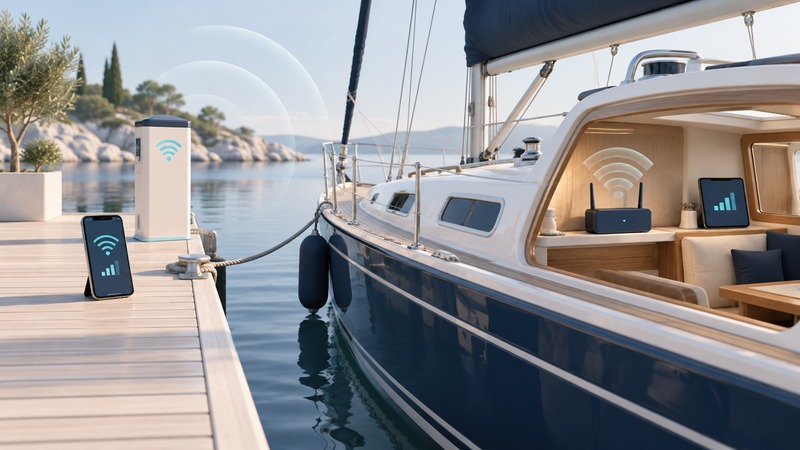
Marina Wi-Fi involves a shore network and the connection your devices use aboard. Begin with a comparison at the dock and inside the cabin using the same device and task. That simple test helps determine whether the next conversation belongs with marina support or with the installer of your onboard network.
Separate shore access from the onboard network
A phone or laptop may connect directly to the marina access point. Another arrangement uses an approved onboard receiver or bridge for the shore connection, then supplies a boat's router and local devices. The onboard router provides a local network; the shore path still determines whether those devices can reach the internet.
The Wave WiFi Freedom quick-start guide dated May 25, 2022 illustrates this relationship: its receiver connects by Ethernet to a computer or router, while users can reach the receiver's interface from the attached local network. Treat that document as instructions for its named equipment and revision. Obtain the correct current manual for your own model and firmware before installation or configuration.
Ask the marina about access rules
Confirm the official network name, the login method, included service, per-device or per-account limits, session expiration and support contact. Ask whether an onboard router or bridge is permitted and supported with its portal. A receiver that can see the network still needs to satisfy the marina's authentication and usage rules.
If access uses a portal, establish which device must complete it and what happens when the session expires. Have the marina and equipment supplier explain the supported process. Do not bypass access controls or copy another customer's device identity to force a connection. Keep boat administration credentials distinct from guest access credentials.
Compare the dock and cabin
On a narrow screen, scroll the table sideways. Keyboard: focus the table and use the arrow keys.
| Test location or path | Keep constant | What the result helps locate |
|---|---|---|
| Approved dockside location, direct marina Wi-Fi | Device, application and test time | A baseline for the shore service |
| Cabin, direct marina Wi-Fi | Same device and task | Whether the aboard location changes direct access |
| Cabin, approved onboard router path | Same task and similar time | Whether the receiver and onboard network help the complete connection |
| Second normal usage period | Repeat the same locations | Whether the problem follows busy periods or changing conditions |
Use safe ordinary locations and keep equipment clear of water and walkways. Record the berth, device, time, network name, portal status and whether a fresh page and the required application complete. A speed result can accompany the notes, but completing the actual task is the central acceptance check.
If dockside access is also poor, ask marina support about the access point and upstream service. If dockside works and the cabin fails, the cabin path deserves closer attention. If direct access works aboard but the router path fails, inspect the supported receiver configuration, portal handling and onboard network before changing shore equipment.
Choose equipment for the installation
An external receiver may offer a more useful location for the shore link, but its suitability depends on the actual berth and marina network. Require the installer to specify compatible equipment, mounting, cable route, weather exposure, power supply and maintenance access using the manufacturer's instructions. Avoid choosing equipment by a maximum-distance claim alone.
Check the radio bands and security modes the marina offers against those the receiver supports. Confirm that the completed arrangement allows the intended tasks, including any employer VPN. Keep the administration interface protected and follow the equipment's documented update process. The wireless-security guide covers account protection and shared-network use.
The Freedom manual is also a reminder to use model-specific power instructions: equipment sold under the same broad “PoE” description can have different requirements. Have the installer verify the complete power arrangement for your model. This planning guide does not provide a generic boat wiring procedure.
Test a cellular fallback separately
A portable cellular hotspot can provide an alternative where the carrier has suitable service and the plan permits the intended use. Test it aboard at the berth and usual working hour. Record its plan allowance and the procedure for selecting it. If a router offers automatic failover, verify that feature with the actual application and confirm which connection is active afterward.
Before relying on the setup, keep a short record of the approved login process, tested berth locations, successful tasks, session-renewal behavior and support contacts. Repeat the relevant tests after moving berths or marinas. The useful outcome is dependable service in the cabin where you work, with a clear way to distinguish shore, receiver and local-network faults.