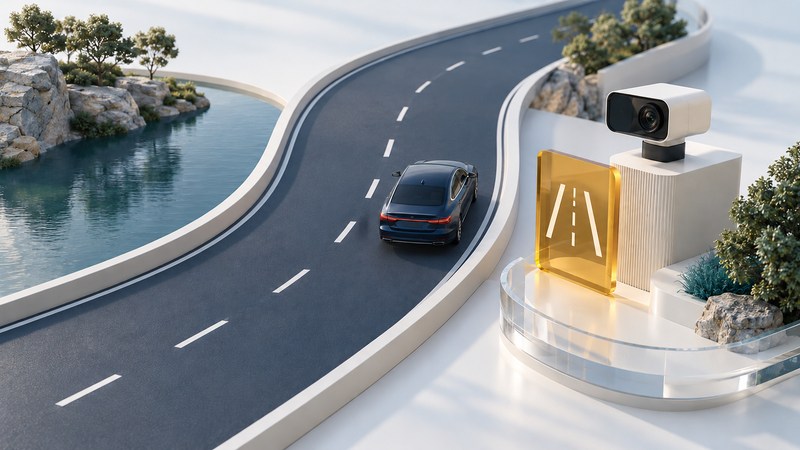
Lane-departure warning alerts you when the vehicle appears to be leaving its lane. Steering assistance adds another function. Before using either, identify what your vehicle has, what its indicators mean, and the conditions in which it operates. The driver remains responsible for steering and watching the road.
A manufacturer's feature name can cover several functions, and equipment can change with model year, market and options. Use the installed system's owner manual to connect a marketing name to the actual behavior.
Separate warning from intervention
On a narrow screen, scroll the table sideways. Keyboard users can focus the table region and use the arrow keys.
| Function | What it does | Question for your manual |
|---|---|---|
| Lane-departure warning | Alerts the driver about a detected unintended departure. | Which sound, display or vibration indicates a warning? |
| Lane-keeping assistance | Can intervene as the vehicle approaches or crosses a lane boundary. | What intervention can occur, and when? |
| Lane-centering assistance | Provides ongoing assistance to keep the vehicle near the lane center while active. | What road, driver-input and operating conditions are required? |
NHTSA's driver-assistance overview explains these distinctions. Warning-only equipment alerts the driver; it does not steer the vehicle back. Assistance may be momentary or continuous depending on the function. None of these descriptions by itself establishes permission for unattended driving.
Use the functional description as well as the badge. A feature called “lane keeping” by a manufacturer can include centering behavior and departure alerts in the same menu.
Make a parked familiarization check
- Identify the exact model year, sales market and fitted assistance package.
- Locate its manual sections for operation, indicators, warnings, limitations and camera care.
- While safely parked, find the controls and compare available settings with the manual. Note which settings persist after restarting.
- Record activation conditions, speed range if specified, how readiness is displayed, and how to cancel or override assistance.
- Explain these distinctions to another driver before handing over the vehicle.
Use normal attentive driving to observe the documented status indications. Do not deliberately drift out of a lane, release the wheel or create a near miss to test an alert. Ask a dealer or qualified technician to demonstrate the controls safely when their meaning is unclear.
Understand why availability changes
Lane detection depends on usable information about the roadway. Faint or confusing markings, covered pavement, glare and poor weather can affect camera interpretation. The Civic manual identifies several such environmental limits, along with vehicle conditions that can affect operation. An unavailable indication should prompt attentive manual driving and the manual's prescribed next step.
Distinguish “enabled in settings,” “currently detecting a lane,” “actively assisting” and “fault/unavailable.” The colors and symbols used for these states are vehicle-specific. A switched-on menu item alone does not confirm that the function is currently operating.
Camera visibility also connects assistance to glass care. Keep the permitted windshield viewing area clear according to the manual. Have damage, persistent warnings or possible misalignment assessed. Avoid adding objects or film in the camera's view.
For a documented service example, Honda's 2024 HR-V camera guidance calls for camera recalibration after windshield replacement. That requirement illustrates why the correct vehicle procedure matters. Use the Auto Glass guide to ask about the appropriate glass, camera work and completion record.
Give the technician an observation record
When safely stopped, write down the exact message or indicator, date, approximate operating conditions and whether the issue followed glass work, collision repair or another change. Note whether it occurred once or repeatedly, and what the manual instructed. A passenger can record observations during travel; the driver should keep attention on driving.
A useful report says “unavailable message on two dry daytime trips after windshield replacement,” then includes the service invoice. It gives the technician a starting point without declaring that the camera is defective. Ask what was checked, whether a manufacturer procedure applies and what result supports returning the feature to use.
Continue to follow any stop-use instruction or other vehicle warning. For broader control evaluation see Car HMI; for a different safety function see Electronic Stability Control.
Save the vehicle's settings and limitations
Download the lane-assistance familiarization record. Complete it from the exact manual while parked, then use the observation section if a concern needs professional review.
Explore Autos: vehicle guides, technology and design · Cars: buying, maintenance and ownership