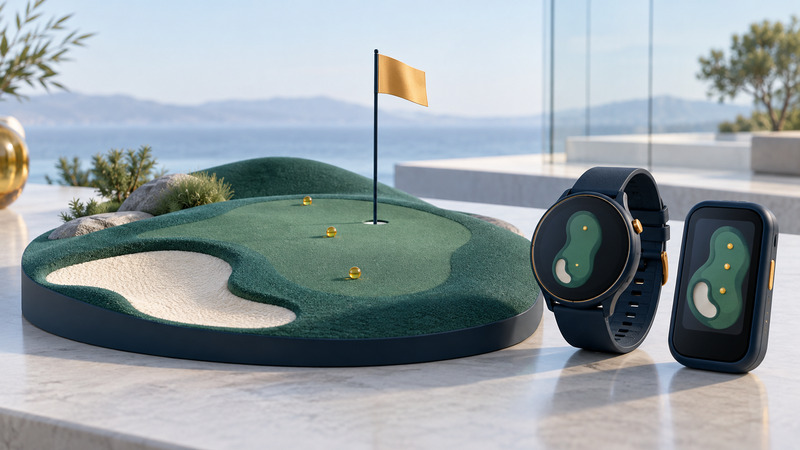
Golf GPS is most useful when you know exactly what a displayed yardage measures. A watch, phone app, handheld or cart screen can show distances to mapped parts of a course, but the flag may sit somewhere else and an adjusted “plays like” figure adds another interpretation. Choose the display around the decisions you make, then check its course data and permitted settings before a round.
Know the target behind the number
| Displayed information | What to establish | Practical use |
|---|---|---|
| Front, center and back of green | The mapped green and direction used for the calculation | Understand the available landing area |
| Pin distance | Whether the pin is manually placed, supplied by the course or measured separately | Distinguish today's hole location from the mapped center |
| Hazard or layup distance | The exact edge or target selected | Separate reaching a feature from carrying beyond it |
| Plays-like distance | Which adjustments are enabled | Keep geometric distance distinct from an adjusted suggestion |
| Shot distance | Start/end recording method and detection behavior | Review a measured result with its collection limitations |
Read the screen labels before comparing devices. A laser measurement to the flag, a GPS distance to the green center and a cart display measured from the cart can all differ for understandable reasons. Bring the device to the ball's position when that is how it determines the distance, and check that it has selected the correct hole.
Choose a device around use on the course
A watch gives a quick look without retrieving a phone. Check the readability of numbers and the ease of changing holes or viewing hazards. A handheld or phone offers more room to inspect a hole layout; check screen visibility, unlocking and battery use through a full round. A cart system may offer course-managed information, but learn whether its distance refers to the cart or another position.
Before buying, confirm that your regular courses appear in the supported database and establish how corrections and updates reach the device. Separate included functions from features requiring an account, paired phone or subscription. If you mainly need front/center/back distances, evaluate that workflow before paying for extra analysis.
Prepare a course in advance, then test its availability with the expected connectivity. At the first tee, verify course, hole, units and position readiness. A nearby course with a similar name or an unexpected starting hole can create a large discrepancy that looks like a receiver problem.
Work with a distance range
Fictional example: at the ball, the display gives 142 yards to the front, 155 to the center and 169 to the back. That describes a 27-yard front-to-back distance span along the displayed direction: 169 − 142 = 27. It does not establish today's pin distance. A flag near the front and a flag near the back present different targets within that context.
Use your own established carry distances and the actual lie, wind and hazards to make a playing decision. Avoid treating one club's longest recorded shot as its routine carry. A GPS shot measurement may describe start-to-finish movement, including roll, depending on how it is collected.
When checking suspicious yardages, compare the same target, from the same place, in the same units. Record the course, hole, position and selected target. If a mapped green has changed, submit a correction to the map provider using its process; buying another receiver may leave the same underlying map error.
Use competition settings deliberately
Under R&A Rule 4.3a(1), obtaining distance or directional information is generally allowed. Measuring elevation changes and using equipment to interpret distance or direction into recommendations based on the ball's location are prohibited uses. A committee can adopt Model Local Rule G-5 to prohibit distance-measuring devices. Check the conditions for the event you are entering.
A manufacturer's tournament mode helps manage features, but review exactly what it switches off. For example, the Approach S70 golf settings document disabling PinPointer and PlaysLike. That description is specific to the S70. Other features and event conditions still require checking; ask the committee about an uncertain use before relying on it.
Set the permitted mode before the round and confirm it on the device. Keep permitted distance information separate from slope adjustment and location-based club advice. A familiar screen layout can make a changed mode easy to overlook.
Keep a useful record without slowing play
Use the golf GPS pre-round checklist for course downloads, units, battery and event settings. It also provides fields for one suspected map discrepancy so you can report it later with enough detail.
After a round, review unusually long or short recorded shots before using them to update your club-distance expectations. Missed detections, a forgotten start point or a moved cart can affect interpretation. For broader recording differences, see GPS watch modes and data; for phone positioning issues, see GPS on phones.
The useful upgrade is the one that makes your chosen information quicker to understand and reliably available through the round. Start with that outcome, then compare extras against their cost and maintenance requirements.