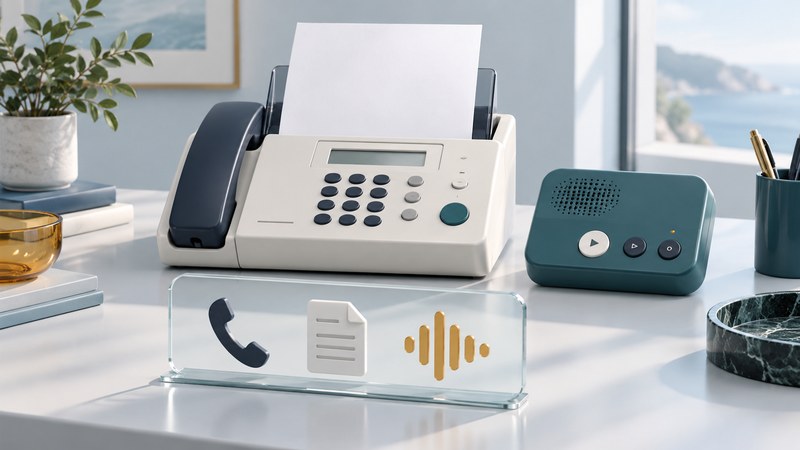
A fax phone shares equipment—and often a telephone line—between conversations and document delivery. Start by deciding which device or service should answer each kind of call. Then use the exact machine's receive-mode instructions and test voice calls, messages and faxes separately.
This guide is for a home or small office with a fax handset, another telephone, an answering machine or provider voicemail. For the overall equipment and service decision, see Fax Machines and Online Fax.
Map the line before changing settings
List everything using the number: the fax, extension telephones, an answering machine, provider voicemail and any distinctive-ring service. Record which device answers first today. Ask the telephone provider whether the line or adapter configuration is supported for fax.
Find the manufacturer's connection diagram and receive-mode section. A socket labelled LINE typically has a different role from an external-device socket; follow the manual for the exact country and model. A supported connection diagram is more useful than adding a splitter and hoping the equipment will coordinate.
Match the receive mode to the job
The following is a planning guide to common mode names. Controls, names and behavior vary, especially for machines with an integrated answering system. Verify your own manual before applying a setting.
| Desired handling | Mode to investigate | Main question |
|---|---|---|
| Number used exclusively for faxes | Fax Only or equivalent | Will ordinary callers ever need a person on this number? |
| Person answers occasional faxes | Manual | Who will answer and initiate reception? |
| Automatic fax reception plus live conversations | Fax/Tel or equivalent | How does this model signal a voice call after answering? |
| Voice messages on a separate answering machine | External TAD or equivalent | How must the devices, greeting and ring timing be configured? |
| Voice messages within the fax unit | Its integrated answering-system mode | What does the model's own manual require? |
Brother's receive-mode guidance for the MFC-L3710CW/L3750CDW/L3770CDW illustrates why this distinction matters: its Fax/Tel mode and External TAD mode serve different message-handling needs. Treat that as a documented example, not a universal control sequence.
Coordinate answering machines and voicemail
Provider voicemail answers within the telephone service; an external answering machine answers at the premises. Establish which one will handle unattended voice calls and how fax calls should reach the machine. Two systems competing to answer can produce confusing results even when each works on its own.
For a supported external-answering-machine arrangement, follow the fax manual's instructions for connections, ring delay and outgoing greeting. Keep the previous settings in your notes. Copying a ring count from another model can change which device answers first and make the test harder to interpret.
If using distinctive ringing, verify availability with the provider and support in the fax manual. Record which number or ring pattern is intended for fax. Recheck after a number port or service change rather than assuming the earlier arrangement survived.
Run three separate incoming tests
Use a consenting caller and dummy documents. Agree in advance whether someone will answer or let the equipment handle the call. Test during a quiet period so other users know what is happening.
- Live voice call: answer as the office normally would. Check that the caller reaches a person and the fax does not interrupt the conversation.
- Unanswered voice call: let the documented message-handling process operate. Confirm the caller can leave a message and staff can retrieve it.
- Incoming fax: receive two clearly numbered dummy pages. Check the final report, page count, order and readability.
Also make an outgoing voice call and send an outgoing dummy fax. Record the receive mode, ring settings, answering device and line/provider configuration. Use the existing fax test record for document results, adding the voice and message outcomes in its notes.
Example: messages work, but fax callers reach the greeting
In a fictional home office, callers can leave voicemail but incoming fax tests never reach the fax machine. The useful observation is which service answered and when. Compare that timing with the documented setup before altering transmission speed or replacing the machine.
Make one supported change, then repeat all three incoming tests. A change that fixes fax reception can also change the experience of voice callers; the complete shared-line arrangement needs to pass.
Use symptoms to choose the next check
If every call gets fax tones, inspect the receive mode and answering order. If the unit rings but never receives, check whether reception is manual, another service answers first, or the provider configuration changed. If calls connect but pages fail midway, record the error and move to the connection troubleshooting guide.
For faint, blank or clipped pages, compare a local copy with the received document. Those observations help separate document capture and printing from call handling. See plain-paper fax maintenance for the next checks.
Keep a short instruction card near the machine explaining how staff answer a voice call, handle a fax call and retrieve messages on this exact setup. Retest after changing equipment, voicemail, telephone service or documented receive settings.